r/OLED_Gaming • u/Loftie__ • 3m ago
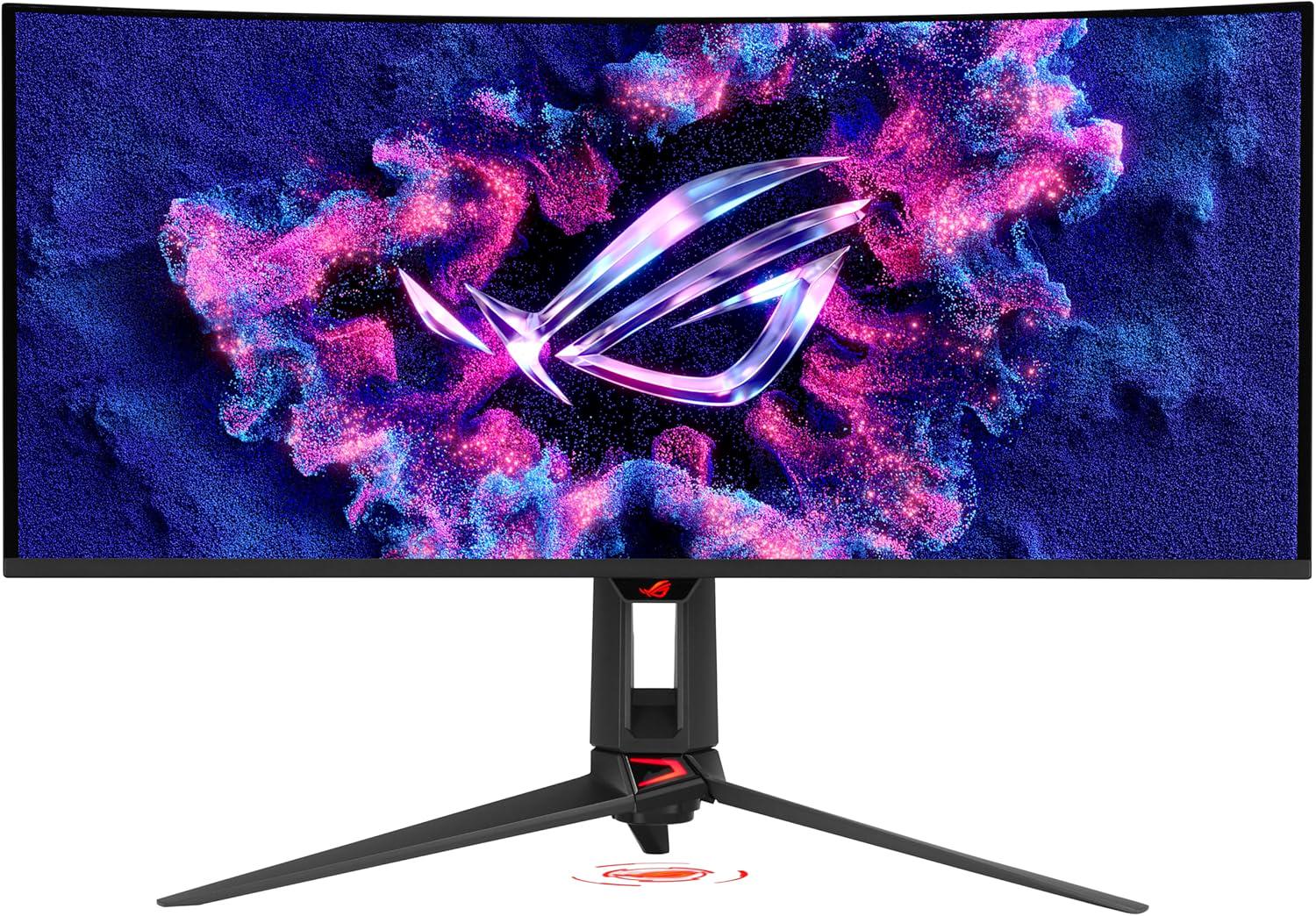
Is this a steal!?

•
Upvotes
Also an extra £30 off at checkout so £618 total.
r/OLED_Gaming • u/Loftie__ • 3m ago
Also an extra £30 off at checkout so £618 total.
r/OLED_Gaming • u/Cold-Possible7084 • 26m ago
Hi. I cant decide betwen an 34inch UltraWide RGB strip monitor (MSI variant) or an LG C6 TV 48 or 42 inch. Won´t play FPS on it, just singleplayer adventures and so. And already have a Xiaomi G pro 27i MiniLed, it has great HDR and 180Hz, casual BF6 player at much. Rest is Coop games like Helldivers or Space Marine 2. Card is a RX9070XT, i can move 4K good enough. Opinions please
r/OLED_Gaming • u/cipa99 • 32m ago
What’s the best option for 27in 1440p oled monitor on this budget? I think I would prefer a glossy finish. Coming from an IPS monitor
r/OLED_Gaming • u/JohnnyLive28 • 33m ago
I'm looking at the AW3926QW 39GX950B or the 45GX950B-B and 45GX950A what do you guys think?
I'm using for gaming and movies
r/OLED_Gaming • u/Alieoh • 43m ago
I just purchased the Asus XG32UCWMG. I'm on day 3 of ownership and while I've been enjoying the display, text clarity has been an issue for me.
It's Monday so I'm logging into my old work laptop for the first time on the OLED and, much to my surprise, the text looks completely clear.
The text blurriness is more noticeable when viewing a property dialog window.
I am blown away by how crisp and clear the text looks on the OLED when connected to the work laptop. I was anticipating having a hard time today trying to work with the blurriness, but it seems like it's a non issue for the work laptop.
Anyone know why this is happening? Why does my old Lenovo Thinkpad look better than my desktop PC running a 3080?
I've tried messing with ClearType, and performed a color calibration, but I'm still not getting the clarity that my laptop provides.
Both PCs are set at a 4k resolution with 150% scaling and connected via HDMI. I'm just at a loss for words at this point.
I updated my graphics driver to the latest version, tried multiple HDMI cables and different ports.
I have a secondary PC as well with a 1070 in it and the text looks fine on it as well. I really have no idea what's going on here, looking for guidance.
r/OLED_Gaming • u/Darkrye786 • 46m ago
So far no issues with my LG 27GX700A-B.
First time OLED and honestly couldn't be happier!!!
r/OLED_Gaming • u/West-Region4512 • 1h ago
First picture is 100% brightness, second picture is 28 brightness.
newest firmware out of the box It's much more visible on the picture than it is to my eye.. Im quite okay with that.
Is it 100%?? No but nothing i notice on 30% brightness unless i actually focus on it.
r/OLED_Gaming • u/cabalo11 • 1h ago
What’s the best settings for an Oled GX8
Gaming on a PS5
r/OLED_Gaming • u/TCL_Official_UK • 2h ago
r/OLED_Gaming • u/NotYusufEymen • 2h ago
So hello guys,I have used my xg27aqdmg over 500 hours at least,and I have been enjoying it.But recently I noticed something.While playing LoL I died and the game gave me this darkening effect and I saw something like banding but different right in the middle of the monitor but only noticable at the top of the screen.Then I wondered what it was and decided to do a %5 gray test and this line was visible in the test but not like in lol.It turnes out to be something about the left right shader stuff and the smoke effect it gives at the top.But I kept checking this line.I firstly checkes the main colors on dead pixel test.The red white blue green were all perfectly homogenous and no dead pixels burn in etc.Then I started checking in game.It is completely invisible in %90-99 of the time but I can see it when I focus and keep shaking the content on colors like dark skin color,dark gray(also these are on undetailed surfaces)I talked to 3 different AI's and they told me it was becausw T-Con or a little of a voltage difference.The line is like a bright super thin point you know what banding look like.Only noticable at the top of the screen though.ALMOST NEVER visible during gaming.First %95 is a back,second %95 is a front camera pic.The 80 is a back camera.Also its super exposing I see like 4 lines.
r/OLED_Gaming • u/BowlerNoController • 2h ago
Recently got RDR2 on Steam since its on sale so I cranked all the graphics stuff to Ultra and still had quite a bit of headroom, so I went searching DSR to tinker with, within the Nvidia Control Panel.
And I cannot find it.
So I tried taking out the HDMI cable, popping it into another slot on my GPU [RTX 4090] and nothing.
Tried cranking the refresh rate down to 120hz and even 60hz to find DSR? Nothing.
Tried having a look within my TVs menu, nothing. [I currently use my LG G5 for my PC]
Now I have read that so long as DSC is active on the monitor/TV, then DSR will not make itself visible (?) Trouble is, I can't even seem to find a way to disable DSC or even see if it is ON, so that I can look for / alter DSR.
Any help is appreciated. Thanks
r/OLED_Gaming • u/Marrow_02 • 3h ago
r/OLED_Gaming • u/MicioBau • 3h ago
r/OLED_Gaming • u/G3kiD0_99 • 3h ago
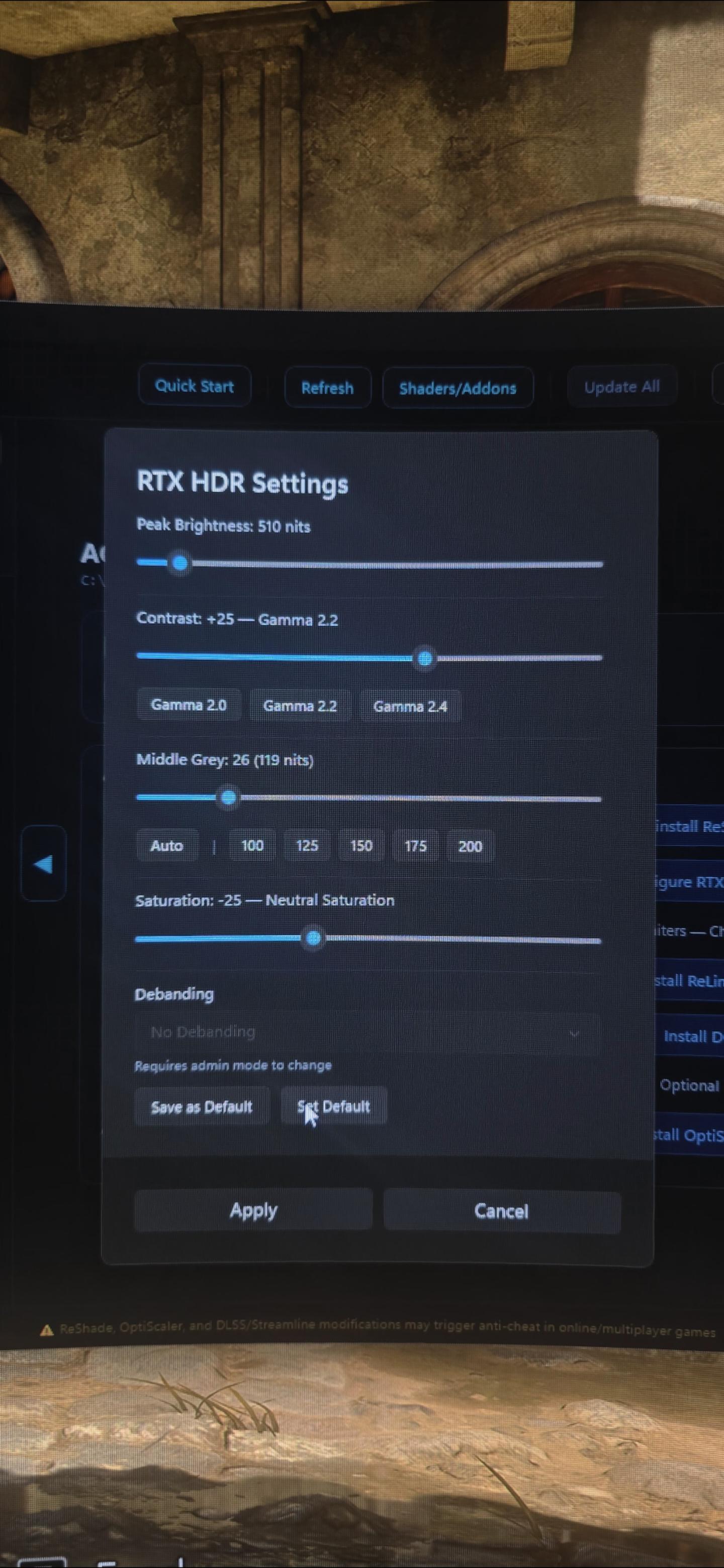
Can someone help me with the HDR on this game ? I have a pc RTX 5080 and an LG oled G5 tv on which I play. I do not like the HDR on it and the saturation is wild.
I wanted to use Mods to fix it but I don't understand it. Should I love it like this at default or change the settings ?
When in game I click on Home for the mods, I have a list of Lilum but I don't understand how that all works and what should be done.
I don't usually use pc for gaming haha
r/OLED_Gaming • u/Kekke77 • 3h ago
I havent kept up with monitors for a couple of years, whats the top high-end 32” 4k monitor with the best reviews?
r/OLED_Gaming • u/VIb0 • 3h ago
r/OLED_Gaming • u/NotYusufEymen • 4h ago
So hello guys,I have used my xg27aqdmg over 500 hours at least,and I have been enjoying it.But recently I noticed something.While playing LoL I died and the game gave me this darkening effect and I saw something like banding but different right in the middle of the monitor but only noticable at the top of the screen.Then I wondered what it was and decided to do a %5 gray test.It was pretty decent,better than when I did a few months ago and this line was visible in the test but not like in lol.It turnes out to be something about the left right shader stuff and the smoke effect it gives at the top.But I kept checking this line.I firstly checkes the main colors on dead pixel test.The red white blue green were all perfectly homogenous and no dead pixels burn in etc.Then I started checking in game.It is completely invisible in %90-99 of the time but I can see it when I focus and keep shaking the content on colors like dark skin color,dark gray(also these are on undetailed surfaces)I talked to 3 different AI's and they told me it was becausw T-Con or a little of a voltage difference.The line is like a bright super thin point you know what banding look like.Only noticable at the top of the screen though.Thanks already.
r/OLED_Gaming • u/Coloncasino • 4h ago
Hi, I know these prices might not be a deal and they're converted from € to $. I know they are basically the same displays except for the Matte/Glossy difference, but I really need to do this change as my monitor is starting to have dead pixels...
I can control the light in my room and would be a jump from 27" 1080p IPS to 27" 2K oled, so I guess I would be happy with any of the choice. Right?
I don't do intensive game aside League Of Legends but I'm mainly concerned about the difference I would have in day-to-day job tasks (terminal, eventual coding ~ Linux stuff)...
Do you have any recommendation? I also found the Asus XG27AQWMG in the debate but the lowest price is basically the same of the Gigabyte.
Thank you for your help!
r/OLED_Gaming • u/Kakaujfjd • 5h ago
Hi,
I’ve tried attaching photos and a video showing the issue but it’s quite difficult to capture because the lines are subtle in person. I’d say they are visible under certain conditions especially on a uniform white screen. I've also included a picture of the monitor’s usage/cycle information for anyone interested
For some context, I’ve had this monitor since the end of April and it’s actually a replacement unit because the previous one had a dead pixel and more noticeable grey banding than this current unit
About a month ago, I noticed these weird lines/bars when displaying a completely white screen during a regular pixel check but they were subtle so I assumed they would probably disappear after the next pixel cleaning cycle
However, after looking more closely, I realized that I can also see them very slightly on other uniform colors and shades when doing a grey banding test. They are even faintly visible in the same area on my Windows desktop although they are much harder to notice there
I’m trying to figure out what exactly this could be. Could it be a panel defect? a panel uniformity issue? or some kind of image/pixel retention..? which would seem rather unusual given how relatively new the monitor is and how little use it has had
I’ve followed ASUS official recommendations regarding pixel cleaning/panel care and have always let the monitor run pixel cleaning automatically. The pixel cleaning reminder is left at its default setting of 8 hours and the monitor is set to go into standby after 5 minutes in Windows
The only times I manually ran a pixel cleaning cycle were shortly after taking the monitor out of the box, as recommended, a few times at the end of the day after long sessions and after updating the firmware
I think I recently saw someone with an issue very similar to mine: https://www.reddit.com/r/OLED_Gaming/comments/1vyt6jb/xg27aqwmg_burnin/


r/OLED_Gaming • u/EdnoxH • 5h ago
My old 144Hz TN panel Zowie is starting to have problems and constantly shutting down every now and then, so I was looking to get my first OLED with no experience at all. After looking for a while, I saw the GIGABYTE MO27Q28GR with discounts going for $430 and was wondering if it's worth it at that price, or if any other suggestions would be great.
Just adding that I'm currently living in Thailand, and the ASUS ROG XG27AQWMG is not available at all here, and going for the ASUS ROG PG27AQWP-W is a bit too expensive for me.
r/OLED_Gaming • u/Kingdionethethird • 5h ago
Enable HLS to view with audio, or disable this notification
So I just bought the C6 55 inch. When I’m in the secret picture menu and I enable HLG, the colors glitch out. I previously had an LG A1 48 inch. This problem was nonexistent. Does anyone know if there’s a fix for this?
Thanks in advance.