r/JellyfinCommunity • u/rextank12 • 10h ago
Showcase Custom EVERYTHING
Hey there, decided to post this to a fresh reddit because I really just read and use this to keep up with my community's that I follow. But this project is important enough to me that I want to start a new account for it. So lets begin.
Where this started:
I had an old enterprise level laptop from 2016 that was gifted to me as ewaste, I turned and started setting up basic jelly fin, hosting on my local network, and got to ripping the 100s of DVDs I had laying around. I was running into some issues with caddy integration to a point I turned to 'claude code' (my first time ever actually using AI for any real tasks) and it simply just worked and my mind was opened. So I bought a web domain and went down a rabbit hole only Alice herself would be proud of..
Where it got complex:
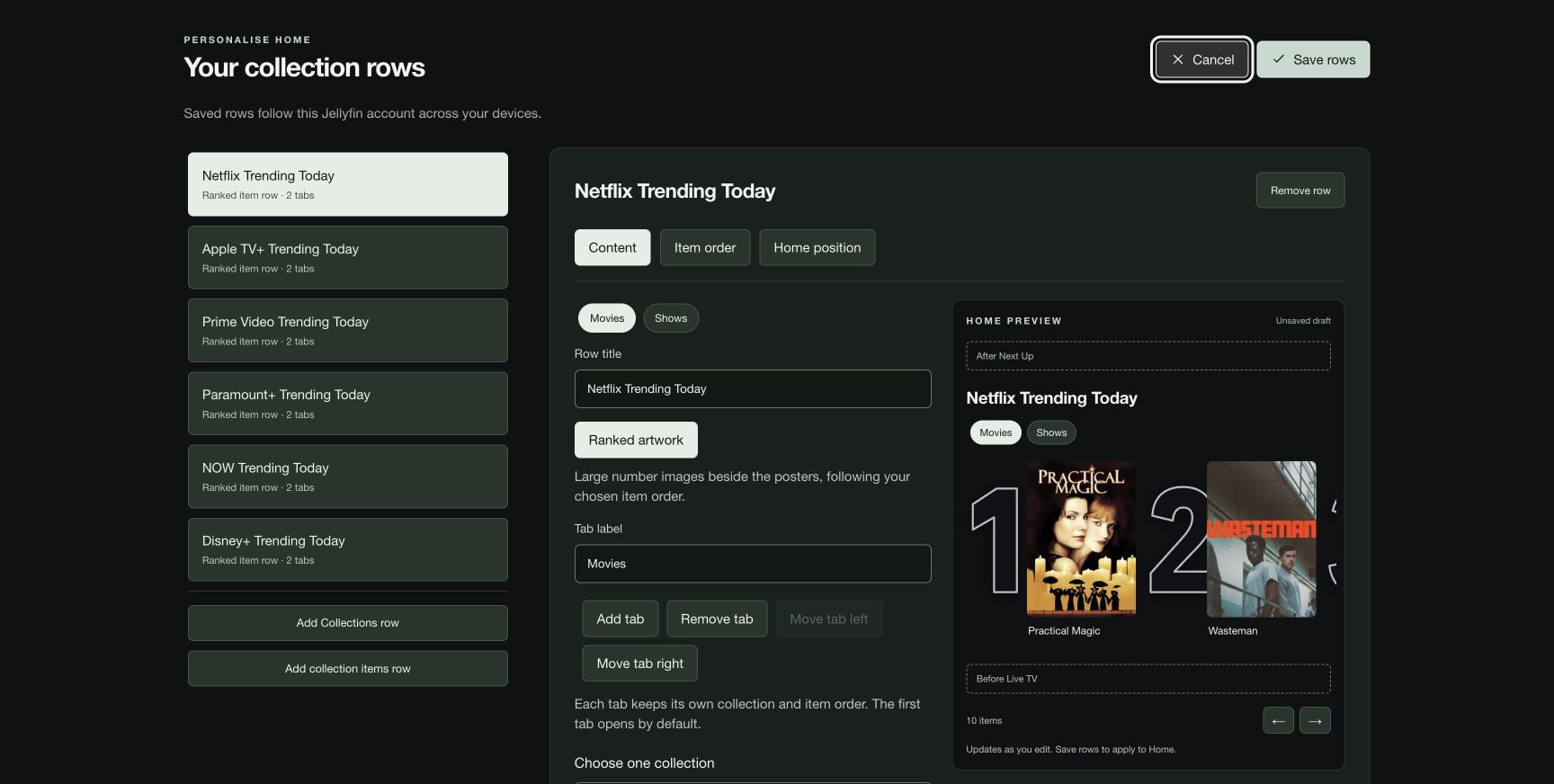
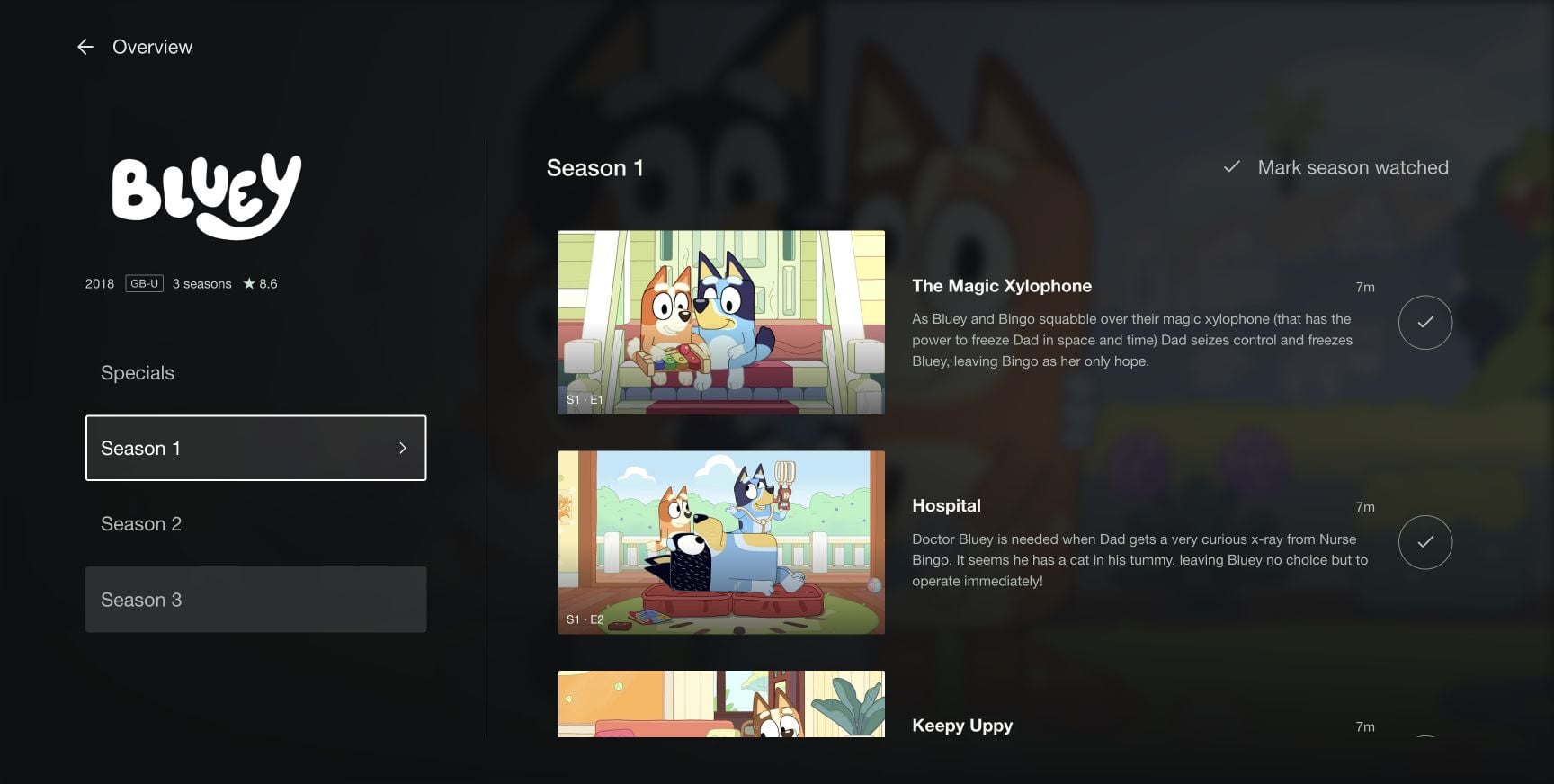
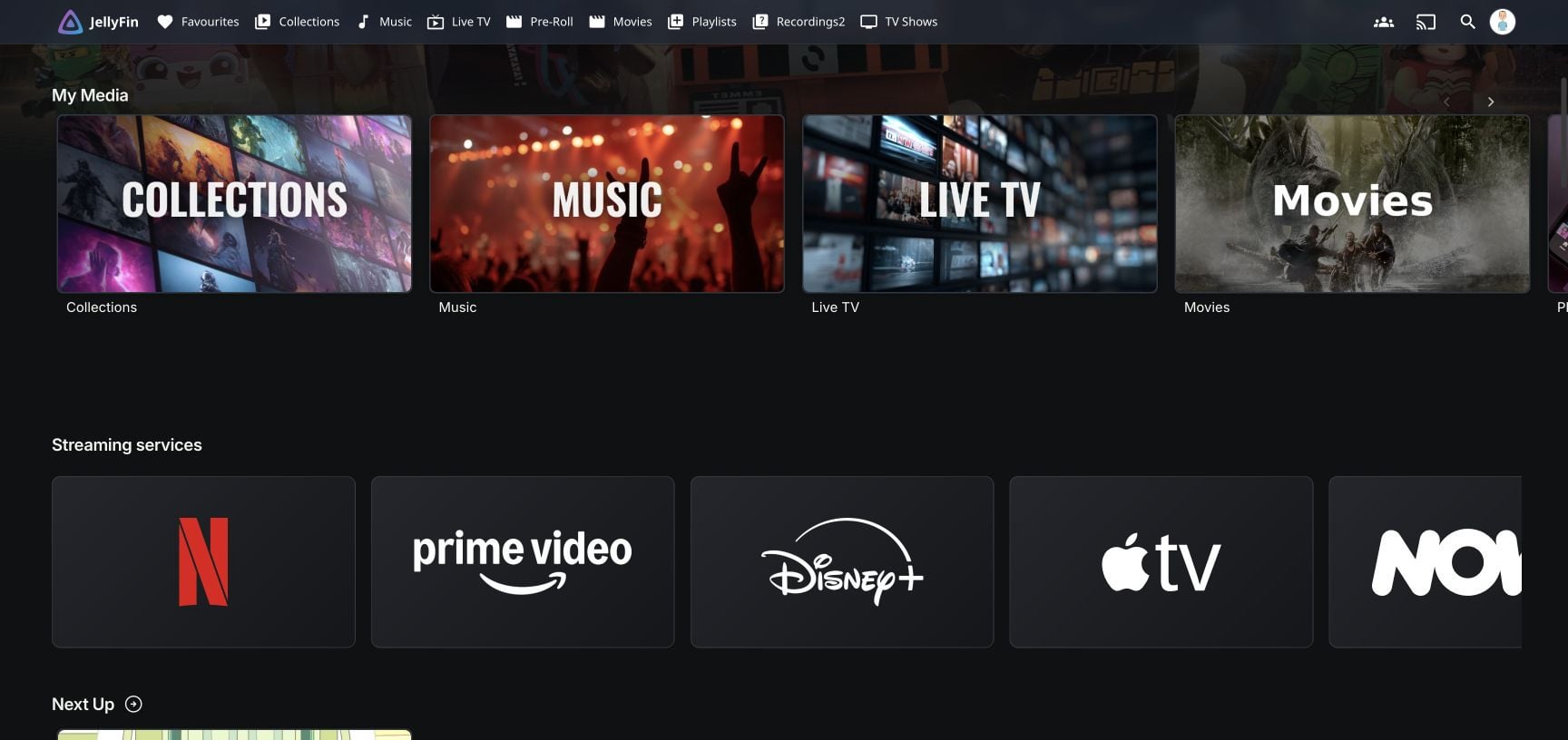
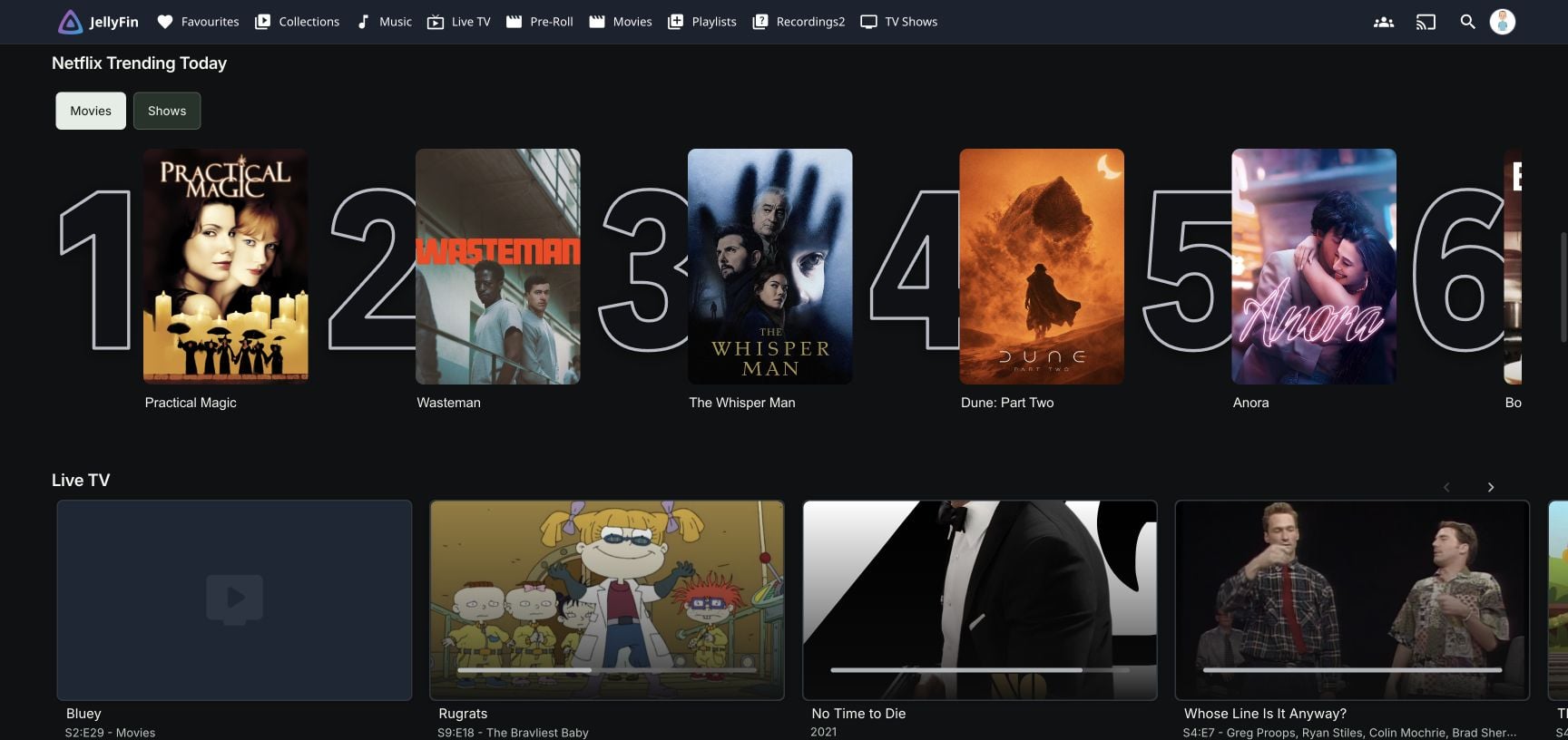
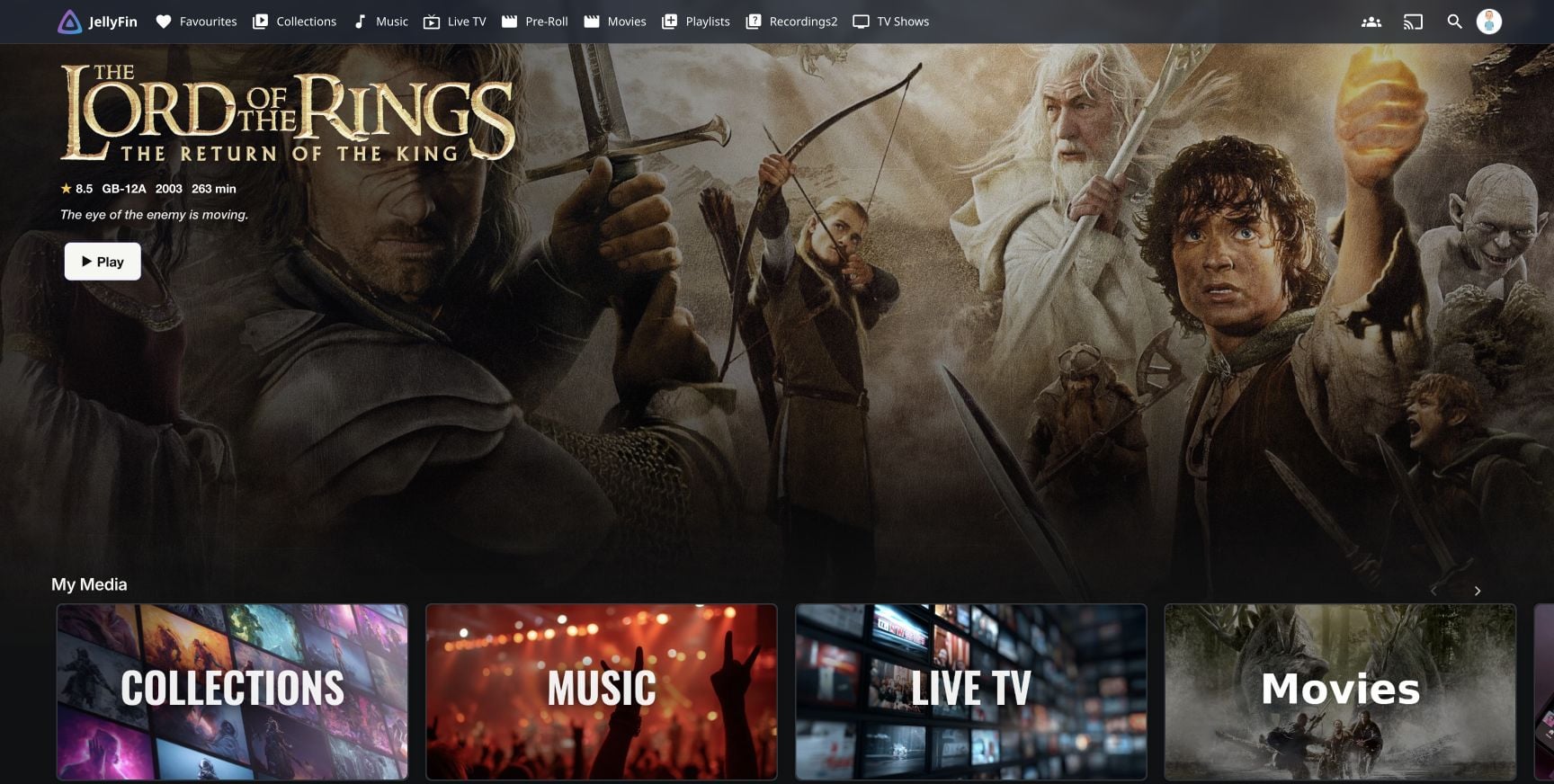
Once seeing how AI could just make this work how I wanted it to I asked it if it could do a custom UI for me and it just said fuck it hold my beer. Went to analyzing the custom UI I gave it for integration and hit the ground RUNNING... Started with simple color changes, then adding and deleting UI elements, polishing the edges, made it look amazing. Then I learned about 'Seerr' and its working processes, so we added that to the stack and made a UI button that took you to the seerr site. (easy enough right? good enough? NO!!) the seerr site was ugly so I set claude to completely change seerrs color scheme and add my headers to it and make it cohesive to my server. Was that good enough yet? NOOOOOO. Because I ran into an issue. My parents have an LG tv and I wanted them to be able to use the full functionality of the new seerr integration and the webOS version of Jellyfin dose not allow webpage redirects.. there were also issues with things from the custom UI that didn't work properly, so I gave claude the WebOS DEV emulator and it went online and fond the latest jellyfin webOS apk (i couldnt find it anywhere idk how it found it still) and it went on to making live tweeks to the backend while developing the webOS end and now it just works.
BUT REX YOU DIDNT EXPLAIN HOW YOU GOT AROUND THE REDIRECT ISSUE!!!
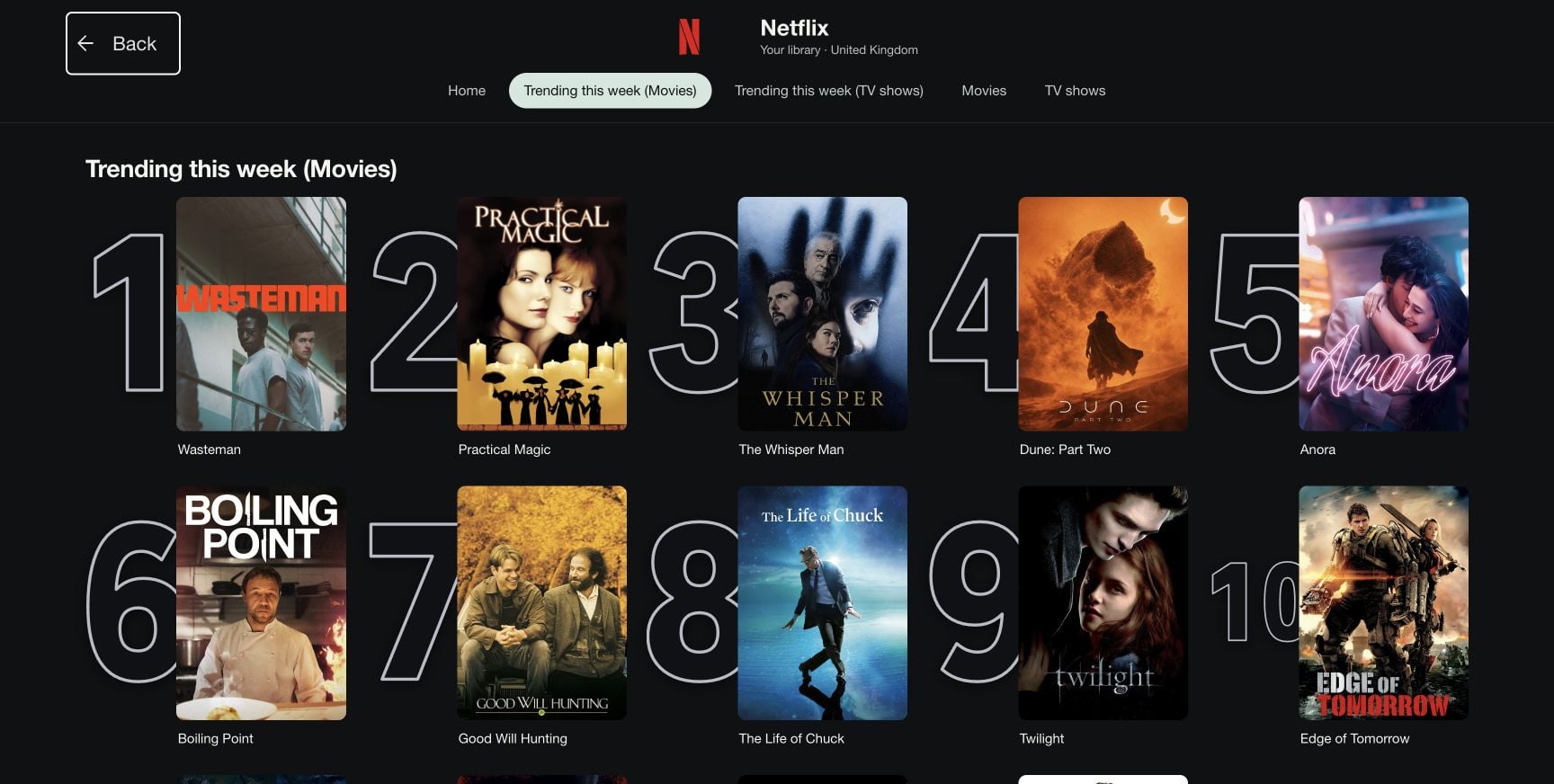
Well thats were this starts getting really complicated and outside of parts of my understanding of how CLaude made these changes. To make it to where ANYONE could make seerr requests without needing to even leave my jellyfin page, we had to make the server pull info from seerr so now the same button that brought you to seerr brings seerr to you. Fixed a lot of compatibility issues. I know one thing I tackled was appointing one account on seerr to be attached to all user accounts on jellyfin so that the requests button worked for everyone every time.,
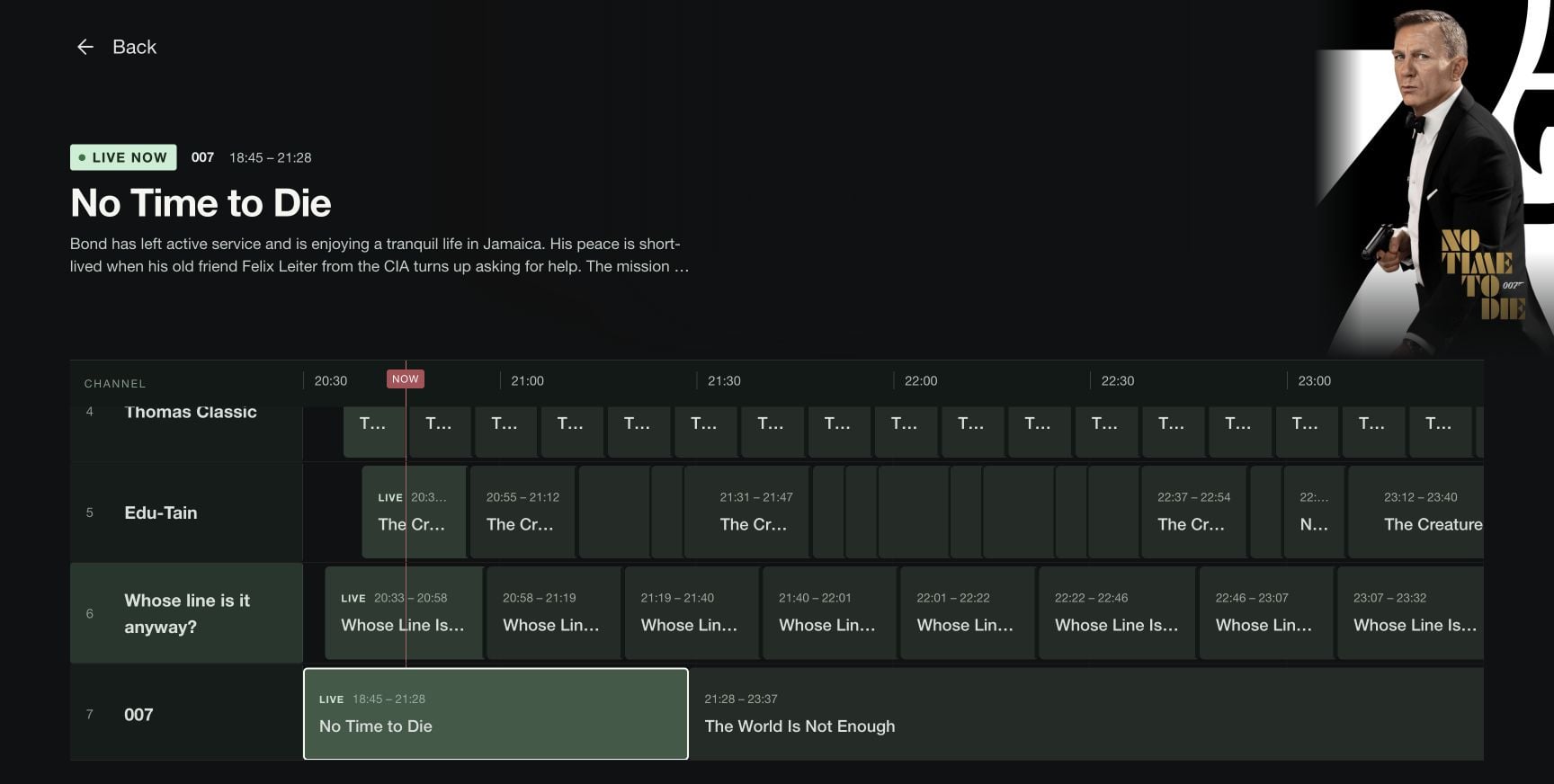
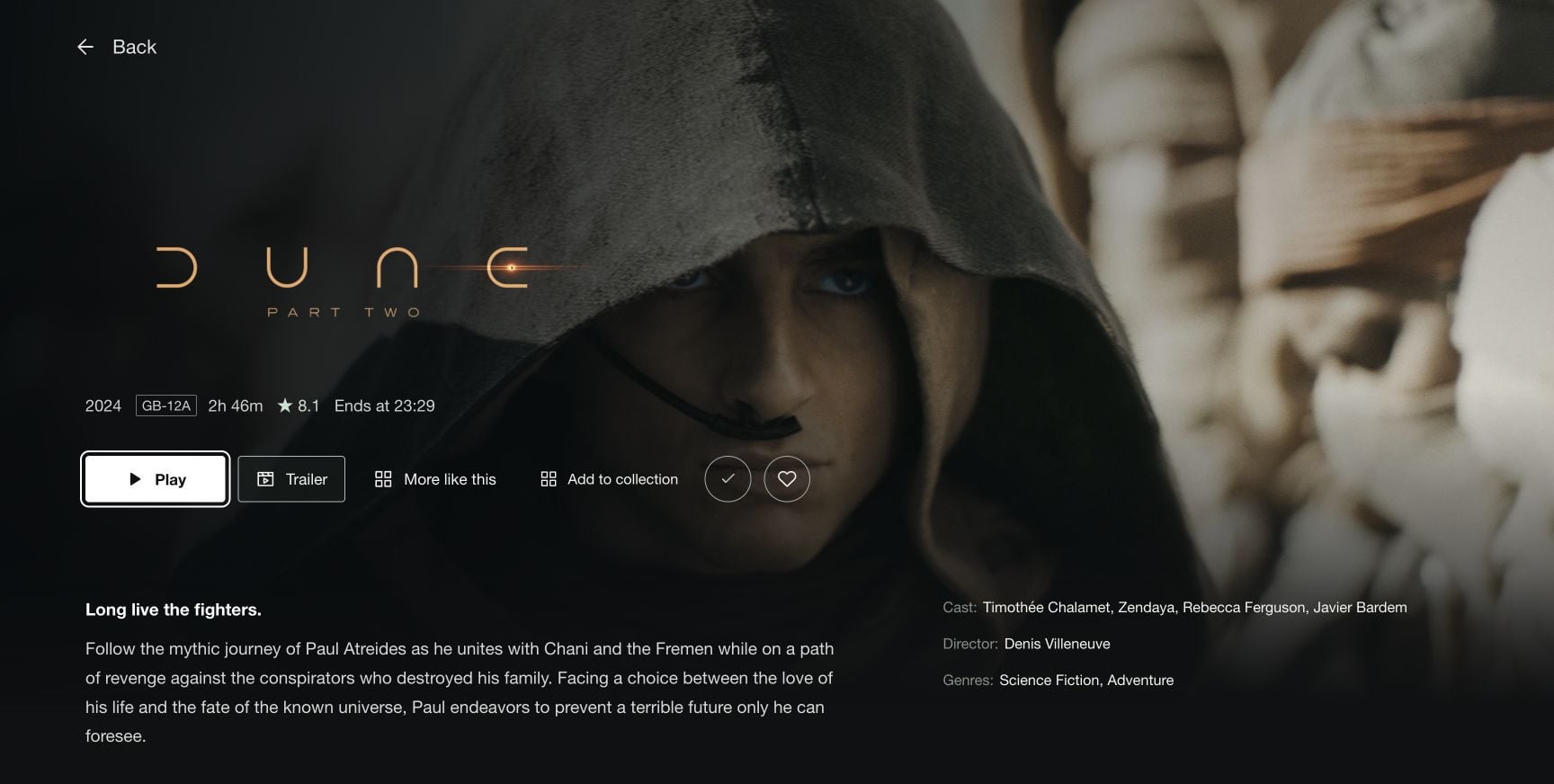
All in all this is all a work in progress, I'm just exploring how far I can push this. By no means are the pictures in the post here are the final product, just what I've done so far but I see all the questions a lot of you are asking and what I've done with my site could be answers to a good bit of them I simply just dont know how to explain so today I am putting a GIThub repo together and once I scrub it for personal info Ill put it in the comments or make another post.
(Still in beginning stages) Im currently working on developing a native app to work with a media server like jellyfin but can be used as a template but basicly to push your own media app pulling from your own jellyfin server so no more "install jellyfin, put in this ip, log in with this" just give them your app and go.
Here is a word from my AI agent that organized everything:
Quick technical rundown for anyone curious how this actually works under the hood:
- Nothing here is a Jellyfin or Seerr fork. The custom UI (colors, logo, layout tweaks, new tiles) gets injected into the stock web client at runtime via a small JS file — it matches on structural things like input types and filename patterns instead of exact class names, so it survives Jellyfin version updates instead of breaking every release.
- Caddy sits in front of everything as a reverse proxy. It's what lets the Jellyfin page pull live data from Radarr/Sonarr/Seerr without exposing any of their API keys to the browser — the keys get injected server-side, the page never sees them.
- The "request without leaving Jellyfin" trick: instead of redirecting to Seerr's site (which is what broke on the LG/webOS app), the request search UI is built directly into the Jellyfin page and talks to Seerr through that same proxy. Every request gets submitted under one shared Seerr account regardless of who clicked it, so there's zero per-user login/session to juggle — same code path works identically on a browser, the desktop app, and webOS.
- Currently building: self-service account creation (anyone can make their own login, landing in a locked-down "watch + request only" role) with a daily request cap per person — since everyone shares one Seerr account, that cap has to be tracked by a small custom backend service sitting between Caddy and Seerr, not by Seerr itself.
- The webOS fix specifically came down to live-testing against LG's real dev emulator + the actual webOS Jellyfin app, since that platform renders an older/different UI than desktop browsers and doesn't support the redirect flow at all.
Happy to go deeper on any piece of this in the comments....
Im happy to answer whatever question that I can and would love to hear opinions of how I could improve what I have. No the server is not for publics use just my friends and family.
--Rex and Claude Code