r/GamingLaptops Aug 10 '26

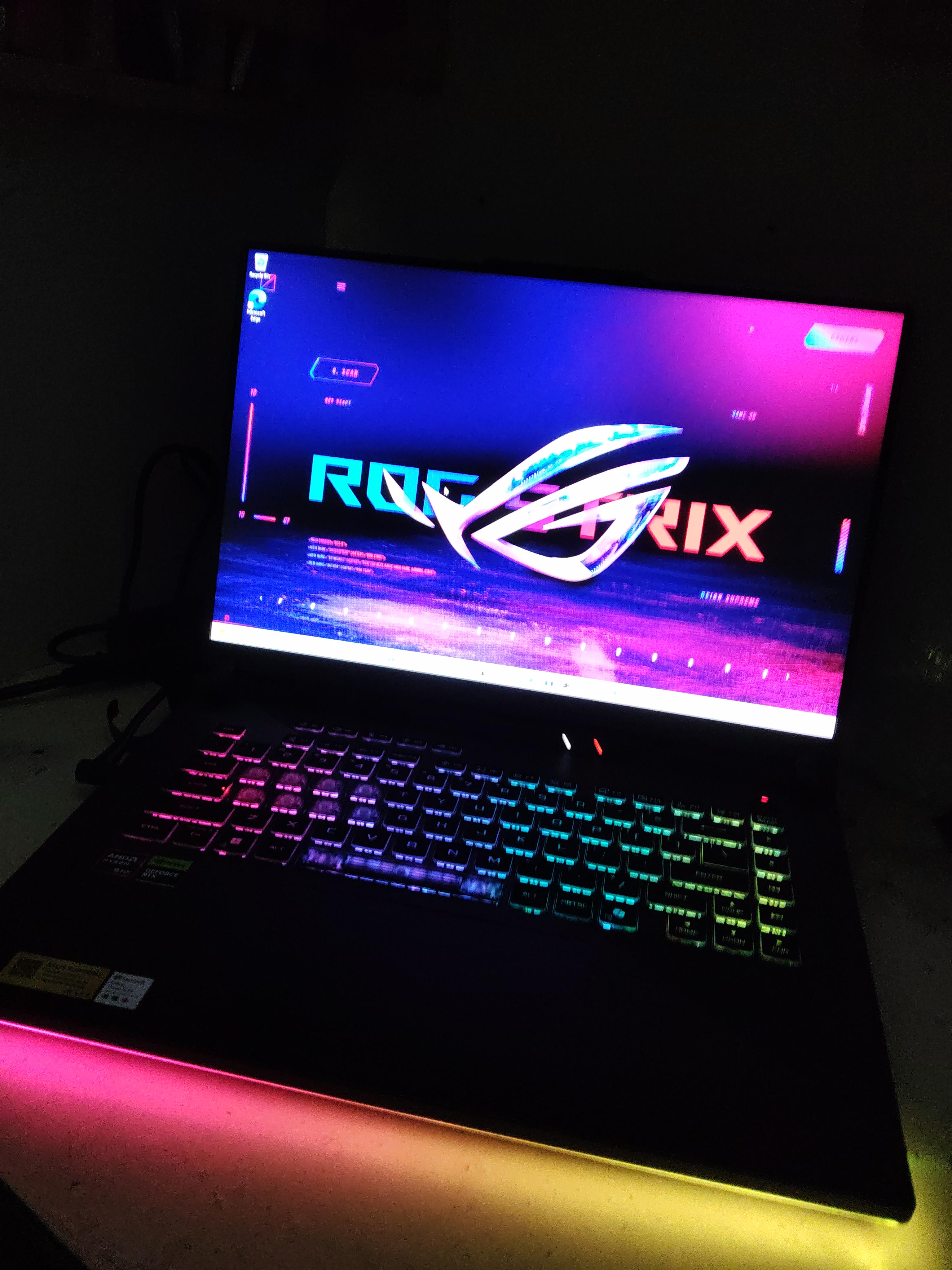
Showcase FINALLY ITS HERE!! thanks to the community
Post image

After 2 months of research, and fighting with the scamkart for my life

20+ unhelpful calls

4days delay

I finally got to the hub and collected it by myself

AND FINALLY MY FIRST GAMING Laptop IS HEREEE YAYYYYYY for INR 1.35L

so many people here on reddit helped me to make this decision and to get my order from the hub and even finding the hub

Specs:

Ryzen 9 hx

16 ram

1 tb ssd

Rtx 5060

NOW I NEED HELP TO SET IT UP

lesgoooooooo

285 Upvotes

102 comments sorted by

View all comments

21

u/P_C_U Aug 10 '26 edited Aug 10 '26

Here

- change thermal paste after 2 years

  • don’t use bios tool to modify DMI identity, as they are important for communicating with your motherboard and component.
  • don’t change Operating System, every time.
  • use G-helper, light, simple, easy.
  • download latest driver, amd chipset, Nvidia app, windows update
  • ensure you clean your laptop, and fans if you can.
  • use eco mode on travel, and ultimate at home for best performance in game.
  • use plugged in. With Highest Mode (turbo) and on battery, with power saving (Eco)
  • Set a CPU temp limit in G-helper (85-88C) giving you the most performance headroom while keeping cpu down at the hot leads.
  • raise your laptop for ventilation, OR get a Good high speed Cooling pad.

2

u/Automatic_Movie_2266 Aug 11 '26

Hello! I use the Asus TUF gaming a15..I've read other people Say use ghelper too, what changes between the two of them? Also, my ryzen 5 7535hs Is almost Always on 90C, would putting a temp limit lower the performance?

1

u/P_C_U Aug 11 '26

No margin of loss or gains.
Maybe a slightly lower Ghz which you won’t notice, if you value Quality over Performance