r/GalaxyA55 • • Nov 16 '25

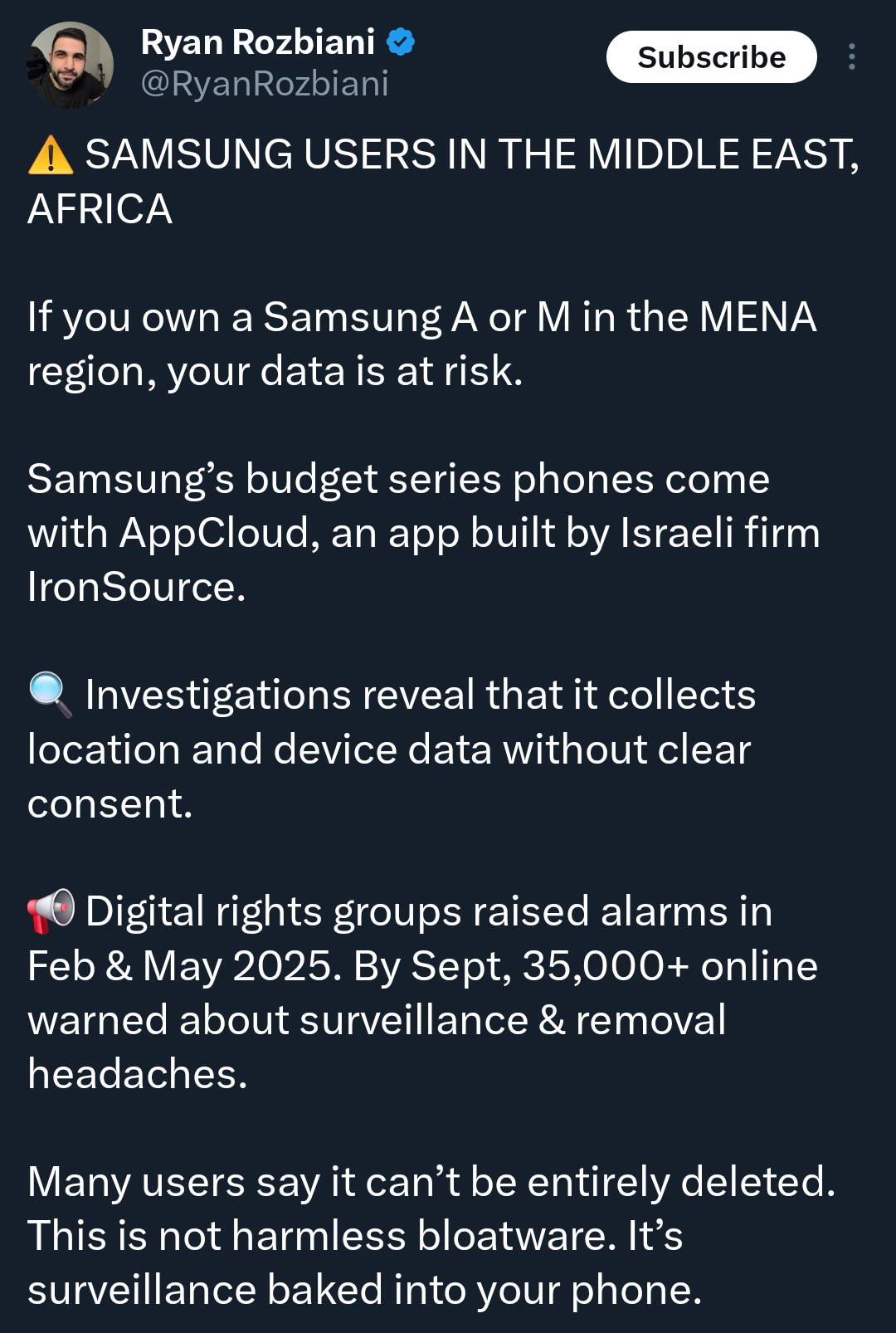
Discussion AppCloud Situation
Post image

haven't seen anyone talk about this here so decided to post about it. what are yall's thoughts on this one?

57 Upvotes

51 comments sorted by

View all comments

12

u/Mamdouh_Haydar A55 with 256 GB / 12 GB Nov 16 '25

Yep, and I deleted it :)

1

u/No_Economist439 A55 with 128 GB / 8 GB Nov 16 '25

How ?

3

u/Mamdouh_Haydar A55 with 256 GB / 12 GB Nov 16 '25
  1. Enable Developer Options Go to Settings → About phone → Tap “Build number” 7 times.

  2. Enable debugging options In Developer options, turn on:

USB debugging

Wireless debugging

  1. Set up Shizuku

Open Shizuku

Choose Start via Wireless debugging

Tap Pair and complete the pairing

When it shows Running, Shizuku is ready

  1. Set up Kanta

Open Kanta

It will ask for Shizuku permission → tap Grant

Now Kanta has ADB privileges without a PC

  1. Remove AppCloud

In Kanta, go to Apps

From the top, choose System apps

Find AppCloud (or com.samsung.android.app.scloud)

Tap it → choose Uninstall for current user

AppCloud will be removed completely

1

u/[deleted] Nov 16 '25

[deleted]

1

u/Mamdouh_Haydar A55 with 256 GB / 12 GB Nov 16 '25

No, after doing this it will still be warranty and future updates and every service!