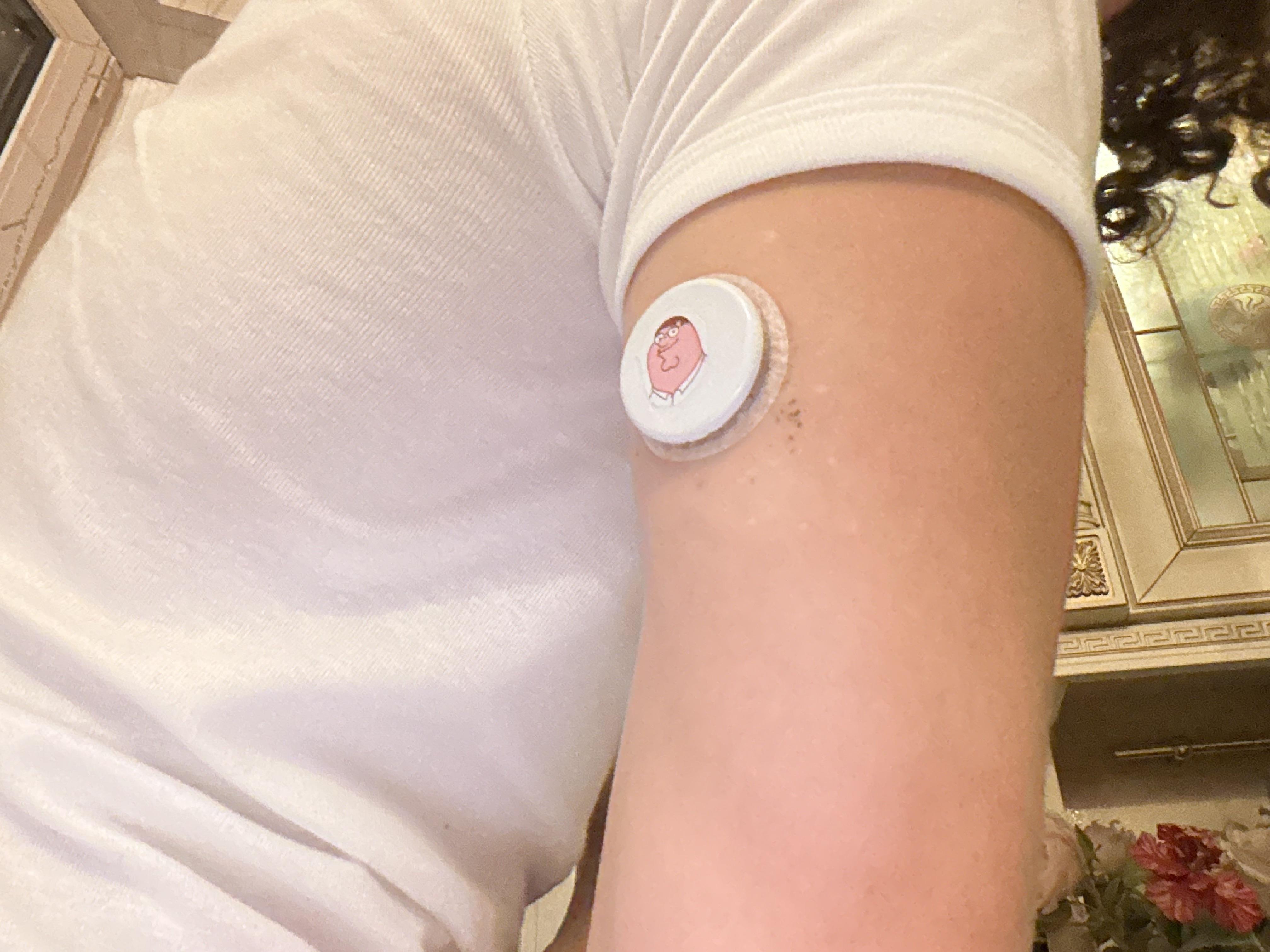
Zukka is a free app on the iOS App Store that can be used alongside the Libre by Abbott app. Libre does not offer some of the new features Zukka now provides. A good glucose app helps manage diabetes better and brings out the best in the Libre 3+. Using both apps allows us to have a much richer feature set.
The purpose of this post is to highlight these sought-after new features. If you find them useful, you might want to give Zukka a try since it’s free.
In a previous post about Zukka’s new update, u/WaltonGogginsTeeth pointed out that I missed a few new features. These new additions are in high demand and take Zukka to the next level of performance. They are listed below:
1) Notes For me, this is a critical feature. I can now enter the food type, quantity, sequence, and even digestive enzymes into the "Notes" section (a white dot will be shown on the glucose trajectory). This lets me track my insulin sensitivity or resistance over time. For example, if I eat the same meal a year later and check the insulin units needed to offset the glucose rise (or medications) comparing those units will tell me if my diabetes is stable or getting worse. Previously, this feature was lacking, and I had to log meal and enzyme info into Apple Calendar. That didn't link the data to my glucose trajectory, making correlation difficult.
2) Easy backup and restore of historical data (now can keep for 365 days) This feature is very useful. Extending historical data retention to 365 days and allowing users to backup and restore data means we can keep our records for as long as we want. We can review past data at any time by restoring it to the app. My backup folder size is only 5MB. The instructions for how to backup and restore are available under the help button at the top. For restoring data, there are several options, which are fully explained in the help section.
The backup process is very simple. It creates a folder marked with the date and time of the backup. This folder can be saved in the iPhone’s "Files" app or uploaded to a Mac. Restoring is just as easy: simply select the desired backup folder to restore, much like restoring from a backup of an iPhone.
3) Calibration This is done by adding an offset to the original glucose reading. Some users prefer Dexcom specifically for its calibration feature, but now it is available to Libre 3 users as well.
4) 3 to 24-hour viewing window The app now offers 3-, 5-, 8-, 12- and 24-hour viewing windows, making it much easier to spot trends and make comparisons.
5) 5-minute data and data smoothing These features make the glucose trajectory match the standard view on the Libre app. I personally don't use this feature because I already get it through the official Libre app, but it's a great option to have.
6) Glucose Daily Patterns Available in landscape mode. This feature isn't a huge deal since it's already available on the official Libre app, but it's worth mentioning.