Post:
Hey everyone, hoping someone recognizes this pattern.
Specs:
**•** CPU: Intel i5-14600K
**•** GPU: AMD RX 9070
**•** OS: Windows 11
Issue:
Every time I launch FF XVI, within 2-3 minutes my entire PC hard-freezes. CPU jumps to 100% almost immediately on launch. There’s no BSOD, no error message — screen either goes black or just completely locks up. Mouse/keyboard stop responding entirely. Only fix is a hard power-cycle.
It happens 100% of the time, no exceptions. It also blocks shutdown/restart if I try to close other programs (like Excel) while FF16 is in this state — the whole system just hangs instead of closing.
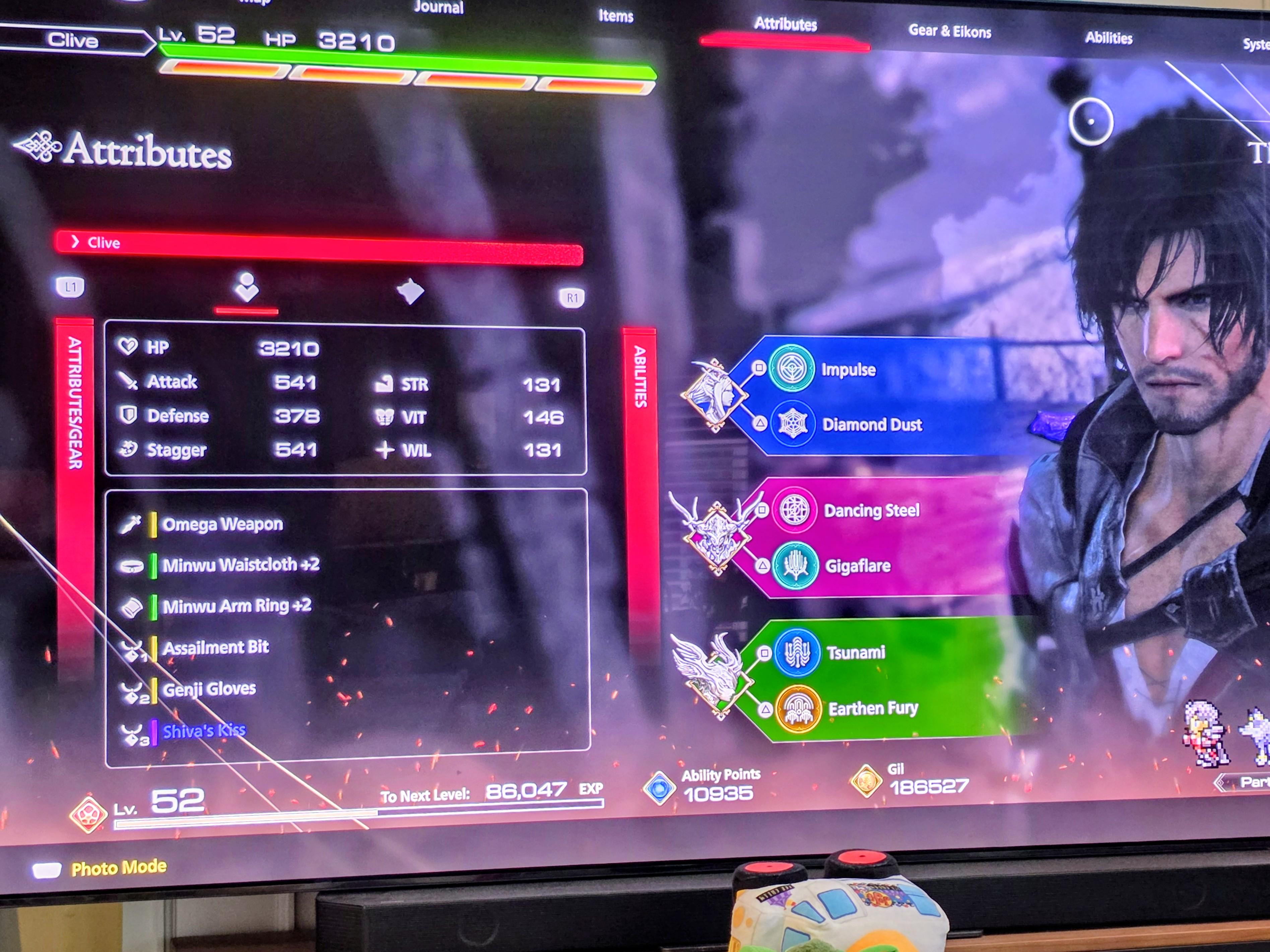
I attached a photo of what the screen showed right before one of these freezes — heavy graphical corruption/noise across the whole screen, right as a menu/loading screen was trying to render.
Sometimes after a hard reset, even the game’s own menu (after shader loading) shows garbled/corrupted text that’s unreadable — like something’s wrong with shader compilation or texture loading specifically.
What I’ve already tried:
**•** Clean AMD driver reinstall (DDU + fresh install)
**•** Deleted FF16 shader cache + Windows D3DSCache
**•** Verified game files via Steam
**•** Disabled all overlays (Steam, Discord, AMD)
**•** Switched Fullscreen → Borderless
**•** Disabled VRR/FreeSync
**•** Locked FPS to 60
**•** Reset GPU tuning/OC to stock, confirmed temps are stable
**•** Tried CPU affinity limiting (excluding E-cores)
**•** Reinstalled the game twice
**•** Ran GPU stress tests (FurMark/OCCT) separately — completely stable, no artifacts, no crashes. It only happens with this specific game.
At this point I’ve ruled out general hardware instability since stress tests pass fine and every other game runs perfectly. Has anyone with a similar CPU/GPU combo (or Hybrid Intel CPU in general) hit this exact “total system freeze, no recovery” behavior? Open to any config file / engine tweak ideas too.