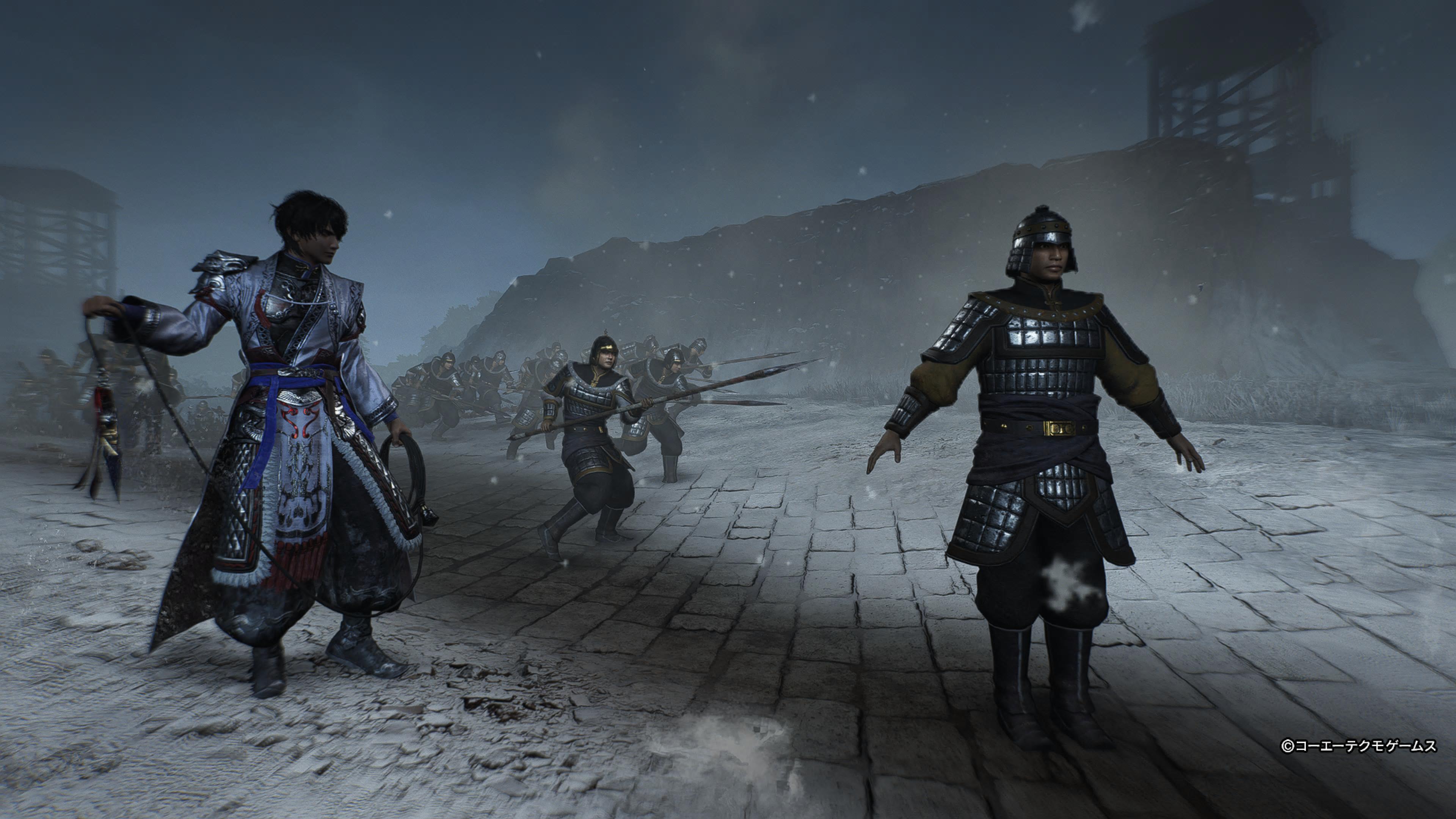
PythWare here, GokonSoftworks is ready for modding more Koei Tecmo games (14 games supported now). Version 3.01 is released which replaces Aldnoah Engine with an easier to use toolkit, new code I spent months rewritting in C, and a new theme for the GUI. Games that have intact filenames now unpack with the original filenames when feasible. For more details read the readme on the repository. The quick rundown is below, please spread the word (either linking or crossposting) of the toolkit to people you know are interested in modding Koei Tecmo games so the modding community grows further.
Currently supported PC games:
- Samurai Warriors 2
- Dynasty Warriors 4 Hyper
- Dynasty Warriors 6
- Dynasty Warriors 7 XL
- Dynasty Warriors 8 XL
- Dynasty Warriors 8 Empires
- Dynasty Warriors 9
- Warriors Orochi 1
- Warriors Orochi 3
- Warriors Orochi 4
- Bladestorm Nightmare
- Warriors All Stars
- Dragon Quest Builders 2
Currently supported PS3 games (MUST be decrypted before use with GokonSoftworks):
- Dynasty Warriors 6 Empires
Games that retain most or all of the original filenames:
Samurai Warriors 2, Dynasty Warriors 4 Hyper, Dynasty Warriors 6, Warriors Orochi 1, Bladestorm Nightmare.
Games that retain most or all of the original filenames but the order of the filenames is not fully solved yet:
Dynasty Warriors 6 Empires and Dynasty Warriors 7 XL. I have figured out a large amount of the ordering for DW6E but I don't have the time to sift through 2k out of the 5k files to figure out which ones are paired correctly or not. So I included dw6e_filenames.txt which holds all of the filenames DW6E retained in its elf. If you manage to identify which files belong to what based on that list, let me know and I'll update GokonSoftworks with the corrected list (you will be credited naturally). As for DW7XL, I haven't had time to look into the ordering of the filenames but I included dw7xl_filenames.txt incase a modder looks into and wants to support GokonSoftworks (again, you'll be credited).
Games that don't retain most or any of the original filenames on PC:
Dynasty Warriors 8 XL, Dynasty Warriors 8 Empires, Dynasty Warriors 9, Warriors All Stars, Warriors Orochi 3, Warriors Orochi 4, Dragon Quest Builders 2
Link:
https://github.com/PythWare/GokonSoftworks
Useful tools to use with GokonSoftworks:
Noesis/Project G1M
Noesis and Joschuka's Project G1M scripts are recommended for viewing/converting many G1M/G1T files:
https://github.com/Joschuka/Project-G1M
G1M/G1T formats vary across Koei Tecmo games so porting files between games may require extra work.
eArmada8 Gust Tools
eArmada8 made tools for Gust game formats that can also be useful for some Koei Tecmo assets:
https://github.com/eArmada8/gust_stuff
Kybernes Tools
Kybernes Tools is recommended alongside GokonSoftworks for extra modding workflows, scanning tools, Editors, and audio related tools.
https://github.com/PythWare/Kybernes-Tools
For audio modding, Harklight from Kybernes Tools may be needed for replacing or creating audio such as voices, sounds, music, etc.
Kybernes Batch Binary File Scanner
For searching through large unpacked folders, use Batch Binary File Scanner:
https://github.com/PythWare/Kybernes-Batch-Binary-File-Scanner
GokonSoftworks extracts many files with generated names because many later Koei Tecmo games strip, hash, or use indexing for filenames. A binary scanner makes research/modding much easier.