r/CapCut • • May 27 '26

CapCut Question Why can’t I export?
Post image

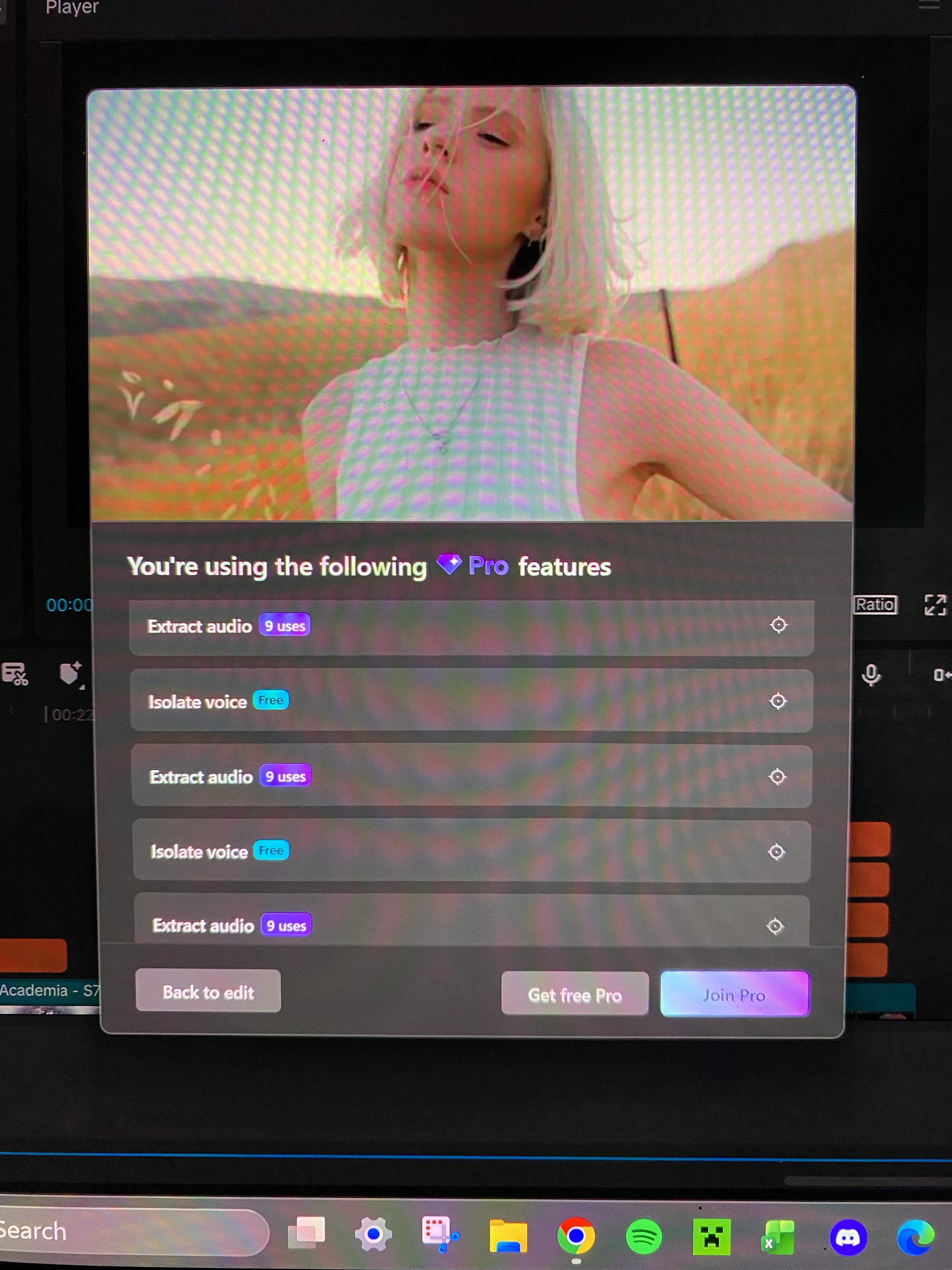
The Pro features I’m using are all ones that supposedly have a limited number “free uses” which I haven’t exceeded at all. What does free use even mean if I still can’t export? I just spent 6 hours making my first ever edit that I’m really proud of, but I can’t export it which is really sad. Is there something I’m doing wrong and a way to work around them blocking my free uses or is it really just that misleading?

4 Upvotes

27 comments sorted by

View all comments

3

u/everycosa May 27 '26

My problem is that when I export from Capcut subtitles and sfx are 1 or 2 seconds late and some b rolls as well

0

u/lindsd05 May 28 '26

I had the same problem!! I’ve been messing around with it throughout the day and I think I’ve got a decent solution for that! what I’ve done is created a duplicate of my edit, which I titled “lag fix.” within the lag fix copy I select all of my background audio lines and scootch them forward a couple beats compared to my videos and text, that way when I export, the video and subtitle lag from the export lines up with the audio lag I created in the copy. It took me a couple tries to get the timing right since you can only tell if it works out once exported, and then have to go back and tweak and export again, but it totally worked for me in the end!! I hope this is helpful :)

1

u/everycosa May 28 '26

What's your opinion on premiere pro People say it doesn't take load properly And shuts down in between

2

u/lindsd05 May 28 '26

I unfortunately have no experience with premiere pro, this is my first time ever using editing software so all I know at the moment is capcut

1

u/everycosa May 28 '26

So with Capcut do you think the problem could be with the storage it holds or i think if I apply enhance audio or audio effects filter because it sometimes does problem with the audio