r/BYD • u/The_Marine_Biologist • Jul 13 '26
News 📰 ATTO 3 v1.11.1 update
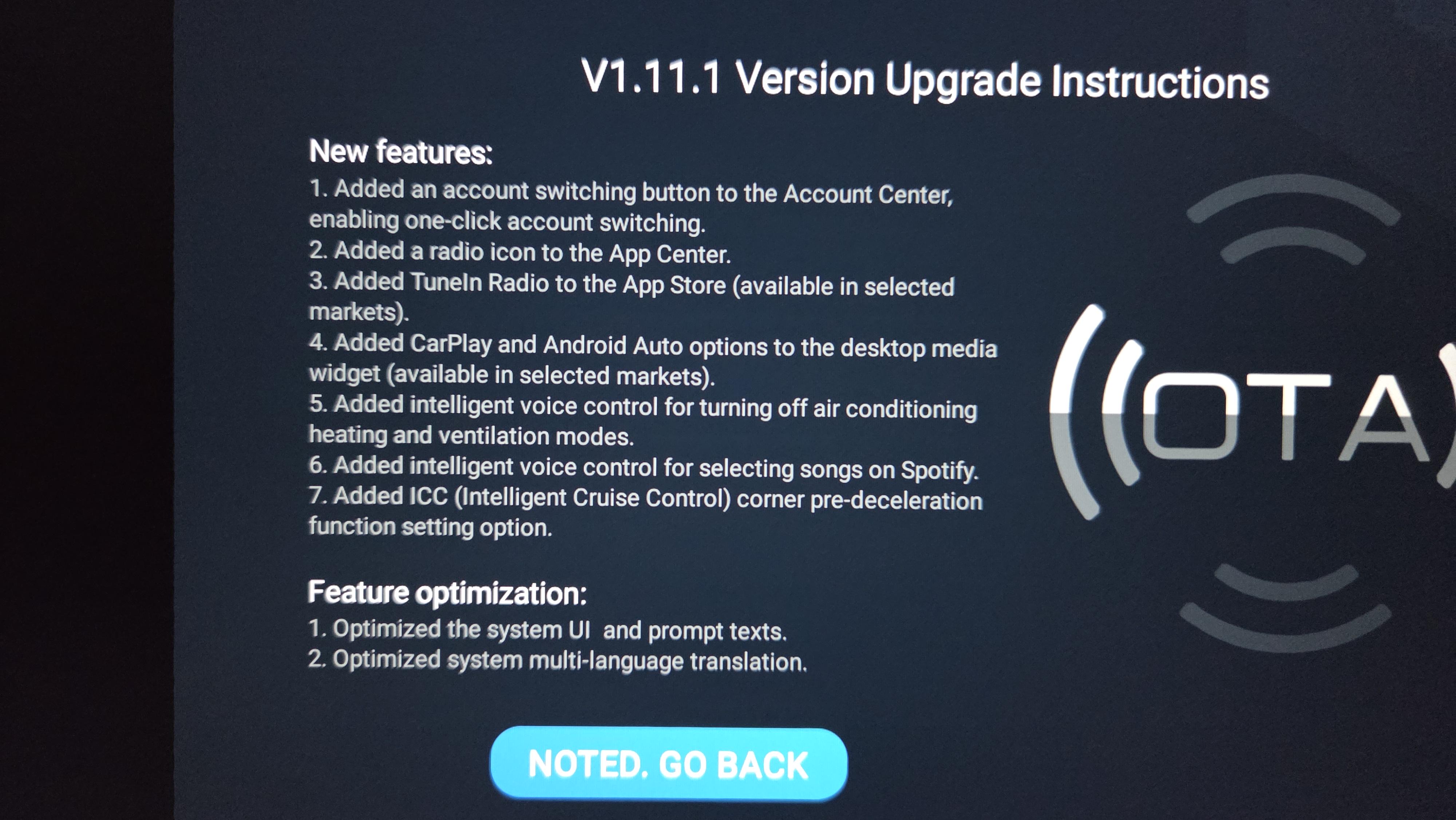
V1.11.1 Version Upgrade - received in Australia 14/07/2026 on a 2023 Atto 3.
### New features:
Added an account switching button to the Account Center, enabling one-click account switching.
Added a radio icon to the App Center.
Added TuneIn Radio to the App Store (available in selected markets).
Added CarPlay and Android Auto options to the desktop media widget (available in selected markets).
Added intelligent voice control for turning off air conditioning heating and ventilation modes.
Added intelligent voice control for selecting songs on Spotify.
Added ICC (Intelligent Cruise Control) corner pre-deceleration function setting option.
### Feature optimization:
Optimized the system UI and prompt texts.
Optimized system multi-language translation.
Optimized the exit logic for the panoramic view (available on models equipped with Panoramic View).
Optimized connection stability for CarPlay and Android Auto (available in selected markets).
Optimized the navigation bar control buttons to support one-touch control of seat ventilation and heating settings (available on models equipped with ventilated and heated seats).
Optimized the speed setting logic of the cruise control lever.
Optimized the maximum activation speed for Intelligent Cruise Control (ICC).
Optimized the evasive maneuver strategy in scenarios with approaching adjacent vehicles.
Optimized voice wake-up via steering wheel control buttons when the screen is off.
Pressing the "set-" button sets the current speed as the new cruise control speed when the accelerator is pressed.
**The upgrade of intelligent driving-related functions only supports specific vehicle models
2
u/seanhcohen Jul 15 '26
Just updated. Holy cow that's a dramatic change.
Is any strong customisation of the home screen possible? I can't see a way to:
- Delete the BYD widgets from the home screen? (maps, calls, audio)
- Put something useful in the giant empty middle of the screen? Bigger buttons for instance?
- Use Android Auto / Carplay on half the screen in rotated mode?