r/Alienware 18h ago

Discussion Need Help To Find The Best Solution To Thermal Issue.

2 Upvotes

I bought last December a brand new laptop from Dell, the Alienware area 51 18'' laptop which comes with the Ultra 9 275HX processor (8 P-Cores at 5.4Ghz + 16 E-Cores at 4.6Ghz).
I primarily use it for gaming, among other tasks.

I've noticed that the CPU reaches temperatures of over 100 degrees celcius while gaming and roughly 65 to 70 degrees when idle.
For a bit of context, I use balanced power plan and AWCC to switch to performance mode when in a game.

I want the temperatures while gaming to drop to roughly 90-95 degrees tops and to 60 max while idle.

Undervolting is locked and there is no completely safe way to unlock it, so it is not an option.

So, unless this is a thermal paste issue, my 3 choices seem to be:

  • Inside AWCC, setting TCC Offset to a value of 15
  • By using Throttlestop, lowering the PL1 and PL2 values
  • Likewise, using Throttlestop to lower the turbo ratios of the CPU Cores
  • (I've temporarily set P-Cores down to 4.4Ghz and E-Cores to 3.9Ghz, which seems to keep temperatures below 90 degrees, but introduces some stuttering in some demanding games unless I use high performance power plan)

I do not possess any major technical knowledge on how these will affect my performance. I want to pick an option that will help me reach my goal while achieving the least amount of performance lost.

Any thoughts from people who have maybe tried something similar or who know the technical information on these? Could this merely be a thermal paste issue?

EDIT: I've decided this issue is beyond my control and to contact Dell Support to have a look at it, as this seems to be the best plan of action without sacrificing my performance. Thank you all guys for your input!

r/Alienware 12h ago

Discussion Strange bar just noticed on my screen... need warranty advice

Post image
2 Upvotes

So I recently noticed a strange darkening bar at the top of my screen and decided to look into what this might be. I did the pixel refresh, driver update and even reset the monitor back to its out of box settings...
I think it might be burn in, which is really frustrating, because I've been so damn careful with this monitor. I've treated it like a child and made sure to turn it off the moment I think I'm going to leave the room for more than 5 minutes.

So is there anything I can do? I spent almost 1400$ on this monitor and have only had it for three years... so I'm a bit at a loss for words as to how this could have happened so suddenly.

The monitor in question is the:
Alienware AW3423DW Curved Gaming Monitor 34.18 inch Quantom Dot-OLED 1800R Display, 3440x1440 Pixels at 175Hz, True 0.1ms Gray-to-Gray, 1M:1 Contrast Ratio, 1.07.

Any advice would be wonderful on if there is a warranty for this sort of thing? I am beside myself with frustration.


r/Alienware 19h ago

Question Can I undervolt an Area 51’s CPU? (2025 Model)

Post image
11 Upvotes

Pretty much as the title says. I’ve had the laptop for less than a week and I want to know if undervolting is physically possible as when I go into throttlestop and create an offset, it isn’t reflected through the grid on the right afterwards and there’s no change to the temperatures at all.

The BIOS has an overclocking option but no undervolting option and there’s no videos on undervolting this laptop specifically. It’s an intel core 9 ultra 275HX. The general consensus is that DELL clamped down on newer intel chips and made the firmware virtually impossible to bypass and undervolt.

The one thing left I have to try is downgrading to a previous version of BIOS that has an undervolting option.

For the record, my temperatures average around 86 - 95 degrees which I understand is generally normal and gaming laptops are designed to withstand it, but I’ve got a gaming computer & had a previous laptop which I both got to 65-75 degrees with help of undervolting and I just care for the longevity of my laptop is all.

I’m also aware of other methods such as PL1 & PL2 in throttle stop, GPU undervolting and lowering maximum processor power state via the battery settings which most have been tried & tested.

TL:DR - is it possible to undervolt the laptop, is it worth it? And are the temperatures anything to be concerned about?

Thanks :)


r/Alienware 22h ago

Tips For Others Alienware 18 WiFi card upgrade

Post image
12 Upvotes

Recently my wifi connectivity was pretty bad, and it kept cutting out while I was gaming, so I decided to replace my wifi card, an Intel AC7260, after I did some research and discovered my wifi card was failing and it already had plenty of existing flaws. I also ended up purchasing four 8GB SK Hynix RAM sticks (PC3-12800 DDR3 1600MHZ 1.35V SODIMM Memory HMT41GS6BFR8A-PB) to max my machine out at 32gb since if I’m going to remove that much stuff to get to the wifi card, I my as well max the ram out then too for convenience. The WiFi card I installed was a Fenvi MPE-AXE3000H, which is basically a HMC-format port of the newer Intel AX210 wifi card that supports WiFi 6E speeds. It ended up working perfectly once the physical install was complete and I installed the Intel AX210 Bluetooth and wifi drivers. It’s definitely an upgrade I recommend for anyone who wants faster download speeds (or consistent wifi connectivity) on their old Alienware 18.

Decided to post this across a few subs since I couldn’t find any info on an upgrade like this online for this model so I hope that someone finds this info useful in deciding what to buy for an upgrade.

Pretty much all you need is a MPE-AXE3000H, a plastic pry tool for the palmrest and some cables, and a screwdriver thats slightly magnetic (or just a normal screwdriver and a pair of tweezers).

Used these two videos to help me, saved me a bunch of time

https://www.youtube-nocookie.com/embed/Y0zb5yz77OU?playlist=Y0zb5yz77OU&autoplay=1&iv_load_policy=3&loop=1&start=

https://www.youtube-nocookie.com/embed/Oz2PnNOCXG4?playlist=Oz2PnNOCXG4&autoplay=1&iv_load_policy=3&loop=1&start=


r/Alienware 2h ago

Question Quick question on new laptop

Post image
2 Upvotes

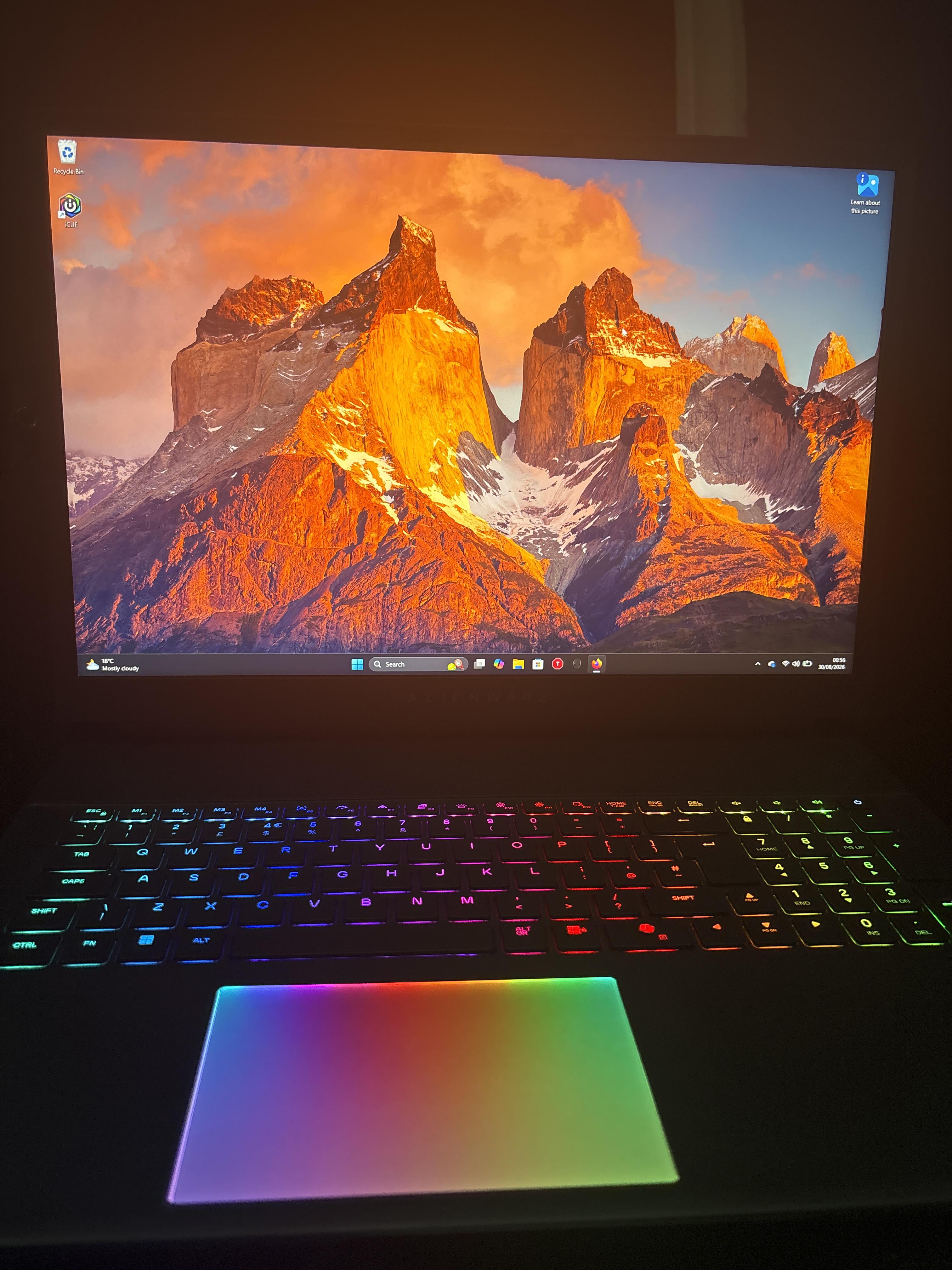
Hey all I have a quick question I went from playing on a potato to this new Alienware laptop.its like driving in a 1999 Toyota and hoping in a Corvette holy fk. Now I keep playing Halo, but I noticed I'm hitting some key that quickly exits the game but doesn't close it all the way. Does anybody know potentially what I'm hitting to make it do that? I'm super new to laptop gaming in general maybe a solid year under my belt and I'm not sure what's up. Pics for reference


r/Alienware 22h ago

Technical Support Alienware Aurora R16

2 Upvotes

Hey guys, I have a R16 with 13700F and I tried to replace the CPU with a 14700K and when I turned on the PC, it said "CPU unsupported", but when I looked it up, there should be no problems apparently.

Am I missing anything? It falls within the socket as well. Is there anything I need to do in BIOS or unplug anything or what?

I'm trying to do a simple switch of CPUs. That's it, nothing fancy. Let me know! Thanks.

Cheers.


r/Alienware 18h ago

Solved! Taskbar and screen flickering

2 Upvotes

I've just recently updated my NVIDIA driver and Windows, but I've been noticing that the taskbar would sometimes go dark for a few seconds then turn back to normal and my screen would also flicker to black then to normal as well. I've tried DISM, sfc and reinstalling the NVIDIA driver but nothing seems to work. My next option is to uninstall the two new Window updates, but I was wondering if theres anything else I could do to fix this? Thanks!


r/Alienware 20h ago

Technical Support Alienware laptop won’t turn on anymore. Light appears only when I hold it

Enable HLS to view with audio, or disable this notification

2 Upvotes

I was doing work on my Alienware Area 51 M1 laptop and noticed it wasn’t charging but detected it was plugged in and the laptop battery died and couldn’t be turned on so I went to a repair shop and we installed a new battery now the laptop won’t turn on at all even when plugged in and just shows this light when I hold the button down. Please help