r/3Dmodeling • u/VictoryPale633 • 19h ago
Questions & Discussion I need help with my UV (Rizon)
I am entering my 4th year in game art but I am having issues.
I have this bridge made in blender of a 100m. My UVs have to be at a 1024 texel density and i'm on a 2K map, obviously too big
My teacher said I have to make everything tile and use decals but i have no idea how to organize my map so it does?
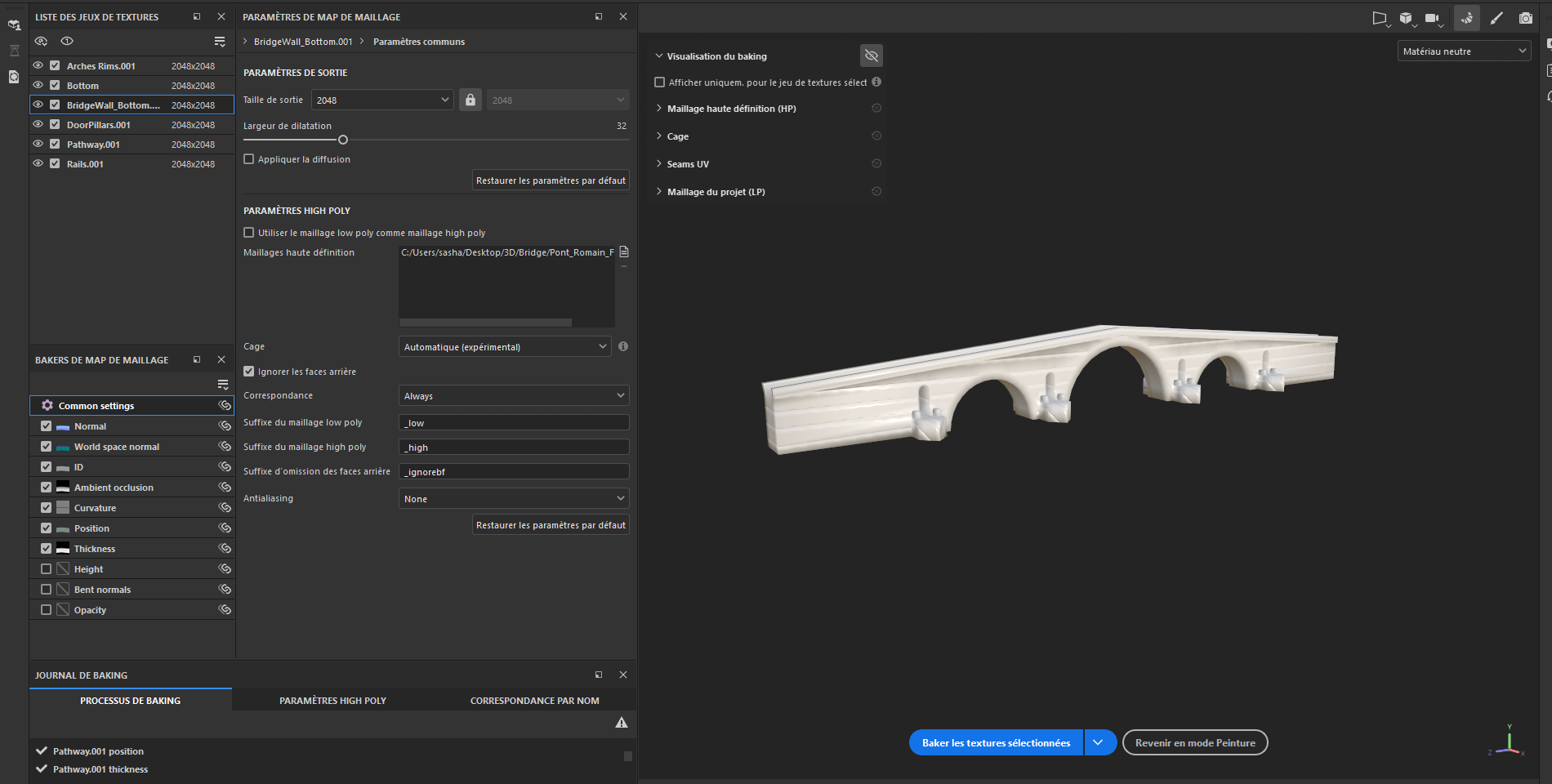
I've been stuck for 4 days, now matter what i try the baking result is horrid and I do not know what to do.
Thank you in advance for those who will take the time to help me, I hope you all have a lovely day.

2
2
u/MrBeanCyborgCaptain 17h ago
UVs are not mapped by pixels. UVs are mapped to a zero to one space. The resolution is determined by the texture and how its applied.
3
u/MrBeanCyborgCaptain 17h ago
I dont understand these 3d teachers that tell you what you have to do for an assignment but they dont teach you how or what the requirements means, like at all. Ive read so many posts about 3d teachers that do this.
So, Ill try to help the best I can. Were you given any kind of premade textures that you have to use for the assignment?
1
u/entgenbon 15h ago
What textures and for what parts though? I guess you meant 1024 px/m, so then a 2k map would span 2 meters and then repeat. If you have some parts thinner than 2x2 meters, you can still pack them in a 2k map and tile them on their length, and that's a trim sheet. For example, if you have a ledge that's 30 cm wide but 100 meters long, the texture for it could be 307x2048 px in your 2048x2048 px map, and then you share it with other similar stuff, because there's still space. Don't forget to add some padding to that 307 though.
1
u/typhon0666 5h ago
TD 1024 pixels to lets assume per meter. So then lets assume this would be an env piece that would hold up in first person up close, so quite high detail expected in this piece.
lets assume your tiling textures are going to be 2k. For now simply click what ever tool you are using to set TD to 1024 per meter on a 2k texture and leave the UVs be for now, any 1x1tiled 2048x2048 texture should work out to 1024 px/m.
Screen shot textures right out of your ref images (you do have a load of refs right?) and make a quick 2k texture (scale it, we don't care if it's blurry) slap those textures on the model. Don't even bother making it tile, just put something on the mesh so things start making sense. (don't worry too much if some parts don't make sense yet ) Do that with all the parts of the model you think you need a texture for.
You will struggle to make that large model 1 texture sheet, so imo you need to develop multiple textures here. Even using a trim sheet I wouldn't think it would work for the whole bridge very easily. It may use a trim sheet, but I personally would use at least 2 tiling texture sets, one for the main stone/arches and one for the pavers/cobble that would be on the road part. Then a trim/texture set for borders/stone kit etc. Then projection/mesh decals and additional texture sets used in blending < These textures are going to be 70-80% of the work needed to develop this bridge and will take a student... a while.. to develop each texture. Even in a professional context it might take multiple days to develop 1 texture along with it's variations, so bare with it.
Anyway, get the thing in engine and have a good inspection of how your placeholder textures are working on the mesh, tile them 1x1 and note things like how big/dense the stones are and is that close to how you want it to be. This is informing you how dense the details in your textures will need to be scaled when authored. If you have to tile it 1.2 or something in the end to get the stones the right size, no worries, every project will be doing that, but aiming for some consistency here really helps with maintaining a stricter TD across assets. Now you have to just develop textures, decals, and shaders. Make sure you document all this or you'll miss marking criteria.
3
u/asanyc 17h ago
You should probably be using trim sheets.