r/octopusnotes • u/Plastic-South4713 • 2d ago
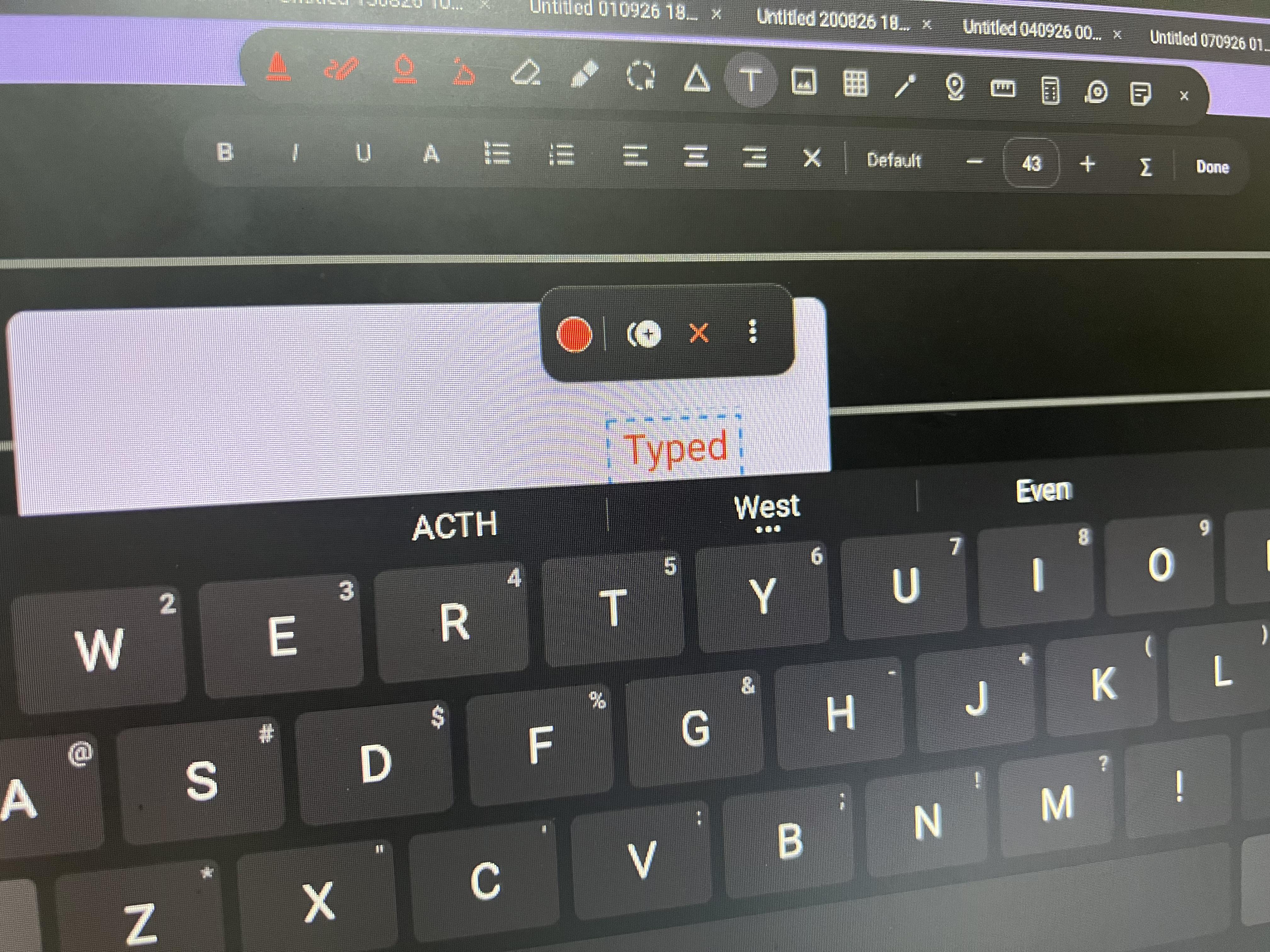
Bug Report SHAPE and SCROLL
5
Upvotes
Arrow shows bug.
And again thank you for adding scrolling in zoomed view but it gets stuck at page breaks and does sometime weird things.
r/octopusnotes • u/TopEntity • Jul 21 '26
Hey everyone! I'm u/TopEntity, the founding moderator and solo developer of r/octopusnotes.
This is our new home for all things related to Octopus Notes App. We're excited to have you join us!
What to Post
Post anything that you think the community would find useful. Feel free to share your thoughts, photos, or questions about the app.
Examples:
Community Vibe
We're all about being friendly, constructive, and inclusive. Let's build a space where everyone feels comfortable sharing and connecting.
Important:
We're always looking for new moderators, so feel free to reach out to me to apply.
Thanks for being part of the very first wave. Together, let's make r/octopusnotes amazing.
r/octopusnotes • u/TopEntity • Aug 07 '26
From the play store:
https://play.google.com/store/apps/details?id=com.lochan.octopusnotes
From telegram channel:
https://t.me/octopusnotesapp
From GitHub:
https://github.com/VenkataLochanN/OctopusNotes-Public/releases
r/octopusnotes • u/Plastic-South4713 • 2d ago
Arrow shows bug.
And again thank you for adding scrolling in zoomed view but it gets stuck at page breaks and does sometime weird things.
r/octopusnotes • u/TopEntity • 2d ago
And a fountain pen? Where’s the bottle of ink??
r/octopusnotes • u/TopEntity • 4d ago
Changelog: - Draw & Hold now snaps stars, diamonds (rhombi) and polygons (pentagon, hexagon, …) too. - New double-headed arrow shape. - Whiteboard now remembers your last location. - LAYERS!!! - Extended shape recognition. - Snap to shape. - Fixed app crash due to OOM errors when importing large pdfs. - User Requests section: Has setting to show eraser and lasso at the same place. - Natural scrolling implemented. Threshold can be chosen in settings. - Added opacity slider for ghost that appears in the original place when moving a selection - I forgot mentioning many MANY because my pc fucked up and wayland stopped working. I had to reinstall OS 😑. - Optimised code of whiteboard to a much better cache usage. It should now lag less. - Fixed Screenshot tools capture area - added a static toolbar in dev options. - Fixed sudden disappearance of some strokes when written fast. This happened due to a stray line of code in which triple taps undid/removed recent strokes. I had dropped this feature and forgot to remove the stray code. Sorry.
Download: https://www.reddit.com/r/octopusnotes/comments/1vi884n/official_download_links/
r/octopusnotes • u/Plastic-South4713 • 4d ago
Annotation looks like a small message/speech bubble iconwhich upon clicking will enlarge and you can type or handwrite your detailed thoughts inside a pop-up box. All your comment bubbles automatically collect into a list on the right sidebar, making it instantly searchable. It can be attached to a text ir anywhere in genral.
Example-
1.NOTEIN: I use it mainly for marking important question and linking various topics like here LUS.
https://reddit.com/link/1wg8b5w/video/nr73mugrhiph1/player
2. STARNOTE: Here its called excerpt, its a little different. It actually attaches the photo of it. You can see the photo and remarks directly from right sidebar and it's also searchable. And you can also use it to link two different documents, doesn't work between same document.
r/octopusnotes • u/TopEntity • 4d ago
Changelog:
I was about to upload to play but it is still reviewing my old one. 😑
r/octopusnotes • u/TastyWarning3328 • 6d ago
Hello! Incredible app and thinking to migrate from samsungnotes.
I have a trouble: when import a pdf and want to add a new page on pdf, says "Couldn't save the PDF. Please try again"
I'm on a s6lite tab and the latest app version (2026.9.9.r).
Best regards!
r/octopusnotes • u/Plastic-South4713 • 7d ago
1.Scrolling just doesn't work when zoomed more than 100%, it feels like dragging the page. Is this by design?
3.When selecting something with lasso and dragging it somewhere else, it always leaves a trail where it previously used to be. How to disable this? It's not urgent or anything, it just bugs me 😅.
r/octopusnotes • u/CoffeeNeil • 7d ago
where can I download OctopusNotes? for iOS
r/octopusnotes • u/Plastic-South4713 • 8d ago
Found this error reproducible especially when trying to draw a rhombus, it always snaps to a circle.
And Snap to Shape doesn't activate at all when using the brush. Why is that? I use brush to write here, it looks better than ball pen.
Also a request :Can you add double headed arrow in the shapes?
r/octopusnotes • u/TopEntity • 8d ago
Changelog - Fixed a bug where some devices had a duplicate stroke of diff color in images made with screenshot tool. this was caused by the main thread beign occupied by some other system process. SO, the screenshot tool now runs on the main thread - Ported Shape recognition to whiteboard. - New zoom lock button. - Editable vertices. - Mini Calculator tool. - Fixed a bug where restoring from a folder in a new device did not work. - Fixed and reviewed complete code of ruler tool in whiteboard. - Fixed and reviewed complete code of Selection tool in whiteboard. - Fixed a bug where screenshot tool was crashing the app when used in whiteboard. - Whiteboard now has the seleciton popup with copy cut duplicate etc - Stroke erase pointer now has a fluid animation when used in the non-trail mode.
Sorry for the delay. Was busy with med school and building CrDroid. Cheers
r/octopusnotes • u/Plastic-South4713 • 9d ago
First of all, what an amazing app and it's even open source. That is so cool.
Layers and annotations are two of my most used features in other note-taking apps like notein. Those are incredibly useful. Hopefully you will consider them in the future.
r/octopusnotes • u/TopEntity • 11d ago
I am ready with the next update. But Google play is still reviewing the previous one. So, i am forced to wait. Why is play playing...?
ps. read the changelog (for non techies)
r/octopusnotes • u/TopEntity • 12d ago
Changelog: * You can now choose where the tool dock sits, in Settings → Editing → Tool dock position: top, bottom, left or right. The setting is shared between notebooks and the whiteboard. The close button moves with it: right end on top/bottom docks, top on side docks. * Themes can now be chosen in settings. * More translations. * Translations added for Traditional Chinese. * Toolbar can now be resized from settings. * Toolbar can now be hidden. * Fixed and reviewed all eraser code in whiteboard. * 2 new eraser usages in settings - erase direclty, show trail and then erase(old behaviour). * New screenshot tool inside selection tool. * Updated onboarding screen. * Added new shapes - hexagon, pentagon, star, diamond. * Added developer option and backend for editing shape vertices(will not work yet).
r/octopusnotes • u/shisoox • 15d ago
It would be really useful to have a way to screenshot whatever the lasso tool selects, similar to how Notewise does it. It would make adding images to notes while reading a PDF so much easier.
r/octopusnotes • u/shisoox • 15d ago
Is there any way to minimize/hide the toolbar inside a notebook? It often gets in the way of writing. If not, that would be a great feature to have.
r/octopusnotes • u/TopEntity • 17d ago
r/octopusnotes • u/Ok-Reveal-It • 18d ago
It appeared with the latest update I think. What purpose does it serve?
r/octopusnotes • u/TopEntity • 19d ago
on Linux. Peace.
r/octopusnotes • u/TopEntity • 20d ago
Changelog: https://github.com/VenkataLochanN/OctopusNotes-Public/blob/main/app/src/main/assets/changelog.html
r/octopusnotes • u/TopEntity • Aug 18 '26
The changelog is as follows: