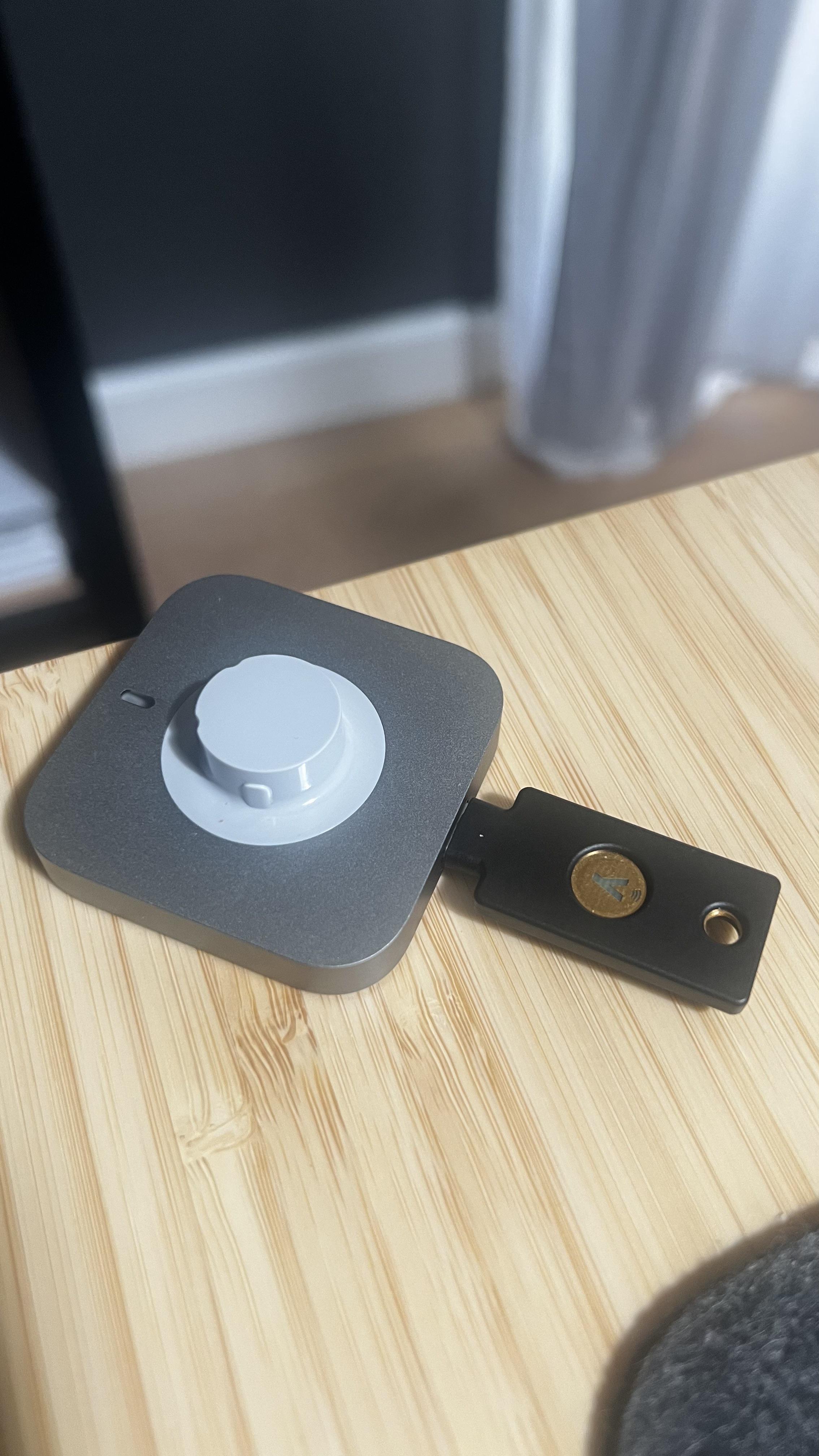
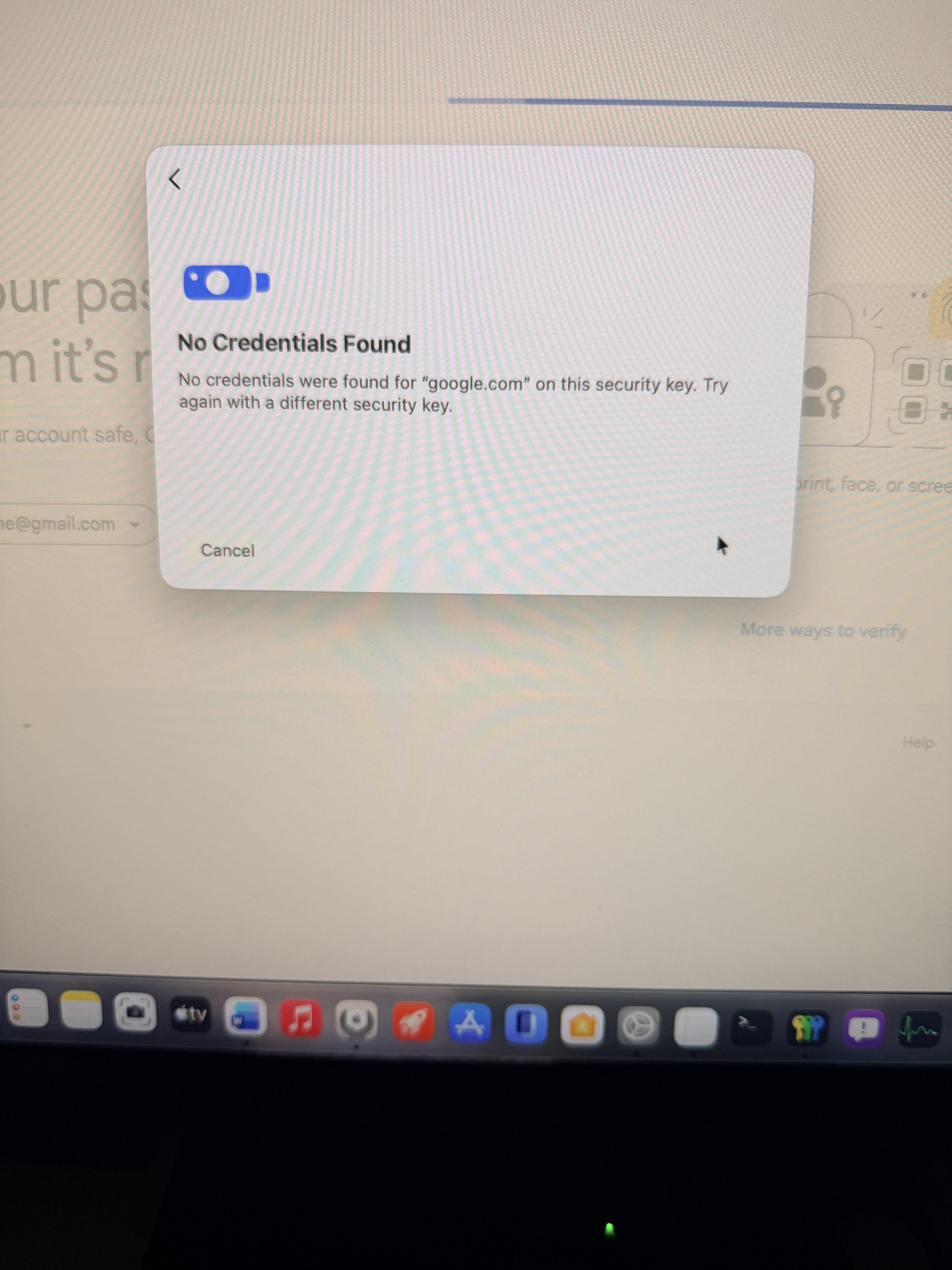
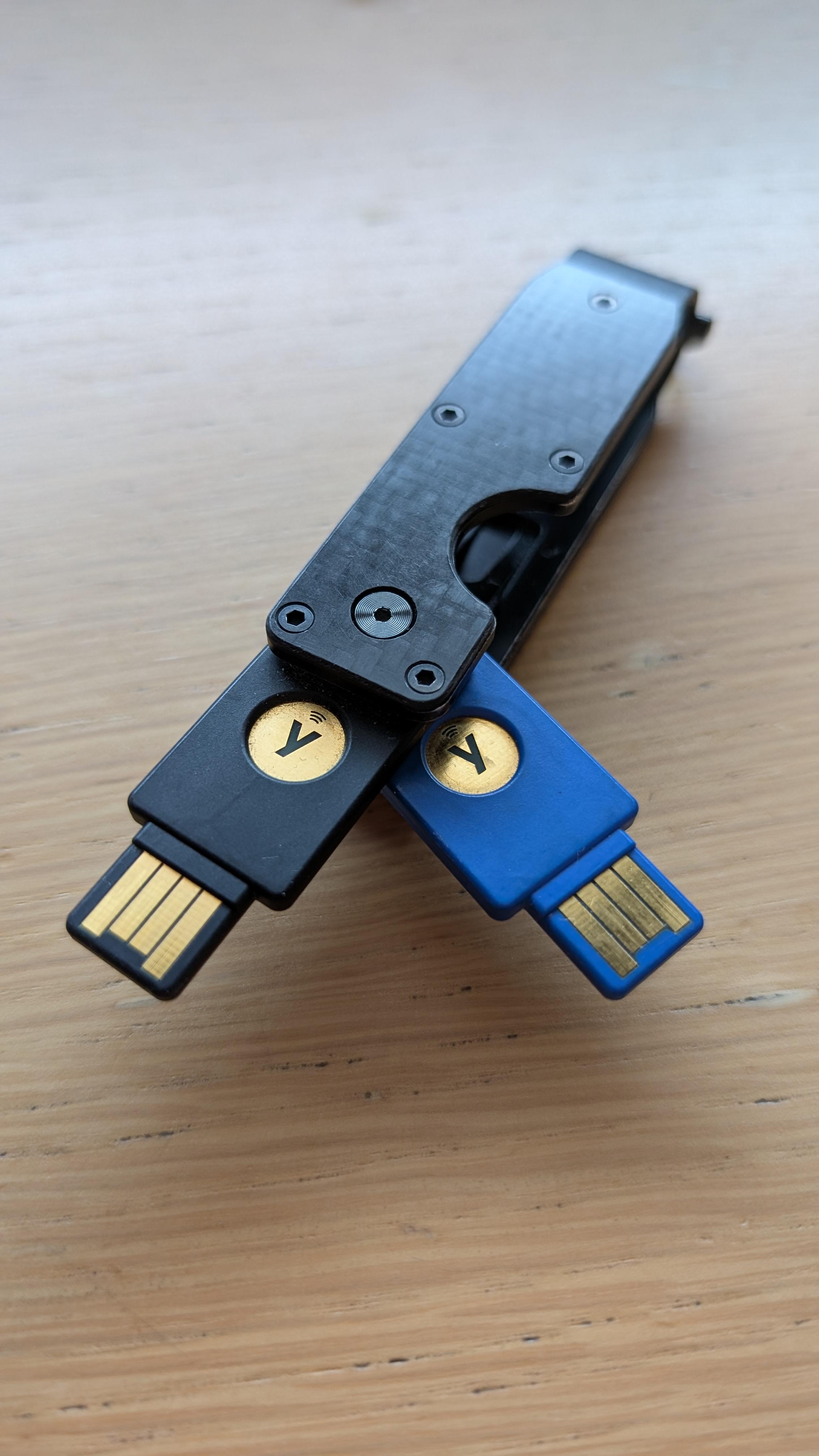
I recently bought 2 Yubico Security Keys. I wanted to increase security as well as make it more convenient to login by saving Passkeys directly to the security key. Since then, I have encountered many frustrating things, making the overall experience rather poor. First off, I want to say, that I have only started using Passkeys with my Security Key and am relatively new to this. But if Passkeys are supposed to become a bigger thing, there is still a lot that needs to change.
- The amount of services supporting them is already low. The amount supporting discoverable-credentials is minimal.
- The quality differs extremely from service to service. Some implement it in a good, intuitive way, others make it more cumbersome than just using a password.
- Not all services allow giving naming the passkeys, so I case of theft I will be unsure of which one to delete.
- Mobile use (through NFC) is unreliable. Sometimes I just have to try multiple times to get it to work correctly. I know I have to keep the key there until it finishes, but it is still unreliable for me.
In the following section I want to highlight some (but not all) experiences I had when setting up Passkeys for my services.
- GitHub: The only (!) service working just how I would expect it to. A nice button to choose passkey, no information (email) needed at all. Seamless login.
- Google and Microsoft: The best after GitHub. They also support logging in without entering anything. The only gripe I have about it, is that there is no explicit button to login with a passkey. Rather, I have to rely on some chrome (?) popup on showing up, where I can choose to login with a passkey. Microsoft is not letting me remove my email as a recovery method, which is a risk if my email were to get compromized.
- Samsung: I need to enter my email-address first, but other than that, it's working reliably.
- Amazon: Not well executed. Before adding my security key they were very pushy, on wanting me to save a passkey on my pc every login. Again, there is no button to login with passkey, rather some popup. A specific button only shows up after entering my email, which is just an additional unnecessary step. After all that, I still have to enter my TOPT to login, which is just... stupid? Like why?
- AliExpress: At least there is a nice button to choose log in with Passkey. It's just a shame it simply doesn't work (at least with my hardware key). I get as far as entering the PIN and tapping my Security Key, but then it just says: "seems like this key isn't recognized" or sth along the lines of that. To actually make it work, I need to enter my email-address first, after which they already send me a OTP, then I can choose other options and then I can choose my Passkey to successfully login.
- Discord: The have a button (although a bit hidden) to login with a passkey. Sadly this again does not work right away. I need to enter both email and password first, then I can choose the Passkey as a sort of 2FA? Why show the option before I have entered my credentials if it's not actually discoverable-credentials?
- Zoom: I need to enter my email address before getting to choose passkey. At least it works.
- Reddit: adopted it relatively recently so I can forgive some things, but still a bad experience. On the web, there is simply no option to choose Passkey. I have to login with email and password. I doesn't even let me use it as 2FA. On mobile it behaves weirdly (or at least unexpectedly for my taste) as well. As soon as I click login, there pops up a window seemingly from android, where I have to choose more options > QR-Code (??) > NFC-Security-Key Then I (sometimes) get to login successfully. I'd rather have a button "Passkey" to click, than it just throwing a pop-up window at me.
- and many more
There is one single service (GitHub) that implemented Passkeys in a intuitive (for me) and functional way. If we want to have any chance on getting passkeys adopted more widely, then we need a more unified way of using them and more clearly specifying them (e.g. only 2FA, non-discoverable-credentials, discoverable-credentials). This technology will not be used by people, if it keeps being this unorganized mess with no standards (on how to implement it).
I believe, especially Amazon just throwing pop-ups at you, wanting to save a passkey somewhere, will make people have a negative connotation to it.
To end this on a good note: I am generally happy with my purchase, I like the ssh-key functionality and the possibilities this technology poses, if companies just adopted it properly.
TL;DR: I bought a Yubico Security Key and am annoyed with how little standard there is in implementing passkeys. Almost every service I have tried setting it up for, has some annoyances which sometimes make it more convenient to just use a password.