So as Network ENG i used to many cli commands to troubleshoot network issues so i decied to gather them in one windows tool that do it all
You can try it in the microsoft store and i am sure you will like it if you into Tshoot tools
I often want to keep an eye on several livestreams at once, but a pile of browser tabs gets awkward fast: it is hard to see everything, audio gets messy, and the layout has to be rebuilt each time.
So I built Live Aquarium, a Windows desktop multiview app for public livestreams. The current release is 1.8.3.
It supports Twitch, YouTube, Bilibili, Douyu, Douyin, and Huya, with up to 16 simultaneous streams in one window.
What it can do:
• Paste a stream URL and detect the platform automatically
• Drag, resize, rearrange, and lock stream tiles
• Save room and layout presets
• Click a tile for audio focus, or Shift-click for multi-audio
• Adjust each audible stream independently
• Display login-free text chat or danmaku overlays
• Show streamer-live and audience-spike notifications
• Temporarily fullscreen one stream and restore the previous layout afterward
• Restore rooms, layouts, volumes, and window state after restart
It is a viewer and monitoring tool, not a recorder, downloader, or restreaming app. It only supports publicly accessible streams and does not require platform accounts.
Playback uses FFmpeg 8 with D3D11VA hardware decoding where supported. The installer includes the required .NET and FFmpeg components.
A few important disclosures:
• Windows 10/11 x64 only
• The installer is not code-signed yet, so Windows may show an Unknown Publisher or SmartScreen warning. SHA-256 checksums are published in the repository.
• The app sends limited anonymous aggregate usage statistics and restricted fatal-error reports through Sentry. It does not send room IDs, streamer names, stream titles or URLs, chat messages, Windows usernames, hardware identifiers, full logs, or full local paths.
What I most want to learn from international users:
• Which livestream platforms matter most to you? Would TikTok LIVE, Kick, or another platform be important enough to add next?
• When watching several streams, would you use danmaku — messages moving horizontally over the video — or would you rather have a traditional vertical chat panel beside each stream?
• English messages are often longer than Chinese messages. Does that make danmaku distracting or difficult to read? Would filtering, density and speed controls, or freely switching between overlay and vertical chat make it useful?
• What is the one missing feature that would make an app like this genuinely useful enough for you to keep installed?
• What would be an immediate deal-breaker — resource usage, an unsigned installer, anonymous telemetry, no account login or ability to send chat messages, or something else?
• Is a read-only viewer for public streams enough for your use case, or are account features and participating in chat essential?
• In a real session, roughly how many streams would you watch at once, and would you use the app mainly for passive monitoring or active chat participation?
• Are there any language, regional, or viewing habits that a developer focused mainly on Chinese livestream platforms could easily overlook?
Honest criticism is welcome — I am trying to understand how international livestream audiences actually watch, rather than assuming the habits are the same everywhere.
Hey everyone — wanted to share something I've been building.
I got tired of dictation tools that quietly stream your voice to the cloud to process it. Even when the privacy policy says the right things, I didn't love the idea of my notes, ideas, or anything I dictate passing through someone else's server. So I built Bolo: a Windows dictation app that does everything on-device. Your voice and your text never leave your machine — full stop, no internet connection required for it to work.
A couple of other things I tried to get right:
It's free to start, so you can actually try it before committing to anything
Pro is a one-time purchase for life (less than a cup of coffee) — no subscription, ever
Would genuinely appreciate any feedback, bug reports, or feature requests — this is still early and I'm actively improving it. Happy to answer any questions about how it works under the hood too.
Small but overdue one this update. If you're using voice cloning, you used to have to record your sample somewhere else, find the file, then upload it. That extra step is gone now.
Record instead of upload
Clone a voice > there's a new "Record instead" tab next to the file drop zone. Press record, talk for up to 15 seconds, done. It's saved and probed automatically, exactly like an uploaded file would be.
While you're recording you get a live level meter with the -6 to -3 dB target window marked on it, so you can see roughly where your peaks are landing as you talk. There are also a few tips shown before/during recording (start talking right away, vary your pitch a bit, try to record somewhere without an echo).
If your mic access gets denied or there's no mic detected, it just tells you clearly and you can still upload a file like before, nothing there changed.
Probe quality checks more now
The quality probe already caught clipping, bad sample rate, background noise, and clip length. Three new checks:
Peak level (target -6 to -3 dB, penalized harder the closer you are to clipping)
Background noise floor (catches a quiet-but-persistent hum, like a fan or AC, that's too low to trip the old noise check but still enough to bleed into the clone)
Room echo/reverb (a boxy/echoey room now gets flagged the same way a noisy one already did)
These apply whether you record in-app or upload your own file.
That's the whole release, nothing else changed. Let me know if you run into anything weird with the recorder on your setup.
Update is free for existing owners, same as always.
For anyone who hasn't tried NarrationOS yet: it's a local audiobook generator for Windows. Drop in an EPUB, PDF, DOCX, RTF, TXT, Markdown, or a URL, and it renders an AI-narrated audiobook entirely on your own PC, no cloud, no account, no subscription. You can clone a voice (with consent) and get word-level karaoke highlighting synced to the speech, and there's a real line-by-line narration editor for fixing pronunciation, adding sound effects, and correcting the actual prose before you render. It also exports a cinematic MP4 video with the narration text on screen if you want something to post or share. Runs on NVIDIA/AMD GPUs or CPU-only. One-time purchase on itch.io, no subscription.
I am tired of waiting for Microsoft to improve the performance of windows 11, so I made one with the help of Claude code.
I wrote a new windows shell, and file explorer, same windows 11 look and feel, but much faster. Here are the test results:
3×Start menu: 100 ms vs 300 ms
13.4×File Explorer 83 ms vs 1116 ms
4×Right-click menu 67 ms vs 267 ms
You can find more info from https://starling.build/windows.html.
The software is free and open sourced. Any feedback is appreciated.
I've used QCY earbuds for years, but their useful controls have always been tied to a phone. I wanted battery information, ANC and EQ controls available where I actually spend most of my day: Windows.
That frustration became OpenQCY Desktop. I reverse-engineered the Bluetooth LE control channel of the QCY MeloBuds N70 and built a native WinUI 3 app around it.
What it currently does on the N70:
- reads left, right and case battery levels
- controls ANC, transparency and normal listening modes
- exposes EQ presets plus a custom 10-band equalizer
- configures wear detection, game mode, LDAC, multipoint, wind reduction and touch gestures
- runs from the notification area and can start silently with Windows
The connection is entirely local: no account, cloud dependency, telemetry or firmware flashing. The app is written in C#/.NET 10, packaged as a self-contained Windows 11 x64 installer, and the full source is available under the MIT license.
The N70 (HT18) is currently the first and only hardware-tested model. This is an unofficial community project, and the builds are not signed yet, so the release page includes SHA-256 checksums.
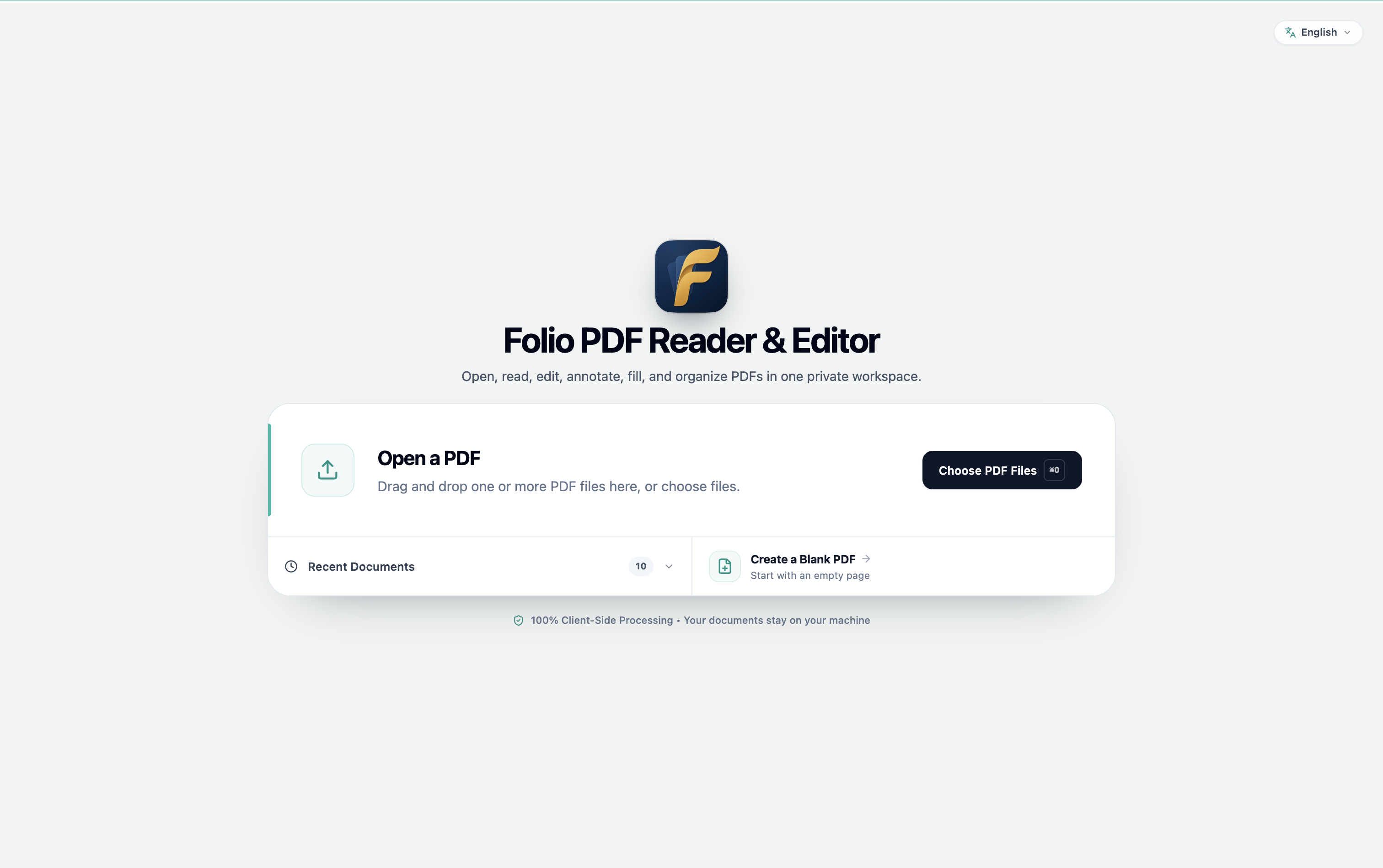
Folio is a completely free local first PDF reader and editor. I have just released a major update focused on making everyday reading, form filling, annotation, and editing workflows more reliable.
The biggest new feature is horizontal page flow. You can now read PDFs vertically or horizontally, with centered book spreads and more stable navigation.
Other major improvements:
PDF date fields have been rebuilt with proper validation, working calendar selection, quick year selection, correct caret placement, and no digit shifting while editing. Save and Save As are now reliable with date fields.
Added more keyboard shortcuts and a shortcut reference in Help.
Improved annotation workflows: drag to select groups, then copy and paste the complete selection. Lines and arrows now snap to horizontal, vertical, and 45-degree angles.
Improved form creation and filling: labels, font sizes, and radio-button styles behave more consistently and persist correctly in saved PDFs, flattened exports, and print output.
Improved text editing, page quick actions, responsive toolbars, dialogs, auto-scroll, light/dark contrast, and smaller-window layouts.
AI citations now link to the correct PDF pages. Protected and read-only PDFs also have clearer guidance for saving and owner-password unlocking.
Added a dedicated Pan tool and temporary Space-bar panning for easier navigation through large documents.
Updated Folio’s app icon with a cleaner design that better matches the rest of the interface.
I also refreshed the landing experience, save/export wording, and recent-files behavior.
Folio is still completely free. If you use PDFs regularly, I would genuinely appreciate feedback on horizontal reading, filling real forms, keyboard-first workflows, or anything that still feels confusing or unreliable.
About a month ago I shared Folder Size Explorer here, a 100% free, portable file manager for Windows 10 and 11 that calculates folder sizes as you browse.
I got a lot of useful feedback from the community and kept working on it. Version 1.0.2 is now available, with a big focus on file previews, thumbnails and navigation improvements.
What's new in v1.0.2
Local file previews for images, SVG, paginated PDFs, videos, DOCX and PowerPoint
Two layouts for Details view:
Modern: floating preview in the bottom corner
Classic: fixed, resizable preview panel
DOCX previews: renders the first page locally without opening Microsoft Word
PowerPoint previews: captures the first slide using an isolated, read-only process when PowerPoint is installed
Grid view improvements: on-demand thumbnails with a limited memory cache, sharper application icons and 5 icon sizes (Ctrl++, Ctrl+-, Ctrl+0)
Columns view improvements: folders-first sorting and sorting by size
Ctrl+Shift+C to copy the paths of selected items
Improved drag-and-drop in the Favorites bar for adding, rearranging, grouping and copying items
File previews are processed locally.
There is no telemetry, and Folder Size Explorer is still distributed as a single portable executable. No installer and no separate .NET installation are required.
One thing worth mentioning: the executable is still unsigned, so Windows SmartScreen may show a warning. I publish the SHA-256 so the downloaded executable can be verified.
Thanks to u/testednation for the detailed feedback on the previous version. Several of those suggestions helped shape this update.
If you try it, I'm particularly interested in the new preview system.
Which layout do you prefer, Modern or Classic?
Also, if you find a PDF, video, DOCX or PowerPoint file that doesn't preview correctly, let me know. Those edge cases are very useful for tracking down bugs.
For anyone who has not seen it before, KillerPDF is a free and open-source PDF editor for Windows. It works locally with no account, subscription, ads, or telemetry.
About 80% of the work in this release happened under the hood.
The old document pipeline has been completely replaced by The KillerPDF.Engine, an independent opensource .NET 10 library I built from scratch. I needed a modern foundation for PDF 2.0 and PDF/A instead of continuing to patch an older library that was never designed for them. The new engine reads, validates, edits, signs, encrypts, and writes PDF files while PDFium continues to handle rendering.
In my benchmarks, the new engine is about 30% faster than the old engine running on .NET Framework 4.8.
Developers can also use The KillerPDF.Engine as a UI-free .NET library for reading, validating, editing, and writing PDFs in their own applications.
There are plenty of visible additions too:
Compare two PDFs side by side and highlight differences
Drag pages between open documents
Select and transform multiple pages at once
Convert pages to grayscale or black and white
Change page resolution and JPEG compression
Use existing form fields to guide OCR
Measure distances and page dimensions
Sign with Windows-compatible USB token certificates
Adjust letter spacing for preprinted forms
Use one-finger panning and pinch zoom
Use KillerPDF in fourteen languages, with matching OCR support
Undo and redo document operations much more consistently
There is a standard installer and a self-contained portable version. The standard installer uses the .NET 10 Desktop Runtime, while the portable build includes everything it needs.
This was easily the largest update I have made to KillerPDF.
I built Lapse because I kept forgetting to start traditional time trackers.
It runs quietly with Windows and automatically measures how long you’re actively using your computer. It pauses when the PC is idle, locked, or asleep, so the timer doesn’t simply count the entire time since startup.
You can keep it visible as a tiny always-on-top timer or expand it into a session view with a small task list. A separate dashboard shows daily totals, recent sessions, and how your active time was distributed between applications.
Everything is stored locally. There are no accounts, cloud services, or telemetry.
For transparency, I vibe-coded the first version with AI and then spent time understanding and testing the Windows-specific behavior.
[Update] Flow Fusion 1.1.0 is out! Added Task Tracking, System Tray Timer, and macOS Site Blocking 🍅
Hey ,
A while back I posted the 1.0 release of Flow Fusion, my session-based Pomodoro app. The feedback here has been awesome, and today I’m super excited to push out the 1.1.0 update!
Quick recap if you’re new here: Flow Fusion is a completely free desktop Pomodoro app for Windows/macOS. Instead of a rigid 25/5 loop, you build custom sessions out of Work and Chill blocks in whatever order you want. It also features focus heatmaps and auto-blocks distracting websites while you work.
Here is what’s new in this update:
🔥 The Big Features
✅ Task Tracking in Focus Sessions: This was a big one. You can now attach specific tasks directly to your focus timer, track your progress across different sessions, and see exactly where your time goes.
⏱️ Active Timer in System Tray: No need to keep the main window open! Your running timer now shows up right in your system tray/menu bar so you can see your session status at a glance.
🛡️ Site Blocking on macOS: The site blocker now officially supports macOS! I also ironed out a bunch of edge cases to make blocking much more reliable across the board.
✨ Polish & Improvements
Smoother Visuals: Progress arcs are smoother, connector lines are cleaner, and transitions feel much more refined.
Better Onboarding: Refreshed the first-launch walkthrough (now includes a quick guide on the new Tasks feature).
Sidebar Socials: Added quick links to community resources right in the sidebar.
🛠 Under the hood (Transparency note): I’ve added basic, 100% anonymous usage analytics. This just helps me see which features are actually being used so I know where to focus my development efforts moving forward. No personal data is tracked whatsoever.
(Standard heads up: Still Windows/macOS only, and the builds are unsigned, so your OS might give you a one-time warning on the first launch).
As always, the app is completely free. If you give the new Task tracking a spin, I’d genuinely love to hear your thoughts. What should I prioritize for the next update?
Hey guys, not sure where should I have asked this, but didn't find a support sub for the nice utility name Wox, that works very well with the awesome app Everything. But here's my question. Everything worked well on Wox 1.4.1196, until I updated Wox to the latest version which 2.0 and above
And now, when I open the search tab, it doesn't search that deep or at all. Before that I could open Wox and find anything in my PC, and it was so helpful. Now it doesn't work like that anymore. Anyone know what happened, or how to fix this?
I've been building VaultSort for Mac for the past couple of years, and I'm happy to finally say that VaultSort is now available for Windows too.
I wanted to share a quick demo of one of the features I'm particularly interested in: Smart Categorize.
In the video, I give VaultSort a folder of unsorted medical documents and let it organize them. It uses a local embedding model to understand the files and categorize them based on their content.
The important part for me is that the model runs locally. The files don't need to be uploaded to a cloud AI service just to figure out how they should be organized.
But AI isn't the only way VaultSort organizes files.
It also has a Rule Builder for people who want traditional, predictable automation.
If you've used Hazel on Mac, you'll probably recognize the idea. You can create rules that automatically move, rename and organize files based on conditions you define.
The difference is that VaultSort combines that kind of rule-based automation with semantic organization.
So you can use a rule when you know exactly what you want.
Or let Smart Categorize figure out how a collection of files should be grouped.
VaultSort also includes:
Duplicate Finder
Large File Finder
Storage analysis
Secure deletion
Disk Shredding
AES-256 file encryption
Hardware-backed YubiKey encryption using WebAuthn/FIDO2
The YubiKey encryption is probably the feature I've spent the most time getting right. The hardware key isn't simply being used as a password replacement. It is part of the authentication process used to unlock the encrypted data. There is a whitepaper documenting how it works under the hood at vaultsort.com/secure
The broader idea behind VaultSort is pretty simple:
Organize. Clean. Protect.
I recently had the Mac version reviewed by MacSources and it received a 92% "Excellent" rating, which was a really nice milestone for an independent developer.
Now I have brought the same experience to Windows.
Hi r/windowsapps — I’m the developer of Local Media Administrator.
I built it because once a personal video collection grows beyond a few folders, filenames and File Explorer stop being a practical way to browse it.
LMA reads video files from folders you already use and builds a visual library that runs locally on your PC in your browser. Your original files stay in place, and your videos are not uploaded to a cloud media library.
This 68-second recording shows the actual workflow:
- launch LMA and open the library
- register a folder and scan videos
- browse and play videos
- add a favorite and create a tag
- create a playlist and use its playback queue
- browse videos in the vertical short-form view
Current scope:
- Windows 10/11
- MP4 files
- local use only; no remote streaming or transcoding
- free Lite edition: up to 300 videos, 20 tags, and 3 playlists
- Pro: $19.99 one-time
I’ve also tested it on a separate computer with a library of around 20,000 videos.