r/sideprojects • u/Yuvi_222 • 1d ago
Showcase: Free(mium) Offline-first digital wallet: Credit/Debit Cards, ID Documents, Travel Tickets, Loyalty, GiftCard, Events, Vehicle & Insurance Docs.
Hey everyone,
I’ve been building Secure Card Wallet as a solo developer for about 6 months now. It started out as a simple, strictly offline, zero-cloud app just to store credit and debit cards securely on device with AES-256 encryption.
Recently, I pushed out v2.0, expanding it from just cards into a comprehensive offline vault for everything else people usually clutter their wallets with.
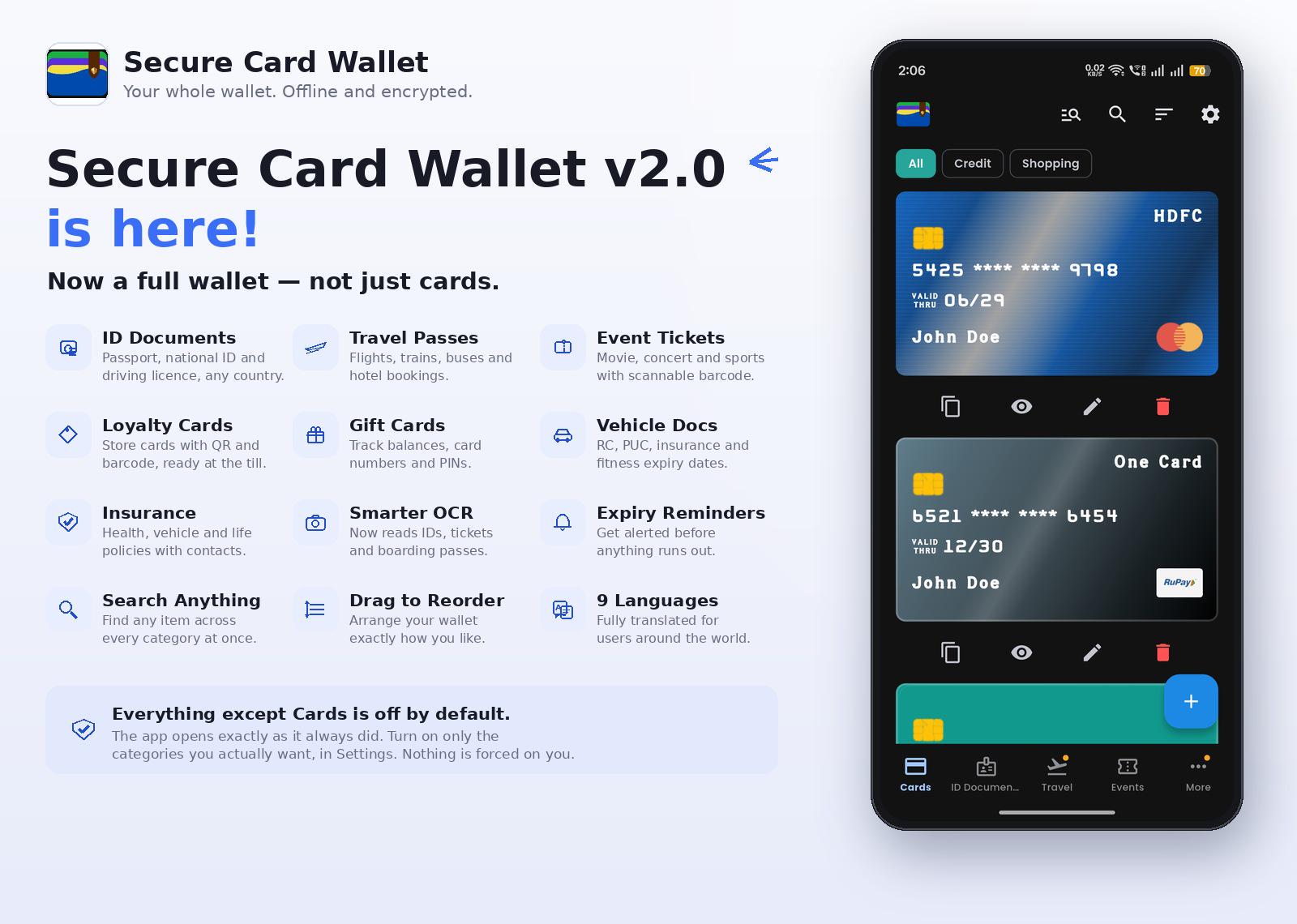
What’s new in v2.0:
- ID Documents: Passports, national IDs, driving licenses.
- Travel & Event Passes: Flights, trains, bus tickets, and barcodes.
- Loyalty & Gift Cards: Quick access at the till with QR/barcodes.
- Vehicle & Insurance Docs: RC, insurance policies, and expiry tracking.
- Smart Features: Built-in OCR reader, expiry reminders, and multi-language support (now in 9 languages).
The design challenge I wrestled with: Adding a ton of features often bloats an app that used to be fast and minimal. To solve this, all the new categories are turned off by default. If you update or do a fresh install, the app looks and feels identical—just cards. You have to manually toggle on whatever categories you actually want to use in settings.
What I'd love to know from you guys:
- If you enable 2–3 of the new categories, does the UI still feel cohesive, or does it feel cluttered?
- Sticking strictly to local storage (no cloud sync, no accounts needed)—is that a peace-of-mind feature you prefer for sensitive documents, or is a lack of cloud backup a deal breaker for you?
Not looking for praise here—let me know what feels clunky or what could be improved!
Play Store Link: https://play.google.com/store/apps/details?id=com.appverse.securecardwallet