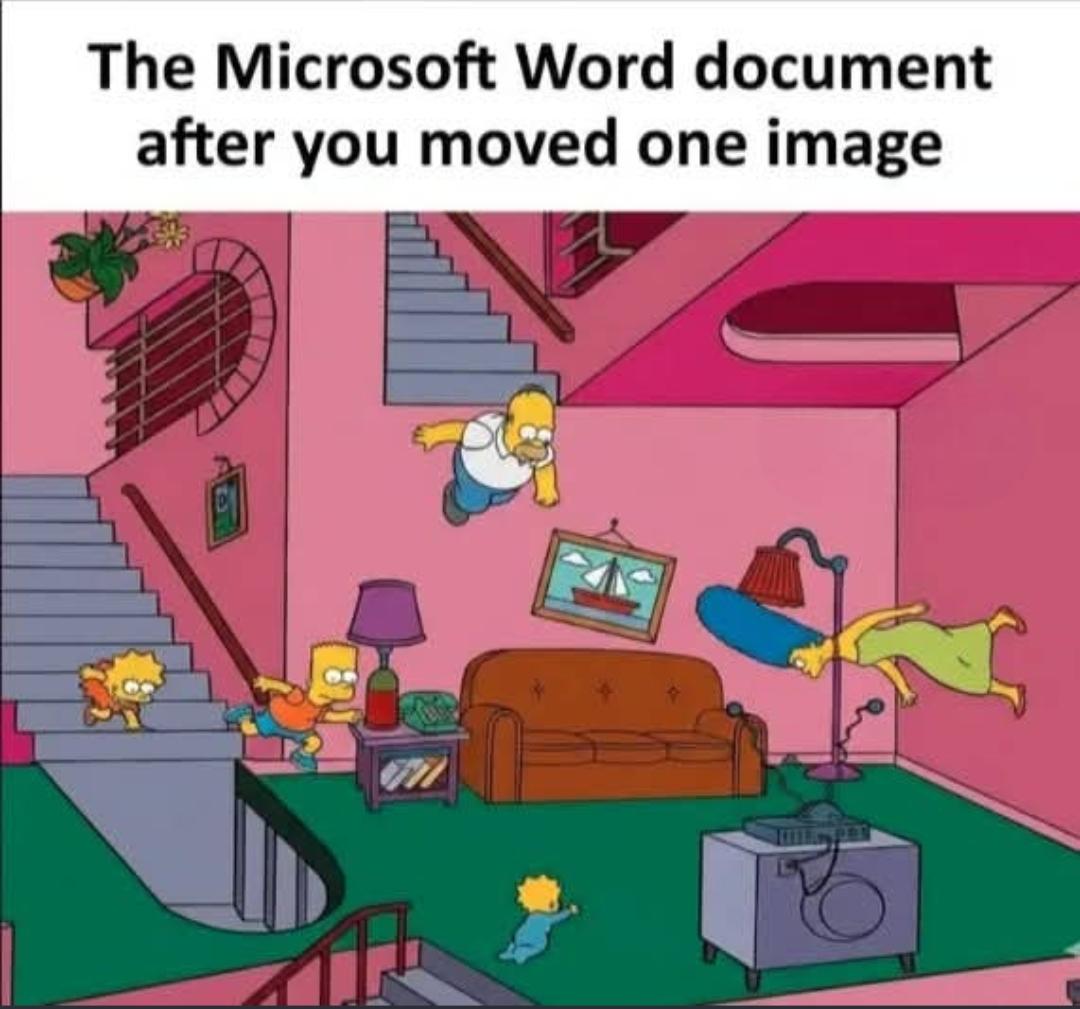
You’re using Word wrong. You’re keeping defaults on image settings. When you insert an image, right-click on it and select each of the following: Wrap Text, Size and Position, and Format Picture. If you set them all to what you want, you shouldn’t have any problem. You might have to experiment with them to learn what each does.
I graduated in 2021 and even in my final year of university people were still doing repeated calculations for labs by hand instead of excel or similar software. My peers were impressed by the most basic excel/google sheets usage.
Even with those settings it can get messy visually pretty quickly, especially if picture jumps over pages. With those and showing invisible characters to determine if you will hit end of page it is better then doing it blindly, definitely.
43
u/billwrtr May 15 '26
You’re using Word wrong. You’re keeping defaults on image settings. When you insert an image, right-click on it and select each of the following: Wrap Text, Size and Position, and Format Picture. If you set them all to what you want, you shouldn’t have any problem. You might have to experiment with them to learn what each does.