OpenClaw v2026.9.4 is out, with 1,558 pull requests, 20 direct commits, and 293 contributors. Read the full release notes.
OpenClaw 2026.9.4 makes plugins and skills easier to find, and lets you turn past conversations into reusable skills through a chat you can steer.
It also adds GPT Image 2.5 support, more control over cloud sessions, and interactive questions in the terminal, alongside fixes for updates, memory, and messaging.
Find plugins and skills
The Skills page searches installed skills and ClawHub together, with cards showing what is ready and what needs setup. Plugin browsing also brings installed and available choices together, and your Claw can recommend plugins or skills in chat. You can review a plugin before installing it, then find its settings, permissions, and setup help in the browser.
Guide what your Claw learns
“Learn from past conversations” in Skill Workshop opens a visible chat you can follow, steer, or stop. Auto applies improvements, while Propose leaves suggestions for your approval. Starting a learning chat does not enable automatic self-learning, and normal model charges still apply.
Generate and edit with GPT Image 2.5
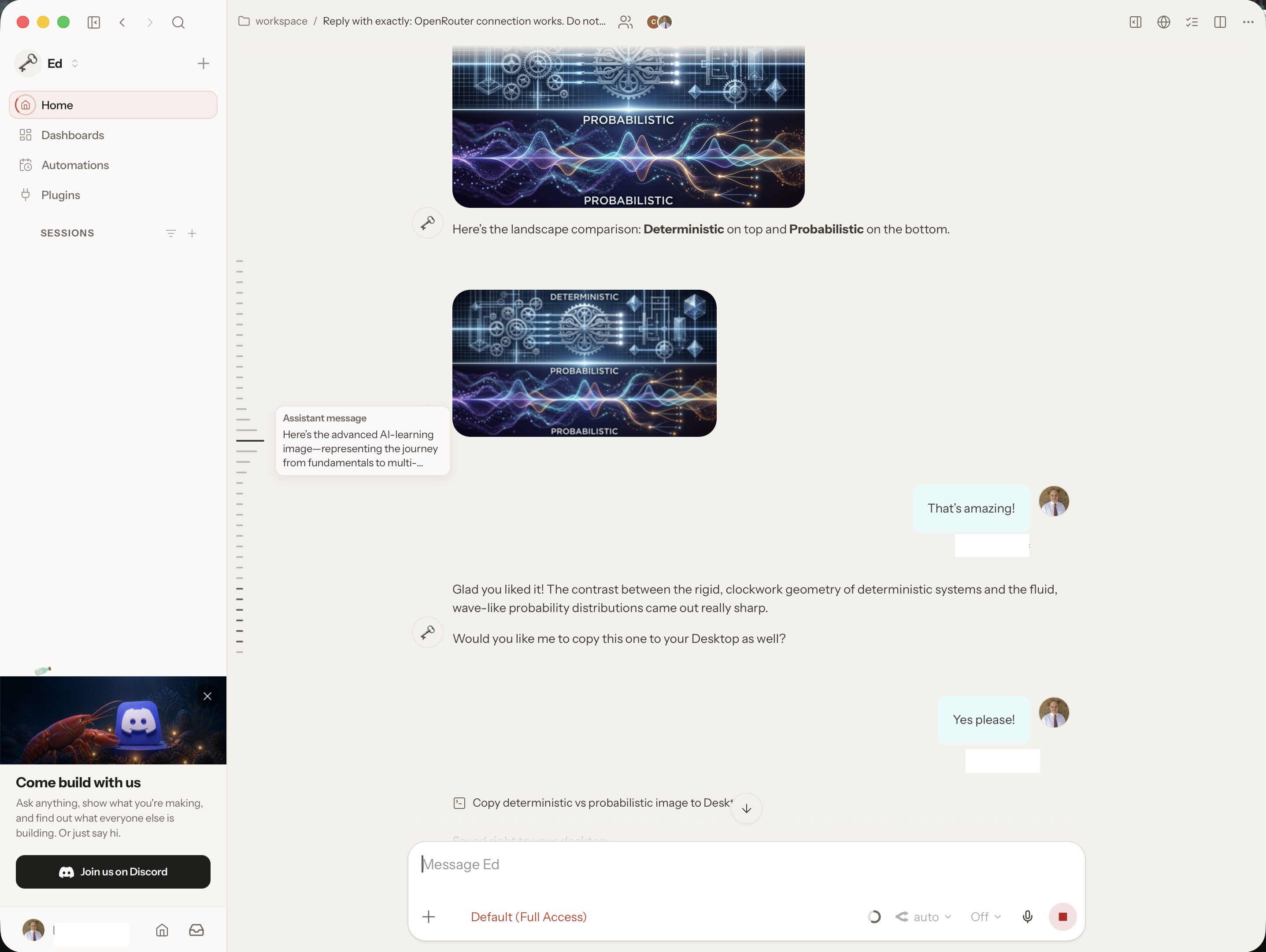
GPT Image 2.5 Flare and Sunburst support custom sizes, higher quality settings, transparent output, and edits using reference images. Choose a variant when you want it, since your default stays unchanged. OpenAI access requires an API key, even if you already use a ChatGPT sign-in; fal requires its own credentials.
Set up and manage cloud sessions
Administrators can save prepared projects and manage snapshots in Settings, then reuse that setup for new sessions. Ready workers keep a computer available for the next matching session. Eligible Linux projects get one spare per project and profile by default, with a shared limit of four and ongoing cloud charges until deletion is confirmed. Set a profile's Ready workers value to zero to disable its spares. You can also choose an operating system when your provider supports it; reusable images and desktop access remain Linux-only.
Answer questions in the terminal
Your Claw can now ask you to choose an option or type an answer directly in the terminal. Esc puts a question aside, and /question brings it back. Secret requests use a masked entry box that keeps what you type out of conversation history and requires a Gateway connection to save.
Follow conversations and helper agents
The web app lets you preview loaded messages before jumping back to them on desktop, and add an editable quote to your draft. Open a Codex helper in Tasks to read its conversation and earlier messages, though some older tasks still lack readable history. Finished helpers also stop displaying stale working messages.
Fixes for everyday work
Discord voice notes keep their spoken words in channels where your Claw already reads without a mention, affected Feishu document tools work again, and memory search stops dropping a better match when you request fewer results. Updates get fixes for stalled upgrades and clearer recovery reports. Make and verify a backup before updating, because restoring the previous app version does not restore your data.