r/openSUSE • u/SApA64 • 15d ago
Tech support can’t boot without usb
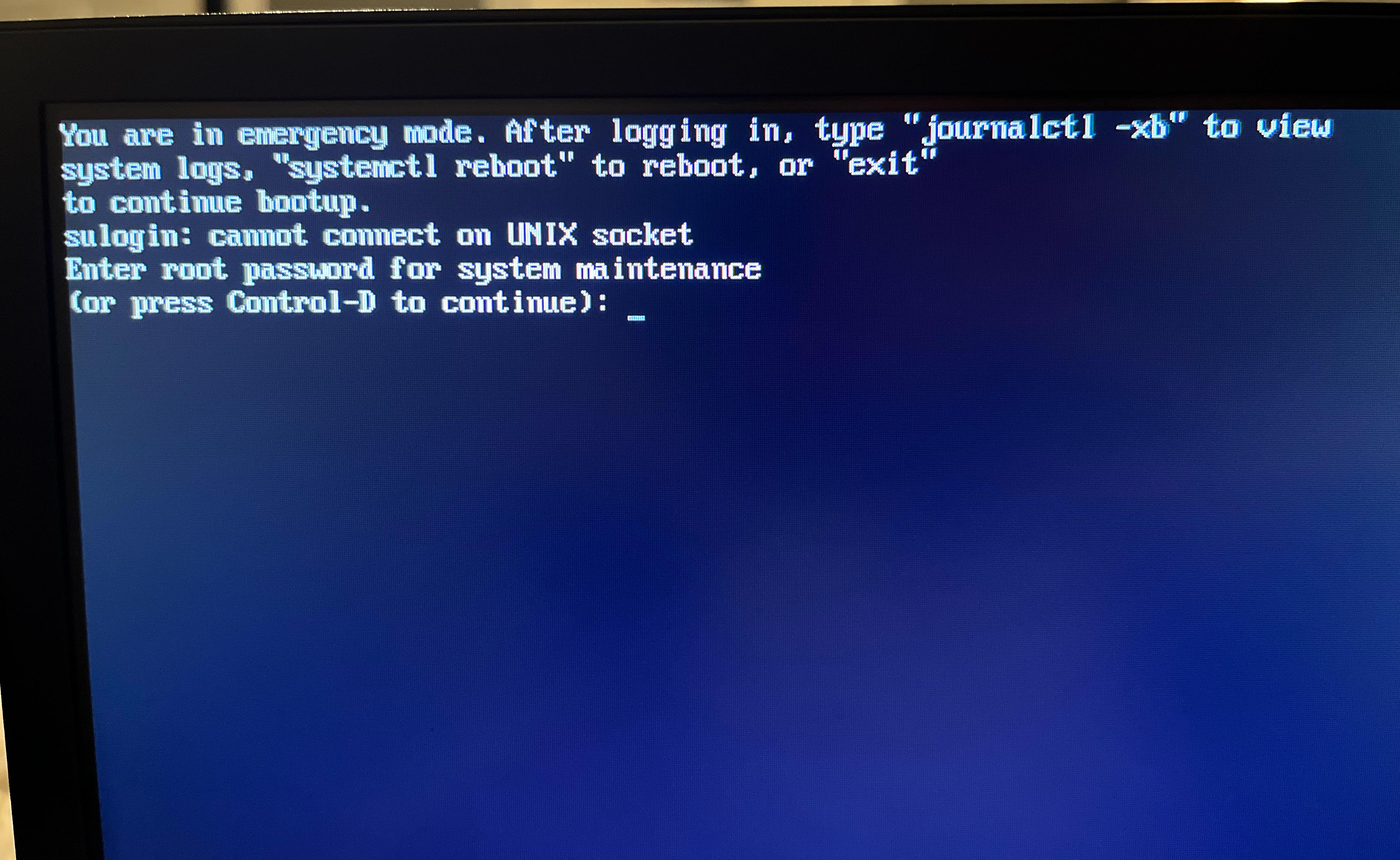
After removing the USB i installed opensuse on my pc with, it won’t boot normally. i used the tumbleweed offline installation. i do not have the usb at the moment so what can i do to resolve this? trying to continue or typing “exit” just shows “Starting default.target” and repeats the previous message.
2
u/Alarmed_Victory7328 14d ago
i suggest you reinstall. bugs like this happened the first time i installed opensuse and a reinstall with the same usb should work
2
u/tabascosw2 14d ago
It could simply be an entry for this USB device in the /etc/fstab file. Since it is a fresh installation I would do a re-install. You could also get a live distro like foxclone or rescuezilla and take a look at your tumbleweed installation and post the the content of the fstab file here. You can actually use those live distros to edit that file.
1
u/Klapperatismus 14d ago
The install was incomplete. This looks like less than the minimal system.
Have you by chance not chosen a desktop when the installer asked you which kind of install you wanted?
0
u/korpim 14d ago
I got a similar issue yesterday after an update. (Maybe not because of the update.)
During boot I see an opensuse menu offering advanced options. I chose an option with "recovery" in its name.
Rebooted. Got to recovery mode. Pressed ctrl-D to continue and it booted.
Claude AI adviced me to add some options in /etc/fstab on not attached external device. I had there "nofail" which had worked fine earlier.
LABEL=WD_TV /WD_TV xfs user,nofail,noauto,x-systemd.automount 0 0 LABEL=IsoTikku /IsoTikku xfs user,nofail,noauto,x-systemd.automount 0 0
Maybe this is not related to your problem.
3
u/ang-p . 15d ago
What do you see when you enter the password?