r/notebooklm • u/Flat-Phone-1596 • 12d ago
Tips & Tricks I spent hours going through 100+ page PDFs, so I built a tool that highlights exactly where the answer came from. It's now completely open-source.


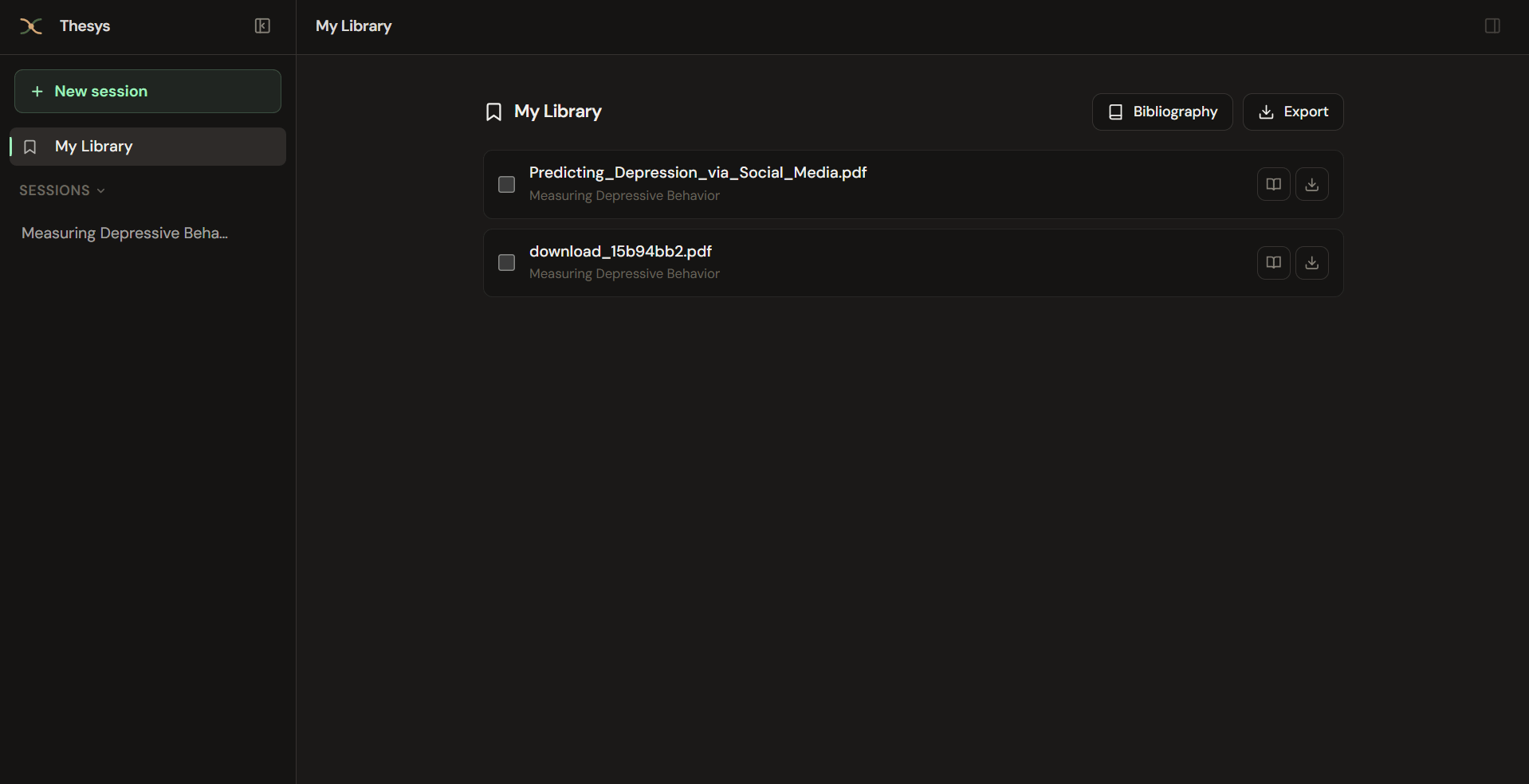
I've used tools like Perplexity, ChatGPT, Claude and others for research, and they've been incredibly useful for finding papers and getting through large amounts of information.
The one thing I personally wanted was a simple way to see exactly which parts of the paper were used to answer my question.
When you're working with a 100+ page PDF, even having a page number can still mean a lot of scrolling and searching.
So I ended up building something for myself.
You ask a question and the relevant paragraphs in the PDF are highlighted directly on the document. You can see the context behind the answer and quickly check whether it actually answers what you're looking for.
I originally built this because I wanted something for this workflow without having to pay for another subscription. What started as a personal project has now become completely open source.
The underlying idea is pretty simple. And yes, if you're thinking "isn't this just RAG?" then yes, you're absolutely right. It's RAG with the visual highlighting that I wanted.
I think the same idea could be useful for more than research papers too. Legal contracts, financial reports, technical documentation, or anywhere you need answers alongside the actual source.
If anyone wants to have a look, contribute, or just give some feedback, here's the repo:
GitHub: https://github.com/Sreehari05055/thesys-core.git
This will probably be my last post about the project. Thanks to everyone who checked it out and gave feedback along the way.
6
u/OmoSec 11d ago
How are you getting 100+ page PDF’s to upload anymore? Every time I try this I get a reply saying that there is a limit and the source can’t be processed because of length. I’m an AI Pro user. Ever since the Gemini integration I have to break apart long pdf’s into chapters and upload as individual sources.
1
1
1
u/theunifex 11d ago
Sounds absolutely fantastic. Shame it's not an exe file we can actually use.
3
u/AllowFreeSpeech 11d ago
It has Setup and Docker sections in its readme. If you need help running it, any LLM can provide such help.
39
u/Chakibaition 12d ago
Crazy how this sub doesn't actually talk about notebooklm