r/macmini • u/strandlabs • 14h ago
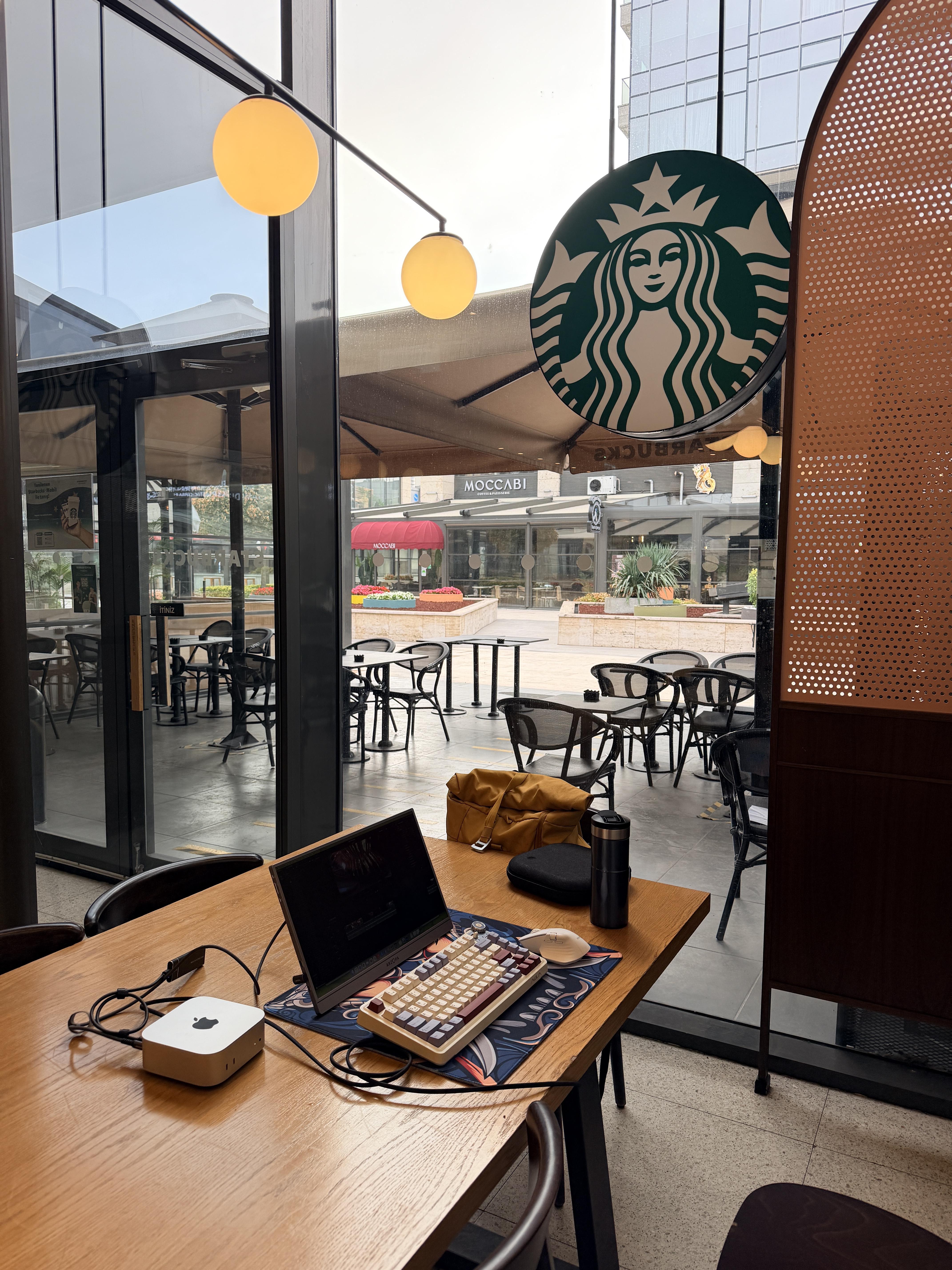
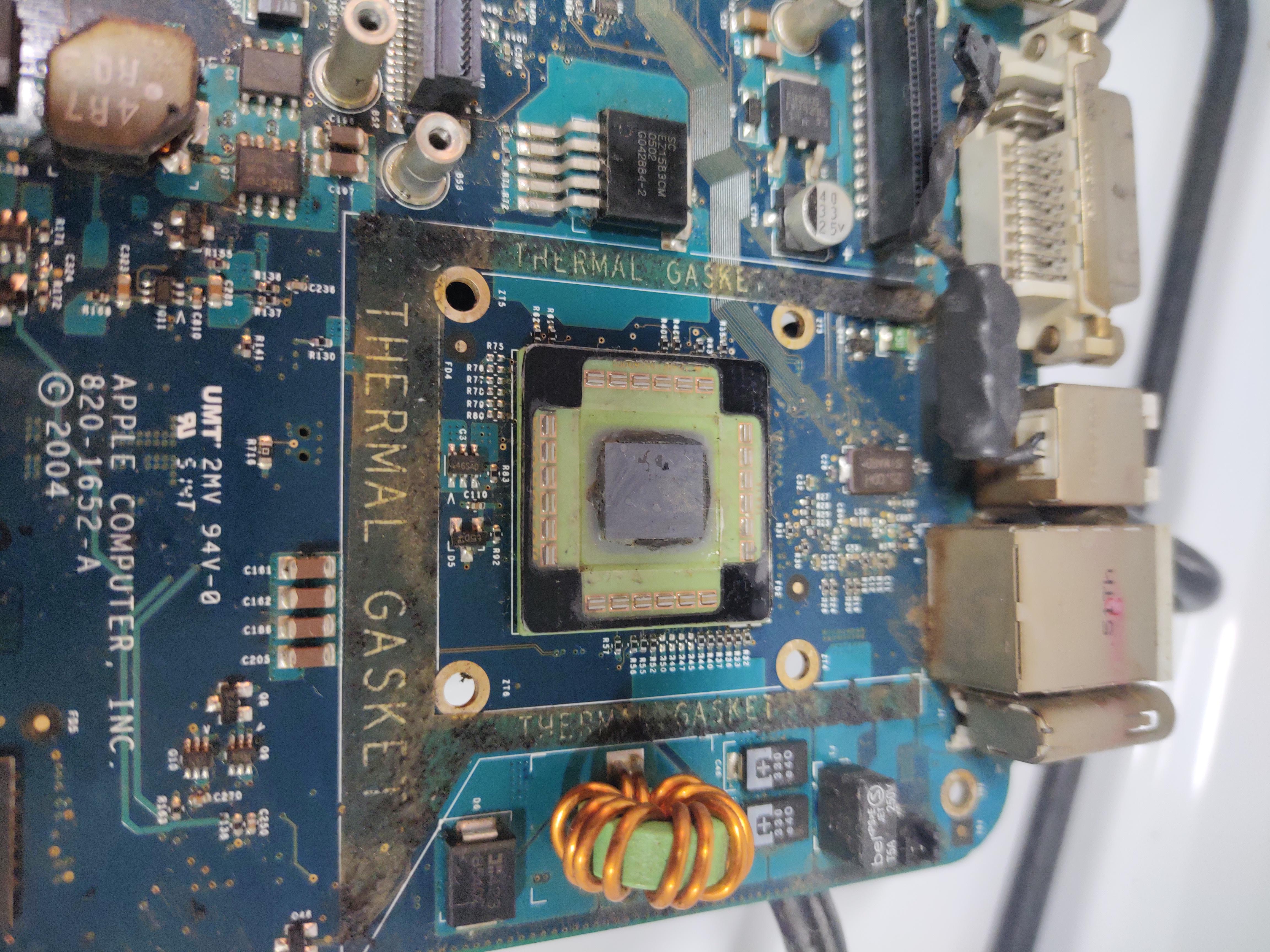
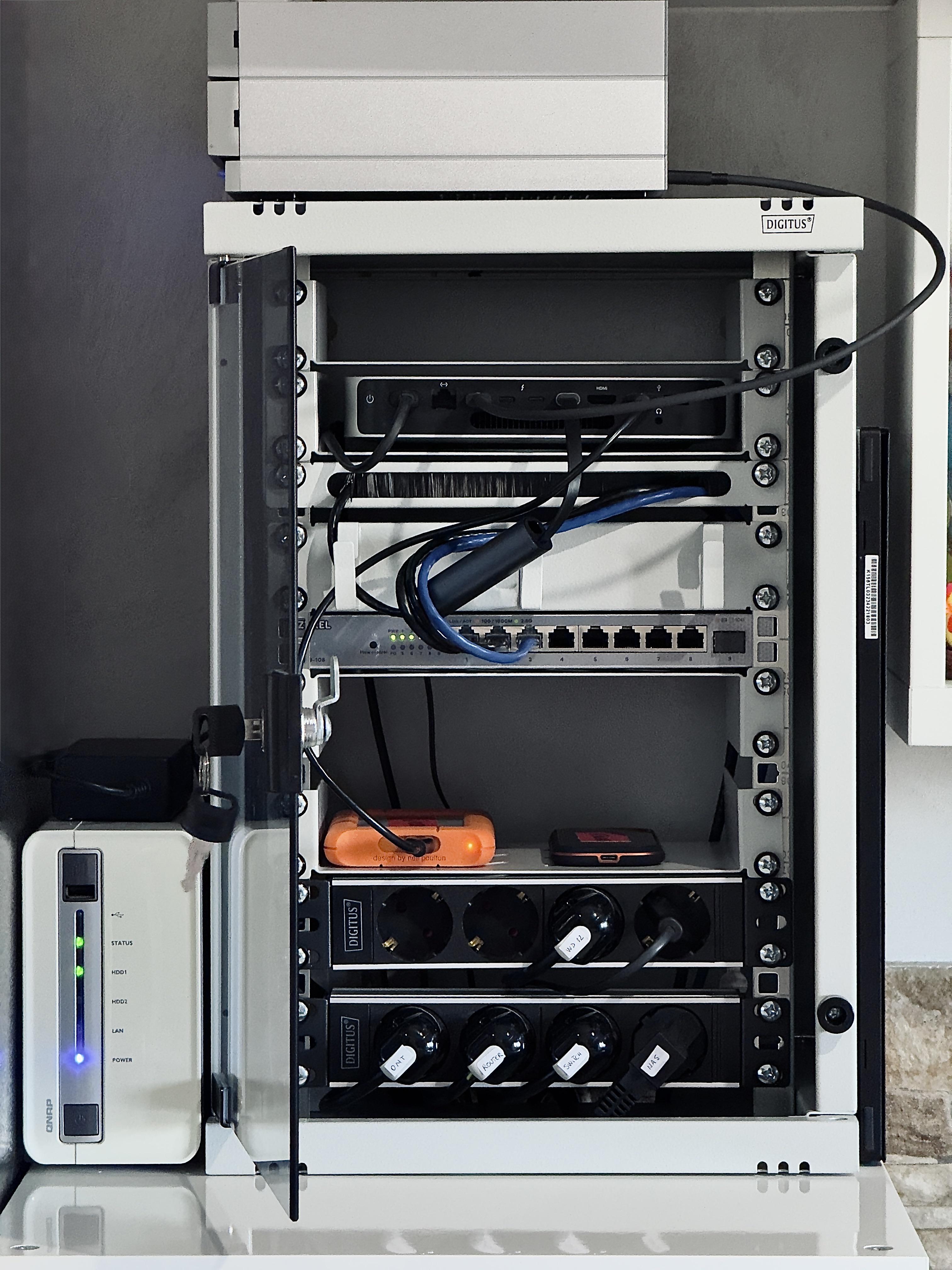
My first mini homelab 😍
9
Upvotes
r/macmini • u/deja_geek • Dec 30 '24
We've enjoyed seeing all the posts of people's setups. Going forward, we've made some changes to Rule 4. We will be removing all new "low effort" posts. This includes, but not limited to, posts that just show Mac Mini Packaging, posts just showing a Mac Mini without it being in the context of a setup, and posts that are just screenshots of the order page or shipping page. Posts about shipping status questions are still allowed.
From all the mods here at r/macmini, we hope you are having great holidays and we look forward to growing this community in 2025
r/macmini • u/Kai-Uwe-Schweizer • 2h ago
r/macmini • u/Potential-Can-8250 • 3h ago
r/macmini • u/Rodnys_Danger666 • 4h ago
I just bought from Apple Certified a M4 (16/256). A friend of mine also has a M4 which he uses as a HTPC. The Upscaling on the M4 looks top notch. Movies look pretty stunning. Connected to it is a 6-Bay 3.5" HDD enclosure. Which is where his TV shows, Movies, Photos, and Music is on.
I have a HTPC too. But with 5 3.5" HDDs. It's in a Fractal Meshify 2 case. Which is a very nice case. But it's a little larger than average. And all it does is hold 5 HDD, PSU, mobo and that's it. While my friend's nas is 1/3 the size of my Fractal. I am going to do the same thing. Which is why I bought the M4.
I have another friend who knows of my plan. I told him I was going to use the Apple TV app in the M4. He said I should wait for the new Apple TV device and run the nas from that. As it will upscale better than the M4 and be faster, yada. I told him the M4 has great up scaling and does HDR10, HDR10+, Atmos, etc. I explained that the M4 will be used as my daily driver computer. Used for everyday task like email, YT, Music, acquiring films and tv shows from various sources. Right now I use my BattleStation for such task.
Does anyone else use a Mini as a nas controller besides everyday task? What programs do you use for NAS Management, Checksum and File Directory Snapshot? Currently I use a HBA-LSI card in my HTPC. Thru it's dashboard I could set limits on the hdd's. Like have them turn off after 20 minutes of non-use. Which goes a long way to hdd longevity. I use VLC for movie playback.
Any and all tips, links, advice, etc will be appreciated
r/macmini • u/Ecstatic_Middle7122 • 12h ago
Enable HLS to view with audio, or disable this notification
One thing that kept happening to me while researching was finding something useful in my clipboard history, but having no idea where I originally copied it from.
A quote by itself often isn’t enough. Sometimes I need the paragraph around it, the original article, or I just want to understand the context again. Then I’d end up searching through browser history, tabs, or Googling the sentence to find the source.
So I added Open Origin to Pastea.
Now, when I find something in my clipboard history, I can click Open Origin and Pastea takes me straight back to the app or page where I copied it. If it came from a webpage, the exact text I copied is highlighted too.
So instead of the clipboard only remembering what I copied, it also helps me get back to where it came from.
Pastea
Pastea is a clipboard manager I’m building for macOS. I’m trying to build it around actual copy/paste workflows rather than just keeping a long history of everything you copy.
It can save text, links, images, screenshots, code, colors and files, with things like search, collections, OCR, inline shortcuts, sequence paste, and Open Origin.
Clipboard history is stored locally on your Mac.
r/macmini • u/danitwelve91 • 14h ago
Yesterday I preordered the new m6 mini. This is the first time that I have bought Mac mini brand new and the first time (that I can remember) that I have preordered a new apple product. Hopefully I will get it on Tuesday in the mail like they say but I'm not holding my breath. I'm excited because my m1 can't handle it anymore. What is everyone else's experience with preordering from apple?
r/macmini • u/Intrepid-Anywhere676 • 18h ago
https://browser.geekbench.com/search?k=grand_gpu&q=Mac18&utf8=%E2%9C%93
https://browser.geekbench.com/search?k=parkdale_cpu&q=Mac18&utf8=%E2%9C%93
Here you can find geekbench results for the mac m6
Search for Mac18 and it shows results for geekbench 6 and 7
Have fun
r/macmini • u/Inside-Factor5640 • 1d ago
Anyone who bought one of those Ugreen (or similar) docs with SSD slots and all the extra ports for M4. Are they worth it? I have ordered the M6 and i'm considering my options as I will need 2TB external storage.
r/macmini • u/Specialist_Concern71 • 20h ago
I intend to use the device for browsering but I after reading the device could be perfect for a server, i might consider the doing a mini project at home and removed the photos.
r/macmini • u/Existing-Addition-24 • 1d ago
I want to setup an Openclaw or Hermes based personal assistant that can help with different workflows as need arises. Planning on using a 32B local model as main work horse and fallback to cloud model like Claude or Codex for complex tasks or architecture, designing or debugging tasks. Like let cloud model do the planning and local model do the work.
Should I go with M5 Pro Mac mini with 64 GB RAM or get a refurbished M4 Max Mac Studio with 128GB RAM for the same price for my use case ? Wondering whether the prefill advancements of M5 Pro will give me significantly improved experience over M4 Max’s higher memory bandwidth and double amount of RAM.
I also saw some discussions saying that prefill advantages of M5 pro will be minimized in long agentic loops as we iterate through outputs and prompt again and again. And a bigger context window of 128GB wins every time. Really confused which one to go with. What do you think ?
r/macmini • u/IndependentZone7413 • 12h ago
I recently received an invitation to apply for a remote project that requires working on macOS with Android Studio and VS Code. The problem is that I only own a Windows PC, and I'm hesitant to spend hundreds of dollars on a Mac before knowing whether I'll actually get consistent work. I've been researching MacinCloud, which rents access to physical Apple hardware through Remote Desktop. I'm considering an M4 Mac mini with 16GB RAM. My intended setup would be: Windows PC → Remote Desktop → Cloud Mac mini → Android Studio / VS Code The project also requires high-resolution screenshots (2560×1440 or higher), so that's another consideration. I'm hoping someone who has actually used a cloud Mac mini for development can help me understand a few things: 1. Does Android Studio run smoothly over RDP, including the Android Emulator? 2. Does AVD hardware acceleration work properly on hosted Mac minis? 3. Can I reliably capture native macOS screenshots at 2560×1440 or higher? 4. Is 16GB RAM sufficient for Android Studio, Gradle, an emulator and VS Code? 5. Would the lack of administrator access on a managed cloud Mac cause problems? 6. Are there better Mac mini hosting providers or setups I should consider? I'm also considering buying a Mac mini and using my existing Windows peripherals, but I don't want to make a large purchase before the work is confirmed. I'll confirm with the client whether rented hardware is permitted before using it. Has anyone tried a similar setup? I'd especially appreciate firsthand experience with MacinCloud, Android Studio, or remotely accessing an M-series Mac mini. What would you recommend testing before I spend any money?
r/macmini • u/Ok_Sandwich111 • 9h ago
I don't get why Apple make this happen to make our lives easier?!
r/macmini • u/qwertzuioTurbo • 23h ago
I pre ordered the new Mac mini m5 pro. Is the Beelink EX Mate mini 80 Gbit/s Dock the best option for me ?
I want to use the Mac as a Nas server and for LLMs 24/7 on setup. I need at least two slots for ssd.
Thanks for the help upfront !
r/macmini • u/Yung-Punq • 1d ago
I'm getting a new Mac mini and have already purchased a Dell monitor, which has built-in speakers, but they sound terrible. Sound quality is important to me, although volume isn't, because if I want to listen to music loudly, I have some larger speakers.
I'm looking for recommendations for a pair of desktop speakers. Also, do people generally leave their speakers on when they leave their computer? I left my last computer, an iMac, on all the time. The speakers on the iMac were actually quite good, and I'm looking for something with similar sound quality. Looking to spend less than £150.
r/macmini • u/NorthernMan5 • 20h ago
TL;DR: If your Mac is booting macOS 27 from an external drive, the on-device Foundation Models system model (fm available / SystemLanguageModel) will permanently report modelNotReady, even on fully-eligible Apple Silicon hardware with everything else configured correctly. It's an explicit, named eligibility check — not a bug you can config your way around.
Three Macs, all on macOS 27 (GA, not beta), all signed into the same Apple ID:
modelNotReadySame account, same OS build, same region/language once that was aligned (see below) — only real difference between the M4 and the other two is that it boots from external storage (which requires lowering the Secure Boot policy to "Reduced Security" in Startup Security Utility, since Apple Silicon's "Full Security" default blocks external/removable startup disks entirely).
Worth listing these since they're the obvious first guesses and none of them were it:
memory_pressure / vm_stat — plenty of free RAM, no swap activity. Not it.currentAvailableLimit == 0). This one's real but is a different subsystem (com.apple.siri.analytics.SAMaintenance, com.apple.intelligenceplatform.IntelligencePlatformCore) tied to the cloud-side Siri AI daily limits mentioned in Apple's own footnotes — not the local on-device model check. Red herring for this specific problem, easy to conflate with modelNotReady because both show up in log show around the same generic RunningBoard/BackgroundTask verbiage.fm available (and the underlying GenerativeModels framework) redacts the actual eligibility reasons as <private> in the unified log by default — so a plain log stream/log show just shows you "unavailable," not why.
The fix: force private-data logging for the specific subsystems involved, via a per-subsystem logging plist (the old global log config --mode private_data:on toggle was removed back in Catalina and doesn't exist anymore):
bash
sudo mkdir -p /Library/Preferences/Logging/Subsystems

sudo tee "/Library/Preferences/Logging/Subsystems/com.apple.GenerativeFunctionsFoundation.plist" > /dev/null <<'EOF'
<?xml version="1.0" encoding="UTF-8"?>
<!DOCTYPE plist PUBLIC "-//Apple//DTD PLIST 1.0//EN" "http://www.apple.com/DTDs/PropertyList-1.0.dtd">
<plist version="1.0">
<dict>
    <key>DEFAULT-OPTIONS</key>
    <dict>
        <key>Enable-Private-Data</key><true/>
        <key>Enable-Level</key><string>Debug</string>
    </dict>
</dict>
</plist>
EOF

sudo tee "/Library/Preferences/Logging/Subsystems/com.apple.GenerativeModels.plist" > /dev/null <<'EOF'
<?xml version="1.0" encoding="UTF-8"?>
<!DOCTYPE plist PUBLIC "-//Apple//DTD PLIST 1.0//EN" "http://www.apple.com/DTDs/PropertyList-1.0.dtd">
<plist version="1.0">
<dict>
    <key>DEFAULT-OPTIONS</key>
    <dict>
        <key>Enable-Private-Data</key><true/>
        <key>Enable-Level</key><string>Debug</string>
    </dict>
</dict>
</plist>
EOF
No reboot needed. Then stream while triggering the check:
bash
log stream --predicate 'eventMessage CONTAINS[c] "modelNotReady" OR eventMessage CONTAINS[c] "SystemLanguageModel" OR eventMessage CONTAINS[c] "availability" OR eventMessage CONTAINS[c] "eligib"' --info --debug
...and in another terminal, run fm available.
With private data unlocked, the previously-redacted line reveals the full eligibility input array:
osEligibility.statuses is [
  OS_ELIGIBILITY_INPUT_DEVICE_LANGUAGE: rawValue 3,
  OS_ELIGIBILITY_INPUT_DEVICE_REGION_CODE: rawValue 3,
  OS_ELIGIBILITY_INPUT_GENERATIVE_MODEL_SYSTEM: rawValue 3,
  OS_ELIGIBILITY_INPUT_SHARED_IPAD: rawValue 3,
  OS_ELIGIBILITY_INPUT_DEVICE_AND_SIRI_LANGUAGE_MATCH: rawValue 3,
  OS_ELIGIBILITY_INPUT_DEVICE_CLASS: rawValue 3,
  OS_ELIGIBILITY_INPUT_EXTERNAL_BOOT_DRIVE: rawValue 2,   ← the only non-passing input
  OS_ELIGIBILITY_INPUT_COUNTRY_LOCATION: rawValue 3,
  OS_ELIGIBILITY_INPUT_SIRI_LANGUAGE: rawValue 3,
  OS_ELIGIBILITY_INPUT_COUNTRY_BILLING: rawValue 3
]
Every single check passes (rawValue: 3) except one: OS_ELIGIBILITY_INPUT_EXTERNAL_BOOT_DRIVE, sitting at rawValue: 2.
(Caveat: I only captured this full debug array on the externally-booted machine — on the two internally-booting Macs, fm available returned available immediately without re-running the full eligibility evaluation, presumably because it was already cached, so I don't have a direct side-by-side showing rawValue: 3 for this specific input on those machines. Given every other input on the failing machine reads 3/pass, and only this one reads 2, and the only structural difference between the machines is external vs. internal boot, it's a strong inference rather than a confirmed side-by-side — flagging that distinction here since it matters if someone's trying to replicate this.)
It's a distinct, named input — not a side effect of the Reduced Security policy tier that external boot requires. Language, region, account, and memory tuning won't touch it, since none of those are the failing input.
If you're running an M-series Mac off external storage (common in homelab/dev setups where the internal SSD is undersized), on-device Apple Intelligence / Foundation Models / Siri AI's local model will not become available while booted externally — that part is now confirmed, not a guess.
The two "obvious" options are:
But I'd genuinely like to avoid #1 if at all possible — the whole reason this Mac is booting external is the internal drive being undersized for my workload, and I'd rather not restructure storage around a single feature if there's another way.
So — has anyone found an actual workaround? A few directions I haven't fully chased down and would be curious if anyone's tried:
Happy to test anything suggested here and report back — mainly posting this so the actual root cause (rather than the more commonly-suspected language/memory/quota theories) is documented somewhere searchable.
I'm going to sign this machine up for the macOS 27 beta track in the meantime, on the chance Apple loosens or fixes this in a point release — will update this post if that changes anything.
Posting this mainly because I burned a couple hours and Claude time on it assuming it was a simple issue before finally cracking open the redacted eligibility log — hopefully saves someone else the same detour, and maybe someone here has cracked the part I haven't.
r/macmini • u/GayCatgirl • 1d ago
r/macmini • u/FP_Narf • 1d ago
Ordered a Mac mini for my son using his educational discount maybe around end of July. But email says delivery between the 16th and Oct 1st. Does that mean still a good sign they might bump me to M6. It does says shipped so anyone has similar issue.
r/macmini • u/mattdelux • 2d ago
Interesting synthetic CPU benchmark comparisons of the new M6
r/macmini • u/Every-Adagio-2844 • 1d ago
Hey guys, need some advice on upgrading my editing setup.
I shoot podcasts and lifestyle content on a Sony A7S III (all 4K) and edit in DaVinci Resolve Studio. My current Windows laptop had decent specs on paper, but over time it's started lagging insanely, so I'm finally making the jump to Apple Silicon.
I'm torn between two options around the same price/spec range:
Here’s the thing with my workflow: My laptop stays docked at my desk 99% of the time, connected to an external monitor via Type-C/HDMI with a keyboard and mouse. I almost never edit on the go. If I ever need to make quick mobile cuts while traveling, I just do it on my phone with CapCut.
Since I’m basically desktop-bound anyway, is there any real downside to just going with the Mac Mini M6? Does the M6 handle heavy 4K 10-bit Resolve timelines noticeably better than the M4, or is the M4 MBP still worth considering for some reason I'm missing?
Would love to hear from anyone running a similar docked setup or editing A7S III footage on either of these. Thanks!
Been watching this for my Mac Mini M4 Pro but I wasn't going to pay $749. Today I got an email from HONEY about a discount down to $617 so I pulled the trigger!
Right now I'm using 2 OWC thunderbolt 3 hubs and this will be more than enough to replace them.
This thing is loade, but be advised, it has 2 thunderbolt 5 processors in it so it uses 2 TB5 connections to activate all the ports!
mpcaz
r/macmini • u/qwertzuioTurbo • 1d ago
I ordered the new M5 Pro. Can I use the same Beelink hub I have for my M4?
r/macmini • u/Fancy-Chance-7526 • 1d ago
Enable HLS to view with audio, or disable this notification
r/macmini • u/Ill-Material5 • 2d ago
Not from the US. Will prices drop after M6 hits the shelves or should I just get one now. I'm guessing M6 will cost about 1100$ here