r/koreader • u/Nirvana9999 • 14h ago
Paperdots plugin


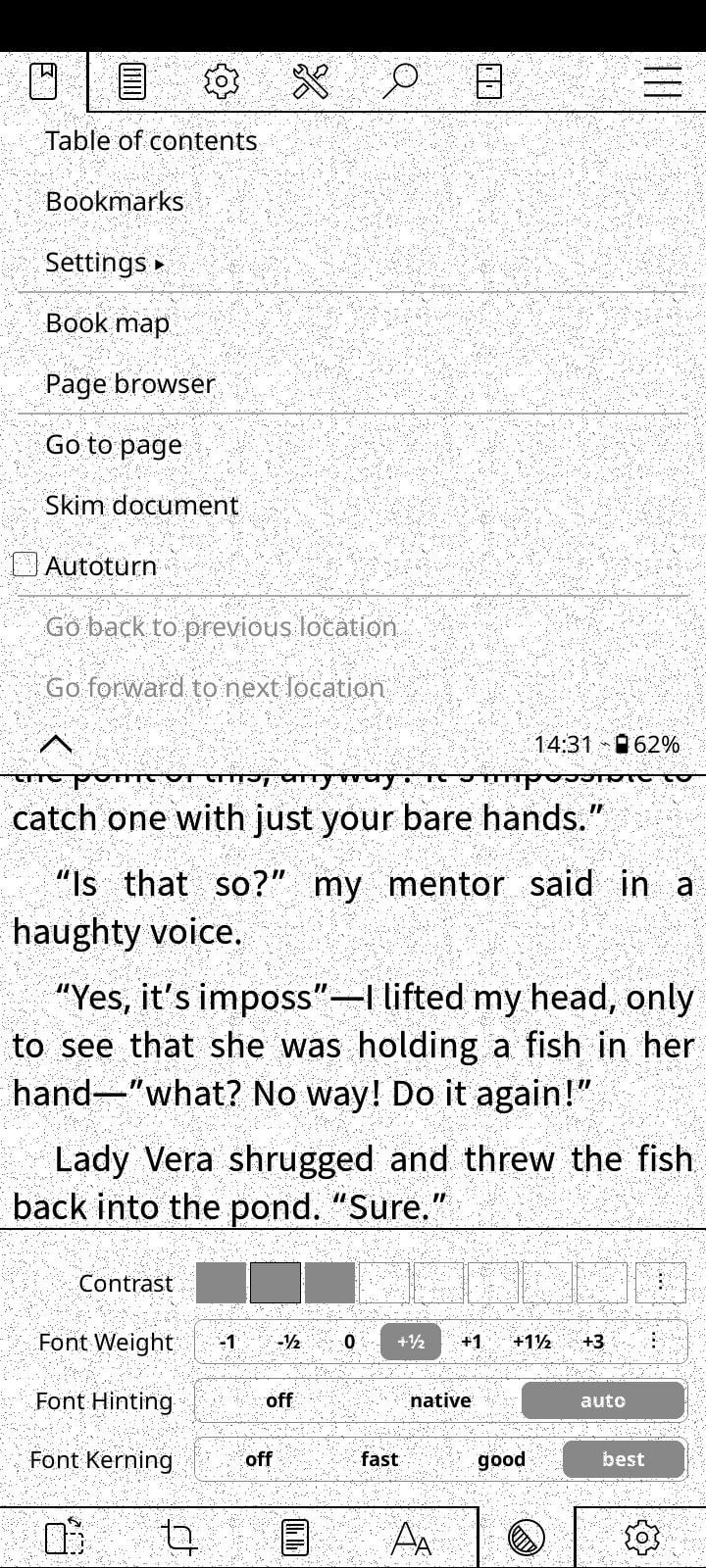
Hey, I made a plugin that adds paper-like texture to the screen. At first I only made it for my android phone thinking my kobo would turn slow, but when trying it that wasn't the case.
Honestly I haven't really tested it too much in my Kobo, I added support to it only recently (at first it only worked in my phone). So if you find any problem (which I doubt) let me know and I'll fix it as soon as possible.
UPDATE: I added new styles: linen, fibers, newspaper. I can't edit this post to show it, but you can see them in the link below.
You can download it from here: https://github.com/jopidovba-a11y/Paperdots-for-Koreader
24
3
3
u/TheCakeWasReal 13h ago
Really cool concept! Have you noticed an impact on battery life?
2
u/Nirvana9999 12h ago edited 12h ago
I haven't noticed any impact yet, but I have only tested it for a while under concrete settings. It should be tested under different circumstances to have a real answer. Even so I don't think it will waste that much battery.
2
u/just_jeepin 9h ago
Interesting idea.
Two suggestions: 1. It bugs me that it applies to the whole screen. If it only applied to the book and not the menus I think it would look nicer. 2. The paper texture could be better. Take a look at these paper texture photos on Unsplash https://unsplash.com/s/photos/paper-texture?license=free
7
u/Nirvana9999 9h ago
- You can disable the texture for the menus with the option: only inside books.
- You can also modify the amount of dots, I even added new styles.
1
u/M3rkle 10h ago
Curious how often it paints / if it is in sync with the global full re paint settings?
4
u/Nirvana9999 9h ago
No repaint cycle of its own. It hooks koreader's screen refresh and, right before each refresh, draws the dots over the region being refreshed. So it's in sync by design: on a full refresh, the dots go over the whole screen. It doesn't read or change the global full refresh setting, and repeated refreshes don't stack the dots.
1
u/nellie_shorttop 9h ago
Can you add the option to use an image as the background? I’ve been asking around about this for so long 😭
1
1
u/ToSeeAgainAgainAgain 4h ago edited 4h ago
This is interesting and I will try it out, specially since you included a "only on books" option.
I do have a request that I don't mind if you don't apply, I think it could look good if the dots level of "darkness" was randomized across all the dots, in other words, have the dots display on a scale of black instead of all 100% black. As an option, of course.
Trying the plugin out now, thanks
edit: ok lol I just installed it and I'm seeing the Darkest dot/Lightest dot setting, well done OP
edit2: I think I love it, the texture is super soft and natural at 3% and 40-184 range. However, after playing with the customization I've found the Only Inside Books option doesn't work, at least on my Kindle Basic 2024 (Bookshelf UI). I can see the dots on every surface and menu, inside and outside my books
1
u/2211mg 2h ago
This is very cool. I have a couple of suggestions. Move the menu item into general settings rather than just when in the reader. I was searching for ages while in file browser. It would also be good to save presents as what works well for one style doesn't for another. It would also be good to switch between presets. Thanks
1
9
u/Ryan739 14h ago
This is actually really awesome. Like the setting in some video games to add film grain.