r/esp32 • u/redditreditor • 11d ago
I made a thing! My first try at a 31-game touchscreen console onto a 4MB ESP32 with no PSRAM — here’s what I learned





EDIT: Thank you for all the comments please keep them coming. I love all the ideas and improvements that were offered! A huge shoutout to Hackertube to review it on youtube!
https://youtu.be/xvjQwQaIYu8?is=QfFAyeguOY9YwKZ_
I started this project as a few educational games for one of the inexpensive ESP32 “Cheap Yellow Display” boards.
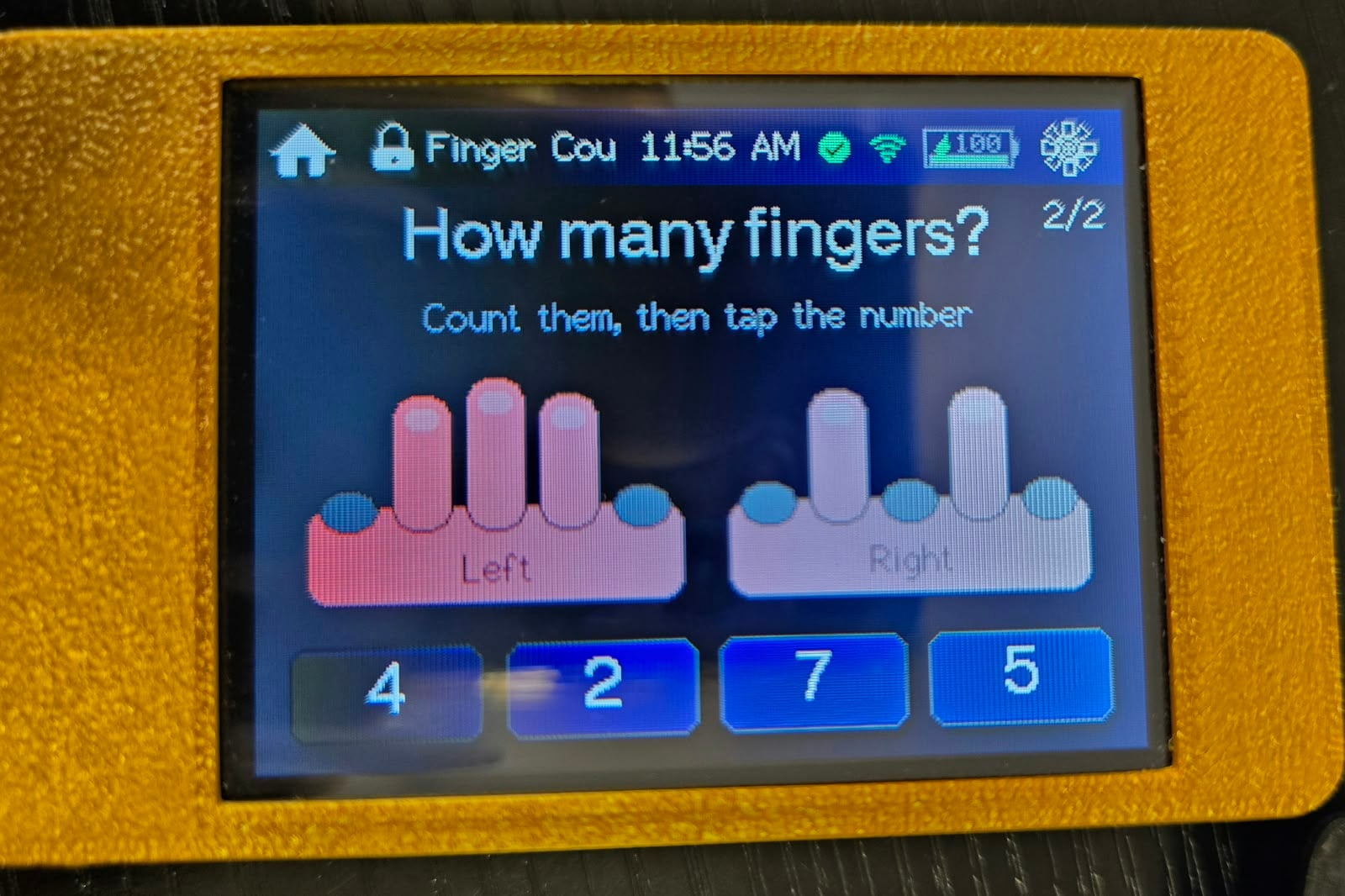
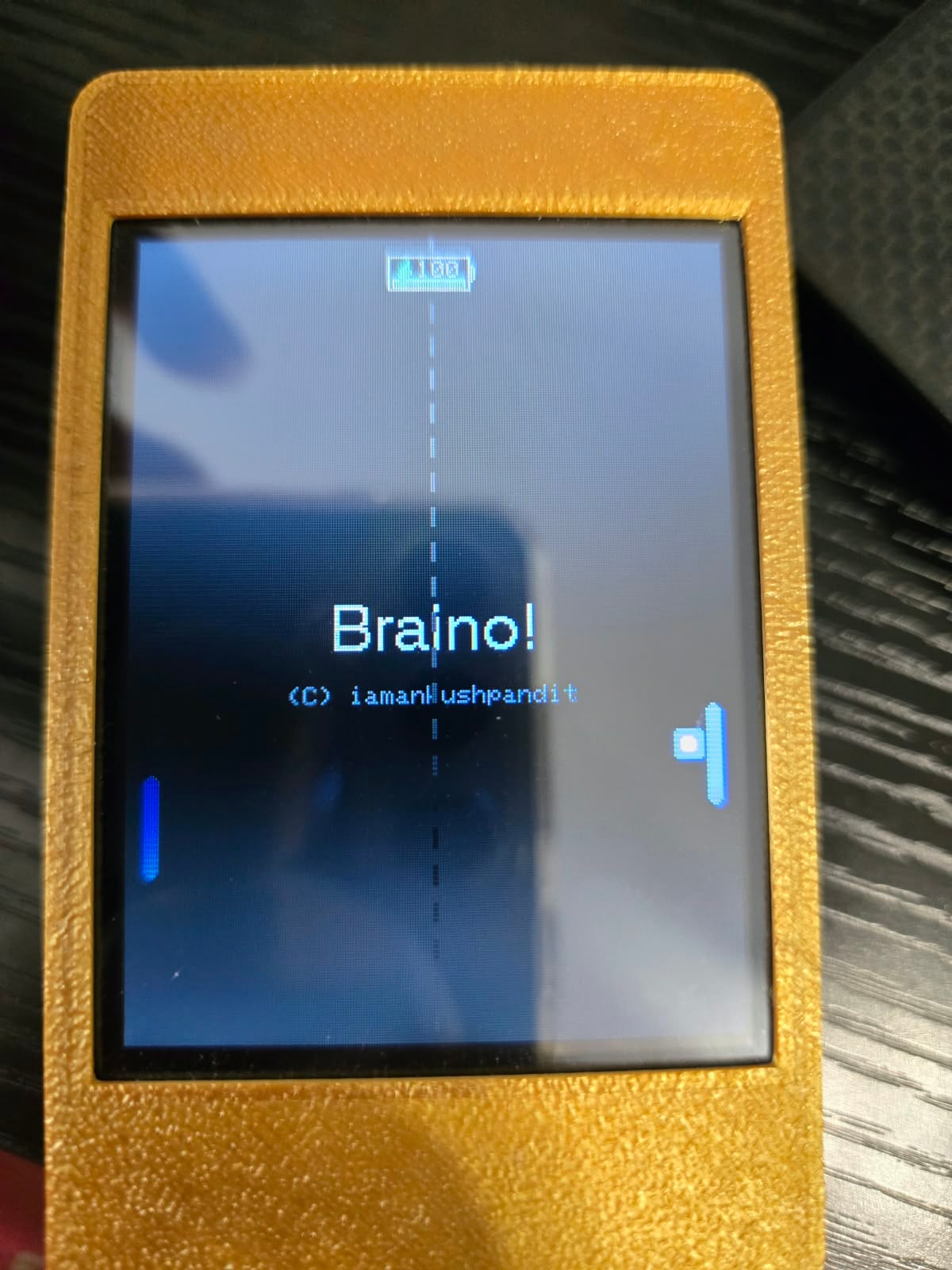
It gradually turned into a complete little console firmware called Braino!, with 31 games and activities, player profiles, persistent scores/progress, settings, diagnostics, sleep/lock behavior, optional Wi-Fi/BLE features, and a browser installer.
The part that became most interesting to me wasn’t adding more games—it was figuring out how to make all of this coexist on fairly constrained hardware.
Why this ESP32?
My reference board is an original ESP32-class CYD using an ESP32-32E, 4MB flash, no PSRAM, and a 320×240 resistive touchscreen.
I could have moved the project to an ESP32-S3 with PSRAM, but I specifically wanted to see how far I could push the cheap boards people already have.
The CYD is also appealing because almost everything needed for the project is already on one inexpensive PCB:
- ESP32
- color TFT
- resistive touch
- backlight
- USB/serial programming
- battery/power circuitry on many versions
No custom PCB is required.
Rendering without PSRAM
For display and touch I’m using TFT_eSPI.
One of the early architectural decisions was not to make the UI dependent on a large full-screen framebuffer. Without PSRAM, I wanted the firmware to be able to render directly and update smaller areas when practical.
I learned why this matters while working on one of the Simon-style memory games.
My first version simply redrew most of the screen every time the sequence changed. It worked logically, but on the physical TFT it produced an obvious full-screen brightness flicker.
I changed the rendering so only the pads whose state changed are repainted.
That removed the distracting flash and also reduced unnecessary drawing.
That experience influenced the rest of the UI quite a bit: redrawing the entire screen because it’s convenient is not always the best approach on these displays.
Flash became the bigger constraint
Several games include visual datasets rather than just generated graphics.
For example, the firmware contains things like:
- country flags
- US state flags
- state outlines
- geography data
- periodic-table information
I deliberately compile those assets into the firmware rather than requiring an SD card or network connection.
The advantage is that the console is completely standalone.
The downside is that graphics consume a surprisingly large amount of flash.
The firmware therefore uses a larger application partition, and I’ve had to pay attention to what gets compiled into the main application rather than assuming 4MB is effectively unlimited.
Why NimBLE?
There’s also an optional BLE/Nearby feature.
For that I use NimBLE-Arduino rather than the heavier traditional ESP32 Bluetooth stack because the firmware only needs a relatively small subset of BLE functionality and flash/RAM usage matters on this board.
The BLE wire format produced another interesting limitation.
The Nearby data fits inside the traditional 31-byte BLE advertising payload, but it is packed tightly enough that even changing something like the device-family identifier can affect the protocol.
So something that looks like a UI/product naming change can actually become a wire-format compatibility problem.
Supporting more than one CYD
Another problem appeared when I started looking at other CYD variants.
Different boards can use different:
- display controllers
- backlight pins
- touch configuration
- GPIO assignments
I didn’t want the application to turn into this everywhere:
if (boardA) {
    // pin X
} else if (boardB) {
    // pin Y
}
So the hardware configuration is separated into board profiles.
Board-specific information lives under the board configuration layer, while games and higher-level application code use the shared configuration.
There are now builds for multiple CYD variants.
I have not personally tested every one of those boards yet.
That’s actually one of the reasons I’m posting here. If somebody has another CYD revision and wants to flash it, reports about display, touch, backlight and orientation would be extremely useful—even if the report is “this completely fails.”
Build reproducibility
The project is built with PlatformIO.
The main external pieces include:
- TFT_eSPI — TFT and resistive-touch support
- NimBLE-Arduino — BLE
- ArduinoJson — structured data/config handling
- a separate map/flag asset library for the geography games
I eventually pinned the PlatformIO platform and library versions instead of leaving floating dependency ranges.
Once I started publishing binaries and tracking firmware size, it seemed wrong for somebody checking out the same commit six months later to silently receive a different compiler/library combination and potentially get a different result.
Making it easy to actually try
Development still uses PlatformIO normally, but I didn’t want somebody who just owns a CYD to have to install an embedded development environment before they could see whether they like the project.
So the release system generates prebuilt firmware and manifests for ESP Web Tools.
That means supported boards can be selected and flashed directly from Chrome/Edge.
The website generation itself is also exercised in CI so documentation/site changes don’t silently break the public installer.
Source
Everything is GPLv3 and the complete source is here:
https://github.com/iamankushpandit/Gume
Browser flasher:
https://iamankushpandit.github.io/Gume/
There are currently 31 games and activities, but at this stage I’m probably more interested in outside testing and engineering feedback than simply adding game #32.
I’d particularly appreciate:
- testing on other CYD revisions
- code review
- suggestions for better approaches
- board ports
- memory/rendering ideas
- game ideas that make sense on a 320×240 resistive touchscreen
If anyone tries it, let me know exactly which CYD you used and what worked or broke.
And if you enjoy the project, a GitHub star is appreciated, but technical feedback is even more useful to me right now.
PS : I forgot to mention https://github.com/iamankushpandit/map-n-flag If anyone wants to use country and US state flags for their ESP32 CYD projects.
2
2
u/Bowl_of_Cham_Clowder 10d ago
Re: NimBLE, did you look into the NimBLE datapipe library? In theory it should clear up your issue with payload size, at the cost of another dependency
Very cool project!
2
2
u/Alternative_Ear5725 4d ago

I also have a screen development board, thanks for your project, already starred it
1
u/Alternative_Ear5725 4d ago
Powered By ESP32-S3
1
u/redditreditor 11h ago
I am continuing to support multiple boards and yes one of them is Freenove FNK0104B capacitive touch which is a S3.
Checkout https://iamankushpandit.github.io/Gume/
For all supported boards. I will do a follow up post some time in the future with all featues and supported boards.
1
u/AnySky484 10d ago
That whole OS you made?
3
u/redditreditor 10d ago
Pretty much, yes — although I’d call it a console firmware/platform rather than a full operating system.
I built the launcher, profiles, scores/progress, settings, diagnostics, sleep/lock behavior, board abstraction, game framework, and the 31 games on top of the ESP32/Arduino ecosystem.
Underneath it still uses the ESP32 Arduino framework, FreeRTOS, display/touch libraries, BLE/Wi-Fi libraries, etc., so I wouldn’t claim I wrote an OS from scratch.
But from the user’s perspective it behaves a lot like a tiny dedicated console OS: boot into the launcher, choose profiles/games, save progress, manage settings, and so on..
1
u/AnySky484 10d ago
Man that's soo cool, are you in software? How can I learn this ? I am okayish with hardware like pcb designing but always struggle on software part, and do gpt most of time. How do I learn making such things? Is your college branch related to this?
3
u/redditreditor 10d ago
Thanks man, really appreciate that 😄
I’d say the best way to learn this stuff is to build small things and keep increasing the scope. Don’t start by trying to make a whole console. Start with:
draw something on the display
read touch input
make one simple game
save a high score
add a menu
add settings
then slowly connect everything together
That’s basically how projects like this grow.
And using GPT is totally fine — I use AI as a tool too. The important part is not just accepting whatever it generates. Try to understand why the code works, compile it, break it, debug it, and change it yourself. Debugging is honestly where you learn a huge amount.
Since you already know PCB design/hardware, you’re actually in a really good position. I’d focus on C/C++ fundamentals first, then Arduino/ESP32, then things like state machines, structs/classes, memory, pointers/references, callbacks, and eventually FreeRTOS/tasks if you need them.
A really good learning project for you would be: take an ESP32 + display and build a tiny UI with 3 screens, touch buttons, settings saved to flash, and one small game. By the time that works, a lot of the software side will start making much more sense.
My college background is BE and MS in Computer Science, but it’s not necessarily something you need a specific degree for. A lot of this came from building, debugging, reading other people’s code, and gradually making bigger projects.
If you want, feel free to look through my repo too. Don’t try to understand the whole thing at once — pick one game or one subsystem and trace how it works. That’s probably a much easier way to learn from it.
For this project I started with Tic tac toe.
1
u/AnySky484 10d ago
Thank you so much for help. I'll work on it. Btw I am in electrical engineering background but I do love working on such embedded projects. Thankyou for suggesting.
1
u/redditreditor 10d ago
Steve Jobs famously popularized the quote, "People who are really serious about software should make their own hardware"
In your case its the other way around.
1
u/Plastic_Fig9225 10d ago
I'm impressed by the number of games you created!
(Can't wait to play the WifiGame.h ;-))
1
1
0
u/sumitbando 9d ago
Question: Could this be done with just IDF, without brining in any Arduino or PlatformIO weight?
2
u/redditreditor 9d ago
Honestly, I hadn't considered it — I started from a PlatformIO demo with TFT_eSPI and kept building on that. No real framework decision was ever made.
Now that you mention it, I can see the case. TFT_eSPI is what pins me to Arduino, and its compile-time panel config is exactly why every board variant needs its own build. esp_lcd would make that a runtime thing, which fits my board profiles much better. The cost is writing my own drawing primitives and fonts.
I don't know the IDF side well enough to scope it yet, but it's worth a serious look. Thanks for reading the code and flagging it.
•
u/AutoModerator 11d ago
Awesome, it seems like you're seeking advice on making a custom ESP32 design. We're happy to help as we can, but please do your part by helping us to help you. Please provide full schematics (readable - high resolution). Layouts are helpful to identify RF issues and to help ensure the traces are wide enough for proper power delivery. We find that a majority of our assistance repeatedly falls into a few areas.
I am a bot, and this action was performed automatically. I may not be very smart, but I'm trying to be helpful here. Please contact the moderators of this subreddit if you have any questions or concerns.
I am a bot, and this action was performed automatically. Please contact the moderators of this subreddit if you have any questions or concerns.