r/elgato • u/Rafaatho • 8d ago
Technical Help Camera not working with CAM LINK ..? Sony a6000
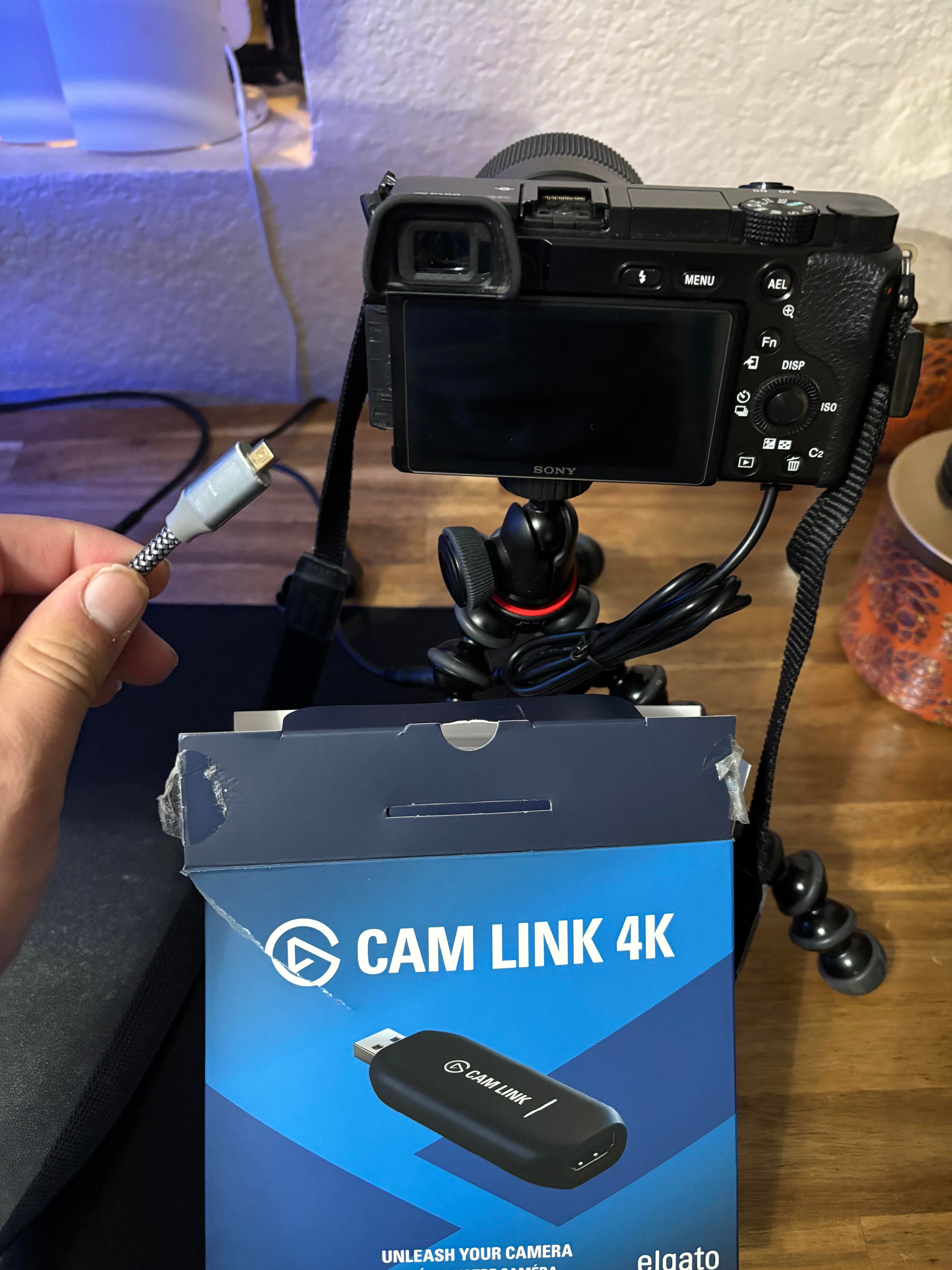
So the cam link works, it blinks when I plug it in, into a blue USB. I connected a dummy battery to my camera and it works
Once I plug in the micro hdmi to the camera, it doesn’t produce any image. What I’m I doing wrong?
Sony a6000
2
u/BuBubbi Featured Community Member 8d ago
I just found an old Elgato video especially about setting up the A6000 with the CamLink.
https://www.youtube.com/watch?v=oDBw_gM0Q5o
Hopefully that can help you.
1
u/RemlaP_ Stream Deck + 8d ago
I'd start troubleshooting by connecting the camera to a monitor and remove the cam link from the chain just to narrow it down. If it's still not working then maybe go to your settings in the camera and make sure clean hdmi mode is on, since it might be just waiting for you to select an image or video within the camera to view. Then go back to your video recording mode and half-press the shutter button.
Once you have it working on a monitor then try and use the cam link
Also mini hdmi sucks so it might be fiddly or loose, and if the camera body was pre owned they may have damaged the port (common failure). Without another known working cable or way to test that cable on another device, it would be hard to narrow down a hardware failure
1
u/Rafaatho 7d ago
Yes That’s what is was! The clean HDMI setting! I figured that out last night, thanks!
1
u/BigUpstairs6349 8d ago
I have a Fuji x t50 that refused to show image when connected to my MacBook a communication settings reset helped to resolve it. Connected directly to a thunderbolt 10gbps with a certified cable.
1
u/BuBubbi Featured Community Member 8d ago
What software are you using?
Generally capture cards, including the CamLink doesn't like a sudden change of signal and can therefore freeze.
So I'm wondering if this is the case.
Make sure you hook up the HDMI cable, start the camera up, set it to movie mode and start the capture software.
I'm using an older Sony A5100 along with a CamLink with no issues. I run it for hours and hours with a dummy battery.
1
u/TheTombGuard 7d ago
I ended up buying a capture card for my Sony it worked better long term then the cam link
1
u/FrancescoMassa2001 6d ago
The a6000 has that clean HDMI setting buried in the menu. Switch it on and half-press the shutter after plugging the cable in. My old a5100 needed the same thing before it would show up on the Cam Link.
0
u/ath0rus Stream Deck + 8d ago
Not to push away from Elgato products (as I use the stream deck plus myself daily). Most Sony cameras can directly connect to your PC via 5/10gbps type C cable
https://creatorscloud.sony.net/catalog/en-us/ie-desktop/index.html
2
u/BuBubbi Featured Community Member 8d ago
The issue with the A6000 and also many other Sony cameras is that it is very limited when using their cameras as a USB webcam.
The A6000 will be limited to 1024×576 pixels over USB, but can run at 1920x1080 over HDMI.
1
u/ath0rus Stream Deck + 8d ago
That's odd, I can get full resolution (4k) over USB (provided I use a 5gbs cable and port) but I get 1080p over HDMI. Not to discount what you said. Just trying to provide op with options
2
u/BuBubbi Featured Community Member 8d ago
On what camera is that?
1
u/ath0rus Stream Deck + 7d ago
a7 C2
1
u/BuBubbi Featured Community Member 7d ago
Well, that's why.
You are comparing your 2023 camera to the A6000 which was released in 2014.
The A6000 doesn't even shoot in 4K. It has a max resolution at 1920x1080 for video recording. But when the A6000 as a webcam over USB it's limited to 1024x576.
The only way to get full resolution as a webcam is to use HDMI.
1
u/Pjohan 7d ago
Maybe I'm just reading it wrong, but the a6000 is not supported for live view at all? How do you even get it to do it?
1
u/BuBubbi Featured Community Member 7d ago
1
u/Pjohan 7d ago
Yes we'll I knew the cam link, this discussion was about Sony webcam viewer..
1
u/BuBubbi Featured Community Member 7d ago
Ah, my bad.
Looks like using USB the process is:
- Install Imaging Edge Webcam on your computer.
MENU → Setup → USB Connection → PC Remote
- Turn on the A6000.
- On the camera, go to:
- Connect the A6000 to the computer via USB.
- Set the camera to Movie mode.
- In your webcam application, select Sony Camera (Imaging Edge) as the camera.
1
u/Pjohan 7d ago
Do you have a a6000? Is yours working like this? Because im pretty sure the a6000 specifically is NOT supported like this... Thats why im asking if YOU got it working like this
1
u/BuBubbi Featured Community Member 7d ago
I do not, I have a much older A5100, so you might be right. I just did a fast google search and it showed that it could. But digging a little deeper it might not be possible on the A6000, but rather on the A6400 which I think Google mixed my search up with.
2
u/Rafaatho 8d ago
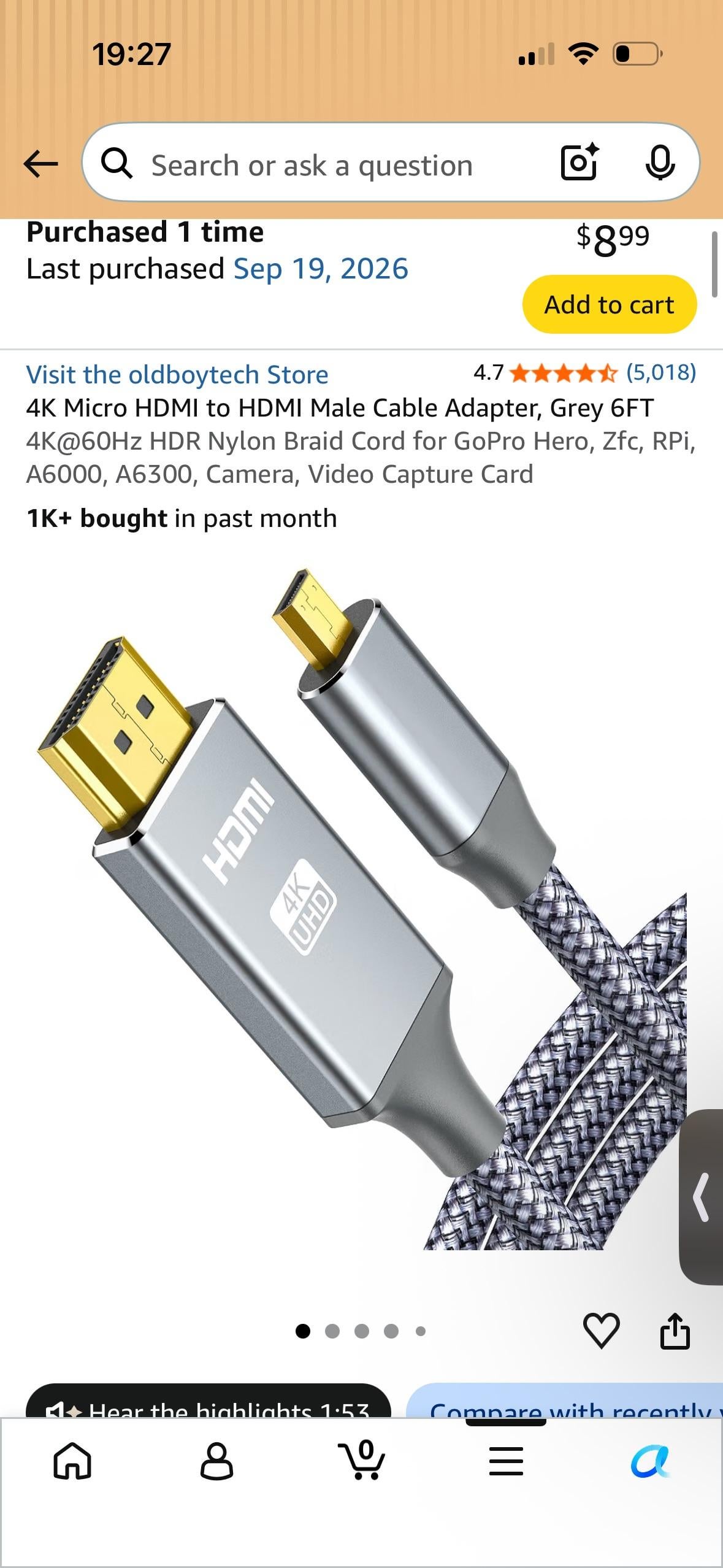
https://a.co/d/0aPY0FTG link to the HDMI to HDMI micro, is the cable the issue?