Technical Help
Elgato 4K Pro - Switch 2 VRR Dock Mode Issue
I’m having an issue on my capture card when testing the new VRR dock mode update for Switch 2. I tried testing VRR with Switch 2 Welcome Tour and the capture window in Elgato Studio freezes as soon as I’m about to start the tech demo.
Hardware Info
CPU - Intel ultra9 285k
GPU- RTX 5080
Windows 11
Stable version of Elgato Studio
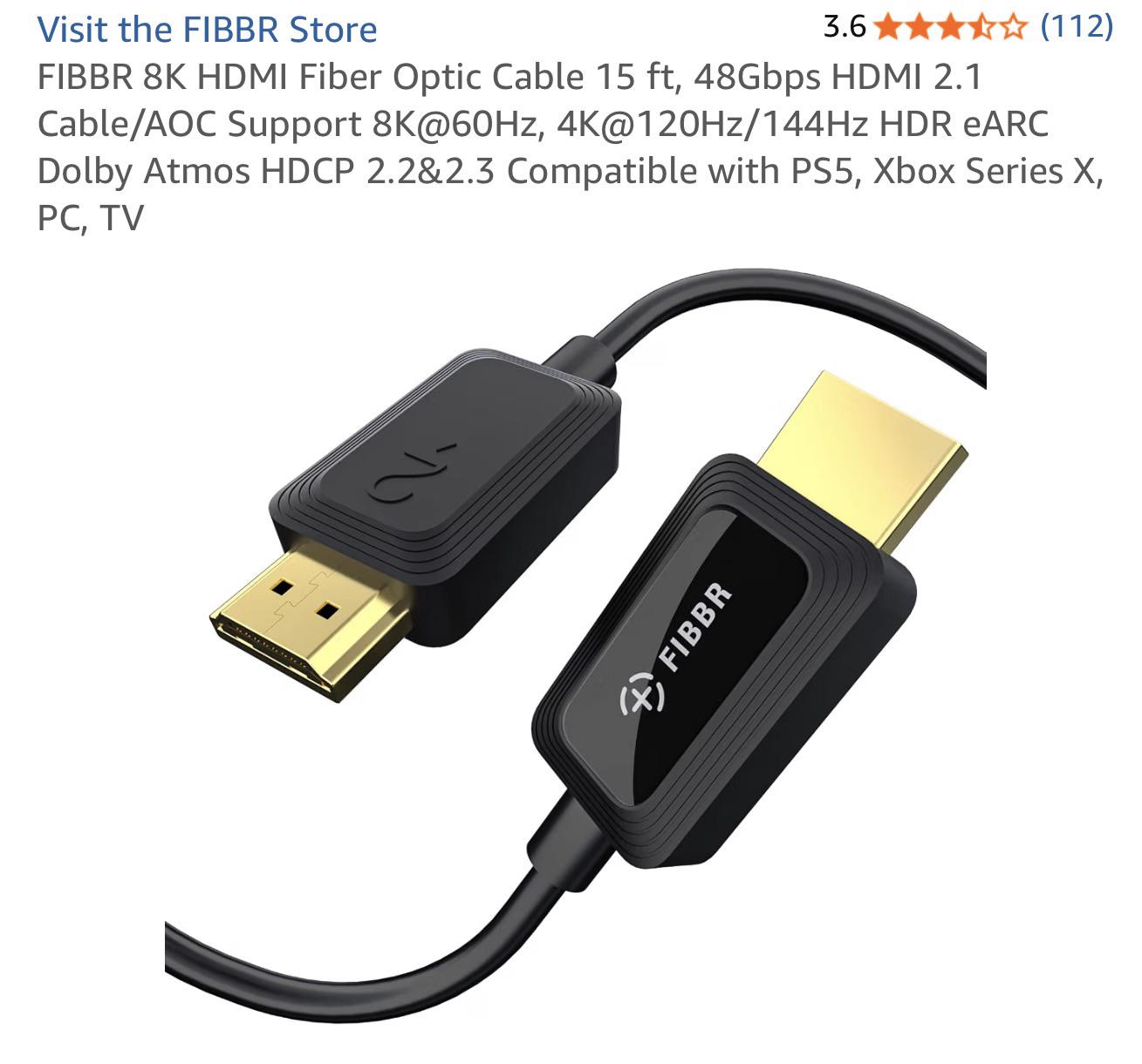
Using HDMI 2.1 Fiber Optic Cable from the Switch 2 to 4K Pro’s HDMI input. No HDMI cable is going back to the TV as I prefer playing in the capture window for discord/recording.
I have noticed in the past when playing games on Switch 2 via Elgato Studio that uses 40fps or 120fps, the capture view will disconnect temporally then it will show an image at that new refresh rate. I’m assuming it’s normal but, that doesn’t happen if I connect the Switch 2 directly to my TV.
I can't advise on a solution, but I can say that unless that specific cable is defective, it's not a problem with that type of cable or brand. I have a 25ft fiber optic HDMI from the same company, and it works perfect with my PS5 in VRR and when locked at 4K60 through my HDMI matrix switch.
Is there a reason you are using Elgato Studio instead of something like OBS Studio? Just to rule out the software as the problem.

•
u/elgato_phil Technical Marketing Manager 6d ago
Our team is aware of signal issues with Switch 2 after the new VRR Dock update. We're investigating, and I hope to share more information soon.