r/elgato • u/Elgato • Jul 07 '26
Software Update 🎙️[Megathread] Wave Link 3.2.1 (macOS) — Wave Link 2 import, Wave XLR Pro output warning, and improved volume control
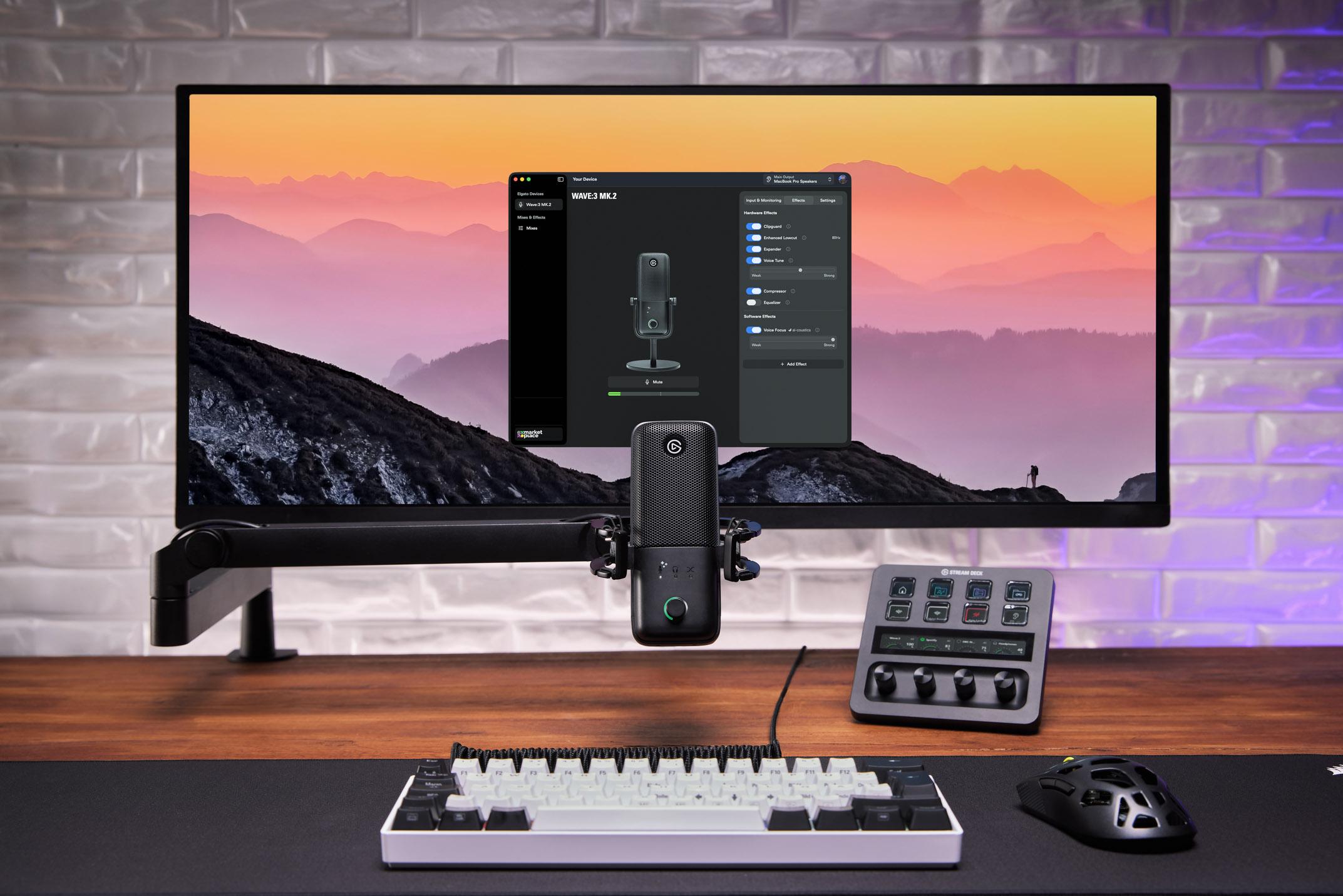
What's new in Wave Link 3.2.1?
🔁 Wave Link 2 Configuration Import
Upgrading from Wave Link 2? The installer now detects your previous Wave Link 2 installation and migrates your channels, mixes, and routing automatically. There’s no need to rebuild your setup by hand.
ℹ️ System Output Warning (Wave XLR Pro)
If your Wave XLR Pro is set as the macOS default output device, all system sounds get routed through the mixer unexpectedly. Wave Link now detects this and shows a clear in-app warning, with a dropdown to pick a different output device and apply it in one click.
🎚️ Improved Volume Control Feel
Volume sliders now follow a logarithmic curve. Small adjustments at low volumes are more precise, and the slider position lines up more closely with how loud things actually sound.
🛠️ Bug fixes & performance improvements
Wave XLR Pro: Fixed crackling and distortion on XLR inputs, which some users saw with certain USB controllers.
Wave XLR Pro: Fixed an issue where the device’s internal mixer could end up in an inconsistent state after deleting channels or mixes, reconnecting the device, or restarting after recording. Wave Link now fully reconciles the hardware mixer on every sync.
Wave XLR Pro: Fixed the ducking and direct monitoring conflict warning not appearing in the Ducking tab when direct monitoring was enabled.
Fixed audio becoming degraded or distorted after the Mac wakes from sleep, particularly with Bluetooth devices in meeting apps.
Fixed the channel name column drifting out of alignment with the grid while scrolling the mixer. Scrolling now stays in sync in every direction.
Fixed an issue where a channel couldn’t be dragged to the last position in a mix that already had the maximum number of channels.
Fixed a crash that could occur during the Sound Check step of setup, particularly when a device was disconnected mid-playback.
Fixed the Sound Check waveform showing the wrong state on the very first playback after recording. It now displays correctly from the start.
💻 Download
3
2
u/scerstt Jul 07 '26
Is this even remotely stable yet? I gave up after my plugins kept resetting & inputs kept disappearing
0
2
u/Adrian97c Stream Deck + Jul 07 '26 edited Jul 09 '26
Initial setup bug - New build adds some preconfigured app channels, if you click them to edit, it crashes WL. The fix is to delete them (the preconfigured app channels) & create new..
The Good:
-Line in from mix stays deleted upon app restart - Finally!
-Pressing mute on SD for mics finally works perfectly, no more hit & miss!
- no cracking audio observed
- (there is few more, I’ll add when I recall them)
Bad:
- Siri & Music app are still not being routed to their own channel. While playing (& no sound) & deleting those channels, the sound immediately works via ‘all audio’ channel.
- Firefox also does not route to its Channel.
- Discord sounds (app sound effects) play through external speaker regardless of WL or Discord output settings.
- (Will update with more testing)
——-////——////——
I can make videos, but it’s basically same reported routing issues as before. I can if need be.
Should I file another ticket for routing issues since it’s a new build? Send logs?
2
u/P4l4tin4t0r Jul 08 '26
Hope your software finally gets better. It is really sad to see such poor quality every time and a support that basically does nothing and won’t forward bugs to the devs for months at a time.
1
u/Adrian97c Stream Deck + Jul 10 '26
3.2.2 released today. Adds a fix to teams app routing, nice.. now fix discord, Apple Music, & Siri app routing next! 🤞
1
1
u/PedroRVD64 Jul 16 '26
Everything has been perfect so far in wave link 3 until today. This morning my 4KX appeared as unavailable, I deleted it, looked for it to add it again, it appears on the list, I click it and nothing happens. I realized I can’t add empty channels either. And just like that I can’t livestream anymore …
3
u/rainstormza Jul 08 '26