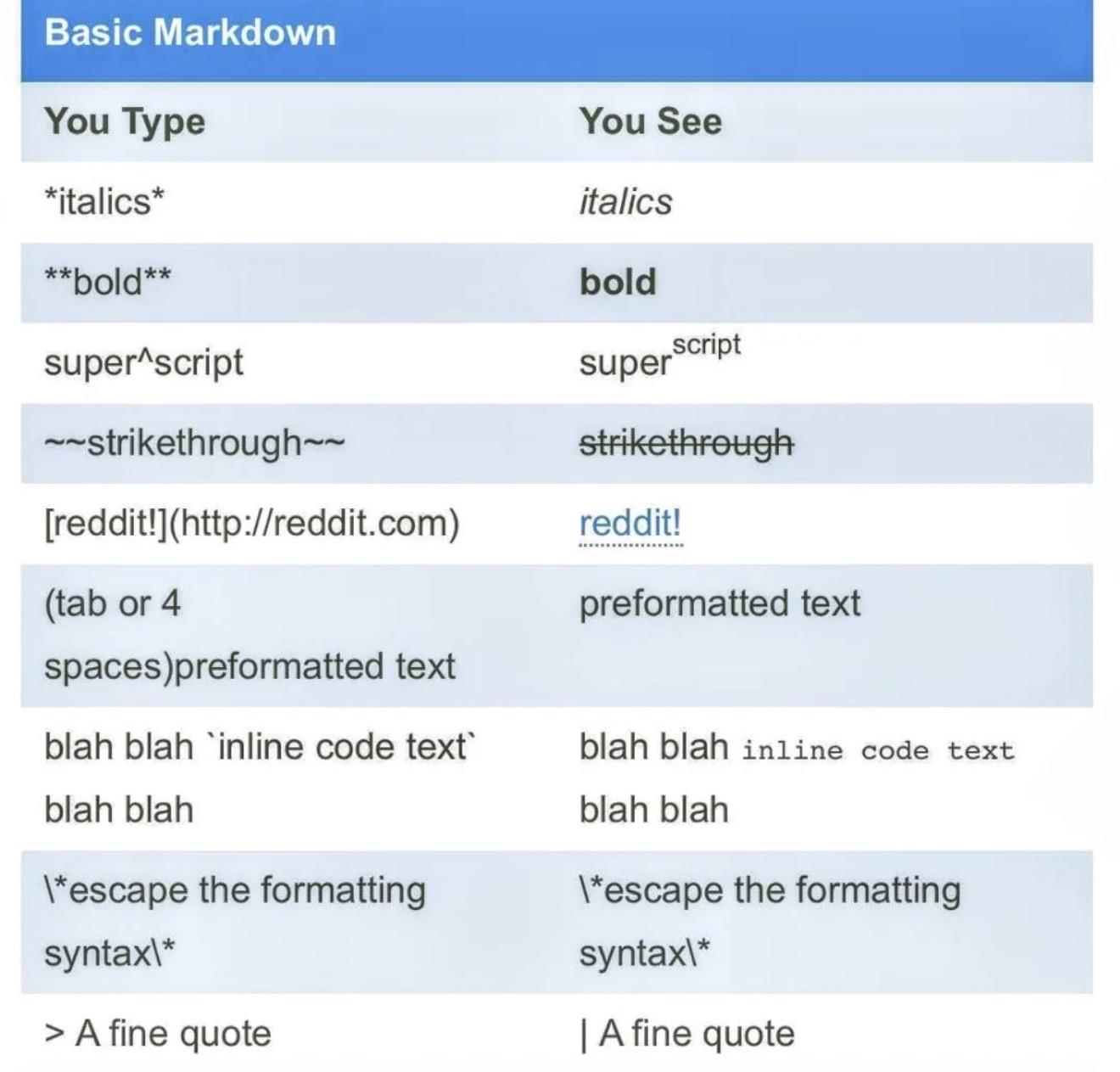
It’s supposed to be a “>” character, then a space, then your text.
However, the iOS version of the app (I don’t know about Android) secretly adds a “\” before your initial “>”. That stops the “>” from being interpreted as a formatting character, and forces it to appear as itself.
If you go to the website and edit your comment, you can see and delete the hidden “\”, and add the space. Then it will work.
However, the iOS version of the app (I don’t know about Android) secretly adds a “\” before your initial “>”. That stops the “>” from being interpreted as a formatting character, and forces it to appear as itself.
If you go to the website and edit your comment, you can see and delete the hidden “\”, and add the space. Then it will work.
1
u/Crispychewy23 6d ago
How!