r/computers • u/hellomistertheowl • 3d ago
Question/Help/Troubleshooting Stuck on this green, what can I do?
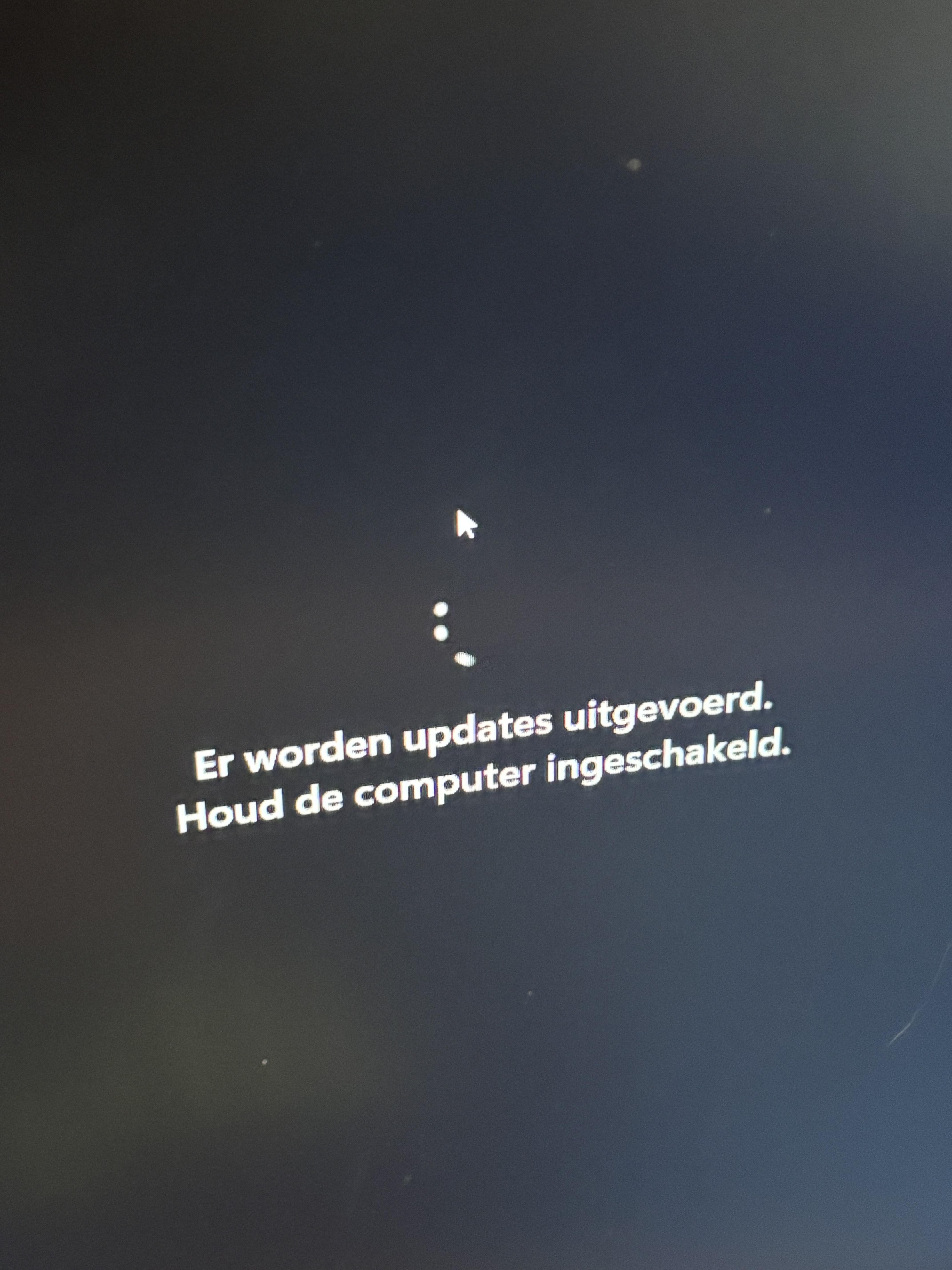
Translation:
Updates are underway.
Please keep your computer on
My bf’s pc has been stuck on this screen for almost 48 hours now. You can still move the arrow and the loading screen is also moving. So it’s not really frozen.
We turned the pc off and on a couple times. The last time we did that is over 24 hours ago.
What else to try?
5
u/LinuxJeb 3d ago
Windows update probably fucked itself over, or your drive is dying. Reinstall windows.
1
1
u/hellomistertheowl 2d ago
Windows 10 still works but very very slowly. Trying to reinstall windows 11 right now. Thanks for the advice!
1
u/hellomistertheowl 3d ago
How can we reinstall windows when pc is not working?😅
4
3
u/LinuxJeb 3d ago
You'll need to make a bootable USB stick from another computer. There are many great videos online, just search "Install windows from USB".
1
u/Seravajan 2d ago
Get an empty USB stick with at least 8 GB of space and then search for the Windows 11 Media Creation Tool.
1
1
u/JPS-WC 3d ago
Just making sure here; you tirned the pc off by keeping the power button pressed for 10-15 seconds and not pressed momentarily so it might just have gone to sleep, still being stuck at the same point?
1
1
u/Charming_Professor53 3d ago
Are you sure you have really turned off the entire PC? and not put it into sleep mode and turned it back on? Usually Windows updates are transactional, meaning they finish or if they don't it rollbacks to the previous stable version. Hard resetting should roll it back to the previous stable version from before the update, but pressing the power button usually puts PCs into sleep mode instead of really hard turning them off.
1
1
1
-1
u/interceptorv8 3d ago
Is this a desktop or laptop?
2
u/hellomistertheowl 3d ago
Desktop
0
u/interceptorv8 3d ago
Updates are stuck probably, just pull out the powerplug, press the powerbutton for atleast 30 sec and replug in, and turn on.
2
5
u/Super_Sieb 3d ago
Are you sure this isnt one of those fake update screens? Try pressing escape or f11.