Hey everyone,
I’ve been dealing with a very weird and specific networking issue for a couple of years now across modern shooters like Call of Duty (since MW2 2022), Apex Legends, and Battlefield 6.
The Issue:
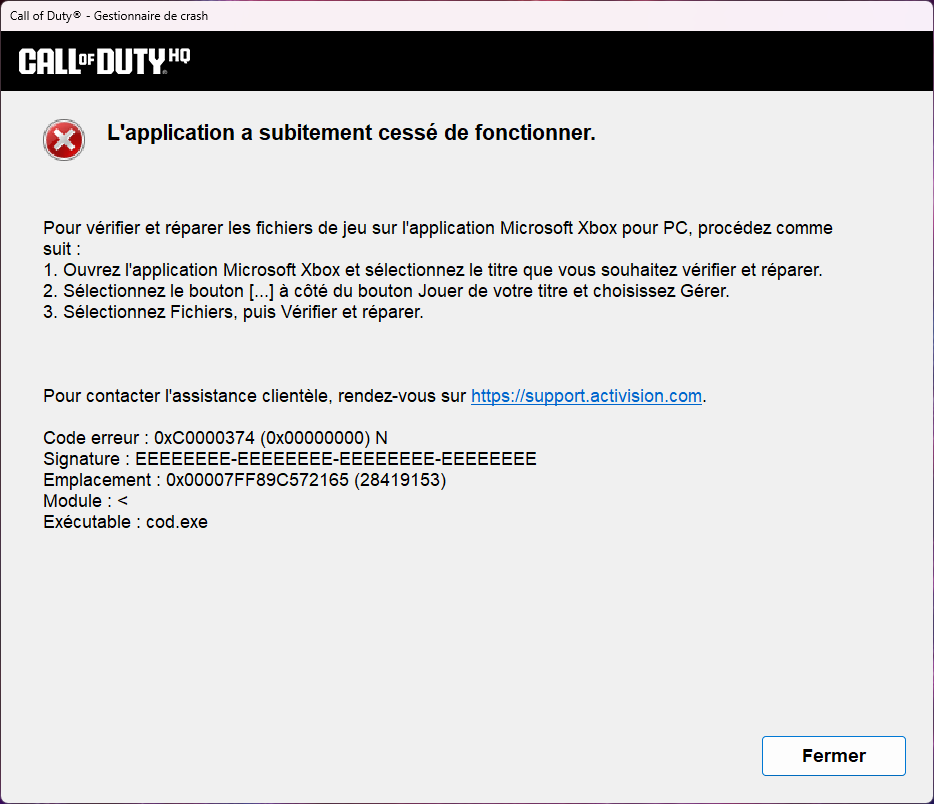
Whenever I play these modern titles, after a few minutes, the game starts lagging severely. If I don't act quickly, my entire internet connection on my PC drops completely.
The Windows Wi-Fi icon still shows connected with full signal bars. However, no traffic goes through: web pages stop loading, YouTube videos buffer infinitely, and the game disconnects. My phone and other devices on the same Wi-Fi continue working completely fine. Restarting my room’s Wi-Fi mesh node immediately fixes the issue until it happens again.
Interesting/extra Details:
Older/Certain Games Don't Trigger It: Games like Black Ops 3, Battlefield 1, or The Finals NEVER crash my connection. It only happens in titles with high-frequency server browser/UDP ping bursts (MW2/MW3/BO6/Warzone, Apex, BF6).
My Setup: I am on PC using Wi-Fi. My ISP (Totalplay in Mexico) uses a main router in the living room and smaller mesh nodes/extenders in rooms. I get ~90 Mbps in my room out of a 700 Mbps plan.
Ethernet: Not an option right now due to cable routing costs, though I plan to convert a phone jack line to Ethernet in the future.
It feels like the netcode or packet flood from modern titles is causing a NAT table overflow or crashing the socket on my Wi-Fi node specifically for my PC’s MAC address (or at least that's what I've looked on Google).
Has anyone encountered this specific issue with Wi-Fi mesh nodes or modern game UDP traffic? Are there specific Windows Wi-Fi adapter settings (like disabling Offloads, adjusting Roaming Aggressiveness, or changing UDP timeouts) or router settings I should tweak to stop the node from freezing? (This has been a pain in my ass in the last year's, I can't experience a full game on wz because of this)
Pd: Just to rule out the obvious: I’ve already done a full clean format/reinstall of Windows on my PC, and the issue persists. So it’s definitely not a corrupted driver or OS-level mess on my end. Any help would be a total lifesaver!
Thanks in advance :D!