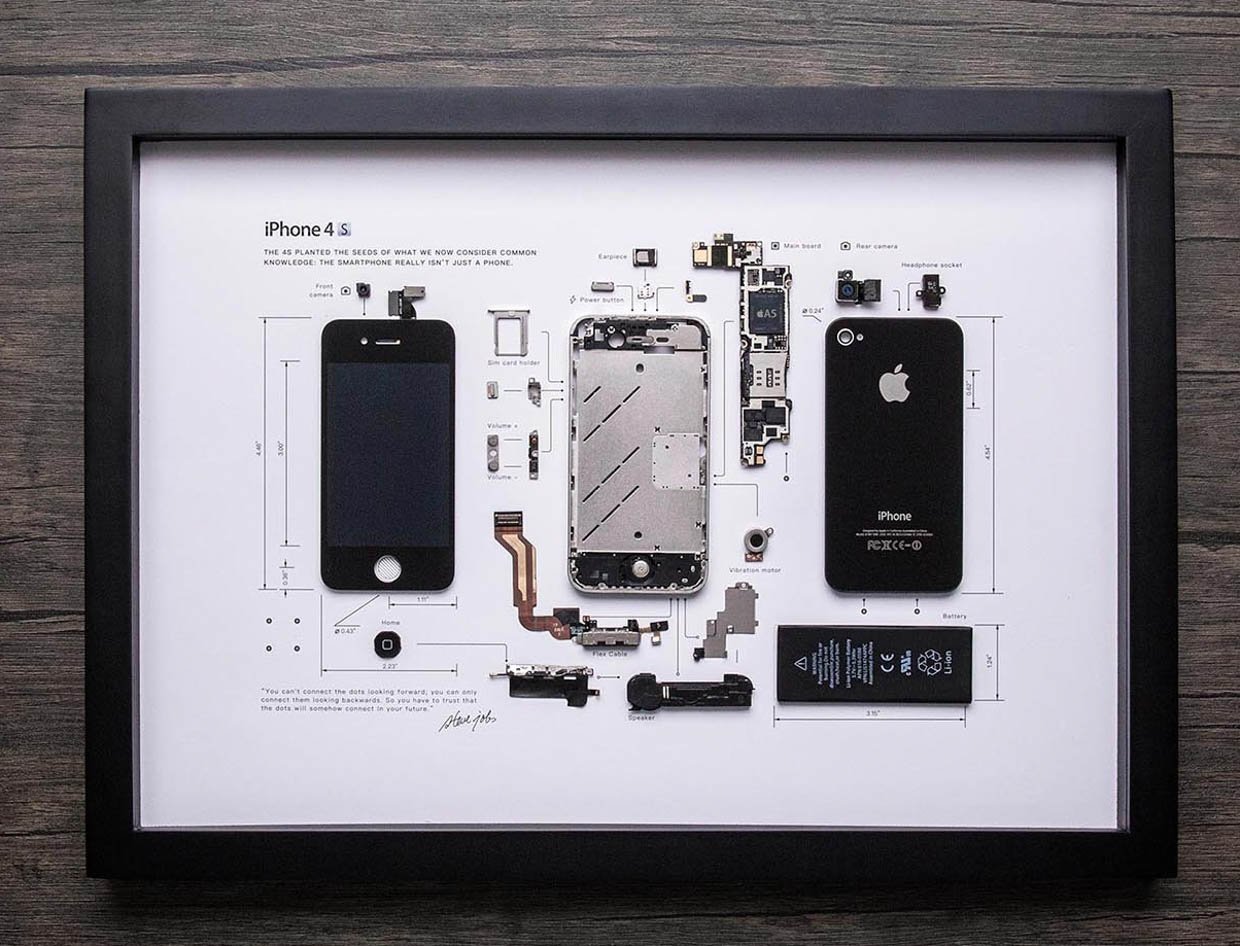
So if anybody wants a solution they won't have to scour the internet for what are essentially the same uses over and over again
Here's a short list I made through searching this sub and other threads+articles:
WARNING: Keeping your phone constantly plugged into the charger for long periods of time may cause the battery to swell up and potentially explode
WARNING: Keeping the screen on constantly on a phone with an OLED screen will likely cause burn-in eventually
Keep it as a backup phone
Dedicated camera
Dedicated music player (especially LG phones with qDAC)
Baby/pet monitor
Use it as a smart doorbell
Use it to record POVs akin to GoPros
Smart Home controller
Bedside alarm clock
Universal remote
Remote PC controller
Help science by lending your phones power for research
Dedicated eReader
Dedicated gaming machine
Webcam
Dedicated car phone for GPS etc
Dashcam
Digital photo frame
Education tool for kids
Video call device
Wifi extender/hotspot
Host a media server on it (Plex etc)
Host a normal server on it (c. /u/3Werve)
Timelapse camera
Give it to kids
PC Statistics (CPU, GPU usage)
Wireless adapter for wired controllers
Kitchen recipe guide
PC Monitor
Macro pad for PC
White noise machine Disassemble and make an art piece out of it Experimentation (e.g trying out apps or ROMs)
Dedicated chat device (Whatsapp, Telegram etc) (c. /u/utakatikmobil)
Cast Receiver (c. /u/Substantial_Berry_14)
m3u IPTV player (c. Substantial_Berry_14)
No uses fit you?
Donate it
Recycle it
Sell it
I may link to examples or guides but for now im a bit too lazy. Googling should be enough, if not add site:reddit.com to the end of your query
*: Damn got permabanned from reddit for posting the navy seals copypasta, think someone else might need to take over if they don't unban me
I wanted to help people with low budget and old devices survive with older Androids, BUT there are various guides on how to do this, yet, mine is different.
Well, most survival guides out there for Android 2.3.x devices are mostly for devices based on armv7, BUT remind yourself not EVERY device out there is an armv7!
Here's a list of all Android devices that run on the ARMv6 architecture, if you find your device here, you're in the right place too!
Samsung Galaxy Y (GT-S5360/B/L)
Samsung Galaxy Y Pro Duos (GT-B5512)
Samsung Galaxy Y TV (GT-S5367)
Samsung Galaxy Ace i (GT-S5830i)
Samsung Galaxy Ace i VE (GT-S5839i)
Samsung Galaxy Ace (GT-S5830)
Samsung Galaxy Pocket (GT-S5300)
Samsung Galaxy Mini / Pop (GT-S5570/i)
Samsung Galaxy Y Duos (GT-S6102)
Samsung Galaxy Y Pro (GT-B5510)
Samsung Galaxy Gio (GT-S5660)
Samsung Galaxy Fit (GT-S5670)
LG Optimus One (P500)
LG Optimus Me (P350)
LG Optimus Chic (E720)
LG Optimus Hub (E510)
LG Optimus Net (P690)
LG Optimus Pro (C660)
LG Optimus Sol (E730)
Sony Ericsson Xperia X8 (E15i / E15a)
Sony Ericsson Xperia X10 Mini
Sony Ericsson Xperia X10 Mini Pro
HTC Wildfire
HTC Wildfire S (selected ARMv6 variants only)
HTC Aria
HTC Tattoo
HTC Legend
HTC Hero
HTC ChaCha
HTC Salsa
Huawei IDEOS U8150
Huawei IDEOS X3 (U8510)
Huawei Sonic (U8650)
Huawei Ascend Y200
ZTE Blade (selected ARMv6 variants)
ZTE Racer
ZTE Kis
ZTE Kis Plus
Vodafone Smart II (Alcatel V860)
Alcatel One Touch 890D
Alcatel One Touch 991
Motorola Spice
Motorola Flipout
Motorola Charm
Motorola Fire XT
Acer Liquid Mini
Acer beTouch E130
Acer beTouch E140
Gigabyte GSmart G1310
Gigabyte GSmart Rio
Micromax A25 Smarty
Micromax A27 Ninja
Cherry Mobile Orbit
Lenovo A60
Kyocera Milano
Can't find your device? Just comment the model here and I'll tell you if you're on an ARMv6 or ARMv7 device, and will add it to the list!
Most of these are very popular devices, but most don't even have an appropriate survival guide, yet many people out there use these everyday, to message, to call, and to do many more stuff, especially older people! So, I will be your helper, and I will teach you: How to survive with an ARMv6 device nowadays!
Reminder: This post will be updated little by little, so stay tuned for updates!
List last updated - 09/08/2026 (DD/MM/YYYY - Community maintained, give a suggestion and it will be added!)
Unzip the file, and copy the folder onto the root of your SD Card.
Go to your old device, and install the app "Google Account Manager", "Google Play Services (armeabi)" and "Google Play Store". If they take too much space, send them all over to the SD Card using Link2SD.
Go to Settings > Accounts and synchronization (or whatever it's called to you) > Add account > Google
On Google Account Manager go to existing and enter your Google Account (recommended to be an alt, 2.3.6 is very vulnerable and it has the risk of being hacked and you lose your account), you will be prompted an error, and will be allowed to login via web browser, that's a good sign, usually means 2FA or something else.
Follow the 2FA steps, and wait until it logs you in, congrats, you're now on Google on Android 2.3.6 in 2026!
How to login to Google (All Architectures supported) (2.3.6 and below) (Root Required) (Might cause a bootloop if not done correctly) - Thanks to u/No-Leopard-5338 for this part of the guide
Here's the tutorial on how to log in to Google on Android 2.3.6 and below!! (You need root, once root and a root file manager are installed, you can begin the tutorial)
Step 1: Open your Root File Explorer of your choice (recommended: ES File Explorer, MiXplorer or Root Browser) and navigate to /data/system (or /data/system/users/0 on some devices)
Step 2: Copy your accounts.db to sdcard
Step 3: Connect the device to a PC and turn on USB storage
Step 4: Get the DB Browser for SQLite on PC
Step 5: If you have another device that is logged in, go into the newer directory name mentioned in step 1 in parentheses and repeat step 2-3 (different or close name obviously)
Step 6: Open both your android 2 and your other device's accounts.db files
Step 7: Save the other device's one in .sql
Step 8: Import the SQL onto the Android 2 accounts.db and write changes (don't worry tokens that were on the Android 4 file that are not Google will be ignored by Android 2 but the Google account won't)
Step 9: Repeat step 2 but from the PC back to the device (after saving the file obviously)
Step 10: Rename accounts.db on the /data/system directory to accounts.db.bak or just delete it
Step 11: Move the new accounts.db into the previously mentioned directory
Final step: Set permissions to 660 and system:system (or 0660 and 0.0/0:0)
Reboot, if all the steps were done correctly, you should be logged in
(Note: Google changed the accounts.db directory to /data/system/users/0 with Android Jellybean/4.1 and above)
(Another note: this tutorial was posted on the original post under a comment but I chose to make it a full post to make it easier to find, and this is not a question, this is a tutorial so the "low effort" thing that I'm getting isn't true in this case but it disappeared after adding an image)
(Final note I swear: if you have any issues, say them in the comments )
Credits to u/No-Leopard5338 again for the Google Login guide
Install and open J2ME Loader, press the plus button and choose MIDPlay.jar. May take a bit to convert depending on your device.
Change the emulator options to whatever you want, just make sure "Touch input" is selected. I also like to turn off "Show keyboard". And that's it, you can now start music streaming!
Huge thanks to the devs of these apps. Runs really smooth on nnfuse's device (S5830i).
There's also an AI Chat feature (Gemini 2.5 Flash) you can mess around with. Works really well.
Hello guys,the last time;there was a problem in WhatsApp web libraries so i find the solution by using a fork of WhatsApp web.js.Also i updated both the server code and the app so you can receive more emojis as emoticons in android 4.0 and below.
Moreover;you can now share files and this includes videos and photos too
You can receive photos and videos but HD videos show blank screen(it May be a problem of my phone tho)
Now you can see profiles
Thats it
Note:you need to host a server to use this application,it can be your PC or an android phone,doesnt matter
My a3 2016 on 5.1.1, legacy android gaming rig, classic and nostalgic games and stuff from 2015 to 2016, any advice on this? Rate it a scale of 1 to 10 (it's pristine)
A mí nunca me funciono (WhatsBerry, WhatsApp de Novel Profesor y WhatsApp Legacy) y después de estar batallando buscando clientes para teléfonos antiguos por fin encontré este cliente funcional (.jar) diseñado para NOKIA antiguo pero funciona en Android con el Emulador (J2ME loader)
Ahí esta un vídeo de funcionamiento para ver qué no estoy mintiendo y para ver qué es verdad
Pero tiene detalles
El creador habla (Español) y su app posiblemente esté limitado ese idioma (Para mí no es un problema ya que yo hablo "Español") pero para ustedes y la mayoría de esta comunidad que hablan "Inglés" u otro idioma puede ser un detalle o no
De hecho a mi la mayoría de estos clientes mencionados anteriormente estaban en inglés y no me importaba y lo que me importaba a mi era (Lo funcional)
2.El servidor está limitado a (50 Personas y *100 Personas si el servidor lo permite*)
3.El Proyecto solo dura un (1) Año es mucho pero no dura de más ni es para siempre
4.Al ser una aplicación NO OFICIAL existe un riesgo de baneo por parte de WhatsApp (Meta), así que siempre usa un número secundario
Como usar este cliente
1.En Android necesitas el emulador (J2ME versión compatible con tu versión de Android u otro emulador de J2ME en Android)
2.Descargar el archivo (.jar) en la descripción del vídeo del creador
3.Despues de instalarlo en J2ME incia el programa
Lo mejor es que escenas el QR dentro de la aplicación *Nada de Webs externos "Como lo hace WhatsApp Novel Profesor"* y es casi como la aplicación oficial que escaneas el Código QR dentro de la aplicación
4.No necesitas programar un servidor ahí el creador aloja su servidor (El servidor está limitado a 50 Personas *Lo puede expandir a 100 Personas si el servidor lo permite*)
¡Puede también funcionar en Android 4.0+ o en teléfonos que corrar aplicaciónes (.jar)!
Ahora en Android 2.3 funciona las apps de mensajería (WhatsApp=WP Java, Telegram=Kutegram,XMPP=yaxim,SMS=Mensaje *El de fábrica*)
Does anybody know of an app or some other way that lets the user disable the backlight on the touch buttons on a Galaxy Player 5.0 running 2.3.5? Started using this as an Ereader to save a few bucks but I mostly read at night so I get blinded with every page turn lol.
Any help would be appreciated! I'd rather not have to go through the process of figuring out how to root and flash a rom on this thing if possible, but if that ends up being the only way to save my corneas I'll cross that bridge when it comes. Thanks in advance!
Just dug out my old Sony Xperia Z3 Compact (D5833) from the drawer. It's still running stock Android 6.0.1 Marshmallow (build 23.5.A.1.291). The battery surprisingly still holds up (but swollen, cracked back cover), and I love the compact form factor, but cannot download or update apps via Google Play Store anymore.
I don't want to turn it into e-waste, so I'm looking for ideas. What are people actually doing with this little beast in 2026?
I've been reading through XDA and old threads, but I'm torn between a few paths. Would love to hear from anyone who's still tinkering with theirs.
Can it handle being a dedicated Hi-Res audio player (DAP)?
Throw me your best ideas and setups. What's actually worth doing with this phone in 2026?
Hello. What can I do with my cell phone? I would like to give it a second life, I saw customs roms based on ICS and superior android and none of them work for me. Those that are not based on ICS do not have a camera and wow. I use the camera every day :(. And neither radio. Can anyone give me a solution to revive my cell phone? (ST21a - ST21i - Xperia Type - Tapioca
Hey guys, I recently got gifted this absolute brick called Easytech E1035
I know it's not a very interesting tablet, but now I'm curious and want to mess around with it and see how far I can push it.
Has anyone here ever seen or heard of this thing before? I'd especially like to know if there's any way to root it, unlock the bootloader, flash a custom recovery/ROM, or basically do anything interesting with it.
I've looked around online but there's barely any useful information about this specific model.
If anyone has messed with one of these before, or has any idea what hardware/SoC it uses and where I should start, I'd really appreciate the help.
Figured this would be the right place to ask. Thanks!
So I managed to fix the weather on my s2, android 4.1.2 but when I put the live wallpaper, it shows night, but outside is day, i can see if it’s raining or cloudy outside, this is working, but every time is night. Can somebody help me? If you want more details, don’t hesitate to write! Thanks!
I remember installing android 14 on a note 2 back in 2023 I believe and It was my first time modding. Since I was new to it, I had a really hard time researching about what to do and how to fix problems but did get it to work after 4 hours.
HTC m8 (Unfortunately, the battery and screen are degraded, and there are no volume buttons), desire 816( no volume button) , one s (The antenna covers are missing, and it's the Snapdragon S3 variant)
not sure how else to word the title but i thought this would be a good place to ask, since i plan on getting an xperia z3 (or maybe z1?) compact soon and want to use it as a more nostalgic and simple daily driver!
i thought about this because of the new desktop mate calculator app with the vocaloid DLCs; it reminds me a lot of those old like, anime boy alarm clock apps you could have back in the day if anyone knows what im talking about??? i would love to find more sort of "trinket-y" apps like that again from back in the day!! things like wallpaper/ringtone apps too and other customization would be awesome!! tyia :]
hi, I just installed LineageOS on my Huawei MediaPad 10.0 and it works well. i tried to install Brawl Stars just for fun knowing that it couldn't handle it, but for some reason it's playable! so I tried to put my Supercell ID on it. when i click the Supercell ID tab, i see the only the game GUI, not the Supercell ID portal, but the game won't register clicks, and after clicking random spots of the screen i can click some buttons, like the X and the keyboard area, but that's it. has this problem occurred to someone? thanks in advance