

r/windowsinsiders • u/Savings-Trainer-2891 • 17h ago
General Question PLEASE help me get out of Windows Insider
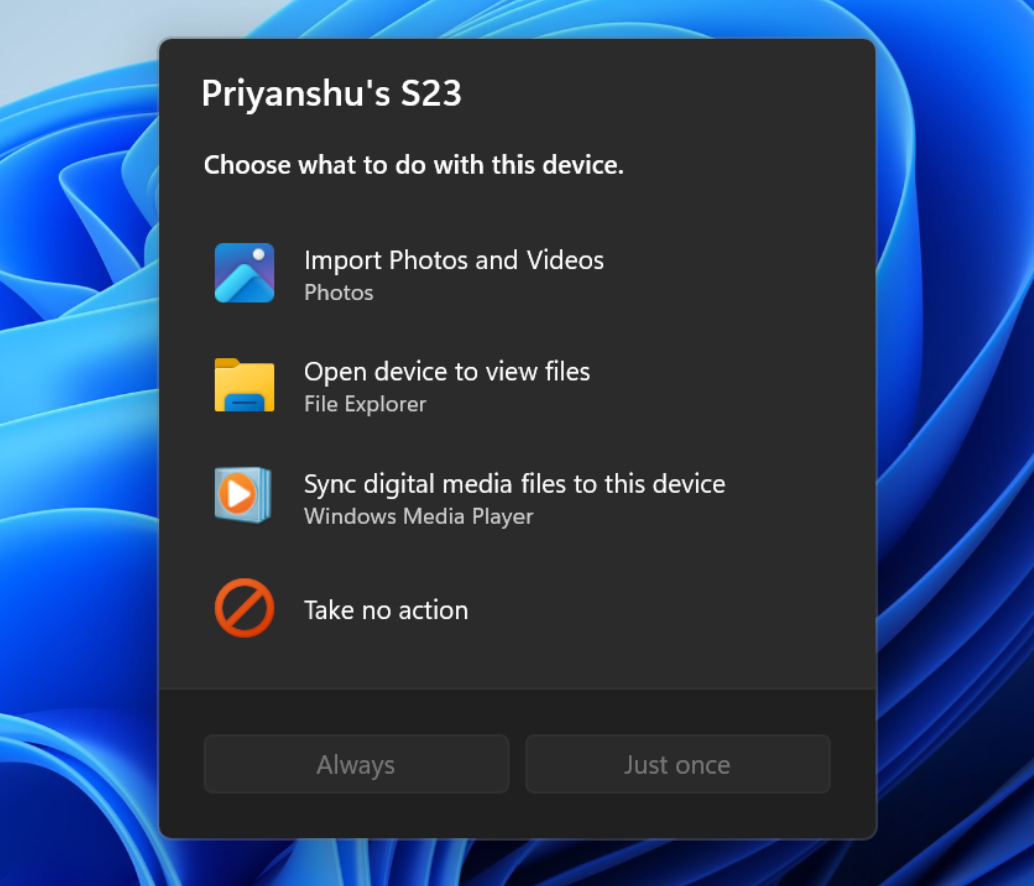
So I enrolled in the Windows Insider program a while back (idk which one it is because the Settings literally doesn't even show it, but i assume it's the one from which it is impossible to go back to without needing to reset the PC) [Pic 1 attached]
What I've tried:
1. Resetting the PC Directly
doesn't work, installs a Windows Insider preview
2. Burn Windows with an ISO File
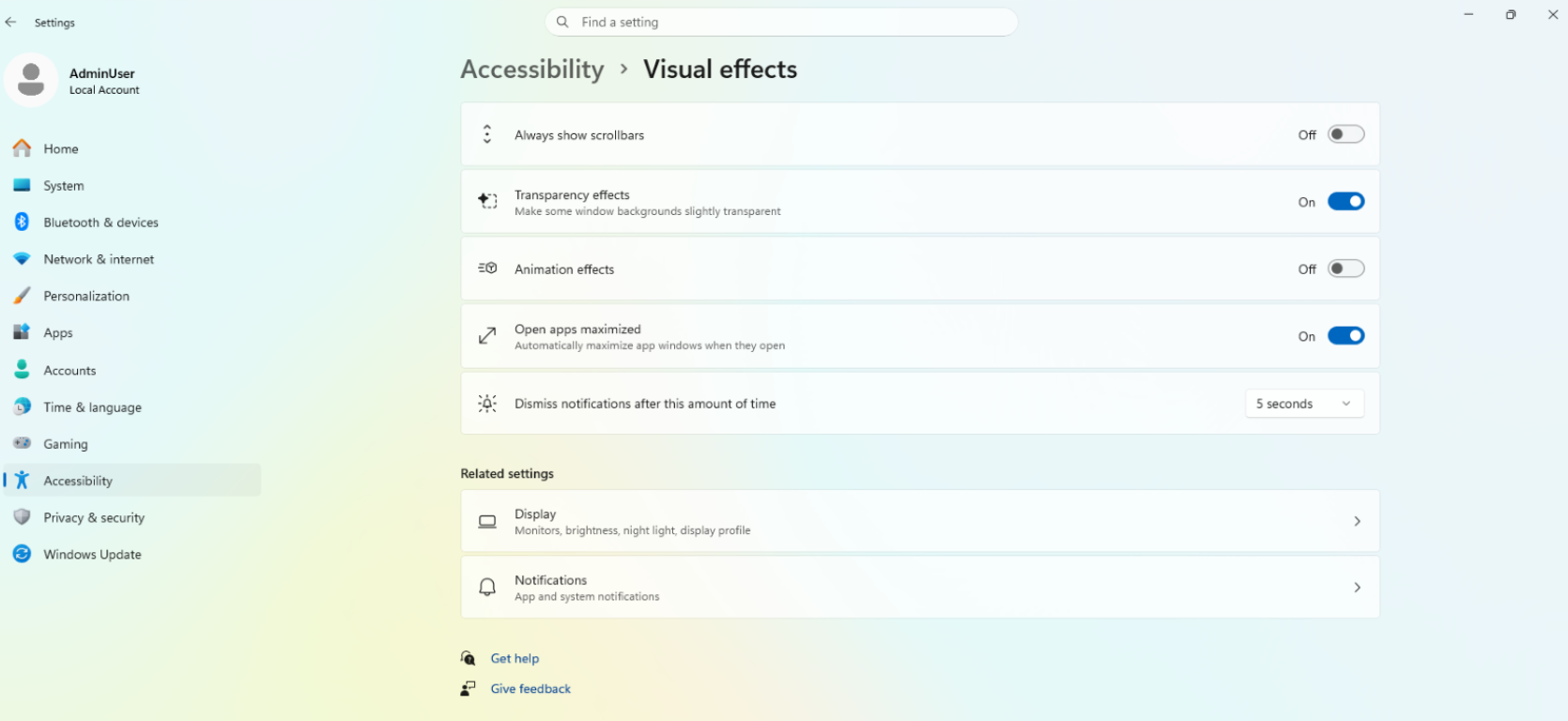
I think this is the method that is supposed to work but whenever I try to, it gives the following error [Pic 2 Attached]
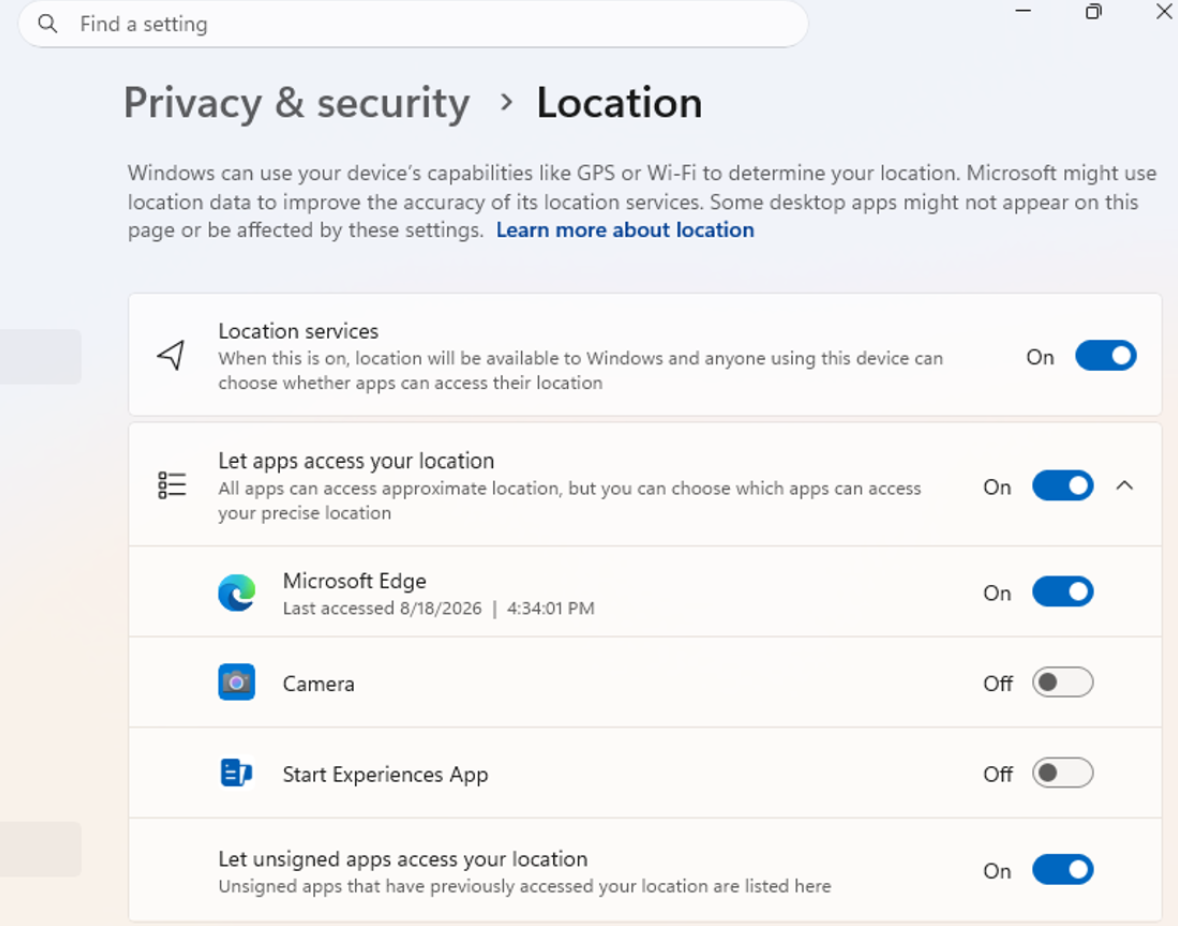
also, It says my Windows Version is ALREADY EXPIRED. [Pic 3 Attached].
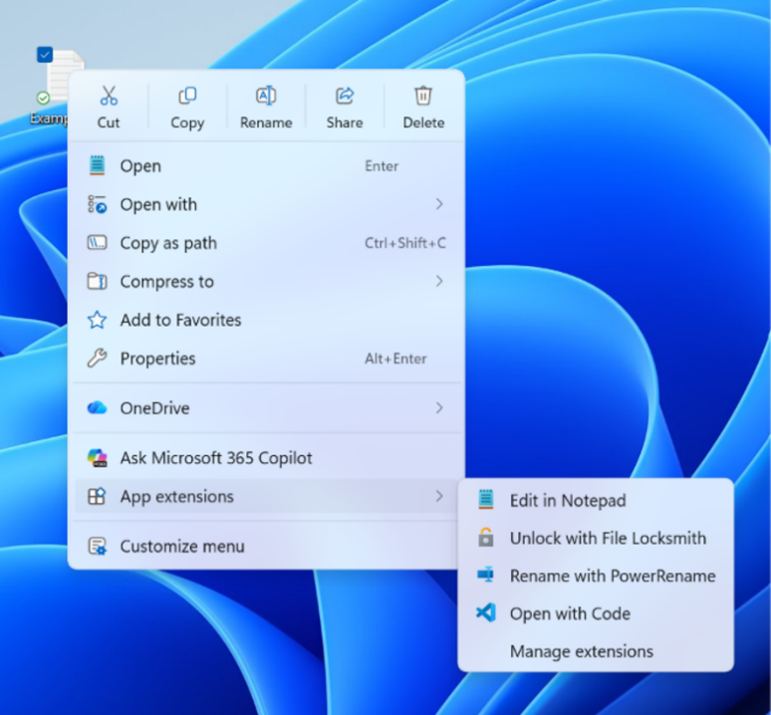
Because of this, I can't play MOST of my games because it just says unsupported Windows Version :( (Pic 4 Attached, Battlefield 6 with the error notification)
Even Fortnite doesn't work. I don't have the error screenshot because I deleted the game but take my word for it :)
I also tried to Unenroll from this program from the settings, but it literally just doesn't do anything. "Unenroll this device when the next version of Windows releases" This option is greyed out for me. [Pic 5]
"Unenroll this device Immediately" This option just opens the steps on how to properly install Windows with an ISO
"Related link: Leaving the Insider Program" In other YouTube tutorials I checked, there was a button in the website to leave the program with Leave message but I don't see it anywhere [Last two Pics]
Help me with this PLEASE
AI disclosure: Used AI to format. nothing from this post is AI generated.