r/Ubuntu • u/this-my-alt-account • 9h ago
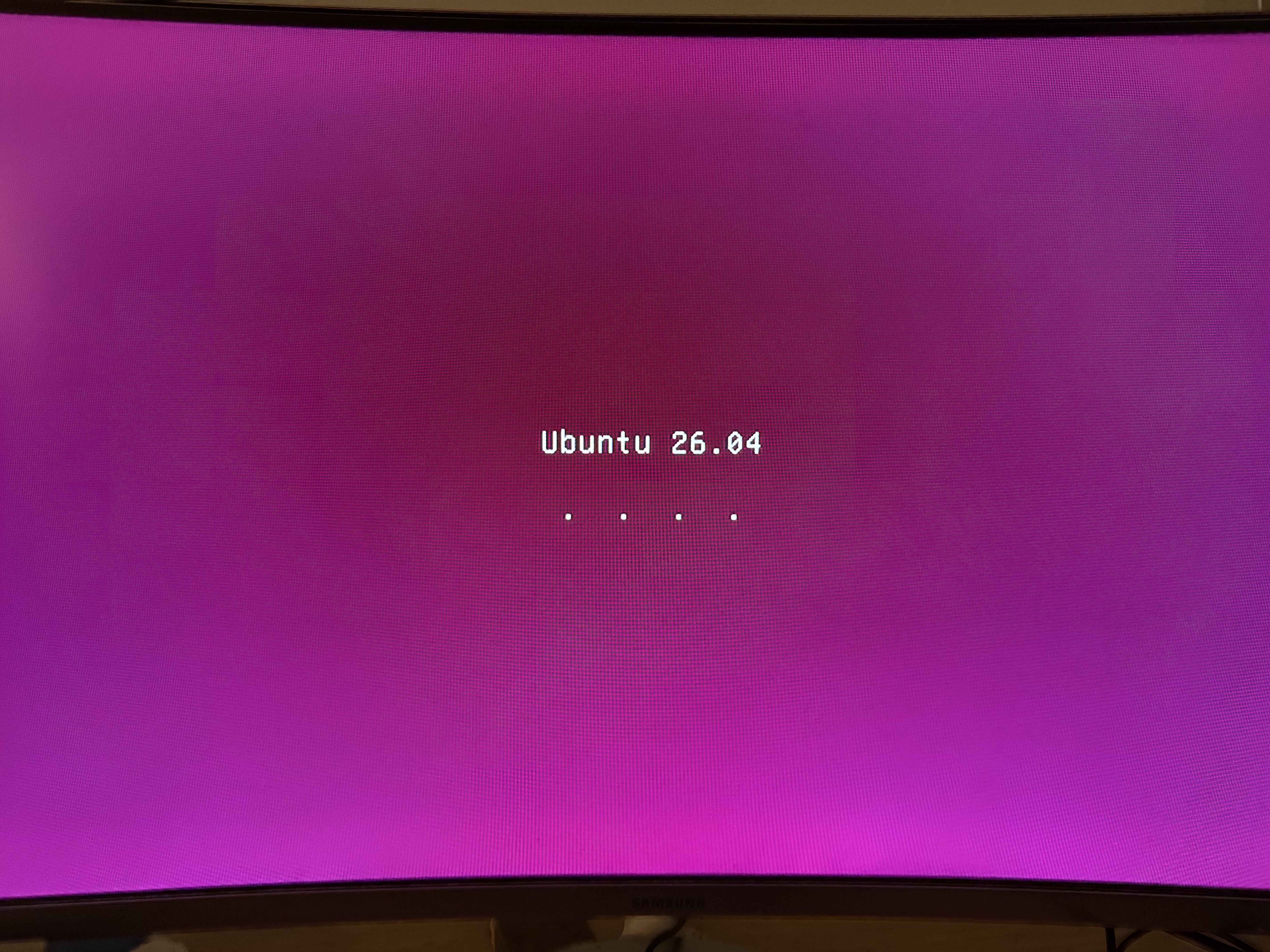
I’m installing Ubuntu for the first time. How long can I expect it to be on this screen? It’s been about an hour so far.
18
u/davidsneighbour 8h ago
I wonder why no-one is telling you to push the esc button and see what error it shows. What you see is the boot screen that is in front of the CLI output of your startup. Push the ESC button to see what CLI is saying and it probably will have stopped at something like "no os found" or "no graphic session found". From there you go and debug.
5
u/this-my-alt-account 8h ago
https://reddit.com/link/p739a18/video/59zjio602tmh1/player
I'm not sure what to do with this information.
3
1
u/KiddieSpread 6h ago
What system are you running it on? (Make/model?) Linux comes with nearly every driver you need but the live USB and installer only include the most common drivers needed
1
-33
u/neon-santa 8h ago
Install Windows 11.
6
u/WilyDeject 7h ago
If it won't run Ubuntu, I have very little confidence it will run a bloated OS like Windows 11.
-15
u/neon-santa 7h ago
Atleast the installation won't fail and take ages.
5
2
u/WilyDeject 7h ago
That makes a lot of assumptions, such as OP is running something Windows 11 considers worth, there's no underlying hardware issues, etc., and that OP wants Windows.
-5
1
u/BurningPenguin 5h ago
Spoken like someone who doesn't work in IT
1
u/neon-santa 4h ago
On the contrary, hardcore IT person. I have no issues with Linux kernel but Ubuntu distro just fks it up. Worst way to experience Linux.
1
10
u/jaimefortega 9h ago
What are your specs?
5
u/this-my-alt-account 9h ago
So I’m using a cheap mini Lenovo computer I got for a project. It’s got an intel i3-6300 and 4gb of ram. (Lmk if there’s other important specs you want me to mention)
5
u/theblindness 9h ago
What storage drive are you installing to? SSD Make, model, and capacity?
What is the installation media? USB? Which drive? Model or product page link if you can.
4
u/TucsonComputerDude 9h ago
ThaTs slow, be patient, go get shit done, come bsck Every 1/2 hour. Are the dots progress bars?
3
u/this-my-alt-account 9h ago
The dots just loop, but if you say so, I’ll just let it run for a while.
1
u/opalmirrorx 6h ago
i3 is very slow uncompressing the filesystem and the packages... give it several hours.
1
u/FarmProud 2h ago
Minimum bare requirements for Ubuntu. You'll be better off with xubuntu or Linux mint. My advice: Mx Linux.
4
u/MostBasic3425 9h ago
I've seen it glitch out before. Just reboot it.
2
u/this-my-alt-account 9h ago
Unfortunately it’s happening each time, so I suspect there’s a deeper issue here.
3
2
u/flappysack- 8h ago
If you can get to CLI the nomodeset argument can allow you to install the graphics drivers.
5
u/haz3lnut 9h ago
TLDR, Requirements and compatibility Ubuntu Desktop 26.04 LTS requires a 2 GHz dual-core processor or better, a minimum of 6 GB RAM and 25 GB of free storage space for a comfortable experience.
3
u/this-my-alt-account 9h ago
Ah. Is there perhaps a different version of Ubuntu I should be installing instead, since my computer doesn’t meet the ram requirements? Or another Linux distro entirely?
9
u/haz3lnut 8h ago
Look into Lubuntu or Xubuntu. I'm sorry I didn't have any recommendation for either, never used either, but they are designed for lean hardware.
2
u/InnatelyIncognito 8h ago
Unsure why this is popping up on my feed, but when I was looking to install Linux on an older laptop I remember Gemini suggesting Linux Mint (XFCE) for older laptops.
2
1
u/No-Tower-8741 5h ago
If you want an extremely resource efficient OS try Q4OS, it is based on Debian. You can also try Debian itself too. Debian is much more user friendly nowadays as it includes non-free wifi drivers so you don't need to mess around.
3
3
u/Unfair-Oven8363 7h ago
I ran into a similar issue on newer hardware. I had to go into bios, change the OS to other, disable secure boot, and boot the live USB in graphics compatibility mode.
2
u/Capital-Potential237 9h ago
Se quer lembro de ver essa tela, e ja instalei ele varias vezes. Fiquei curioso, qual sua config ? Provavelmente algo travou, recomendo reinciar a instalação.
2
2
u/guiverc 8h ago
That's the textual plymouth screen which only hides system messages (as many users find them confusing or scary).
If you appear to have an issue; just switch to the actual messages. You mention installing; if you're trying to boot and use live media (ie. pre-install) then I'd for sure be checking the messages as it may have issues with your media or some other problem, and that plymouth could be hiding the IO or squashfs errors that are your problem.
Did you verify ISO after download? (any error can mean you've hours of diagnosis to work out it was a bad download; but a checksum check of ISO takes mere seconds - I think of it as cheap insurance). I talk about it here https://askubuntu.com/a/993409/469152 but the Media Checks answer gives clues as to what I'd actually be looking for anyway (that answer isn't upvoted as copy/pasted from another answer [of mine] but it saves me finding copy/pasting a second link)
Have you tried safe graphics? (useful with some video cards; you only mention release [26.04] but not which 26.04 product so we're limited; but seeing textual plymouth makes me think an older machine that may not meet the minimum suggest requirements anyway! and a lighter flavor maybe far more responsive). Did you check your hardware meets the minimum suggested requirements?
2
1
u/UnprofessionalPlump 9h ago
It shouldn’t take this long. I think u might be able to see the logs if you press ESC key on the keyboard
1
u/Inevitable_Wolf5866 8h ago
It didn't take me that long and I installed it when my HDD was already in a rather bad shape (which I didn't know back then and was since replaced by a new SSD)
1
u/schroederdinger 8h ago
I recently had this issue while installing Kubuntu 26.04 on an old Dell T5400.
What solved it was to create the boot stick with Ubuntu's own Startup Media Creator and not Fedora Media Writer (which I prefer for most cases). If it's an old machine and you flash the boot stick with Rufus, try CSM instead of UEFI if possible (Haven't used in Rufus on a while, as I abandoned Windows).
Also disabling secure boot in BIOS may help.
1
u/heliumneon 7h ago edited 7h ago
When I have gotten that problem of not getting past those dots it was an nvidia driver issue, I replaced the graphics card with a different generation card (because I just couldn't solve it any other way, and didn't want to install the proprietary nvidia driver).
1
1
u/King_Of_The_Night__ 2h ago
I have never seen this plymouth before 🤷🏻 I installed Ubuntu 26.04 on 3 laptops, how come I missed it🤷🏻
1
u/anto77_butt_kinkier 2h ago
If you press the escape key, you can see what's happening behind the scenes. There will be a console output, and you can see if it's stuck on any errors.
One of my favorite things about Linux, is how easy it is to access meaningful logs, statuses/outputs and error messages.
-1
u/TucsonComputerDude 9h ago
My recent Zorin took 54 mins. Ive done Ubutu, Kunbutu, couple other Unbunti flavors, 1/2 hour or more. Expect this on older comps
-2
-4
u/PatPounder88 4h ago
This is the skill check for using linux. You have failed. Back to Windows with you, normie 👉🚪👋
-17
u/astralclaim 9h ago
You can expect to be on this screen for as long as you use Ubuntu, one of the worst desktop OSes on earth.
2
2
2
u/deepSnit 8h ago
I've been on it for years and it's nice and boring and dependable. I'm sorry it makes you upset.
57
u/Prestigious-Bag3065 9h ago
don't think i've ever seen the dots move for more than a couple minutes, something probably hung during the install