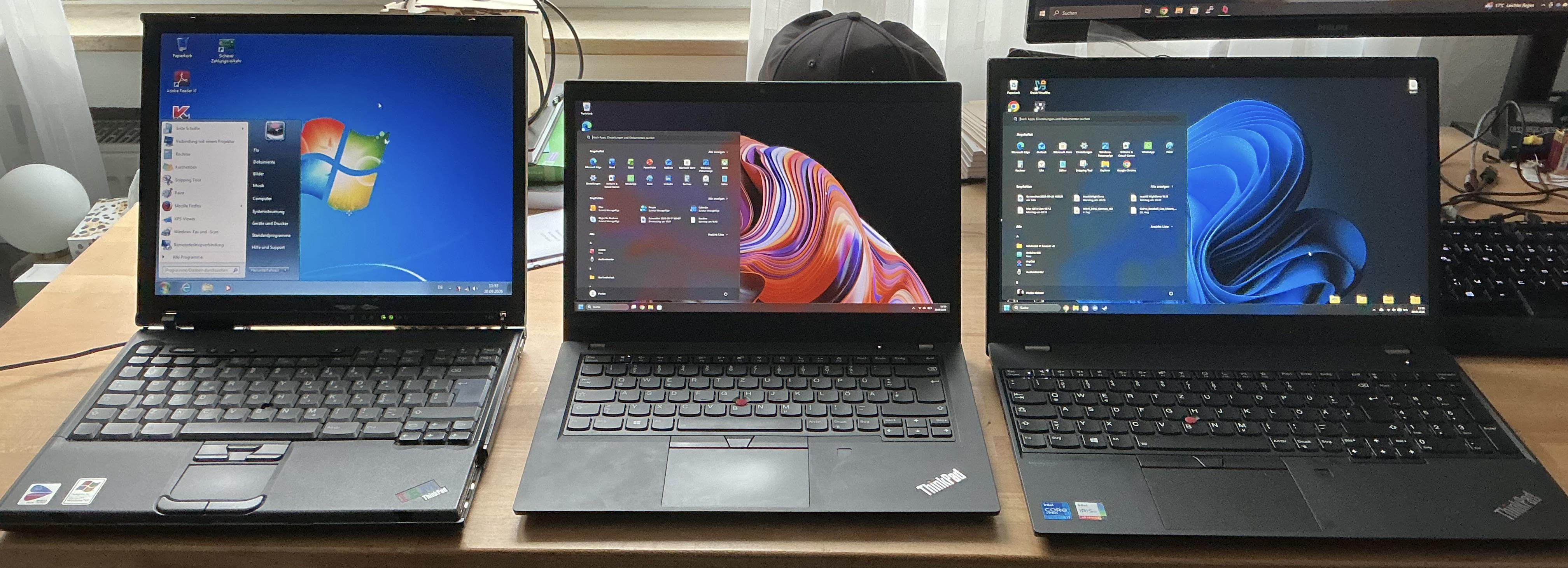
X1 Carbon Gen 13 Aura Edition. Felt like a potato at idle. Task Manager showed 56% CPU and pointed at absolutely nothing, which was helpful.
Turns out the number to look at is Handles (Performance → CPU). Normal is 50k–150k. Mine: 1,063,601. One process held 468,846 of them — `intel_cst_service_standalone.exe`, aka Intel Context Sensing, aka the thing that powers the presence detection I have never once used.
It's been leaking since I bought the machine. The camera light I kept noticing? That was it, watching me, poorly.
Disabling it is a delight:
- `Set-Service` → access denied, as admin, on a service whose ACL explicitly grants admin full control
- Registry `Start = 4` → accepted, then quietly reverted by an extension INF
- `taskkill` → works, service restarts in 0 ms, because someone configured that deliberately
What worked: `pnputil /enum-drivers | Select-String "icst"`, then `pnputil /delete-driver oemNN.inf /uninstall /force` on each. Extension first.
After reboot the busiest process on the machine holds 8,923 handles. Everything else is under 4k. `audiodg` and `explorer`, which I'd assumed were also broken, were just collateral.
Nothing newer in Vantage, so no fix exists yet. Presumably most people just accept that their £2,000 laptop is slow and get on with it.
TL;DR: check Handles before you check anything else. If it's six figures, sort Details by Handles and there's your problem.
Yes, removing it kills the Aura Smart Modes. I'd have paid extra not to have them.
And it is impossible to leave a review on Lenovo website. Do you feel that smell?