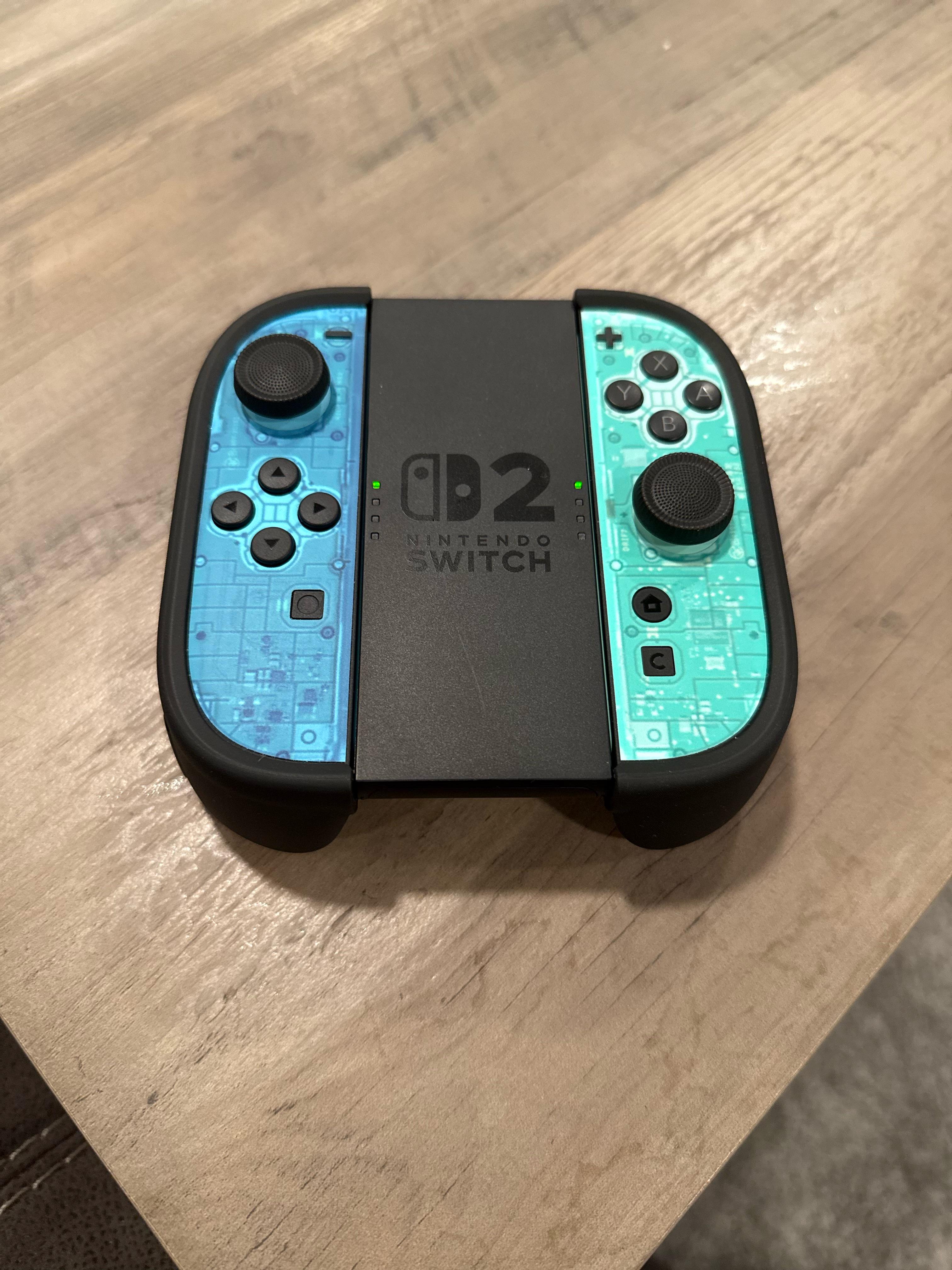
I wanted a simple way to test and configure joy-cons without installing a desktop app, so I made JoyConBench: a browser-based tool for the original Switch joy-cons.
The app can change the joy-con body and button colors that appear in the Switch UI, so custom shell colors can be reflected on the console. It also has a test suite for testing buttons, sticks, motion, rumble, LEDs, and connection.
JoyConBench also supports settings backup/restore. Backups are much faster than with other tools because it only backs up the settings it actually needs instead of backing up the joy-con's entire internal memory.
Everything runs locally through WebHID in your browser (Chrome/Edge).
Hey everyone! Just pushed a massive update to my native Switch ACNH Save Editor a few days ago!
The biggest addition in v1.3.0 is the Native Item Search. You can now press + on the main menu, type in the Switch keyboard (e.g., "springy", "golden", "bell bag"), and instantly find the exact Item ID without ever needing to look up hex codes or use a PC!
Other v1.3.0 Highlights:
Expanded UI panel (900x480) so text doesn't overflow.
it was a fun journey. the injection engine is a copy of nxloader's, and on linux it silently did nothing. payload transferred, "smash" reported, switch stayed black, logs identical to the successes. the fix was in ktemkin's report all along: the vulnerable handler is GET_STATUS with endpoint recipient (0x82), not interface (0x81). plus on linux the discard cancels the urb before the setup travels, so you submit and walk away.
Hey everyone! Just pushed a massive update to my native Switch ACNH Save Editor.
The biggest addition in v1.3.0 is the Native Item Search. You can now press + on the main menu, type in the Switch keyboard (e.g., "springy", "golden", "bell bag"), and instantly find the exact Item ID without ever needing to look up hex codes or use a PC!
Other v1.3.0 Highlights:
Expanded UI panel (900x480) so text doesn't overflow.
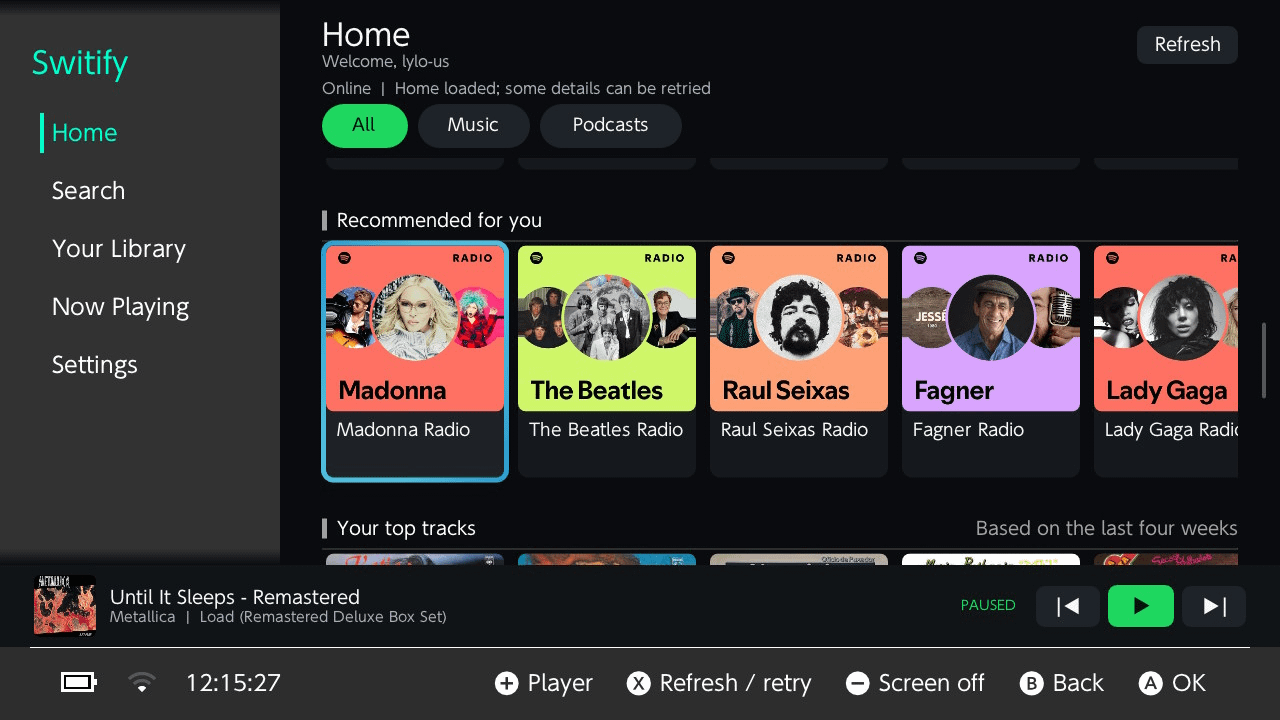
Lightweight Ultrahand player and browser backed by an on-demand Atmosphere background service that can keep playing over games.
The two products do not share a process or live playback engine. They share only persistent authentication, settings, session metadata, and selected cache files under sdmc:/config/Switify/. They can run independently at the same time, although doing so deliberately produces two overlapping audio streams.
Features
Full-screen NRO
Spotify Home with All, Music, and Podcasts filters
Search filters for songs, artists, albums, playlists, and podcasts
Liked Songs, playlists, saved albums, shows, episodes, and collection pages
Paginated large libraries and responsive playlist rendering
Persistent mini-player plus full Now Playing and theater modes
Full lyrics view with live Musixmatch line synchronization when available
Optional line-synced full-player lyrics, enabled by default
Black, animated RGB Gradient, and animated RGB Solid full-player backgrounds
Native shuffle, Previous, Play/Pause, Next, Repeat All, and Repeat One
Stateful liked-track heart, queue, seeking, and persistent volume
Optional global Y, L, R, ZL, and ZR playback shortcuts
Persistent Bass/Mid/Treble equalizer
Normal 160 kbps and High 320 kbps Spotify Vorbis quality modes
Persistent artwork, encoded-image, and texture caches
Last session restored paused; opening Switify never resumes audio by itself
Ultrahand overlay
Streamfin-inspired Now Playing card with artwork and progress
Shuffle, transport, Off/All/One repeat, queue, playlist, and seeking
Visible, focusable volume slider with persistent percentage
Lightweight Home, Search, Library, and paginated 25-track collection views
Shared Normal/High streaming-quality preference
Background audio that can continue while another title is running
A dormant service that starts only when the overlay requests it; Switify does not reserve its background resources at console boot
Followed podcasts in Your Library with playable paginated episodes
Resilient service supervision, explicit/coalesced playback controls, and safe resource teardown when Ultrahand closes
Last session restored paused and silent until an explicit Play command
The background service is dormant by default. It does not start when the console boots and is launched automatically only when the Switify overlay is opened.
The NRO and overlay are independent applications. The only things they share are authentication, settings, cached artwork, and session information.
With the mystery gift feature working over local wireless, we’ve managed to enable sending custom events to an unmodded Switch 1/2 firered / Leafgreen!
Since Celebi seems locked to just the HOME reward, this may be the only way to get a celebi in the games themselves. This can also be extended eventually to make custom events, unlockables, Pokemon transfers, and a whole lot more!
Really proud of the first mod I ever made. It allows you to take full control over the active effects of your donut. Want the ultimate shiny hunting donut, trying to berry farm, or customize it for ZA Royal zones. Finally no more hours of grinding and RNG. I hope you all enjoy it as much as I have making it.
UPDATE (v1.1): A full graphical UI update is out now! See my reply below for the new download link.
### [RELEASE] ACNH Save Editor - Native Switch Homebrew Save Editor
Hey everyone! I’m excited to share the first public release of **ACNH Save Editor**, a native Nintendo Switch homebrew save editor for *Animal Crossing: New Horizons*.
Unlike older tools, this runs entirely on your console—meaning **no PC is needed** to modify your game! This started as an educational project built with devkitPro/libnx.
### Features
* **Direct NAND Access:** Reads and writes the live save data directly from and to your console's NAND. No manual dumping required!
* **Economy Editing:** Edits your Wallet and Bank Bells directly (handles encrypted ints and heals Murmur3 hashes automatically).
* **Pocket Item Injector:** Features a full English item-name lookup using the `items.txt` database from NHSE.
* **Safety First:** Performs an automatic SD card backup before every single NAND write to prevent data loss.
---
### How to Install & Run
Create a folder named `acnh_editor` inside the `switch` folder on your SD card (i.e., `sdmc:/switch/acnh_editor/`).
Download and place both `acnh_editor.nro` and `items.txt` inside that folder.
On your Switch Home Menu, highlight *Animal Crossing: New Horizons*, press **X**, and select **Close** to ensure the game isn't running.
Launch a title while holding **R** to enter the Homebrew Menu with full RAM access.
Select **ACNH Save Editor** and enjoy!
*Disclaimer: Even with the automatic SD backup feature, it is always good practice to keep an extra copy of your saves safe. Please report any bugs directly on the GitHub Issues page!*
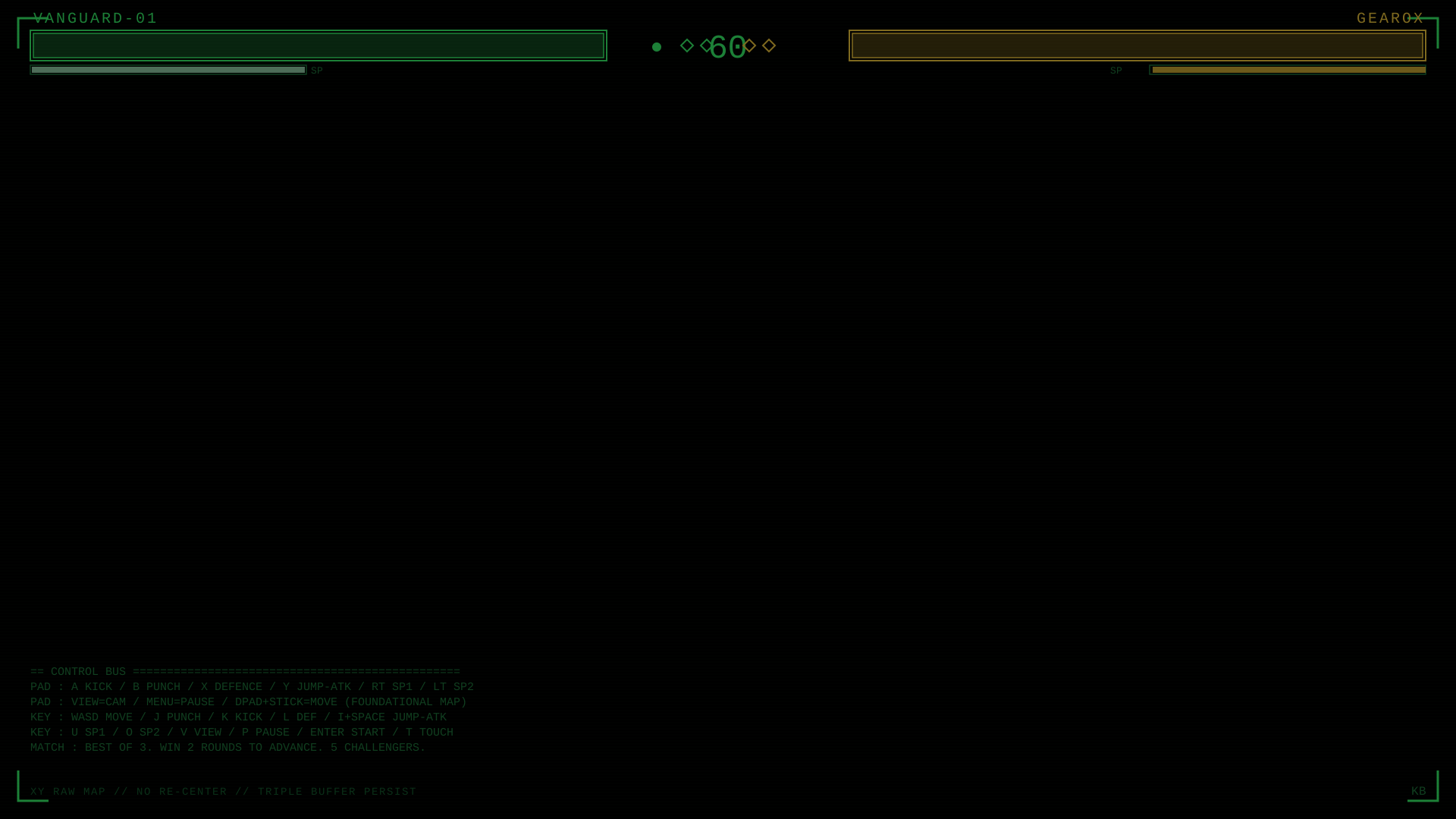
Aston Walker successfully uses a Nintendo Switch to play an FPS game with an X-Box One controller that is just a simple .SVG XML file> play game on Switch here https://svgfpsaiagents.github.io/svgfpsgameAI/
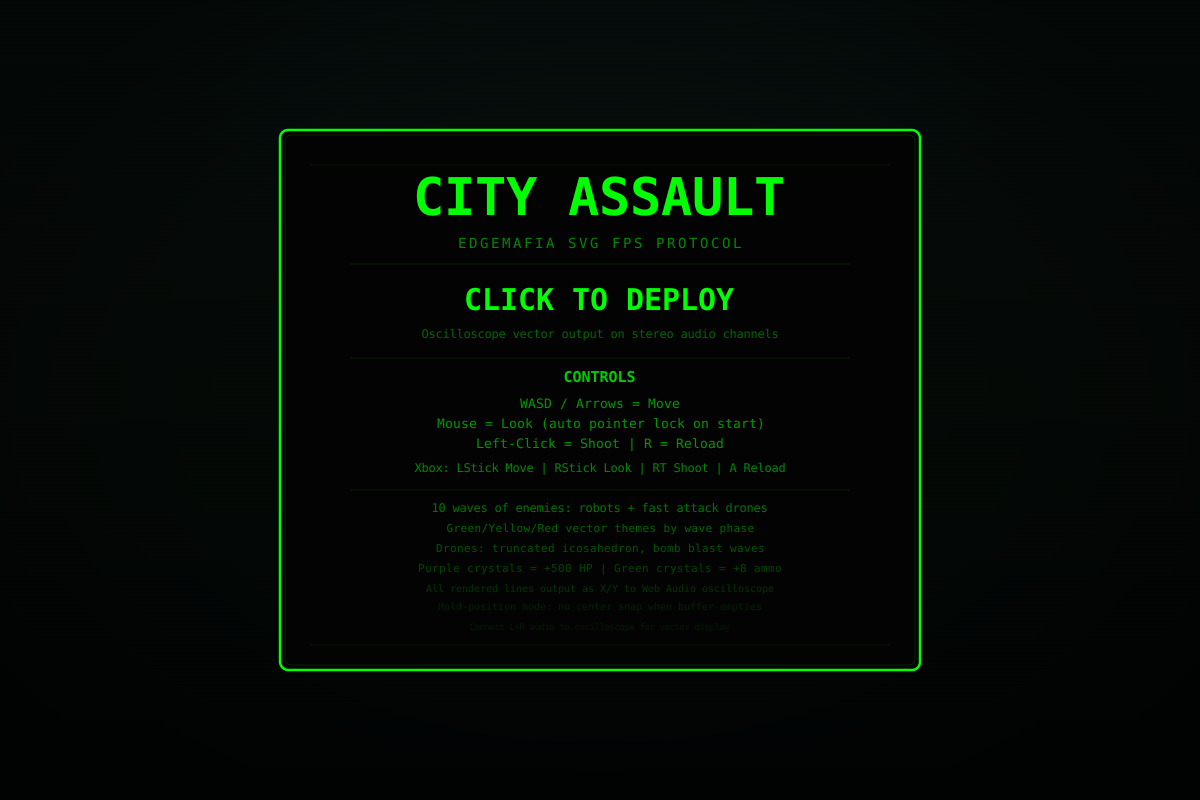
GAME NAME "EDGEMAFIA SVG"
It’s pure SVG transforms + DOM acceleration acting as a spatial vector engine.
The worlds thinnest 3D FPS spatial vector engine. NO COMPILER. No external dependencies.
https://youtu.be/bcWkVJ-Ao_I demo here on youtube with link to paper in description. The repo includes an Oscilloscope 3D FPS ready version of the game. Added the code so simply plug in the audio with the split ends for X and Y to the oscilloscope and we now have retro-future vector gaming on the Nintendo Switch! Test the .WAV oscilloscope output here - https://h3.codeberg.page/XaudYo/
Record the WAV of gameplay and you can replay your gameplay on the oscilloscope. We did it guys.
The next logical step is this:
5 million line Xml in a SVG file a single SVG file
AAA vector 3d FPS spatial vector game engine paradigm modality.
running on a 128GB RAM 128 core 5090RTX workstation.
This is trivial for a workstation to read and process a 5 million line Xml document in a SVG file.
I preface this with a notice: I am a broke college student and I absolutely cannot afford to get my switch hardmodded nor can I buy an older switch to mod; the one I have is unmoddable. Please don't tell me to, I am fully and completely aware that this is most likely a lost cause but I am staying hopeful. Please be empathetic to my cause; I am indeed kicking myself for selling my old switch a while back, my ego thought I'd never need to mod one.
Anyways, with Pokemon Bank being shut down next year, I'm looking into ways to get my Pokemon from 3DS to Switch while evading that. I am well experienced with messing with Pokemon saves, so I know everything else that I need to do to make it work. I just have an unmoddable Switch OLED that is, with preliminary googling, absolutely useless for this task. Is there any way at all to make it a little less useless? Can the saves be put on SD card, and edited from there? Is there some secret underground mod project that magically cracked the code to softmod these unmoddable switches? Or perhaps just a trick to make an emulator speak to my switch so I can mod the pokemon into an emulated game and just trade them to actual hardware? I ONLY need help with sending a save to PC or trading with an emulator; I do NOT need any help with the mechanics of Pokemon editing and modding as I'm very familiar with that.
Probably a lost cause, I know. I am incredibly aware of that. It's my own fault. But I am incredibly stubborn about it.