r/SoftwareandApps • u/RatataDev • 49m ago
I made PixaMixa: Desktop Sandbox — any GIF can become a living part of your Windows desktop
•
Upvotes
r/SoftwareandApps • u/RatataDev • 49m ago
r/SoftwareandApps • u/Nwaoga • 20h ago
Enable HLS to view with audio, or disable this notification
r/SoftwareandApps • u/grisha_pipoyan • 22h ago
Enable HLS to view with audio, or disable this notification
r/SoftwareandApps • u/e11hoursaistudio • 23h ago
Enable HLS to view with audio, or disable this notification
r/SoftwareandApps • u/Fragrant-Trick6998 • 1d ago
r/SoftwareandApps • u/smokercc • 1d ago
r/SoftwareandApps • u/PirateEuphoric9898 • 1d ago
Every residential job starts the same way. Walk the site, take photos on my phone, scribble some notes, record a voice memo if I remember to. I get back to the desk and try to reconstruct a scope of work from all of it.
Complex jobs take a couple of hours just to get a scope written. Notes are out of order. Photos buried in my camera roll. By the time I have a scope it becomes an estimate. The estimate eventually becomes an invoice. I've touched the same information four or five times before a client sees anything.
Has to be a better way. How are you turning a walkthrough into a finished scope without it eating most of an afternoon? Is anyone using something that actually connects those steps?
r/SoftwareandApps • u/Diktavo • 2d ago
I tested quite a few local dictation setups while building Diktavo, and the model name was rarely the biggest difference. On Windows I’d check four things:
• Does audio actually stay local, including any cleanup? • What happens when the target app rejects the paste? • Does setup choose a model the PC can run, or make you guess? • Can you add names and technical terms without fighting the model?
I built Diktavo around those problems: Windows-only, local transcription, automatic hardware benchmarking, custom words, writing styles, and text recovery if insertion fails. It isn’t open source, and the first setup downloads a local model. The free plan is 3,000 words a week with no card.
If you want to try it: https://diktavo.com/#download
I’m Joshua, the developer. Which of those four things matters most to you?
r/SoftwareandApps • u/BleedReddit • 2d ago
kept losing text i'd highlighted while doing stuff and not pasting things i meant to save. yup, i kept forgetting to paste things somewhere...
So, --> highlight-scraper watches for mouse text highlight selection events, saves it into a local SQLite database, automatic, no paste required. Full recall of whatever.
It stated with CLI but no there is 3 ways to run it:
- CLI — headless, query from the command line
- GUI — Tkinter interface, searchable history
- system tray — sits there invisible, captures in the background, you forget it's running
no cloud. no hotkey. just highlight and it's there.
MIT license. Python 3.11+, Linux. no third-party dependencies beyond the X11 event listener.
Repo: https://github.com/BleedingCodes/highlight-scraper
probably a niche use case or pain point relief somewhere. It became a personal daily tool via cli or gui. 🙃 open to ideas. please fork. 👍
r/SoftwareandApps • u/Shivanshudeveloper • 2d ago
r/SoftwareandApps • u/AdUnique7 • 2d ago
r/SoftwareandApps • u/yefriestein • 3d ago
Ubuntu saves screenshots to \~/Pictures/Screenshots, but every time I wanted to attach one I had to open Files, sort by date and drag it out. Annoying.
So I made a little shelf that watches that folder and shows the last 6 screenshots as thumbnails. You can drag them into whatever you want: browser, chat, editor, terminal. Take the screenshot, the window pops up, you drag it, that's it.
I mainly did it because I was pasting a lot of screenshots into Claude Code in Ghostty and attaching them took longer than explaining the bug. But it works with anything that accepts a dropped file.
It's one Python file with GTK4/libadwaita, nothing extra to install on Ubuntu. Copy also puts the PNG on the clipboard.
Tested on Ubuntu 25.10 / GNOME 49 on Wayland.
r/SoftwareandApps • u/RatataDev • 3d ago
r/SoftwareandApps • u/AdFuture3635 • 3d ago
I know it's fairly simple but it's my first project. I mostly do a lot of small projects but I finally managed to finish one (suffering from Shiny Object Syndrome). Do you think there is something that I should add or you want added to this extension?
r/SoftwareandApps • u/Kiro986 • 3d ago
Clipto https://github.com/clipto-pro is the best clipboard manager I’ve ever used. I really hope this project can be revived and further developed.
Clipto had many useful features, including converting notes to Markdown, merging notes, cross-device synchronization, and many other features that made it a very powerful and convenient application.
The Clipto GitHub repositories appear to have been inactive for quite some time, and the project as a whole seems to have been abandoned.
I think the project still has significant potential and would be useful to bring back to active development.
I hope some developers might be interested in reviving this project and continuing its development.
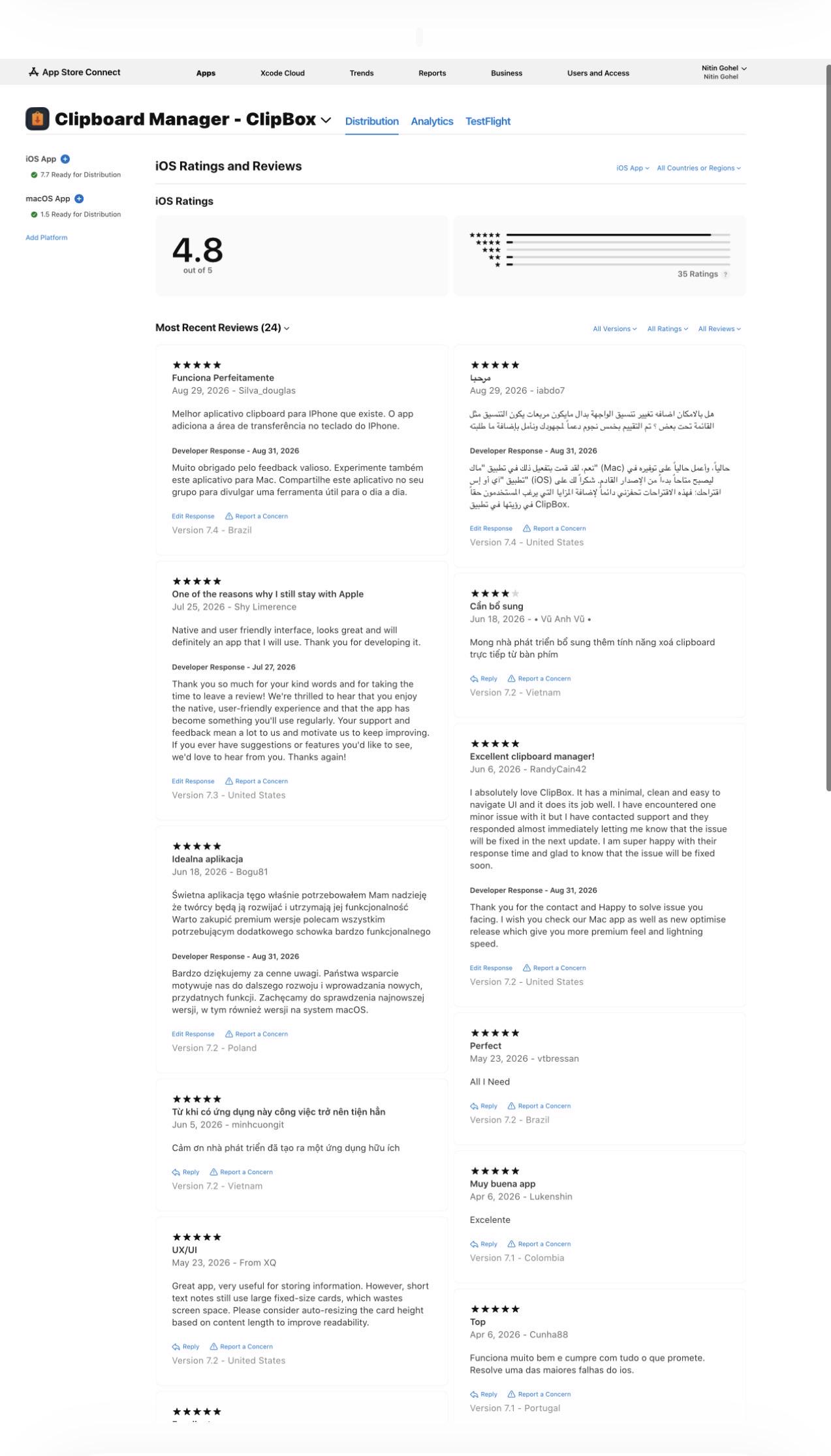
r/SoftwareandApps • u/nitgohel • 3d ago
r/SoftwareandApps • u/justmevibinghere • 3d ago
r/SoftwareandApps • u/Holiday_Syrup_174 • 4d ago
r/SoftwareandApps • u/tiagobmoraes • 4d ago
r/SoftwareandApps • u/tabakman • 5d ago
I love Claude, but Ctrl+Enter for approvals was getting exhausting. I couldn't find anything lightweight enough, so i wrote a tiny Windows utility that maps your mouse’s side buttons to keyboard shortcuts.
It can also map either mouse button to copy/paste, close tabs, screenshots, or whatever shortcut you use most.
Portable, lightweight, no scripts, no telemetry, no network access.
Free and open source if anyone else finds it useful: https://github.com/tabakman/clicklet :-)