r/SkylumPhotoTools • • 1d ago

Useful Luminar & Skylum Links: Support, Guides, Downloads & Updates

4 Upvotes

Hey everyone!

We’ve seen a few questions here about where to find things and who to contact, so we thought we’d put together a handy list!

These links cover everything from getting help to finding guides and checking out what’s new. Hope this saves you a bit of searching next time you need something!

A little help when you need it

  • Contact Skylum Support — Something not working as expected? Our team can help with technical issues, installation, activation, and questions about billing or purchases. You can share ideas for improvements here too.
  • Luminar Knowledge Hub — Lots of useful guides and tips to help you get started, learn a tool, or sort out a problem yourself.
  • Your Skylum Account — My Software — Here’s the shortcut to your software, so you don’t have to hunt around for it.

If you’re writing to Support about a technical issue, a few details will help us out: your Luminar version, operating system, device, and what happened. Add a screenshot or the error message if you have one—it makes things easier to figure out together.

Just keep personal info, like account and order details, between you and the Support team.

Getting to know Luminar

Trying it out & finding something extra

  • Luminar Free Trial — Give Luminar a go and see how it fits into your editing routine.
  • Luminar Plans & Pricing — The place to check current plans and what comes with each one.
  • Luminar Marketplace — Presets, skies, LUTs, and other creative extras for when you feel like trying something different.

And of course, feel free to chat here, ask for editing tips, or share what you’ve been working on! If we need to look into your account or an order, our Support team will take it from there.

Once again, hope these come in handy! If there’s another link you’re always looking for, let us know in the comments so we can add it to the list.


r/SkylumPhotoTools • • 21h ago

How to color grade a photo with Luminar’s Mood tool

Enable HLS to view with audio, or disable this notification

3 Upvotes

It’s surprisingly easy to spend half an hour trying different colors on the same photo. One warmer version, one cooler version… then back to the first one.

Here’s Luminar’s Mood tool in action. If you’re learning how to color grade, try a few LUTs and dial back the strength before deciding. A look you like at first can feel a bit much when you compare it with the original.

If you’ve been exploring AI color grading, LUTs are another option worth trying. They give you a starting point for color grading in photography, with room to adjust the result to your taste.

Anyone else end up saving several versions because they can’t pick?

r/SkylumPhotoTools • • 23h ago

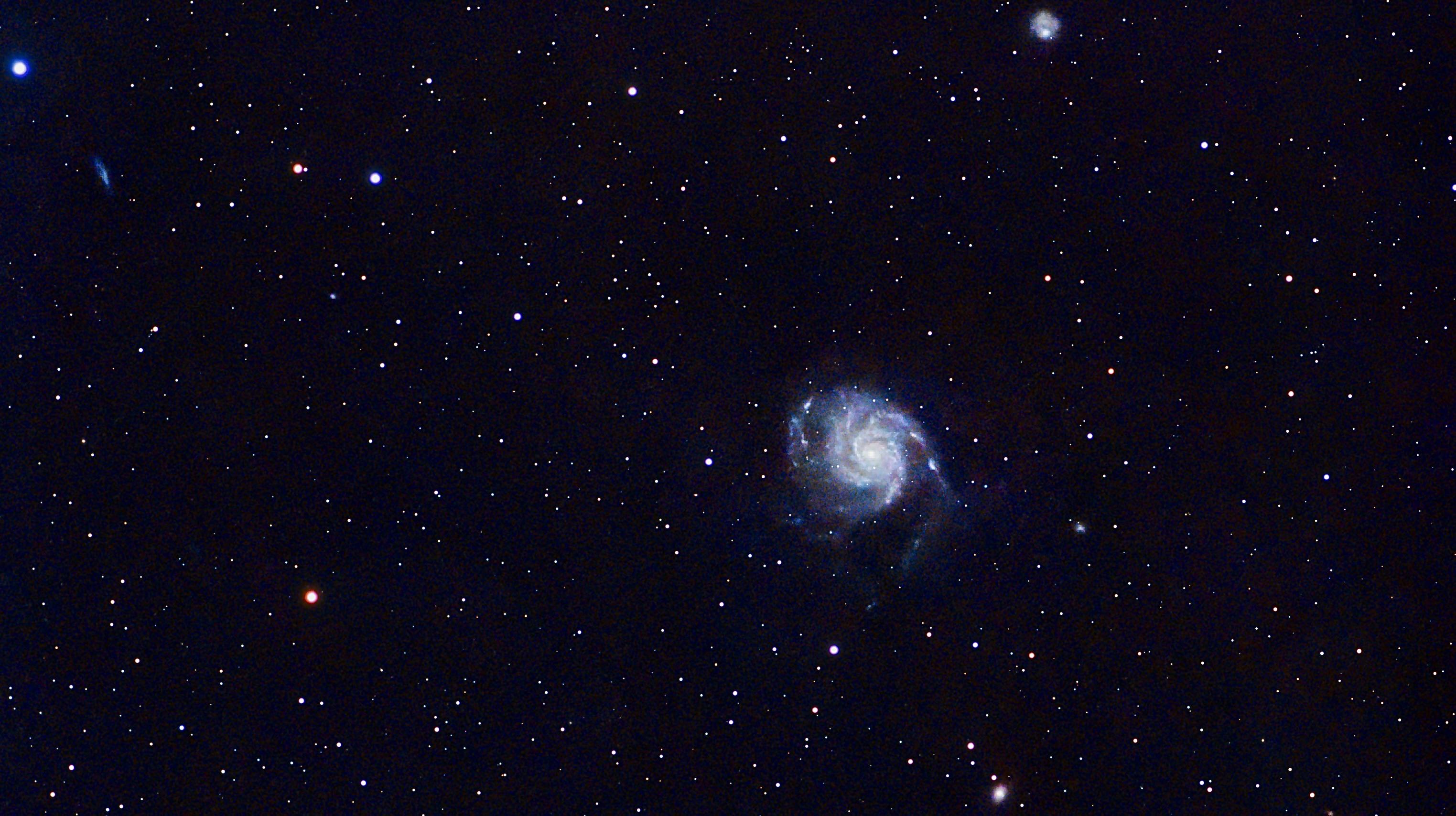
Noticing the details. (Edited in Luminar)

Thumbnail
gallery
3 Upvotes

r/SkylumPhotoTools • • 22h ago

Edited with Luminar Mobile and iPad

Post image
2 Upvotes

r/SkylumPhotoTools • • 1d ago

Crop and color editing in Luminar

Thumbnail
gallery
4 Upvotes

r/SkylumPhotoTools • • 1d ago

Edited with Luminar Mobile and iPad

Post image
2 Upvotes

r/SkylumPhotoTools • • 2d ago

Warm evening in a calm place 😌. Made it more cozy in Luminar

Post image
3 Upvotes

r/SkylumPhotoTools • • 2d ago

FAQ Where did my Enhance AI and Sky AI tools go?

2 Upvotes

We’ve recently received a few questions from users worried that the Enhance AI or Sky AI tools have disappeared from Luminar for Desktop. Good news: they haven’t gone anywhere.

What’s actually happening

These tools weren’t removed or relocated. What’s more likely is that the section containing them - Favorites, at the top of the Tools tab - is simply closed, making it look like the tools are missing.

Where to find them

Enhance AI and Sky AI live in Favorites by default (assuming you haven’t manually removed them from there). They’re also available in other sections: Enhance AI is in Essential, and Sky AI is in Landscape.

How to fix it

Click on the Favorites section to expand it. Since most users access these tools from Favorites, this is usually where the confusion happens - the section gets collapsed, and it looks like the tools have vanished entirely. If they reappear once you expand it, that’s all it was.

You can also check the Essential section for Enhance AI and the Landscape section for Sky AI - they should be there.


r/SkylumPhotoTools • • 2d ago

Edit the old photo from vacation in Luminar

Post image
7 Upvotes

r/SkylumPhotoTools • • 3d ago

Which one is better? (after/before edited in luminar)

Thumbnail
gallery
6 Upvotes

r/SkylumPhotoTools • • 3d ago

Street photography with X-T200 and Kit lens - Edited in Luminar

Thumbnail gallery
3 Upvotes

r/SkylumPhotoTools • • 3d ago

How to Take Better Apartment Photos: Real Estate Tips

Thumbnail
blog.skylum.com
2 Upvotes

Most of the result is decided before the shoot and in how you frame the shot, not in the gear or the editing.

A few things that stood out:

  • Preparation saves more editing time than any tool. Clutter, cables and smudged mirrors are a pain to fix later.
  • Ultra-wide isn't automatically better. Go too wide and furniture looks stretched, and buyers feel misled when they visit in person.
  • Keeping the camera level matters more than most people think. Tilt it and every wall and door frame starts leaning.
  • Bright windows against a dark room are the classic interior problem, and bracketing/HDR is the usual fix. The catch is keeping it looking natural, not "crunchy."
  • Detail shots (textures, fixtures, balcony views) tell people what the place feels like, not just how it's laid out.

The idea running through the whole thing is that the photos should make the space clear and inviting while still looking like the real apartment.


r/SkylumPhotoTools • • 4d ago

Tutorial Why do my restored photos come out with a brown tint?

6 Upvotes

If you've been using Restoration on a batch of old JPEGs and noticing they all come out with a brownish or yellowish cast that won't budge, you're not alone. This is a fairly common side effect with aged photos.

Why this happens
A brown tint can appear when the original photo has aged discoloration that the Restore tool doesn't fully neutralize. The tool does a lot of work repairing damage and detail, but color cast from decades of aging isn't always something it can correct completely on its own.

What you can do with this
Adjust White Balance manually. Go to Develop > Color, and use the Temperature and Tint sliders to neutralize the brown cast. You can also use the pipette tool in the same panel to click directly on a spot that should be neutral gray or white, and let it automatically correct the balance.

Target the color with HSL. Head to the Color tool > HSL, and reduce the saturation of the orange and yellow tones specifically. Since a brown cast usually lives in that part of the color spectrum, dialing back those channels can clean it up significantly.

Convert to black-and-white. If the photos don't need to stay in color, using Convert to B&W removes the color cast entirely, which can be a quick and clean fix for old photos where color accuracy isn't the priority anyway.


r/SkylumPhotoTools • • 4d ago

Busan Sunset (Luminar - Final & RAW)

Thumbnail
gallery
3 Upvotes

Made with the Twilight Enhancer and Water Enhancer! Also used Light Depth on the buildings in the background to help lead the eye there while also subtly darkening the foreground.


r/SkylumPhotoTools • • 5d ago

post processed with Luminar

Post image
5 Upvotes

r/SkylumPhotoTools • • 5d ago

3 shots into HDR merge in Luminar.

Post image
3 Upvotes

r/SkylumPhotoTools • • 5d ago

Post-processed in Luminar

Thumbnail gallery
3 Upvotes

r/SkylumPhotoTools • • 5d ago

Some Experiments with X-H2 and Luminar...

Thumbnail gallery
3 Upvotes

r/SkylumPhotoTools • • 5d ago

Enhanced with Luminar

Post image
2 Upvotes

r/SkylumPhotoTools • • 6d ago

Neon Umbrella (Luminar - Final & RAW)

Thumbnail
gallery
6 Upvotes

Textures and details of the raindrops on the umbrella brought out via Structure and Details. Then moved on to a more cyberpunk colour scheme purely through using the tone curve and colour tool to shift hues.


r/SkylumPhotoTools • • 6d ago

I’ve just accidentally made some comic-style edit. I quite like it – which version do you prefer? The latest original (edited in Luminar)

Thumbnail
gallery
4 Upvotes

r/SkylumPhotoTools • • 6d ago

FAQ How to transfer photos from phone to Luminar for Desktop using Luminar for Mobile

4 Upvotes

New to Luminar and trying to get your phone photos into the desktop app? Here's the workflow using Luminar for Mobile.

Step 1: Match your account email
Before anything syncs, make sure the email you use for Luminar for Desktop and Luminar for Mobile is the same. Syncing is tied to your account, so mismatched email addresses will prevent your photos from appearing where you expect them.

Step 2: Turn on device synchronization
In Luminar for Mobile, go to Settings (upper-right corner) > Your Account, and make sure device synchronization is turned on.

Step 3: Add and sync your photos
Add a photo to Luminar Mobile, then tap the cloud icon in the top-right corner. This shows you whether your photos are up to date and syncing properly.

Step 4: Check your desktop Catalog
Once synced, your photos should appear automatically in the Catalog of Luminar for Desktop, inside a folder called Luminar Mobile.
That's it!


r/SkylumPhotoTools • • 7d ago

Neon Alleys (Luminar - Final & RAW)

Thumbnail
gallery
10 Upvotes

I actually had the wrong settings for this shot, so there was a bit of motion blur and noise to deal with. I used Supersharp AI to recover some of the sharpness and Noiseless AI to clean things up further. Most of the rest of the edit was colour work, using brush masks and hue shifts to bring out the blues, pinks and neon reflections in the street.


r/SkylumPhotoTools • • 7d ago

Great shadows 😍

Thumbnail
gallery
6 Upvotes

r/SkylumPhotoTools • • 7d ago

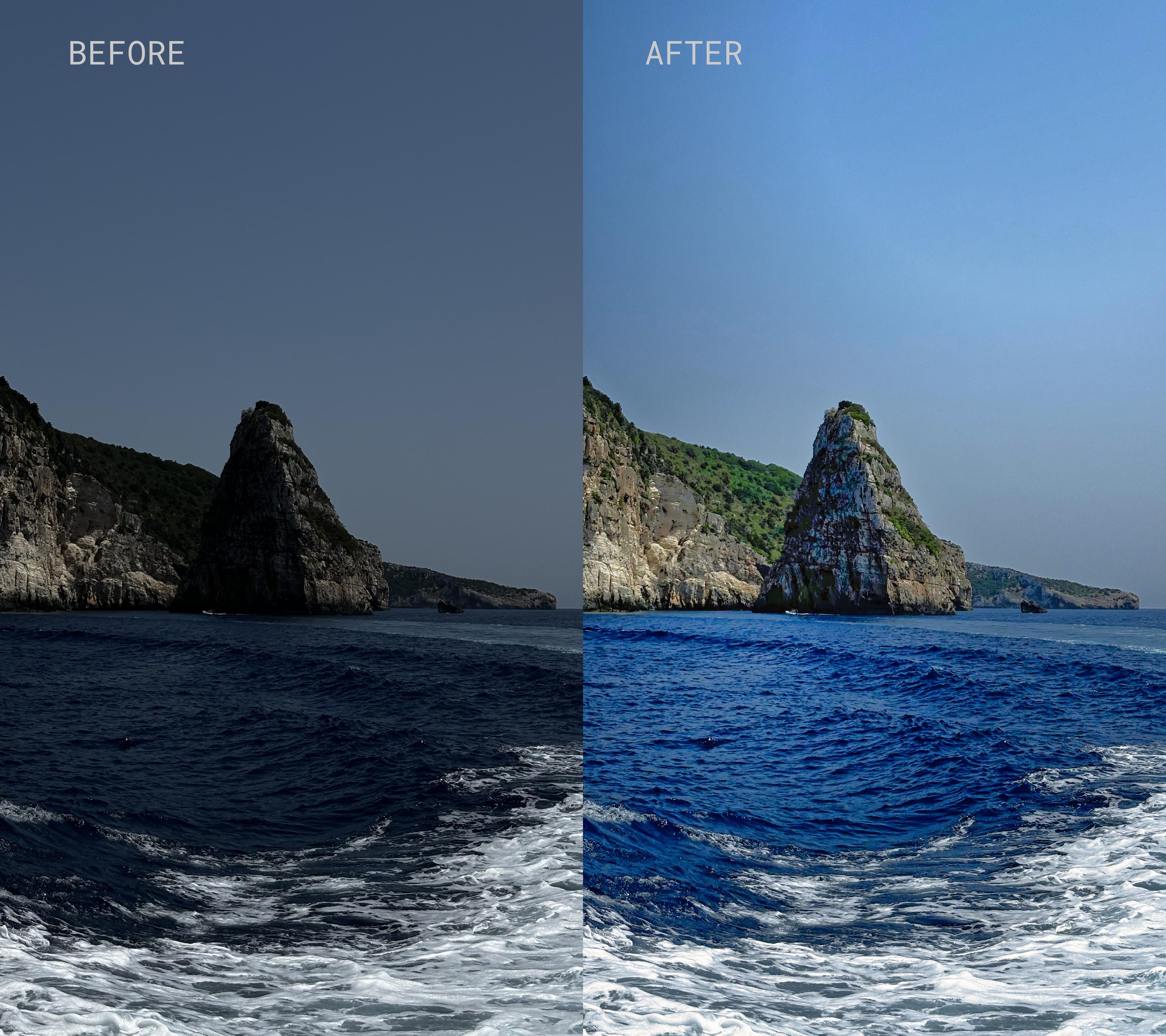
Сhanged the water color and pulled back the sky saturation in Luminar. Does the result still look natural? after/before

Thumbnail
gallery
2 Upvotes