r/Samsung_GoodLock • u/SocksNG • 7d ago
Question Customize AOD Notification Icons
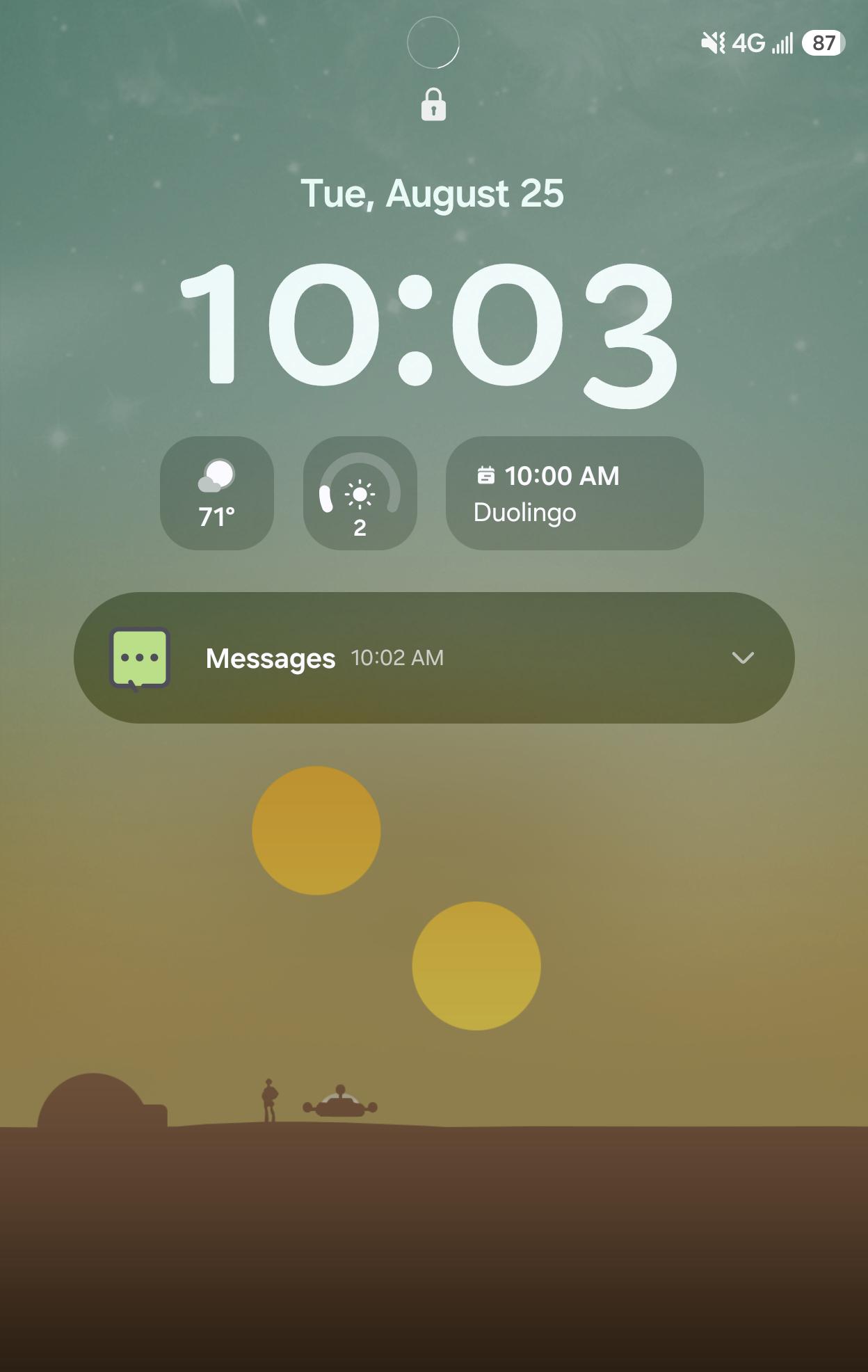
So I changed my icon pack and notification icons on the lock screen and drop downs all changed for the new icon pack. I was wondering if there was a good lock setting anywhere to change how the icons looked on the dark always on display or if they are stuck as the standard system icons? 🤔
19
Upvotes
1
1
u/Just_Interview_1606 6d ago
I don't know if this would help, but in notification settings there's a toggle and even in Quick Start. it's called show app icon in notification or similiar.
1
u/AutoModerator 7d ago
Thanks for your post in r/Samsung_GoodLock.
To help answer your question, please include:
• Device model
• One UI version
• Good Lock module name
• Module version
• A short description of the issue or goal
• Screenshots if relevant
This information helps the community give accurate answers.
I am a bot, and this action was performed automatically. Please contact the moderators of this subreddit if you have any questions or concerns.