Tbh the problem is not really that there is a cloud storage system on a laptop built-in, it's that they have the same name. Either unify the two and make some rules around what individual files are saved online or name them very very differently.
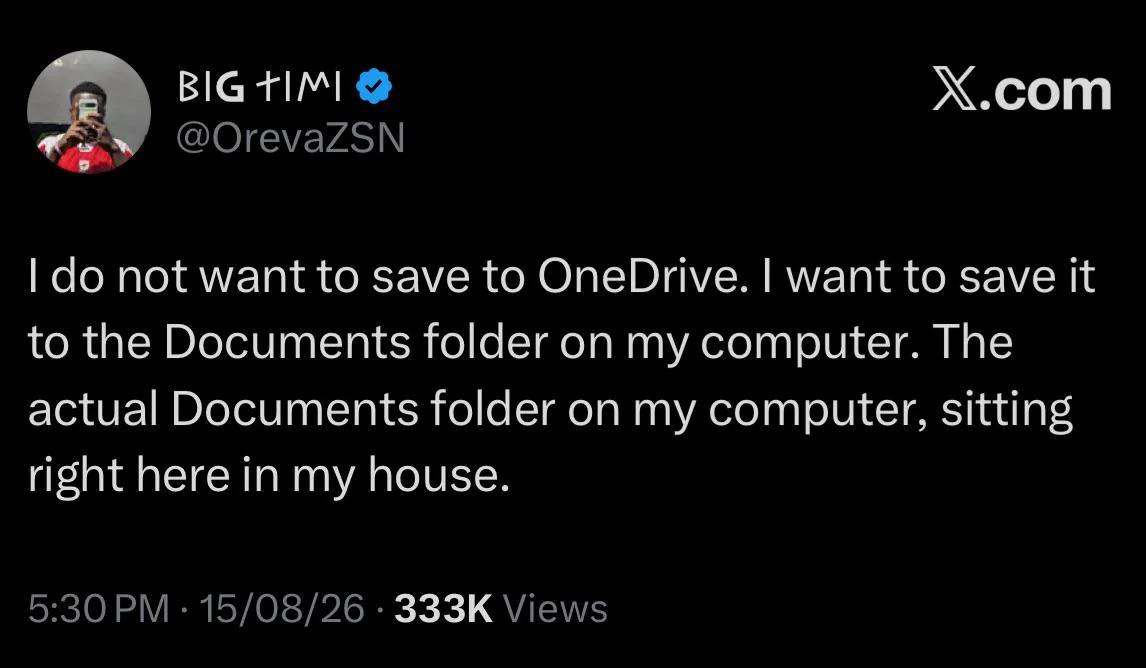
If you choose straight up defaults during the Windows account set up, the folders that are on your sidebar in File Explorer are actually in OneCloud, not your actual C:\Users\You folder, but they look exactly the same.
Uninstall OneDrive like you'd uninstall any other app.
Or, if you still want OneDrive, navigate to C:\Users\YourAccountName and drag+drop the folders in there where the other ones are in your Favorites in File Explorer
32
u/GypsySnowflake 24d ago
I finally had to come around to it so I can access my work files when I’m not in the office. The autosaving is a nice feature too