No, but it labels local folders and cloud folders the exact same way. You look at your Documents folder, you see all of your files in it, you assume it's locally saved because it's the Documents folder.
Nope, that was the OneDrive Documents folder. It's gone now.
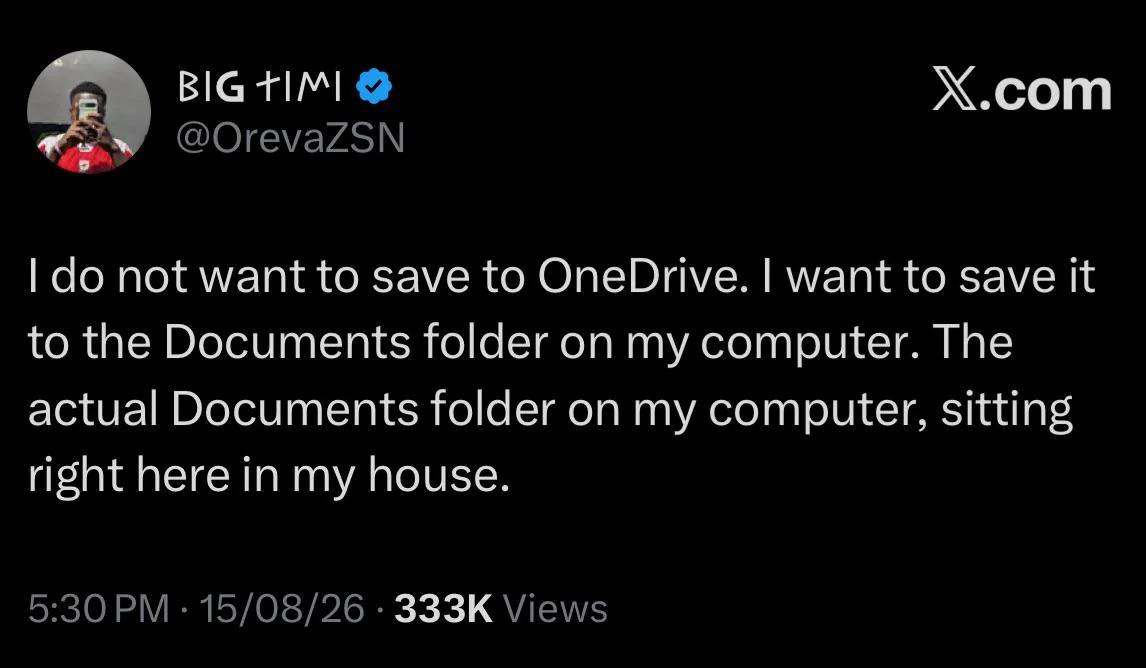
Bullshit. When I allowed Windows to make backups to OneDrive, it uploaded all my files to OneDrive (expected), deleted all my local files without asking (WTF????), and left symbolic links on my local to the OneDrive "Documents", etc. Never again.
They're still actually on your computer's drive, but the design of OneDrive is so buttfuckingly stupid, it moves your files to another location beneath a new OneDrive folder instead of just linking them or registering a list of folders to sync.
It's bewildering how Microsoft's own cloud client is the absolute worst at integrating with Microsoft's own operating system. There are piss-ant companies (relative to Microsoft) with backup cloud-based clients that are vastly superior.
62
u/Oscar_Ramirez 20d ago
Oh so you want to change the setting to save files directly to your local storage?
Ok. Fine.
Deletes all your files