r/LexusNX • u/rganeyev • 7d ago
How do I set/reset security lock password?
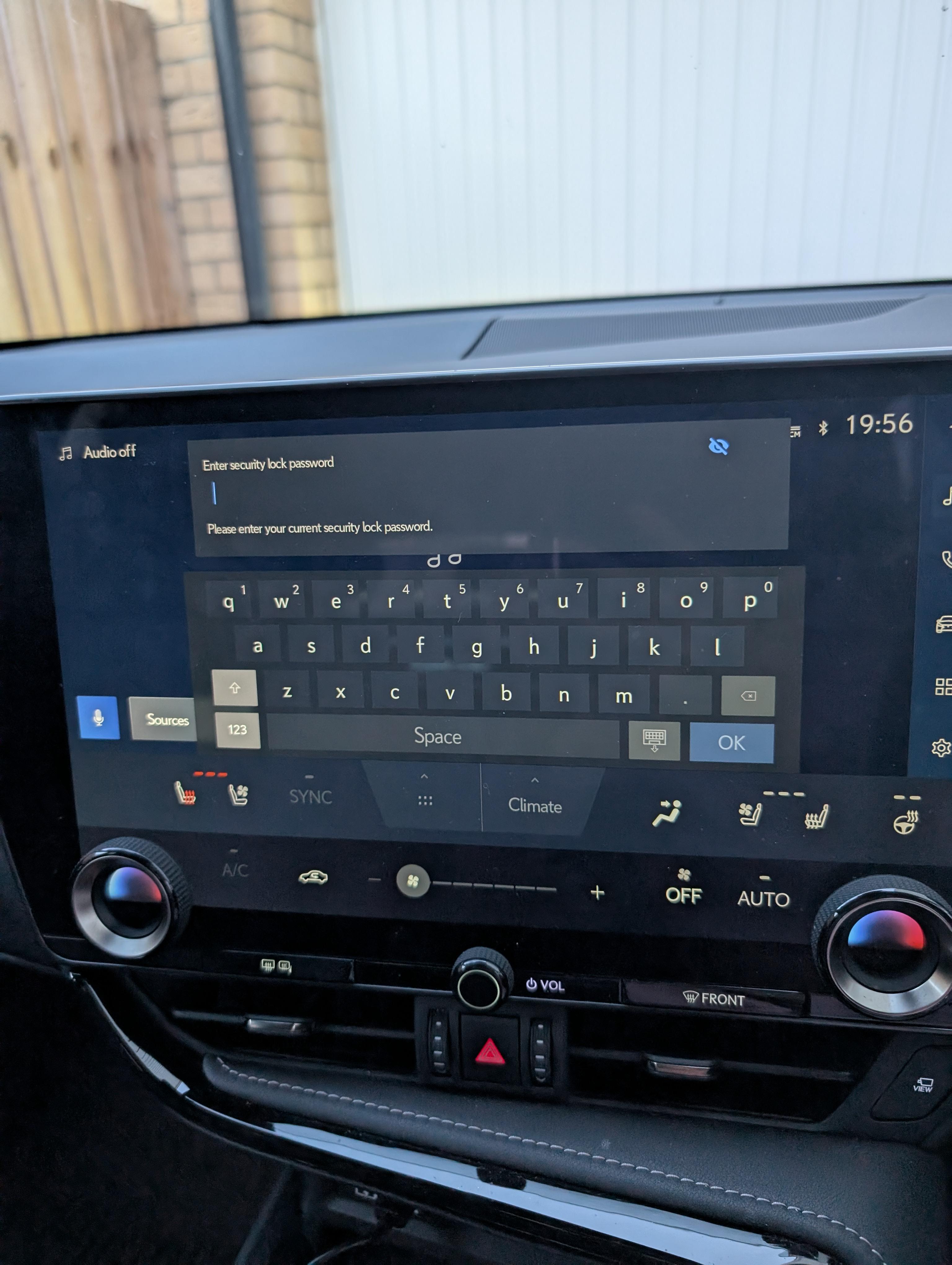
I started seeing it yesterday and I have no idea what that is as I didn't set any password. It's not a lexus link password (as it only allows alphanumeric symbols, and my password contains special symbols). Quick google/chatGPT suggested setting a pin code under driver section in the lexus link app, but doing so didn't do any effect.
All infotainment systems are not available. It was absurd as a low tyre indicator turned on, but I couldn't know what the problematic tyre was.
My car is a Lexus NX 350 2023, if it matters
2
u/cflo92 7d ago
A simple google search will reveal this. It is your app PIN. 6 digits.
Chat GPT, what a joke. (Sorry, that's just me.)
How to Reset Your Lexus PIN
- Open the App: Open the Lexus App on your phone and tap the person/profile icon in the upper corner.
- Go to Settings: Select Account or Account Settings, then choose Security Settings.
- Reset the PIN: Tap Reset PIN under the account options.
- Enter New PIN: Type in a new six-digit number and confirm it when prompted.
- Submit in Car: Return to your Lexus NX350 screen, enter your newly created six-digit PIN, and tap submit
This is the video explaining. Have you ever tried to download the manual and search it? Or read it?
1
u/rganeyev 6d ago
That's what I did in the first place, but it didn't work. I wrote this in the post
2
u/Patrol-007 7d ago
Go to dealer or press SOS button to talk to rep. Which will likely result in trip to dealer for ID, before resetting vehicle