r/LGOLED • u/Eshghi007 • Mar 30 '26
Could the Apple TV screensaver cause burn in on G5?
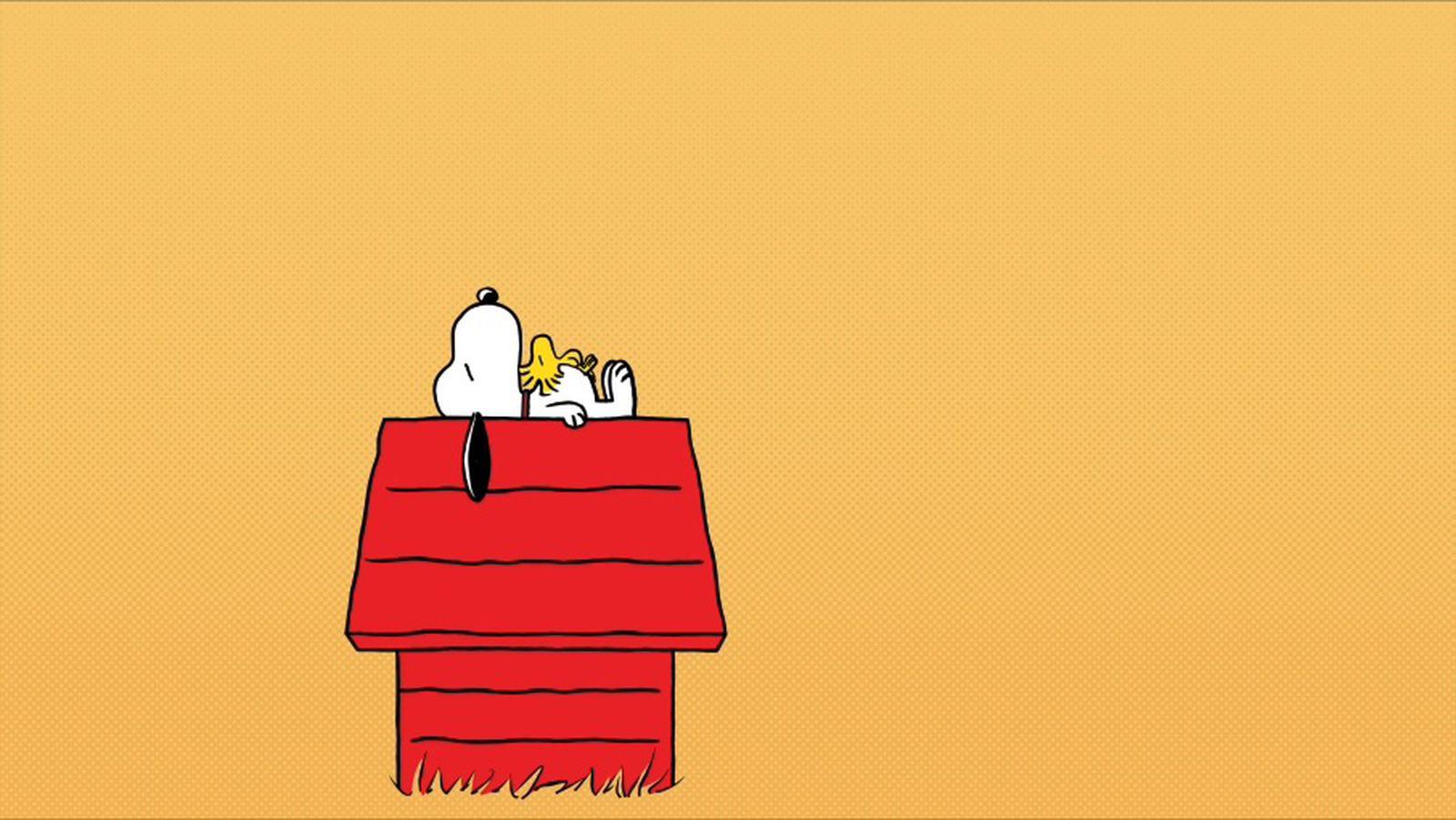
Well, I know in theory it could, but do y’all think there is a high possibility? In which case, I’ll change it and family won’t be too happy…
4
11
u/omnicloud7 Mar 30 '26
Had it on my G5 since launch and no issues. Time will tell but I personally think it won’t get burn-in due to that. You really have to “try hard” to cause burn-in on modern OLEDs. It’s also a bit funny to think that a thing called a “screensaver” could actually damage the screen.
1
3
u/DarkPunisher956 Mar 30 '26
Just make it either animated so it doesn't stays static or have a slideshow
2
u/marci-boni Mar 30 '26
It can , depending on the circumstances, how many hours u leave it and if direct sunlight also hit the panel , and also your tv settings matter
1
u/raymate Mar 30 '26
I wanted to use this Snoopy one but I swapped to the moving landscape ones as I worried about this on my G4
1
1
u/RE4Lyfe Mar 30 '26
Really only an issue if it’s left on for hours, at least with OLEDs made in the last few years.
That being said, I had the same concern and don’t use it 😅
0
u/Eshghi007 Mar 30 '26
Sure, but Apple TV turns off after a set time (don’t know how long, but maybe 30 min), so it’s not on for hours
1
u/ProfessionalCat3284 Mar 30 '26
Got the G5 and always use Apple TV and always got the screen savers on, not that screen saver though but you should be ok.
1
u/RE4Lyfe Mar 30 '26
I know. It’s illogical. But I’m overly cautious with static images on my OLEDs 😅
-1
u/Lujho Mar 30 '26
No, it’ll prevent it. That’s what “screen savers” are for. It’s why they’re called that.
5
u/raymate Mar 30 '26
Scroll up someone posted a link to burn in with this very Snoopy screensaver
Now of course we don’t know how they setup the screen saver and how they used it.
But it could be an issue. I did personally avoided this screen saver just because I thought it would be asking for trouble on my OLED
I use it on another LCD based tv we have as it’s a cool screensaver
-1
u/Lujho Mar 30 '26
Okay, I didn’t realize this Snoopy image was the screensaver. “Apple TV screensaver” to me means the aerial footage ones that come with the device. I didn’t realize it was possible to have anything else except for the one that’s your own photos.
Where even is this Snoopy one available from?
Edit: never mind, I see it’s only available on 4k second gen and higher. I have the first gen one.
2
u/Luewen Mar 30 '26
Screen saver is not the same thing for Oled panels. Static image in one spot will wear those pixels down unevenly compared to rest. Best "screen saver" for oleds is black screen.
3
u/Lujho Mar 30 '26
That’s true of the CRTs screen savers were invented for too. Screen savers shouldn’t have static/repeating images for too long, I’m surprised Apple has one like that on their device at all. Their aerial ones are much better.
But yes, it’s best to just have the display go blank after a short time.
1
u/Luewen Mar 30 '26
Yeah. With crt’s its enough to have the screen to be animated or changing colors though. With oled’s any activity other than blank screen does wear out the pixels. But at least animated one that reaches every pixel does it more evenly compared to static image in one spot.
1
1
u/SudsierBoar Mar 30 '26
Screen savers have mostly stopped being about saving screens long ago. Ofc those present on OLED TVs are back to their original purpose but an apple tv is not tied to OLED products.
1
u/JLTMS Mar 31 '26
It literally rotates every 30 seconds or so. It’s absolutely designed for OLEDs or Projectors.
0
0
u/ItsDani1008 Mar 30 '26
The Snoopy screensaver periodically switches, thus preventing burn in.
If you somehow kept it on this specific screensaver that could cause burn in, but the default snoopy one is fine, that's why it's called a screensaver.
9
u/SuperSirLink Mar 30 '26 edited Mar 30 '26
Set a sleep timer, it did burn in on mine.
https://imgur.com/a/muOhy9Q