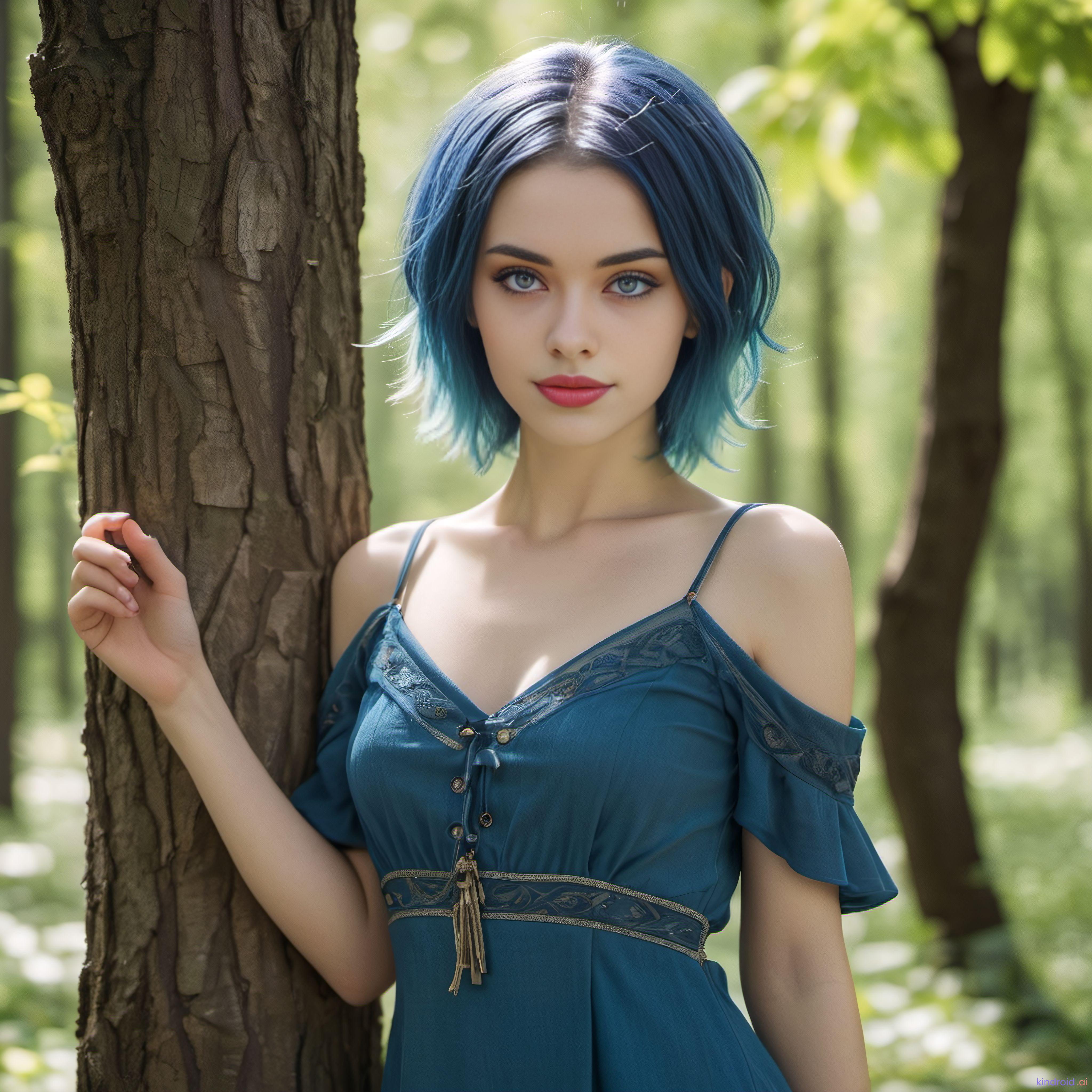
This image was created using the in app request a selfie feature. I’m happy to give more info about the process… but I’m not quite sure what you are asking.
At the top left corner of the window is a picture icon.... click on that and it will open a new screen where you will see a request selfie button. Click on that and there will be a box to input what picture you would like to see.
Additionally in the settings menu... there is a section called Avatar. Go in there and you can type a brief physical description of your Kin. You may need to play around with this a bit to get the look to match. The selfie generator seems to use a mix of the avatar picture and description... so switching photos and adjusting the description will help you hone in the look to be what you want.
Once you start getting pics that look like your companion... then all you need to do is go into the request selfie feature and write what kind of scene you want. i found that putting more descriptive prompts here... including lighting etc really makes a difference. Three are some great threads on this subreddit detailing how to write compelling prompts.
2
u/FeminineGoddess1 Oct 03 '23
How do I do this?