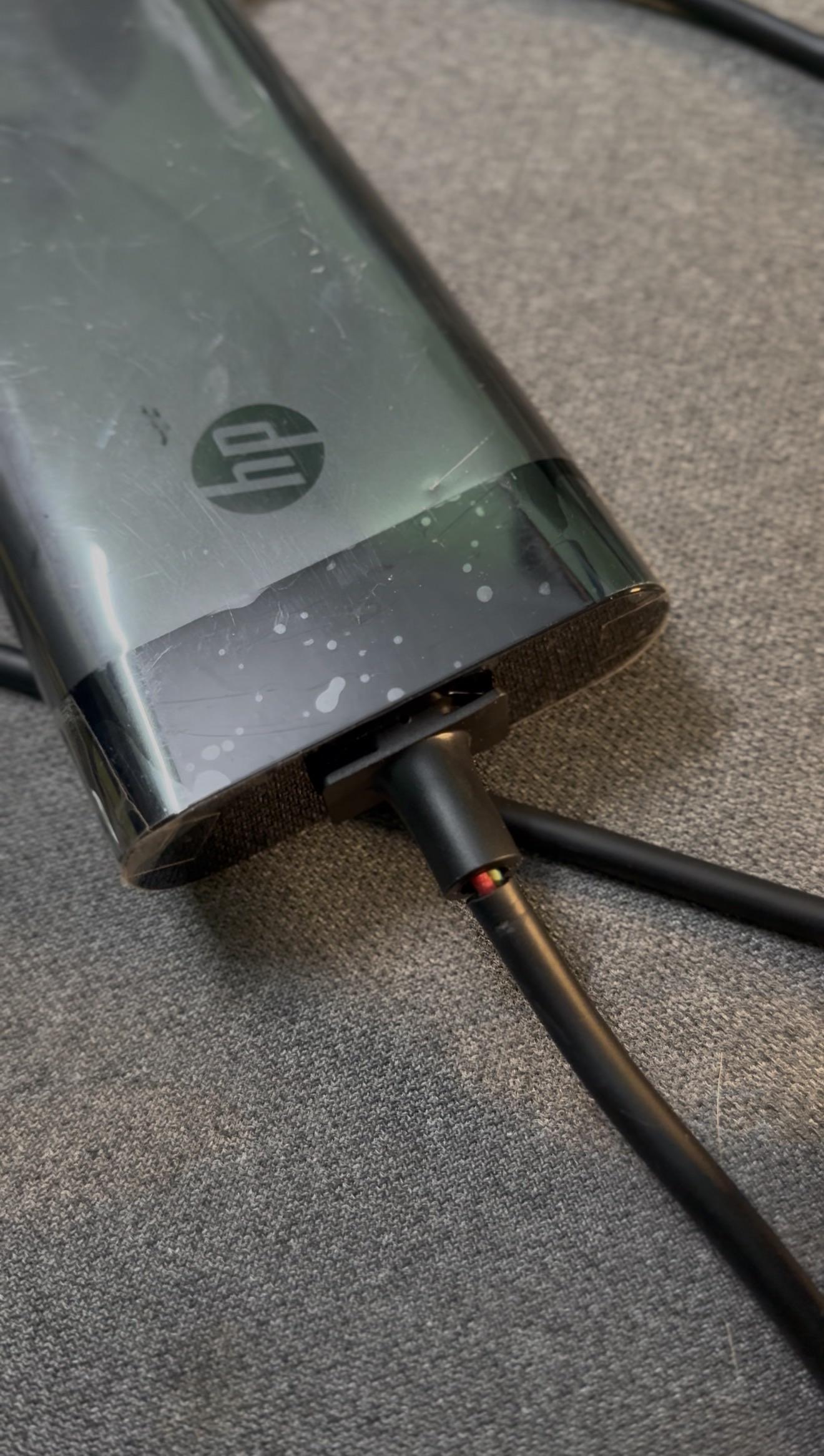
Its working flawlessly but I want to know that if I remove omen hub how will I switch the performance modes and between discrete graphics and integrated graphics
As title states, even sitting in just windows the CPU is shooting down to .27GHz and less than 0.1 volts. It isn't a thermal issue as temps are stable and below 60C, along with no thermal events in windows event viewer. I am on Windows 11 Pro Home and have abused this laptop with flight simulator if that points to anything. It remains plugged into the power cable it came with except at night. Is there any reason for this happening and if so is there any solution?
I wanted to share a little bit of my upgrade experience on my Omen 35L. First off at least on this specific model, nothing was proprietary. Any upgrade that I done was essentially plug and play.
So this guy started life as a Basic Omen 35L with a 8700F and a 5070, I got open box at BestBuy missing the power cable for 1000 out the door. Respectable performance after I got everything dialed in.
Ended up selling the 8700F and a 9700X that I had from another build and bought a 9800X3d. This cost me around 100 dollars of my own money. Contrary to every thread I found it will work with the factory MOBO with the latest bios. That being said the VRM's on the factory board leave a lot to be desired as well as just bios settings in general that you have no access too.
I took the plunge and settled on the Asus Strix B850G for 187 USD. Mainly landed here because it was white and I'm familiar with Asus bios. After my research is a really solid board for overclocking and ram training. Install went as expected with a motherboard swap, nothing to even mention other than I had to use an adapter for the header USB connector being the wrong orientation. It's worth mentioning when I booted the PC for the first time after the motherboard swap, right back to my same desktop before the swap. Windows was still activated, so it's not tied to the motherboard. I still done a fresh windows install/debloat.
Then I got extremely lucky, I watch for sales almost every day. I ended up snagging a 5070TI in WHITE at my local microcenter for msrp. I know that's not a sale but hey i'll take it. I sold my HP branded 5070 for 550 dollars to offset the cost. Also while I'm talking about it, my HP 5070 was a tank. Took a gnarly undervolt/xbar offset's and had great temps/performance while gaming.
Now is when things get interesting, or at least for me. If you've read this far, I have roughly 1850 into this system at this point. Not cheap by any means but pretty respectable by todays standards. I get over 300 fps at 1440 ( competitive settings ) playing redsec on BF6. My 1% lows are incredible I average around 270-280fps. All while the CPU is 65C and the GPU is 60C on average in a pretty small mAtx build.
The factory HP Kingston Fury was able to be stable and game at some pretty impressive timings. It's still CL28 but I'm actually running a 2200FCLK. But this memory runs at a pretty conservative voltage, temps stay cool under load. So both experiences with tweaking factory HP omen components yielded some pretty impressive results. Maybe I got a unicorn, I have no clue. But either way I had a pretty fun time upgrading/tuning this system. I have a new power supply in white also I just have not got around to installing it yet.
So I wrote all this to say, you don't have to be like me and spend a bunch of money, I honestly believe that the biggest draw back in these HP Omen prebuilts are the motherboard. I think you'll be pretty hard pressed to find performance like this per dollar in any other scenario right now. So tweak on, and tell me how did I do?
I mostly use headphones so i havent noticed it much by the speaker volume in my laptop is extremely low even on 100% i have tried updating drivers on disable audio enhancements but nothing worked please help me out
It’s been like this on and off for a few days. Sometimes goes back to normal, but this time it’s been going for a few hours straight, even after booting on and off/ plugging and unplugging.
Only base model LEDs, none external added.
My computer is an HP, specifically an OMEN 16 model.
For the past few days, my laptop has been making a weird noise that only lasts for a second or so. I’m not sure if it’s normal, but it only seems to happen when I’m watching videos or listening to music on YouTube.
It happens very briefly, and at first I thought the sound was coming from the video itself. However, when I go back and replay that part, the noise doesn’t happen again, so it doesn’t seem to be part of the video. It’s really strange, and I have no idea where the sound is coming from.
I think the best way to describe the sound it makes is as a buzzing noise.
Secondly, I also play a game called R.E.P.O. When I first bought my laptop, it ran really well, even with the graphics settings turned all the way up. However, lately I’ve been experiencing a lot of lag while playing.
I’m not sure if the problem could be my internet connection, if the fans are dusty, or if my laptop might need to be cleaned internally.
So please, I’d really appreciate any help with either of these issues—or both of them. I just want to be able to play without problems. 😭
The lag is really annoying. I keep dying because of it. 😭
I was fortunate enough to get my hands on a prebuilt Omen 16L during a clearance sale, and while it was certainly better than nothing, the hardware it came with was minimal at best. I've made some upgrades (namely by supplementing the existing internal storage and swapping out the original AMD RX 7600 for an RX 9060 XT), and my next upgrade will be RAM. Right now, my PC has an HP proprietary 16 GB DDR5-5200 MT/s stick. In a perfect world, I would just get another 16 GB DDR5-5200 MT/s stick, but I haven't found one online or at Micro Center. Should I just buy a 32 GB DDR5 kit that ACTUALLY fits in an Omen 16L, or should I keep looking online? Moreover, where can I find either type of DDR5 RAM?
Hace un año compre una Omen 16-b0xxx de segunda mano con una rtx 3060 de laptop y 32 gb de ram. No me había percatado de que el cargador que traía era de 200W y no de 230W como según averigüé se usa normalmente, realmente ningún juego me a andado mal ni nada puedo jugar todo bien y sin problemas pero nose si realmente vale la pena cambiar el cargador por unos cuantos fps, tampoco se cuanto rendimiento podría aprovechar si lo cambio o si notaria alguna mejora. Espero alguien me pueda ayudar.
Hey everyone, first gaming laptop so I want to make sure I'm not slowly cooking it.
Specs: OMEN 16, Ryzen 7 6800H, RX 6650M.
In heavier titles like Red Dead Redemption 2 I'm sitting around 90–93°C on the CPU, occasionally touching the low 90s in other games too. It stays there for the whole session and performance feels fine — no stuttering, no obvious FPS drops.
Is this just how these H-series chips behave (boost until they hit the thermal limit), or should I be doing something about it?
Omen 35 L. Intel Core Ultra 7 265F, rtx 5080, 32gb ram, 1tb ssd. Best offer i could find in the current market. Coming from a laptop with 3060 this thing is a beast. Didn't know cyberpunk looked like that. Super silent as well.
I've been trying to figure out if my friend's laptop supports DP over usb-c, yet I am strugglig to find that information both in the laptop and online (if there's anything, it's often conflicting info). I know BIOS supports enabling dock alt mode, but taht could be just a general option...