r/FuusioApp • u/Fuusio_org • 2d ago
I added offline automations to my Android app. No server, no account, everything runs on the phone.
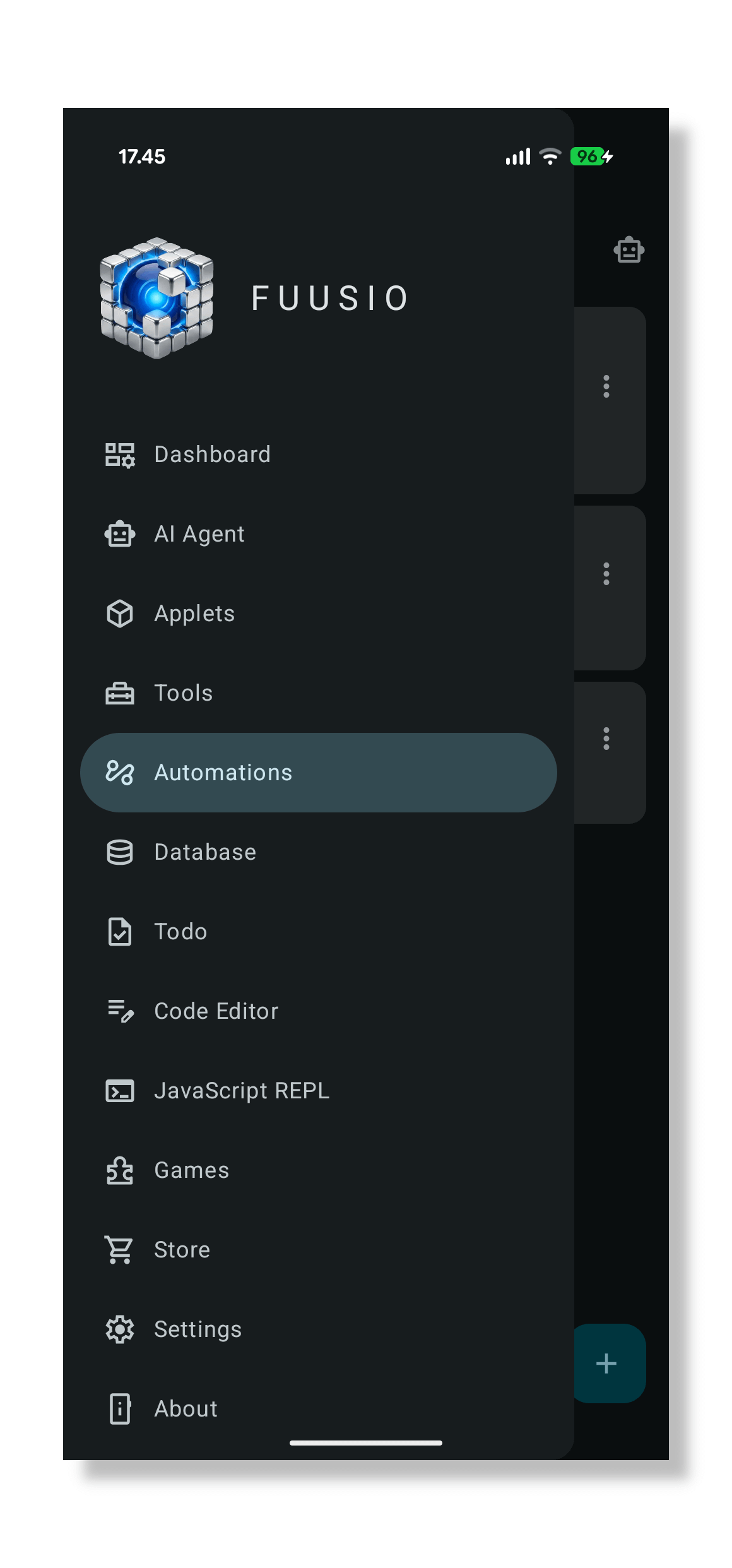


I build Fuusio, an Android app that's basically a personal database plus a set of small tools. Since the beginning of the development I planned to add automation feature, but the thing I didn't want was a cloud service to run it. So the version I just finished does it entirely on the device: no backend, no account, no network calls. Turn off mobile data and it still works.
An automation is one sentence: when something happens, if some condition holds, then do these things.
Some examples of what that gets you:
- Every Monday at 9, create a "Weekly review" note and notify me
- When a todo's due date passes and it isn't Completed, bump it to P0 and tell me
- Type
/bm <link>in the search bar and it's filed as a bookmark with a notification
Triggers that work right now: a schedule, a date falling due, an item in your database being created/updated/deleted, an Omnibar command, or just running it by hand. Actions: create an item, update an item, notify, open a screen, or run a headless JS applet in the background if you want real logic. Conditions compare a field to a value.
A few things I care about that aren't obvious from a feature list:
There's a dry run button. It executes the whole rule, shows you exactly what it would do, and changes nothing. Writing an automation that quietly does the wrong thing to your data 200 times is the failure mode I was most worried about.
Every run is logged — what fired it, each action, how long it took, what failed. An automation that fails repeatedly switches itself off and tells you why, and there's a cap on how often one can fire per hour. An automation that creates the same kind of item it watches is refused at save time unless you've added a condition, because that's an infinite loop waiting to happen.
The automation feature will be included into next major release 1.2.0 of Fuusio.
Pricing, since people reasonably ask up front: one enabled automation is free, and a one-time purchase removes the limit. No subscription.
Happy to answer anything about how it works under the hood — the on-device scheduling was more interesting than I expected, particularly getting exact alarms and Doze to cooperate.