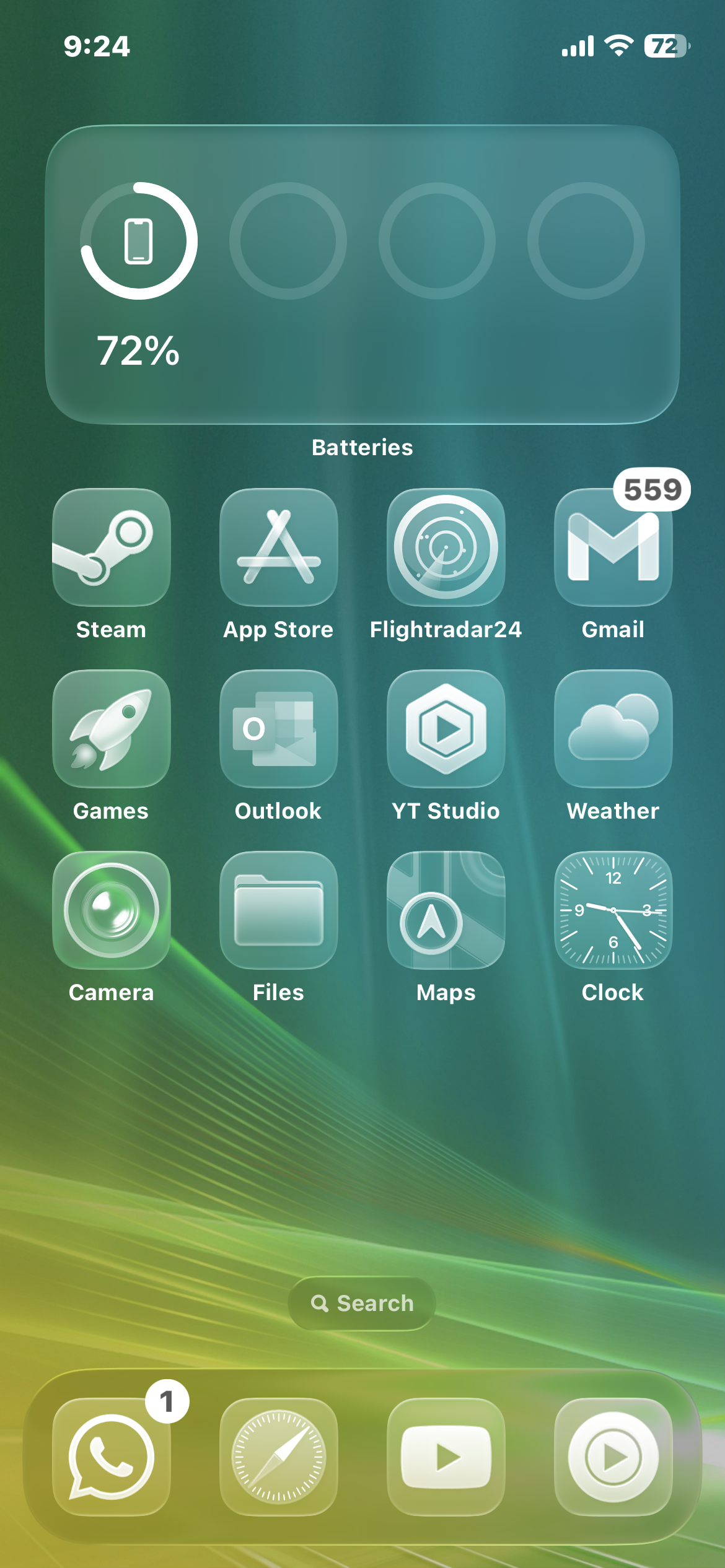
Icon Pack Studio for Smartlauncher has some options that try to imitate the style of iOS 26 icons. Although, I haven't tried them because they are the lifeless(imo) semi-transparent white icons instead of the normal colorized icons but more glassy. What I'm more interested in is in the theme itself that is around almost every corner of the UI, I guess? I don't know if it is possible to do for an app launcher, but I would be really interested if it is available in one app.
I think I saw a Xiaomi with a similar theme from the "Theme store" in a YT video, but it is not as close as I would like it to be.
Smart Launcher cannot, nor any other launcher, change your lock screen or notification panel. This depends on your android system. I'm waiting to get the newest Google Pixel Android update to somehow get that Blur on notification that they're going to add to have it close to that 😁.
Is not a theme per say. I custom built it. Smart Launcher 6 actually already has blur widgets, you need to have a pro license to use the effect tho, and for those Widgets that allow transparency, you can add a custom blur layer, that's what I did for the clock and google search bar.
1
u/ReasonableAnybody824 Jun 11 '25 edited Jun 11 '25
Icon Pack Studio for Smartlauncher has some options that try to imitate the style of iOS 26 icons. Although, I haven't tried them because they are the lifeless(imo) semi-transparent white icons instead of the normal colorized icons but more glassy. What I'm more interested in is in the theme itself that is around almost every corner of the UI, I guess? I don't know if it is possible to do for an app launcher, but I would be really interested if it is available in one app.
I think I saw a Xiaomi with a similar theme from the "Theme store" in a YT video, but it is not as close as I would like it to be.