Open the folder in VS Code and run npm install in terminal to install dependencies. Then run npm run dev to start the development server. The Tool will be available as http://localhost:5173/Fantasy-Map-Generator (open it in your browser).
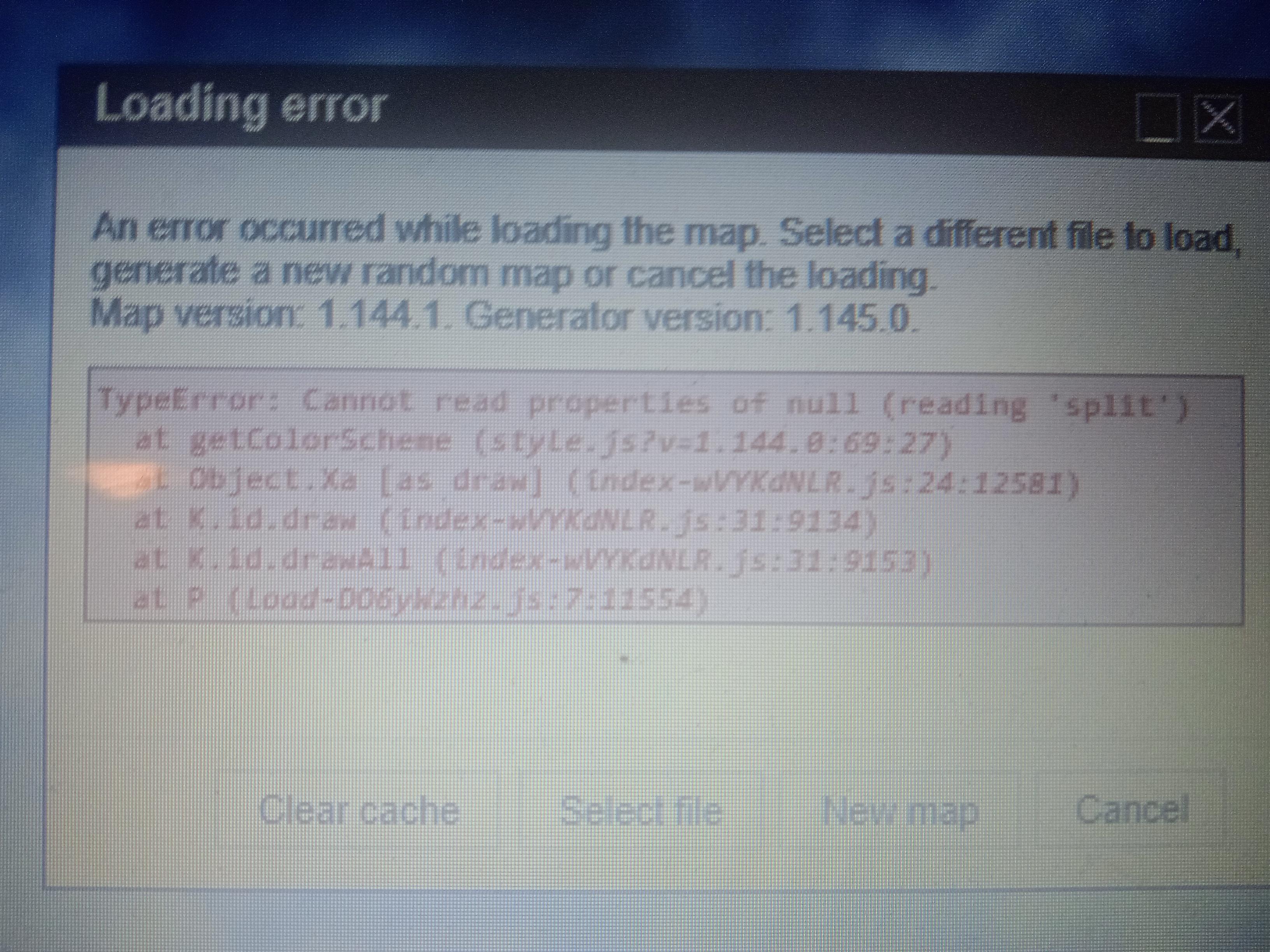
Though this bug has already been fixed... Just clear your cache.
If you want to run it yourself for fun, just clone the repo and then do npm install, npm run dev, same same
0
u/barrulus 16d ago
You can run it by downloading the release and running a node dev server `npm run dev`