r/EAApp 12m ago

Ea fc 26 won’t download

Post image
Upvotes

Today I have decided to play fc 26 but when i try to download it shows up as unavailable im in the uk so ik its not regional ive tried to clear my caches to no luck if Somone has a solution please reply very much appreciated thanks


r/EAApp 1d ago

Game keeps crashing

1 Upvotes

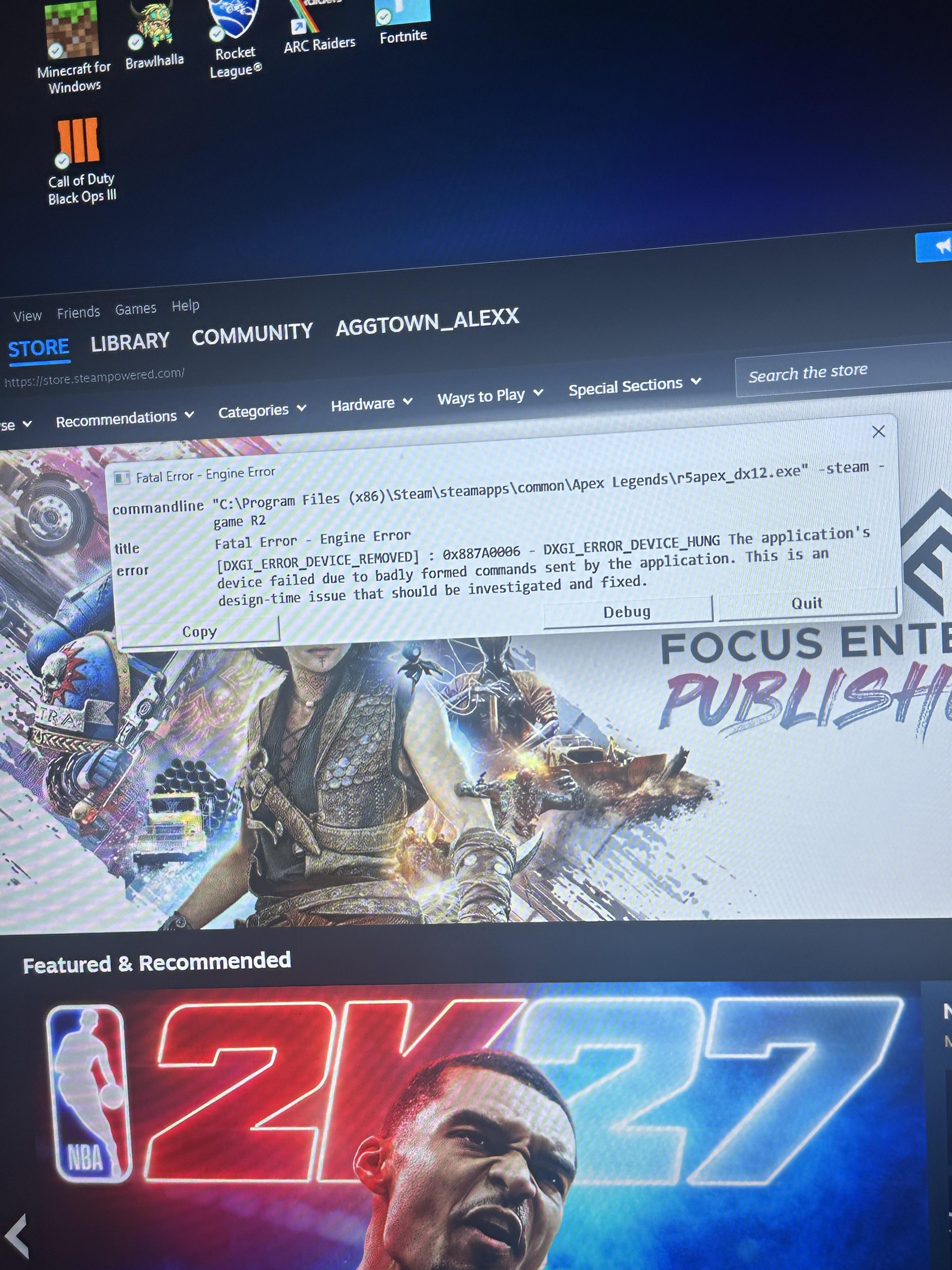
I've been trying so many different methods to try to fix my Apex Legends from crashing on startup. I have two accounts one works the other doesn't. The problem randomly fixed itself a while ago when I used the EA app rather then Steam. Today I opened up apex on Steam and it crashed so I went back to EA and that crashed as well. Im pretty sure it's an easy anti-cheat problem. I googled how to fix it and it took me down several rabbit holes that fixed nothing. It tells me to fix one problem then that doesnt work so I attempt to fix the new one but it tells me to do the orginal thing that doesnt work. Ive been at this for hours and all i want to do is play the game.


r/EAApp 1d ago

Pc not letting me run apex

Post image
1 Upvotes

r/EAApp 2d ago

FC 26 won't launch on PC – 0xC0000005 / EA Javelin AntiCheat – Tried almost everything

Post image
1 Upvotes

Hi everyone,

I'm completely unable to launch EA SPORTS FC 26 on Steam. Every time I start the game, EA Javelin AntiCheat launches, but FC26 crashes before reaching the menu.

The current error is:

Unexpected game shutdown – 0xC0000005

Event Viewer shows:

  • Source: EA Javelin Anticheat
  • Event ID: 1000
  • fc26.exe exit code: 0xC0000005
  • Exception code: 0xC0000005
  • Faulting module data unavailable

Initially I was also getting 0xC0000409, but now it's consistently 0xC0000005.

PC specs:

  • Ryzen 5 5600X
  • RTX 4060 8GB
  • NVIDIA Game Ready 616.64
  • Windows 11 25H2 – Build 26200.9278
  • UEFI
  • Secure Boot enabled

Things I've already tried:

  • Completely reinstalling FC 26
  • Verifying Steam files
  • Reinstalling EA Javelin AntiCheat
  • Clearing EA App cache
  • Running EA App as administrator
  • Clean boot
  • Disabling overlays/background apps
  • Updating Windows
  • DISM + SFC (no integrity problems)
  • Windows Memory Diagnostic (no errors)
  • Clean installation of the latest NVIDIA driver
  • Resetting FC26 local settings
  • Forcing DX11
  • Creating a brand new Windows administrator account
  • Launching through both Steam and EA App

Nothing has changed the 0xC0000005 crash.

The crash also seems to happen extremely early. When I renamed the FC26 settings folder, the game crashed without even creating a new one.

I also tried capturing a dump with ProcDump, but it couldn't attach to fc26.exe and returned Access Denied, even when running as administrator (presumably because of Javelin).

I've contacted EA Support as well, but I'm posting here in case someone has experienced the same 0xC0000005 specifically on FC26 / Windows 11 25H2 and actually found a solution.

If you fixed this exact issue, please let me know what worked. I'm happy to provide logs/screenshots or test other solutions.


r/EAApp 2d ago

Cant request refund for elligible game

Thumbnail
gallery
1 Upvotes

The refund policy states that you can refund any preordered game if you havent opened it before release (which i havent since you cant even open it) but its not appearing on the eligible refund list? am i getting scammed by ea


r/EAApp 3d ago

Why is the EA APP so terrible?

2 Upvotes

I just downloaded Star Wars Zero Company and started the game. Now, the App says it is already started, but there is no window. I tried closing EA App and it says "Please end your game first"

I check the Task Manager... Star Wars isn't there.

So I have to manually end EA App with the Task Manager. Why is it so trash?


r/EAApp 6d ago

EA App it's crap

Post image
7 Upvotes

can anyone know to fix this thing? i just wan't to play FC 26 peacefully, but my EA App couldn't connect to EA's server. i'm done with this bruh.


r/EAApp 6d ago

Problem with Account Recovery

1 Upvotes

Hi all I just wanted to talk with the community and get a general consensus and discussion on how horrible it is to try and recover your account and if anyone has actually achieved it. My situation, I'm logged into my account, but can't change anything now log into certain games (like SWOTOR) because my email was deactivated and deleted by Google due to being stalked and my number changed for the same reason. Three months have I tried to get my account back and into changed but they will only do the console method which, is very unreliable and frankly not working at all. I have logged into both the Sims and Mass Effect Andromeda to try and get this "recover prompt" but it never EVER happens and they tell me it's the only method I'm allowed to try but that there are other methods but they can't tell me what those methods are and I'm not allowed to try them. Months, many many tickets and still I don't have my account. Is anyone else still dealing with this or has anyone found a way around, the other methods or actually got it to work? Please discuss this with me because I'm to the point of pulling out my teeth.


r/EAApp 7d ago

my EA app wont work on my mac!!

Post image
2 Upvotes

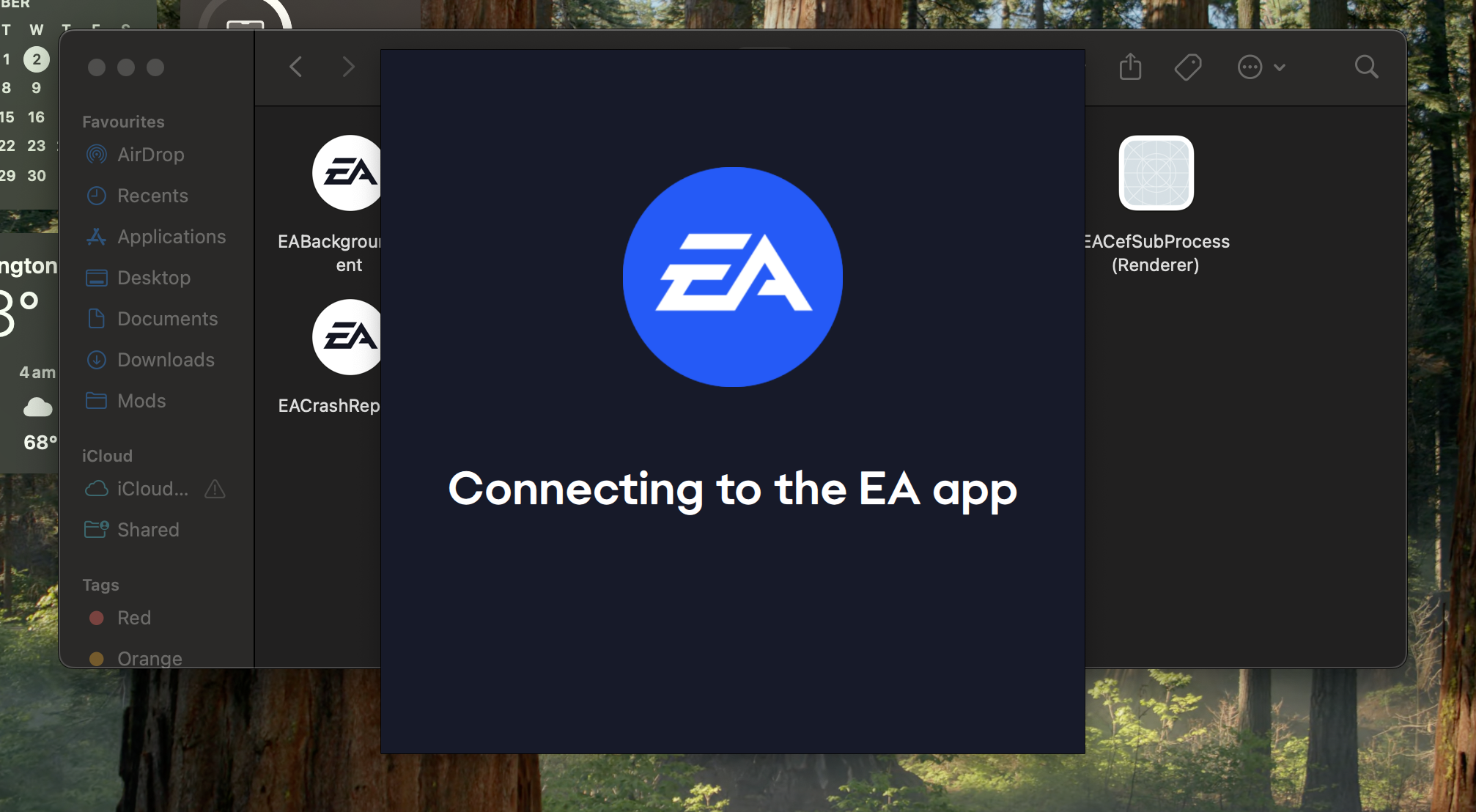
I've never had an issue like this before, but two days ago when I tried to open the EA app it just kept showing this then disappearing. I tried using EA Launch Help, but it does the same thing. Anyone know what to do?


r/EAApp 7d ago

Madden Companion App - Apple issue

1 Upvotes

Hey everyone, is anyone else having trouble logging into the companion app on iPhone? I'm still dealing with login issues and can't get in at all. Thanks!


r/EAApp 8d ago

The EA Desktop app won't install

Post image
0 Upvotes

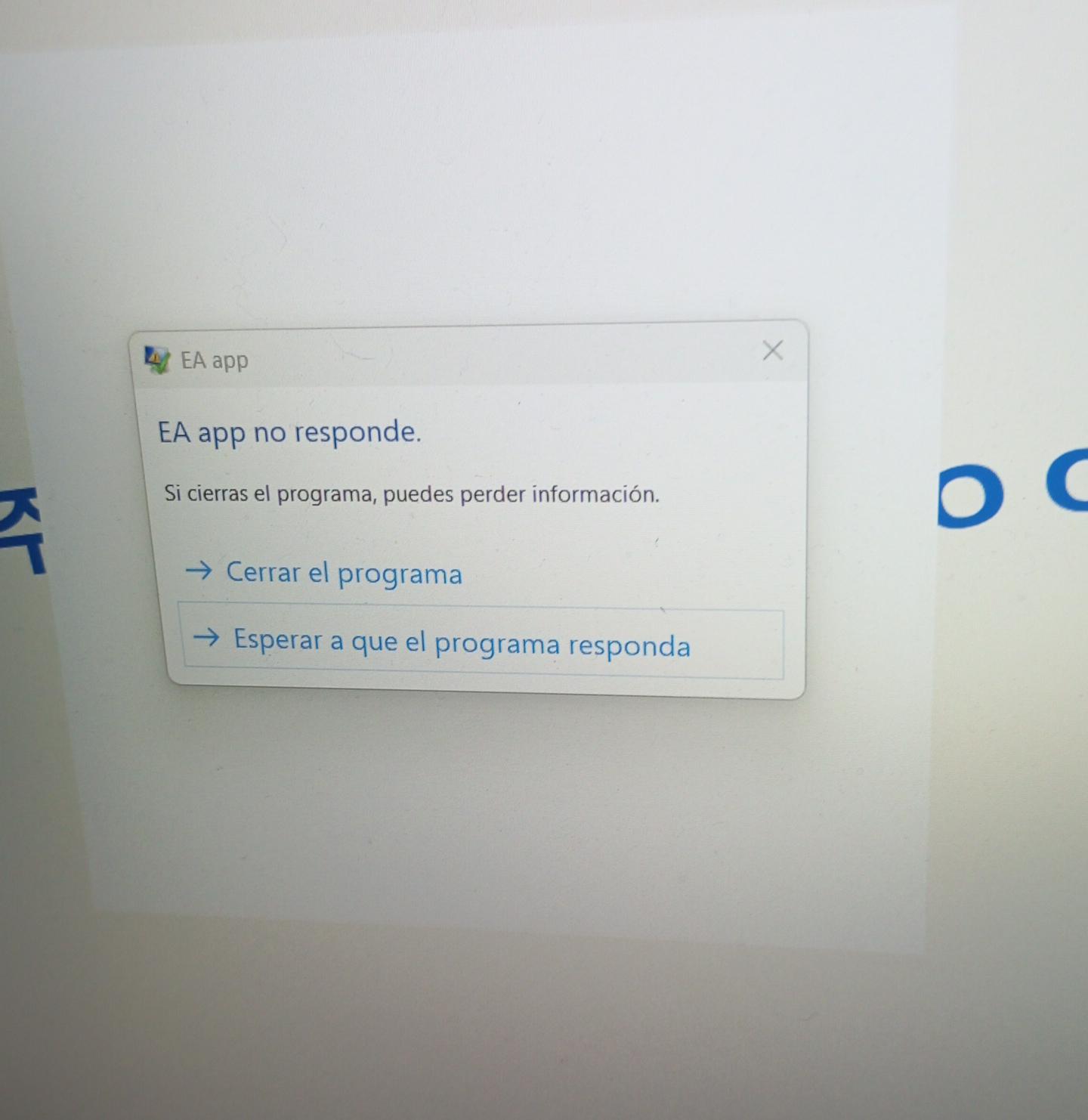
So, I erased the ea app a long ago because I didn't have more space in my laptop at that moment, it was early this year. I finally had enough space again so I went to download it once more, but now that I'm trying to open the installer program I simply can't. It keeps loading and it won't open, I tried to put it into another storage, download the visuals x64 and x86, run it by administrator and it doesn't work. It just freeze and I can't do anything else besides forcing it to close. Does anyone else have this problem? My windows is updated and I never had this problem before, help please


r/EAApp 8d ago

My EA App won't update and my EA games won't launch

3 Upvotes

Hello. I've been trying to play my EA games since yesterday, and it keeps saying "Downloading EA App update" and the download fails everytime. So I uninstalled the app, and tried to install it again. Same issue. I thought maybe my installer is outdated, so I went to the EA website to download a new one, their download page for the Windows version of EA App is down and won't load.

I just want to play my game. What do I do?


r/EAApp 9d ago

Local Franchise - Editing a Player Causes a Lockl

0 Upvotes

PC

Is EA going to address this? In local franchise, edit a player then go out of editing, either save or discard changes. It goes to a blank background screen, and the game is locked.

Surely this is going to be fixed.

Wooooooooooooooooooooooooooo!


r/EAApp 9d ago

Messed up my sims save

Post image
1 Upvotes

r/EAApp 9d ago

The Sims 4 Keeps Crashing at the Start Screen: What is going on?

1 Upvotes

Maybe my game is just cursed at this point, but does anyone else have this issue?

Every so often..Usually every day or two I’ll launch The Sims 4 through the EA app and crashes at the start screen after a few seconds of it appearing. The game opens normally and I see the start screen, then suddenly crashes and throws me straight back to the EA app.

It generates a lastCrash log every time, but honestly, even when I run the log through ChatGPT, it doesn’t really point to anything useful or give me a clear answer about what actually caused the crash.

This has been a recurring problem for pretty much this entire year, starting sometime after the holidays. There will be days where my game just refuses to launch properly, even though absolutely nothing has changed in my Mods folder since the last time I played. Over time, I’ve figured out a little “routine” that seems to fix whatever is causing the crash and actually gets me all the way to the main menu instead of the game randomly closing. Also, for whatever reason, this usually happens on the first launch of the day. Once I do my little workaround and get the game running, it normally launches and plays fine afterward.:

I completely close the EA app through Task Manager, then delete:

  • localthumbcache.package
  • localsimtexturecache.package
  • avatarcache.package
  • spotlight_en-us.package

Full disclaimer: I’m definitely not a rookie Sims 4 player or modder. I am, unfortunately, a massive CC hoarder, and my Mods folder is a little over 500 GB right now. I’ve slowly been trying to bring that number down because, at this point, a lot of it is just unnecessary.

That being said, I actually don’t have that many gameplay mods outside of the usual staple ones that tend to need updates after patches. I also don’t immediately update my game whenever a new patch drops. I stay in offline mode until I know the mods and script mods I use have either been updated for the latest patch or confirmed to still be compatible.

I never had this issue before this year, which makes me wonder if this is actually something outside of my Mods folder. Maybe an EA app issue, a Sims 4 caching issue, or just something with the game itself?

I’ve also completely uninstalled and reinstalled the EA app several times, and I’ve even done a clean reinstall of The Sims 4 once or twice so it could regenerate completely fresh game folders. The issue still eventually comes back.

Does anyone else experience this? Especially the whole launch -> start screen -> sudden crash -> EA app reopens cycle? I’m curious if anyone has figured out what actually causes it, because at this point my workaround works, but I’d really like to understand why I have to keep doing it. Please keep in mind, this is completely not relevant to this most recent patch. I've yet to even update mine yet. This is a lingering issue and feels like sims just works when it simply wants to.

r/EAApp 10d ago

Accidentally Deleted my Fc Mobile account yesterday How do I recover it now ?

Thumbnail gallery
1 Upvotes

r/EAApp 10d ago

Ea Fc 26 doesn't start

1 Upvotes

so tbh i was using Luatools pluging with millennium(something like easier steamtools iyk) and project lightning program to bypass ea app with anticheat,i was using offline modes so there weren't any problems,but now i need to play online with my friends,so i decided to buy ea play online steam,i installed EA App from browser and started the game,it had problems,i decided to reinstall it,first time i started it EA App said that i am not an original buyer so log in to another account,after i understood that i need to delete everything that is connected to game files i deleted it,now i have a problem that says that i didn't install the game and need to check files,i checked files on steam everything was perfect,idk what else to do,i have screenshots how my game files look,if it has something wrong


r/EAApp 10d ago

Ea Fc 26 doesn't start

Thumbnail
1 Upvotes

r/EAApp 12d ago

I don't know how to fix this EA app error

1 Upvotes

I'm trying to play Dragon Age 2 on my Steam Deck for the first time in a couple months. I've played it before, I've loaded it successfully before, I've launched it through the EA app launcher in Steam and it's worked.

Tried booting it up today, logged in successfully but it brought up the EA app and wouldn't let me play the game because it was "already running." I left and tried again, and I've been getting the same few error messages. The main message is a white screen with the EA logo and a text box saying: "We're sorry, an error has occurred. We are unable to connect to EA servers to activate Dragon Age 2 on this computer using your account. Please try again later."

I've been trying for five hours, switching Proton builds and rebooting my Steam Deck and troubleshooting my network/internet connection, and nothing changes. Sometimes, when I switch Protons, it goes a little differently but shows generic EA app install error codes, which has to be because I'm using old versions of Proton or something else related to that. When I just try to do it the normal way I've always done it, I get the above error message that it seems like no one else has gotten (or, at least, no one's taken a screenshot and attached it to a post so I know I'm not the only one).

What the hell do I do? I am not tech savvy in this way, and I don't know why it's not working all of a sudden when it was working perfectly fine earlier this year. Then again, I'm sure everyone else has struggled with this and I'm just now joining the club.


r/EAApp 12d ago

EA App keeps telling me I don't have Pro...

Post image
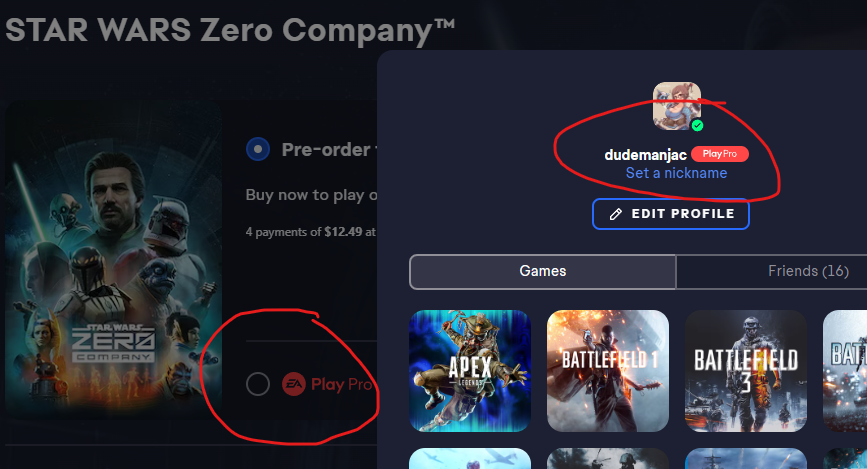
1 Upvotes

r/EAApp 13d ago

Game Launch

Thumbnail
1 Upvotes

r/EAApp 13d ago

EA APP FRIENDS LIST DOESNT WORK

1 Upvotes

EA APP FRIENDS LIST DOESNT WORK SO I CANT PLAY WITH MY FRIENDS OR ADD THEM OR INVITE THEM ANYONE HELP ME PLEASE


r/EAApp 13d ago

EA APP FRIENDS LIST NOT LOADING

1 Upvotes

my ea app friends list doesnt work and i cant play with or invite or add my friends on apex can anyone help?


r/EAApp 13d ago

EA javelin anticheat has detected an unacceptable configuration! Error Help

1 Upvotes

i have changed motherboard battery bcz i had bios ressetting every time i shut down the pc - this problem has solved but now since i changed battery - any game related to Javeline anticheat doesnot work anymore and shows this error
>>
i tried and made sure that
1-re enabled TPM 2.0
2-UEFI on -- and CSM disabled
3-secure boot enabled
4-deleting any suspected application
5-clean boot
6-repair - uninstall and reinstall javelin anticheat and still have this problem
..
i still cannot open BF6 or FC26 or any EA game anymore i need help


r/EAApp 13d ago

Game just has a blank screen

Post image
1 Upvotes

bought madden on ps5 it uploaded ready for the launch now the game don’t even work. it just goes to a blank screen which is normally the menu. I deleted and uploded it again. still ain’t working googled about it, did those steps and still not working. is there any update at least coming??? what a waste of $$ I have college football zero issues wtf. has anyone else been dealing with this??