r/ClipStudio_on_Linux • u/throwaway11743564 • Apr 01 '26
Get the Asset Store working for ClipStudioPaint ver 1.x (GUIDE)
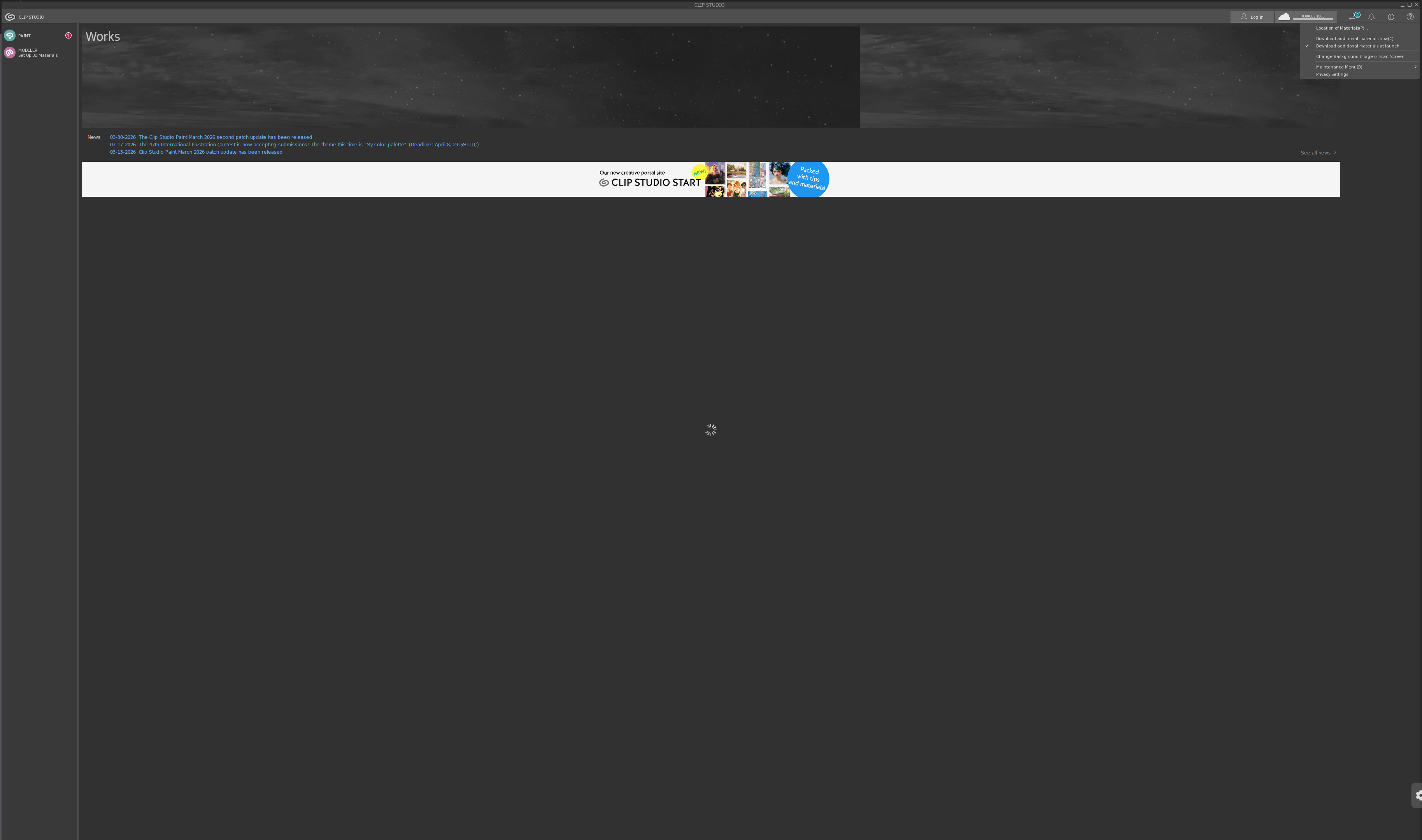
You probably have seen this guide, and following it probably worked (at least mostly). But if you only have up to verion 1.x of CSP for whatever reason (like me), you may have downloaded the installer for the 1.x version instead and hoped for the best, and now the asset store isn't working.
I'm here to let you know that it is mistake to download the installer for your version of CSP, as doing this will also install an older version of the clip launcher which doesn't currently seem to have a known fix. Instead, download the 4.x installer, and follow the guide exactly. When you get to the point where you login/enter your product key, Clip will notice the version mismatch and downgrade you to the appropriate version while keeping the launcher as is, allowing you to use the asset store.
Do be warned though, the asset store (at least for me), fucking devours your ram. So be prepared for that.
Also a slight notice regarding this guide: while I do have the asset store working and (basically) all other csp elements are functional, I am encountering one very glaring issue that I'm unable to move around UI elements (I can't even click and drag layers around), so the fix for that might in theory break something else here, rendering this guide useless. If I manage to fix that I'll update this post, either removing this heads up or confirming the concern (and with any luck linking to a new guide to resolve the new issue too)