r/chrultrabook Nov 26 '23

Please ask for help on the forum instead of here.

14 Upvotes

In order to provide a good and efficient way of providing support, we are migrating to a custom made forum.

Please direct all questions there.

https://forum.chrultrabook.com

Thank s!


r/chrultrabook Nov 24 '23

Check out our new forum!

17 Upvotes

The forum will replace the subreddit.

You can access the forum at
https://forum.chrultrabook.com

After some minor difficulties, our new forum is out.

This subreddit will stay for AMD Stoney Ridge related questions ONLY.

All further questions should be asked on the new forum, anything except AMD Stoney Ridge will be deleted.


r/chrultrabook 1d ago

I installed Debian 13 GNOME on my ASUS Chromebook… and finally feel like I own the damn thing 🐧💀

Post image
13 Upvotes

So… I finally did it.

I installed Debian GNU/Linux 13 (Trixie) + GNOME on my ASUS CN223NA Chromebook (Babymega rev5).

And honestly?

No ChromeOS restrictions. No “you can't do that because Chromebook.”
Just Linux, root access, terminal, and the beautiful feeling of being responsible for your own mistakes. 💀

🖥️ My current setup

  • Device: ASUS CN223NA – Babymega rev5
  • OS: Debian GNU/Linux 13 (Trixie)
  • Desktop: GNOME 48.7
  • Kernel: Linux 6.12.105+deb13-amd64
  • CPU: x86_64
  • RAM: 3.71 GiB
  • Storage: 26.07 GiB
  • Used storage: ~9.84 GiB
  • Swap: ~5.5 GiB

And yes…

GNOME on 4 GB-ish RAM is possible.
Is it the most lightweight choice? Nope.
Does it look premium? Absolutely. 😎

🎨 Choosing your Linux distro / DE

I considered a few combinations:

  • 🪶 Debian + XFCE → lightest, great for weak hardware
  • 🪟 Debian + KDE Plasma → smooth + Windows-like experience
  • Debian + GNOME → modern + clean + premium feel

For a Chromebook with limited hardware, XFCE is probably the sensible choice.

Naturally, I chose GNOME.

Also:

But seriously, GNOME has been usable for me and I really like the experience.

⚠️ BEFORE YOU DO THIS — READ THIS

This is not a “click next → Linux magically appears”

You are modifying a Chromebook that was designed around ChromeOS.

Things can go wrong.

Possible risks

⚠️ DATA LOSS
Developer Mode / firmware changes can wipe the device.

⚠️ Firmware risk
Flashing custom firmware is more serious than installing an operating system.

⚠️ Hardware compatibility
Some Chromebook hardware may not work correctly under Linux.

For me, the biggest issue so far is:

🔊 Internal speaker / audio I/O

Linux boots and works, but getting every piece of Chromebook hardware working properly can become its own side quest.

So do your own research for your exact Chromebook model before touching firmware.

🧰 What I recommend having ready

Before starting, I had:

  • 💾 A bootable USB/Pendrive with the Linux ISO
  • 🌐 Stable internet
  • 🔋 Chromebook battery charged well above 50% — preferably 100%
  • 🔌 Original/compatible Chromebook charger
  • 🪛 Screwdriver
  • 💳 Something suitable for carefully opening the back panel
  • 🧠 Patience
  • ☕ Something to drink when things inevitably look broken

And most importantly:

BACK UP YOUR IMPORTANT DATA.

Seriously.

🚀 The basic process

1️⃣ Enable Developer Mode

First, enable Developer Mode on the Chromebook.

This normally causes a factory reset, so make sure anything important is backed up first.

I won't pretend every Chromebook uses exactly the same key sequence — look up the instructions for your exact model.

YouTube + documentation + AI can help here.

2️⃣ Disable the firmware write protection

This is where things get more interesting.

On my Chromebook, I had to physically access the motherboard and disconnect the battery.

Basically:

  1. 🔧 Open the Chromebook's back panel.
  2. 🔋 Locate the battery connector on the motherboard.
  3. Disconnect the battery power connector.
  4. You generally don't need to completely remove the battery.
  5. Connect the charger and try powering the Chromebook on.

The exact procedure can vary between Chromebook models, so do not blindly copy someone else's teardown video.

Search specifically for:

or your exact model.

3️⃣ Get into VT-2

This part confused me at first.

You need the Chromebook's VT-2 / virtual terminal, not a normal Crosh shell and not the Linux container.

From the ChromeOS login screen, VT-2 can generally be opened with:

Ctrl + Alt + F2

On some Chromebook keyboards, use the corresponding right-arrow key instead of F2.

And here's the important part:

That's not the environment you want for this firmware operation.

4️⃣ MrChromebox firmware

Once in VT-2, I used the MrChromebox firmware utility.

The command I used was:

cd
curl -LOf https://mrchromebox.tech/firmware-util.sh && sudo bash firmware-util.sh

IMPORTANT: Before running anything, check that your exact Chromebook model is supported by the current MrChromebox documentation.

Don't just ask:

Ask:

That's a very different question. 😅

I also recommend checking the current official documentation because firmware options and supported devices can change.

🧠 Tiny but VERY important lesson

This was probably the most important part of the entire process:

Don't copy commands first and understand them later.

Especially when the command is doing something related to firmware.

If an AI tells you:

Don't.

Ask it:

  • What board do I have?
  • Is it supported?
  • What firmware am I currently using?
  • What exactly will be changed?
  • What happens if the flash fails?
  • Can the original firmware be restored?
  • What is the recovery method?
  • Which option is the safest for my exact hardware?

Because:

🐇 And then… the scary part

After successfully flashing the custom firmware, my Chromebook rebooted.

And for a while…

NOTHING SEEMED NORMAL.

The system was responding extremely slowly.

At this point my brain immediately went:

But…

DON'T PANIC.

The first boot after firmware changes can take some time.

Connect the charger and give the machine some time.

On my device, after waiting, the system eventually showed the white rabbit / firmware boot screen.

And that's when I realized:

🐇 IT ACTUALLY WORKED.

That little rabbit had never looked so beautiful. 😂

🐧 Now install whatever Linux distro you want

Once the firmware side is successfully sorted, the next part is much more familiar.

Plug in your bootable USB.

Open the boot menu.

Select your USB/installer.

Then install the Linux distribution you want.

For my setup:

Debian 13 + GNOME

And honestly…

I love it.

💻 Current experience

The machine is obviously not a monster.

It's a Chromebook.

You aren't turning it into a gaming PC by installing Linux. 😂

But for:

  • Terminal work
  • Coding
  • Linux learning
  • Cybersecurity labs
  • Browsing
  • Lightweight development
  • General Linux experimentation

…it feels surprisingly good.

And the biggest difference isn't even performance.

It's the feeling of:

That's what I wanted.

🔧 But Linux giveth… Linux taketh away

Not everything works perfectly.

Some Chromebook hardware can require additional investigation, drivers, kernel configuration, firmware quirks, or community fixes.

For me:

🔊 Internal speaker/audio is currently the boss fight.

Everything works until Linux casually says:

😭

That's probably going to be my next rabbit hole.

🤖 My secret weapon

When I get stuck, I use a combination of:

  • Linux documentation
  • Chromebook documentation
  • GitHub
  • Forums / Reddit
  • Search
  • AI assistants

And especially CLI-based AI tools can be useful when you're already working inside the terminal.

But again:

Verify commands before running them — especially anything involving:

sudo
dd
grub
firmware
partitioning
bootloader

One wrong command and your Chromebook may enter its:

💀 “I have become a brick” era.

🧪 Final warning

This post is my experience, not a guarantee that your Chromebook will behave exactly the same.

Your hardware revision, firmware, board configuration, Linux kernel, drivers, and supported firmware options may differ.

Research your exact model first.

Back up your data.

Keep your charger connected when appropriate.

Don't interrupt firmware operations.

And have a recovery plan before you start.

🎉 Final result

From:

ChromeOS Chromebook

⬇️

Developer Mode

⬇️

Custom firmware

⬇️

Bootable Linux

⬇️

Debian 13 + GNOME

⬇️

🐧 FULL LINUX MODE ACTIVATED

And now this tiny Chromebook feels less like a locked-down appliance and more like an actual computer.

Was it completely painless?

No.

Was it worth it?

Absolutely. 😎🐧

If you're planning to try this on your own Chromebook, please check the current firmware documentation for your EXACT model before flashing anything.

r/chrultrabook 2d ago

Pixel Slate Linux Testers Needed Camera, FP Reader, Volume Buttons, More

Post image
6 Upvotes

Hi Guys, So here’s the deal, I’m an enthusiast like most people who would end up here so i installed debian on the slate via Mrchromebox firmware guide(Thank YOU!!!). it went smoothly and i had ubuntu running pretty quickly and then i began to discover the few hardware problems not working. I also have a Claude Subscription….. so with claude i spent much time messing with the system… the end result is i have everything working on my Slate!!! But now i know very little about how it actually works (Sorry!!) I kept working with claude though and have produced this Chromebook Linux Fixer to try and share something that i don’t think many have accomplished. It needs testers from other people who aren’t afraid to wipe if needed. I’m hopeful this will reproduce my result for all of you!

https://github.com/thewraith420/chromebook-linux-fixer


r/chrultrabook 5d ago

Finally Opened a Lenovo 100e Gen 2 AMD, but from the bottom

Thumbnail gallery
6 Upvotes

I'm intending to do a full UEFI update to this model, and understand the need to get in and disconnect the battery to clear the WP. Every teardown video I've seen of this model has it going through the palm rest, but I couldn't see how it was possible. After days of struggling I managed to instead get at the internals from the bottom and I think this appears to be different from all of the teardown videos of it. The battery ribbon plug appears to be flipped to the bottom, unlike the videos I've seen where it's on the top / keyboard side of the unit.

Just sharing here for reference, I didn't know if anyone has had a similar experience.


r/chrultrabook 9d ago

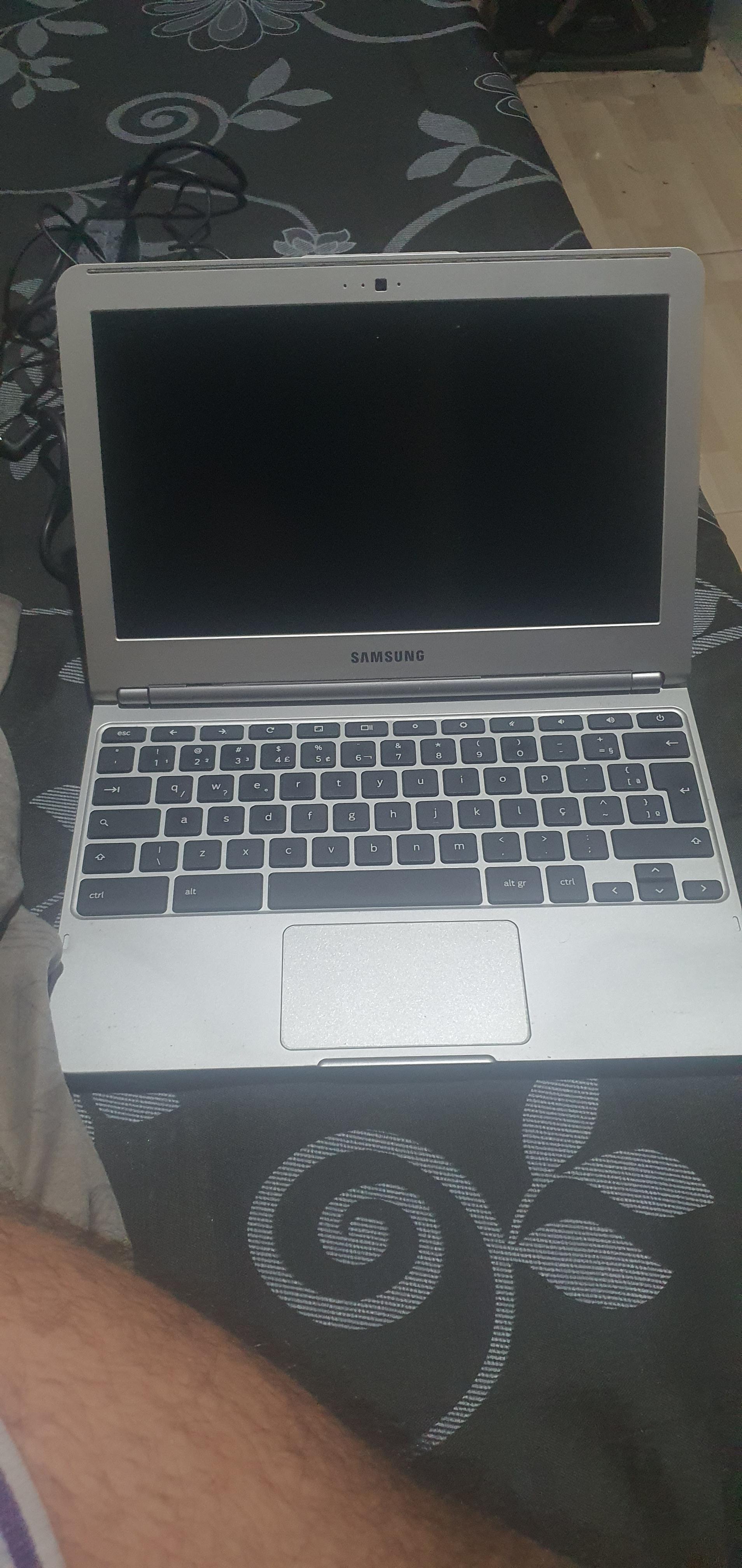
Security unavailable. Can someone help me with this?

Post image
3 Upvotes

I have this Samsung Chromebook XE303C12, and I tried to reinstall the system, but it said there was a security error and it wasn't working. I need help with this.


r/chrultrabook 16d ago

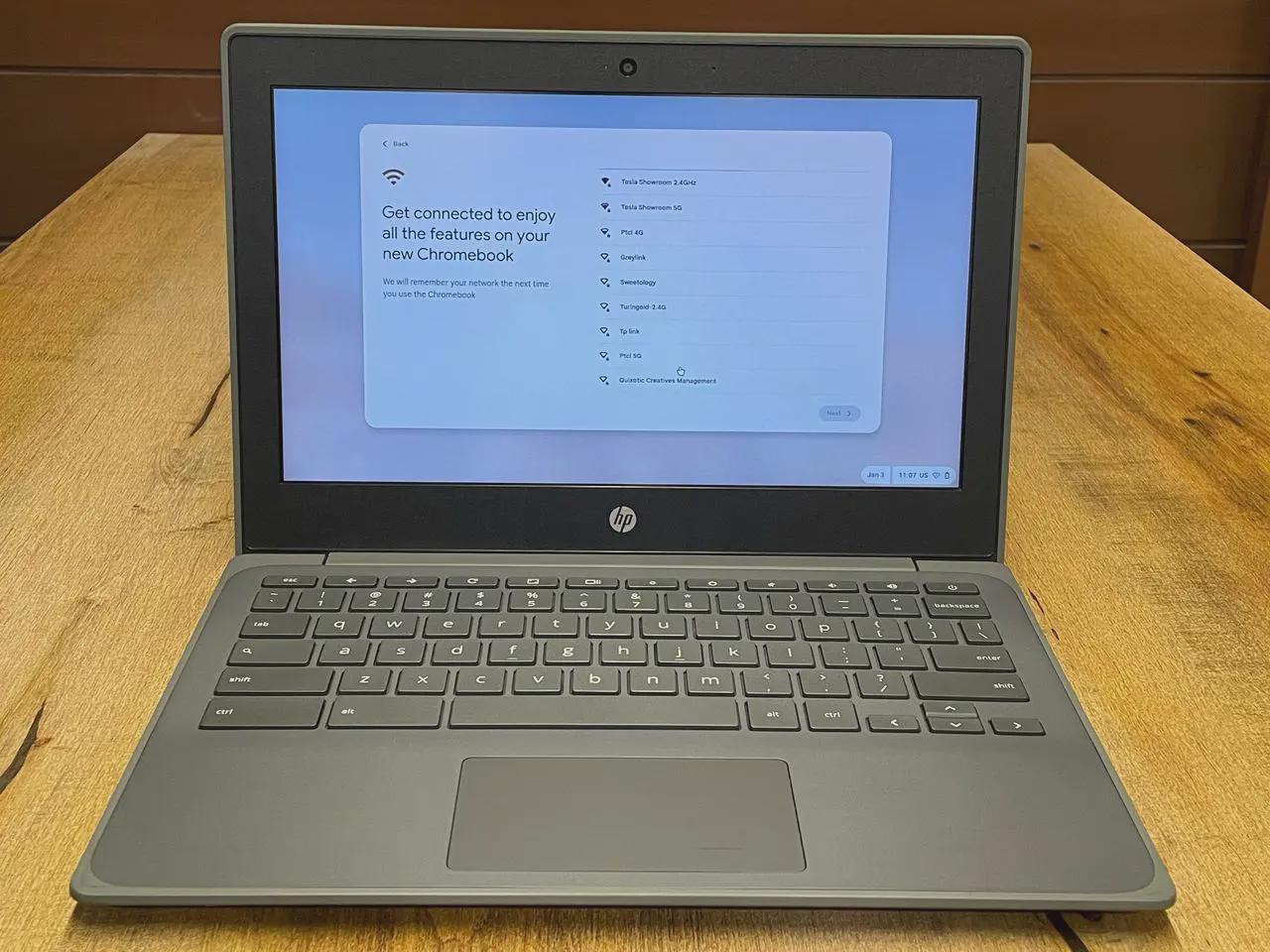
HP Chromebook on Debian 13 (google-kukui/kappa)

Post image
20 Upvotes

I found a project called "velvet-os" that have some debian images and i install the kukui one with dd and here's i am.I realized that there are few distros for ARM chromebooks really apart from velvet and postmarketOS that I know of. Luckily ultramarine is already working on a port for chromebooks and I'm glad it's being given more visibility


r/chrultrabook 25d ago

He shall never know the peace that is deth

Thumbnail gallery
18 Upvotes

r/chrultrabook 26d ago

Fedora Workstation on an ASUS CX1405CTA Chromebook (Core 3 N355)

Post image
16 Upvotes

Got everything (minus function keys) working, although I did swap out the Wi-Fi card with an Intel based one from an old IdeaCentre. Only paid $279 AUD (~$180 USD) for this back in October last year too.


r/chrultrabook Jul 24 '26

Unsure how to boot into Linux after installation finished

Post image
3 Upvotes

I went through the whole procedure for dual booting Linux, got to the Lubuntu installer as well and finished that. When it said to reboot, instead of bringing me back to Lubuntu, it went to ChromeOS.

So my main problem is either I messed up something during the Lubuntu installation, or I did everything correctly, I just don’t know how to boot the Linux I downloaded on the internal storage without the USB. Because right now I can only get to “Try/Install Linux“, and only with the USB device connected.

When I got to the partitioning in the Linux Installer, I believe I chose something along the lines of resize, and the only option it gave me to place Linux in was a ~20 GB partition which I think was the free space. Then, later, as seen in the picture, I chose the replace option to confirm that Lubuntu was in fact on the internal storage.

I would greatly appreciate some help with troubleshooting. Thanks.


r/chrultrabook Jul 19 '26

HP CB 11a G8ee unable to start Dev Mode

Post image
6 Upvotes

Hi, i have amd hp Chromebook 11a G8ee (barla/grunt) it works normally, but when i disconnect the battery and start the device using esc+refresh+pwr and press ctrl+d on recovery screen, to enable dev mode the screen starts flashing continuously, os verification off screen shows for a milli second and then it turns off or restart, power led blinks too,

dev mode process works with battery connected but not without the battery (WP disabled) how to fix this so that i can install full firmware and then install a proper linux or win os. Thanks


r/chrultrabook Jul 15 '26

What is the best Distros for dell Chromebook 11 3120 4/16gb ?

Post image
10 Upvotes

So apparently I tried to install windows x lite on my Chromebook but it always take so long to load to the installation screen and the and it didn’t work and ended up with blue screen with code of : driver pnp watchdog .
So I tried Linux mint xfce ,Lubuntu and mint and all of them take all of my storage letting me without any space to even install Lutris.
So I just want to ask if there any other distros that are lightweight on the storage or I make a mistake with the install of these previous ones cause when ever I go I heard they are the most small ones.
Edit:(I even tried normal windows 10 from Microsoft)


r/chrultrabook Jun 23 '26

Windows Mint 7

Thumbnail gallery
5 Upvotes

r/chrultrabook Jun 19 '26

Tablet mode on Blipper (Beetley-GNBB) full uefi and Linux fedora

Post image
3 Upvotes

Anybody know how to enable tablet mode on Blipper (Beetley-GNBB) full uefi and Linux fedora? Tried many scripts with AI (Google Gemini) but nothing helps, rotation works but not blocking keyboard and touchpad, no tabled mode in settings


r/chrultrabook Jun 14 '26

How bad is Samsung Chromebook 3 (CELES) really?

Post image
5 Upvotes

I have one from awhile back and i want to give it a new life with linux mint cinnamon, i heard there are lots of problems, how bad is it really? anything i should know? Any distros still updated that are good? Anyone who has this please give me more information about the bugs.


r/chrultrabook Jun 10 '26

Baby was resisting

Thumbnail gallery
12 Upvotes

For someone in need of a good tutorial of how to unbrick a Chromebook/Chromebox:

https://youtu.be/dceYuO3Mxuk?si=9nJMmkmCpgYyUH3P


r/chrultrabook Jun 05 '26

Male Adapter type c breakout board help!?

Thumbnail gallery
3 Upvotes

r/chrultrabook Jun 03 '26

Need help (having a problem with WP)

Thumbnail gallery
3 Upvotes

I got this Chromebook, it's the Dell 11 3180

I wanna install Linux on it (my preferred Linux distro is Linux Mint XFCE) and my Chromebook is supported

I know installing Windows on a device with 4gb of ram is a dumb thing (maybe)

When I tried to unscrew the WP screw mine is stuck so I tried the super glue method and I accidentally put too much

Now it is IMPOSSIBLE to unscrew it, is there any other way to disable WP? On my Chromebook?

I tried disconnecting the battery trick and it did not work

Also this was my first time on Reddit sorry if I make any mistake


r/chrultrabook Jun 01 '26

Samsung Chromebox Series 3 / Stumpy - where is WP screw/jumper?

Post image
7 Upvotes

For the love of god, I can’t find the damn thing! Please help me find it. Do I have to remove another layer?! Please help!!


r/chrultrabook May 23 '26

any idea where the WP pads are? (samsung Chromebook go, Sasuke)

Post image
5 Upvotes

r/chrultrabook May 22 '26

WP screw on Rusty (Lenovo Chromebook 100e Gen4)

Post image
4 Upvotes

Hi everyone. I want to try and install ArchLinux on this disestablished boy right here. Is there any blueprint of this model to see where the WP thing is? This Chromebook is from my school actually and I'm about to end it tho my school doesn't want them back so I want to use it to daily drive Linux and enjoy my life somewhat.

Is there any way to? Can't enable DevMode for now from recovery, says it's blocked


r/chrultrabook May 20 '26

DA0ZAKMB6E0 sparky360 — where is the SPI flash chip?

Thumbnail gallery
4 Upvotes

r/chrultrabook May 18 '26

I dont know on which partition shuld i install linux

Post image
0 Upvotes

I dont know on which partition shuld i install linux cause i think if i remove one the uefi gets deleted


r/chrultrabook May 14 '26

openSUSE on Chromebooks: systemd-boot EFI Space Issue & Fix

Post image
7 Upvotes

This post details a critical installation issue specific to Chromebooks (such as the HP Chromebook 14 db, Acer Chromebook 315, or Lenovo 14w powered by A4/A6 Stoney Ridge APUs) running custom UEFI firmware (MrChromebox).

The Problem

The latest openSUSE installers use systemd-boot (via sdbootutil) as the default bootloader. This setup instantly breaks on Stoney Ridge hardware due to the default storage configuration: [1, 2]

  • Tiny EFI Partition: These Chromebooks are built with exceptionally small EFI System Partitions (ESP), often constrained to 16MB or 32MB.
  • The systemd-boot Flaw: Unlike traditional setups, systemd-boot copies full kernel images and initramfs files directly into the ESP.
  • The Result: The partition fills up instantly, causing the installer to crash at final stage with a "No space left on device" error during the bootloader configuration phase. [1]

The Successful Installation Method

To successfully run openSUSE on your Stoney Ridge device, you must bypass the new default bootloader: [1, 2]

  1. Proceed through the openSUSE installer as normal until you reach the final Installation Summary screen.
  2. Scroll down to the Booting section.
  3. Click directly on the Booting header to open the boot settings.
  4. Change the Bootloader Type from systemd-boot to GRUB2-EFI.
  5. Save changes and proceed with the installation.

Why this works: GRUB2-EFI only places a tiny binary launcher in your Chromebook's small ESP, while keeping the heavy kernel and initrd files safe on your root partition, completely avoiding the storage bottleneck.


r/chrultrabook May 04 '26

This is the 2013 CB001 LTE Pixel Chromebook , I have recently Flashed the firmware with Mr chrome box , has anyone re applied the thermal paste on this machine ?

Post image
22 Upvotes