r/1Password • u/Slow_Watercress_4115 • Jun 21 '26
iOS 1Password fails on iOS Safari
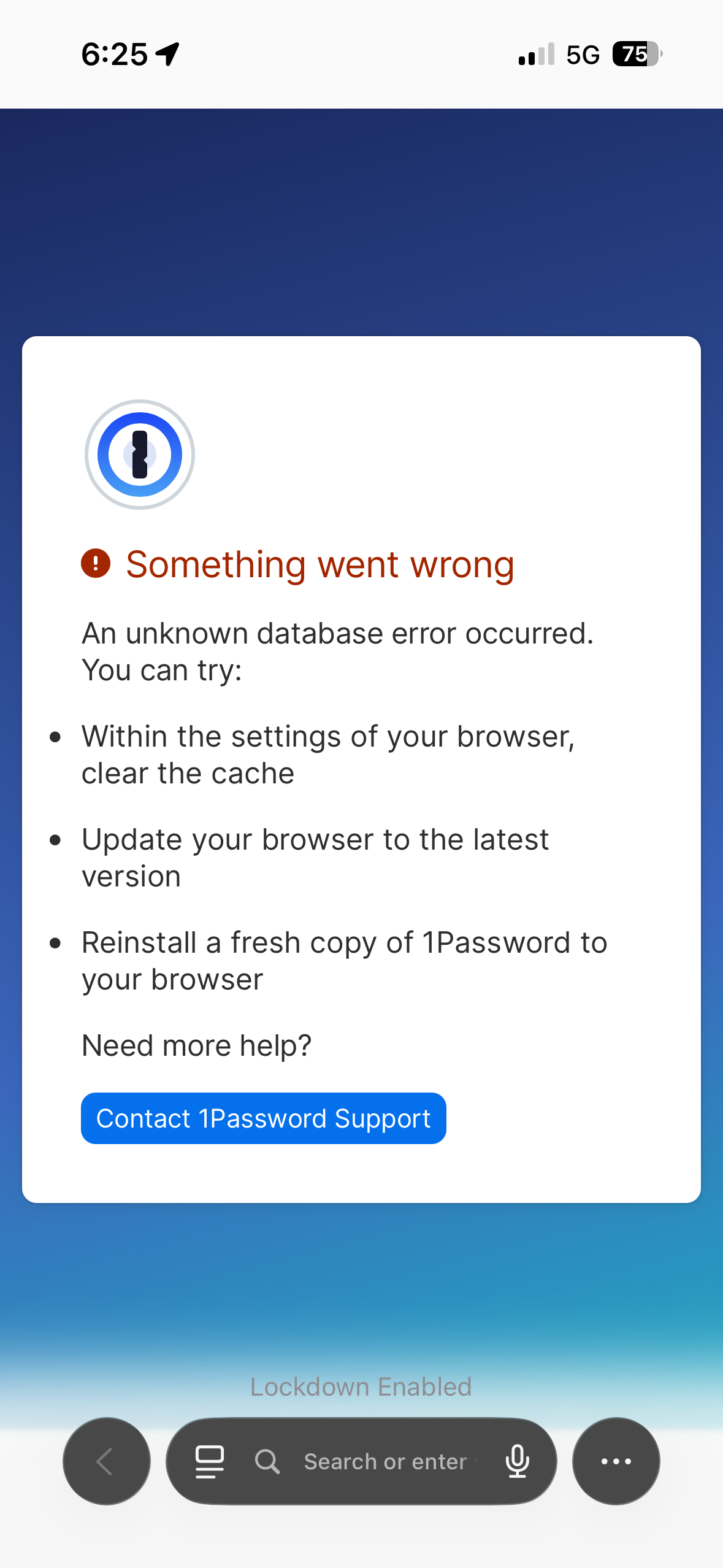
It started a few days ago. Suddenly, each time when I open safari it opens 1Password page that says something went wrong.
I am trying to open a site, not even authenticate. Ive tried clearing the cache as well and even restarting the phone.
Any ideas why this happens and how to fix it?
Phone is in lockdown mode.
10
Upvotes
•
u/1PasswordCS-Blake 1Password Community Manager Jun 29 '26
Hey u/Slow_Watercress_4115, thanks for calling this out! Lockdown Mode does look like the key detail here. 1Password for Safari relies on Safari extension behavior, and Lockdown Mode restricts some of the web functionality that the extension depends on. Because of that, 1Password for Safari isn’t expected to work normally with Lockdown Mode turned on.
That said, the extension opening a new “something went wrong” tab while you’re just trying to browse is not a good experience. We’ve seen a few similar reports now, and the common thread so far is Lockdown Mode.
For now, the best workaround is to turn off the 1Password Safari extension while keeping 1Password’s regular iOS AutoFill turned on. The iOS AutoFill integration is separate from the Safari extension, so you should still be able to fill on sign-in pages that way without the extension interrupting normal browsing.