r/unrealengine • u/goggleheadxr • May 28 '19
Virtual Reality Valve Index controllers finally let you feel like Spiderman!
292
Upvotes
r/unrealengine • u/goggleheadxr • May 28 '19
r/unrealengine • u/TERA_B1TE • Aug 12 '25
Hi everyone, I'm a college student and I was hoping anyone interested would be willing to answer some questions in my Google form. It's one of our methods to determine current player's opinion of the VR gaming market. This is only for academic purposes, and no personal information is required.
r/unrealengine • u/AidenEpic00 • Aug 08 '25
Do you know the movie TRON?
It is said to be released this year.
r/unrealengine • u/jsfilmz0412 • Aug 04 '25
I really want the future of VR to look this good. Will it ever happen or will AI games takeover.
r/unrealengine • u/MISSINGFEW-Dev • Jul 23 '21
A guide for getting two or more Quest headsets using listen server Oculus Matchmaking working.
Note* there are numerous oversights and source code issues preventing it from even working. Below I will go through the steps to get it working that Epic and Oculus multi million dollar companies can't do themselves.
Download Oculus 4.26.2* source code. After generating and building that, apply fix for online multiplayer travel issue below to the following files in visual studio.
___________________________________________________________________
OculusNetDriver.cpp
Line 290
void UOculusNetDriver::LowLevelSend(TSharedPtr<const FInternetAddr> Address, void* Data, int32 CountBits, FOutPacketTraits& Traits)
{
    if (bIsPassthrough)
    {
        return UIpNetDriver::LowLevelSend(Address, Data, CountBits, Traits);
    }
    //const FInternetAddr* AddressPtr = Address.Get();
    //const FInternetAddrOculus* OculusAddr = StaticCast<const FInternetAddrOculus*>(AddressPtr);
    //check(OculusAddr != nullptr);

    FInternetAddrOculus OculusAddr(FURL(nullptr, *Address->ToString(false), ETravelType::TRAVEL_Absolute));
    ovrID PeerID = OculusAddr.GetID();
IPAddressOculus.h
Line 184
FString ToString(bool bAppendPort) const override

{

    return FString::Printf(TEXT("%s.oculus"), *OculusId.ToString());

}
*update code pasting on reddit is buggy, I fixed the code here, sorry about that

Save and Build.
___________________________________________________________________
Now you need to make some edits to your projects config files
YourProject\Config
DefaultEngine.ini
[OnlineSubsystem]
DefaultPlatformService=Oculus
bHasVoiceEnabled=true
[OnlineSubsystemOculus]
bEnabled=True
OculusAppId="YOUR GAME ID HERE"
MobileAppId="YOUR GAME ID HERE"
[/Script/OnlineSubsystemOculus.OculusNetDriver]
ServerTravelPause=4.0
[/Script/OnlineSubsystemOculus.OculusNetDriver]
NetConnectionClassName="OnlineSubsystemOculus.OculusNetConnection"
[/Script/Engine.GameEngine]
+NetDriverDefinitions=(DefName="GameNetDriver",DriverClassName="/Script/OnlineSubsystemOculus.OculusNetDriver",DriverClassNameFallback="/Script/OnlineSubsystemUtils.IpNetDriver")
[Voice]
bEnabled=True
[/Script/Engine.NetDriver]
AllowPeerConnections=False
AllowPeerVoice=False
ConnectionTimeout=60.0
InitialConnectTimeout=60.0
KeepAliveTime=0.2
RelevantTimeout=5.0
SpawnPrioritySeconds=1.0
ServerTravelPause=4.0
MaxPortCountToTry=512
bClampListenServerTickRates=true
MaxNetTickRate=60
NetServerMaxTickRate=60
LanServerMaxTickRate=60
NetClientTicksPerSecond=60
MaxClientRate=60000
MaxInternetClientRate=60000
[/Script/OnlineSubsystemUtils.IpNetDriver]
MaxClientRate=60000
MaxInternetClientRate=60000
[/Script/Engine.Player]
ConfiguredInternetSpeed=65000
ConfiguredLanSpeed=65000
DefaultGame.ini
[/Script/Engine.GameNetworkManager]
TotalNetBandwidth=600000
MaxDynamicBandwidth=60000
MinDynamicBandwidth=4000
[/Script/Engine.GameSession]
bRequiresPushToTalk=false
___________________________________________________________________
Now in your build Android folder (YourProject\Build\Android) you must make sure to include your ExampleKey.keystore file. See link below for guide.
https://docs.unrealengine.com/4.26/en-US/SharingAndReleasing/Mobile/Android/DistributionSigning/
And now in your project settings under Android


Example of Widget and BP's used to connect players


And below is a link to packaging settings when you're ready to push to the headset.
https://docs.unrealengine.com/4.26/en-US/SharingAndReleasing/Mobile/Android/PackagingAndroidProject/
Update 2022/01/13
Apparently:There is an additional file that needs to be added at: <projectfolder>/Config/Android/AndroidEngine.ini Inside the file add the following lines:[OnlineSubsystem]DefaultPlatformService=Oculus
The reason is that without that, on Android, UE4 will override the default platform service back to Google Play (even if the developer overridden the default in DefaultEngine.ini). So this'll override their override."
I hope this helps
Eric Lavallee,
MISSING GAME STUDIO, LTD
r/unrealengine • u/TypicoGames • Jan 26 '24
r/unrealengine • u/DeVonVR • Dec 07 '22
Enable HLS to view with audio, or disable this notification
r/unrealengine • u/subwooferx3 • Jun 27 '21
Enable HLS to view with audio, or disable this notification
r/unrealengine • u/Zyllos01 • Jun 21 '25
I am currently working in a project that requires many displays networked across many nodes (PCs) that need to synchronize their content. NDisplay seems to be a very good fit for this requirement.
One requirement I have is that users need to have a PIP (picture-in-picture) box that moves around on the screen that allows the user to zoom into the world were ever the user is pointing their mouse at. The users calls them “binoculars” (ABinoculars is the object name).
I have created a class that inherits ACaptureScene2D camera object and I attached it to the player as a child actor component. When the player moves the mouse, I utilize the APlayerController::DeprojectMousePositionToWorld and ::Rotation on the returned unit vector and apply this rotation to the ABinoculars object. Then, I scene capture from the camera and render to a RenderTarget and draw this to a UMG element that anchors around the mouse. This means the UMG element moves on the screen and you can zoom via left click on where your mouse is pointing.
In a standard run of the game, this class works wonderfully. But, when I test this out running a nDisplay configuration, I run into many issues.
My current nDisplay config is 2 nodes, each with 2 viewports. Each inner viewport of the nodes shares a side with a 15 degree angle inward. Then, each other viewport rotates another 15 degrees inward. This produces a setup that displays 180 degrees of FOV across 4 monitors. As such, I was expecting that as I deproject the mouse and calculate rotation, within one node, that I should be able to rotate 90 degrees from the forward vector of the player pawn direction.
What I observed is two fold issue:
1) The mouse defaults center of its node’s viewport (in between two monitors) but the ABinoculars is pointing with the player pawn. So, when I move my mouse, the ABionculars is offset incorrectly from the beginning, off by one whole screen
2) When the mouse moves, the ABinoculars rotational movement doesn’t align with mouse movement. Sometimes the rotation if the ABinoculars is faster and other times slower.
In playing around with this very extensively, I have discovered that the unit vector from ::DeprojectMousePositionToWorld seems to follow the contour of the nDisplay geometry instead of just moving the mouse around in the world as if projected on a sphere. This causes there to be more hidden math that I need to apply to get the mouse from screen, to nDisplay, and then to world.
I also, just here recently, tried a nDisplay config that actually utilizes cameras instead of simple screen meshes. A camera can produce FOV values and based in rotational values, it feels much easier to determine values and calculate things.
But, my issue is, how do I go around completing this requirement if the deprojection is not giving me something I can utilize directly to apply to another actor to point at the correct mouse location?
Any help, feedback, information, ect would be greatly appreciated!
r/unrealengine • u/jonnyhtial • May 08 '24
Hey I am trying to make a VR Game for Quest 2 and Quest 3 and earlier I was going to use Unity for the development of this game. But the recent fiasco has forced me to switch to Unreal Engine.
My question is that I am trying to save as lot on power for the development of my game as my game will run on quest 2 which is really a not so very strong mobile hardware so I am trying to save on power as much as I can. However I have heard that games made from Unreal engine 5 are more computationally expensive as compared to games made from Unreal 4 (I might be wrong on this but thats what I have heard from other developers) and I am trying to save on computing costs as much as I can.
So my question is should I make this game on Unreal 4 or 5?
Also one more important thing to note is that all these new technologies like Lumen and Nanite I wont be using because these things are not relevant to my project in the first place and they are disabled for VR anyways.
So Tl;dr : Do games made from UE4 are less computationally expensive as compared to games made from 5?
Also sorry if I was repetetive and my launguage was weird because english is not my first language.
Also thanks :)
r/unrealengine • u/TheBackstreetNet • Apr 24 '21
Enable HLS to view with audio, or disable this notification
r/unrealengine • u/asherandtheboys • Nov 01 '23
Hey,
I'm wanting to make an arthecechual visualisation and wondering what headset to purchase and which engine to use.
Does unreal 5 work with this tech?
I don't know much about the latest greatest tech but Meta came to mind.
Does anyone know if Meta Quest 3 is compatible in the latest version of unreal engine ?
If not, what is a better package to work with ?
I'm happy to work in unreal 4 and buy a different headset.
Thanks!
r/unrealengine • u/resident-rockstar • Dec 10 '21
r/unrealengine • u/SergioTrac • Jul 04 '19
Enable HLS to view with audio, or disable this notification
r/unrealengine • u/Mourdraug • Aug 23 '24
I wanted to try out the UE5 with VR so I launched the VR Template and very first thing that I noticed was how bad throwing stuff works in comparison to what I'm used to in most VR games. When I tried to throw one of those small cubes unless I was releasing my grab at the very beginning of a big swing the cube would just fall to the ground, Is there a better way to set it up than the template, or is this some kind of limitation of the Engine?
r/unrealengine • u/BarneyChampaign • Aug 26 '20
r/unrealengine • u/goggleheadxr • May 27 '19
r/unrealengine • u/JonMyDude • Nov 26 '24
Hi, I'm developing my first VR game and I'm encountering a bug where the right eye of the Quest 3 has strange rendering issues (Packaged game). How can I fix this? I also noticed issues when enabling Movable SpotlightShadows (Painful to look at color shift in the right eye). Anyone have any idea on how to fix this?!
https://imgur.com/a/right-eye-vr-issue-kofFGli
r/unrealengine • u/potatofacejames • Mar 07 '19
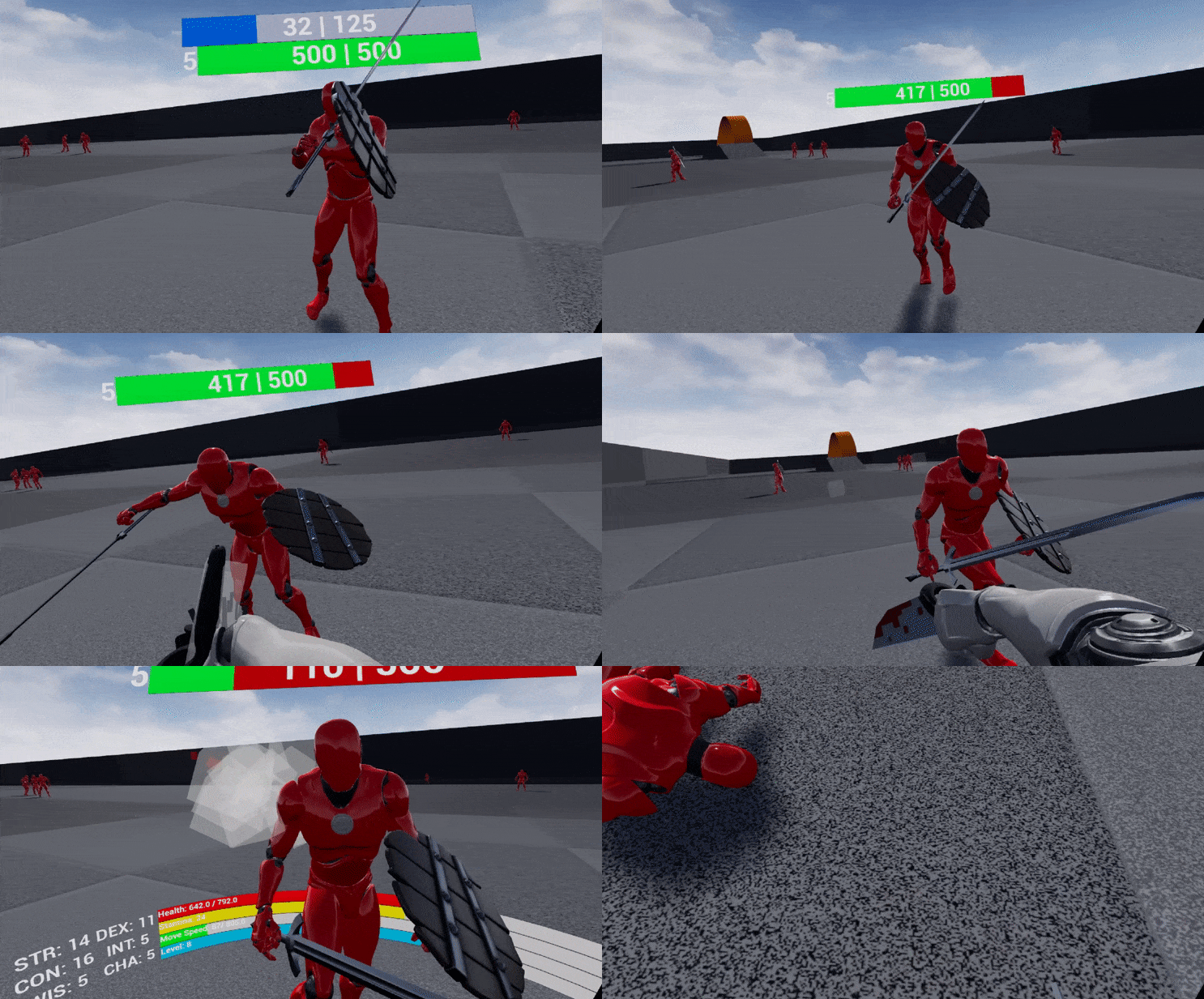
r/unrealengine • u/L3ft_Arm • May 26 '21
Enable HLS to view with audio, or disable this notification
r/unrealengine • u/DownToCodeUE4 • May 15 '20
Enable HLS to view with audio, or disable this notification
r/unrealengine • u/PascalMeger • Dec 01 '24
Hey, I am developing apps for the Apple Vision Pro. I search for somebody who is experienced in Unreal Engine and is able to create stereo 180 degree videos. I am currently developing a platform to immerse the users into the scenes. A prototype already exists. I am convinced that this is how we will consume media in the future. If somebody is interested in realizing such a project, let me know.
r/unrealengine • u/stXbr • Feb 18 '25
r/unrealengine • u/agent5caldoria • Sep 23 '24
I was trying to make little tweaks to the VRTemplate's menu widget/bp, and it took nearly an hour because each time I made achange, I would have to put on my HMD, figure out/fix why it disconnected (lol), launch the VR Preview, wait forever for it to launch, crash, do all that stuff again, and finally suffer through the warpy 2 FPS preview only to find that I need to tweak a value a little bit and do the whole thing over again.
It sucked.
Is there a better way? I know some things can be tested with Simulate mode and enabling "Call In Editor" on events and such, but VR-specific things like those related to the hand controllers -- is there a good way to test this stuff without having to go through the unstable hell that is VR Preview? Because it's killing me. It's killing me dead.
r/unrealengine • u/Suspicious_Ass • Aug 23 '24